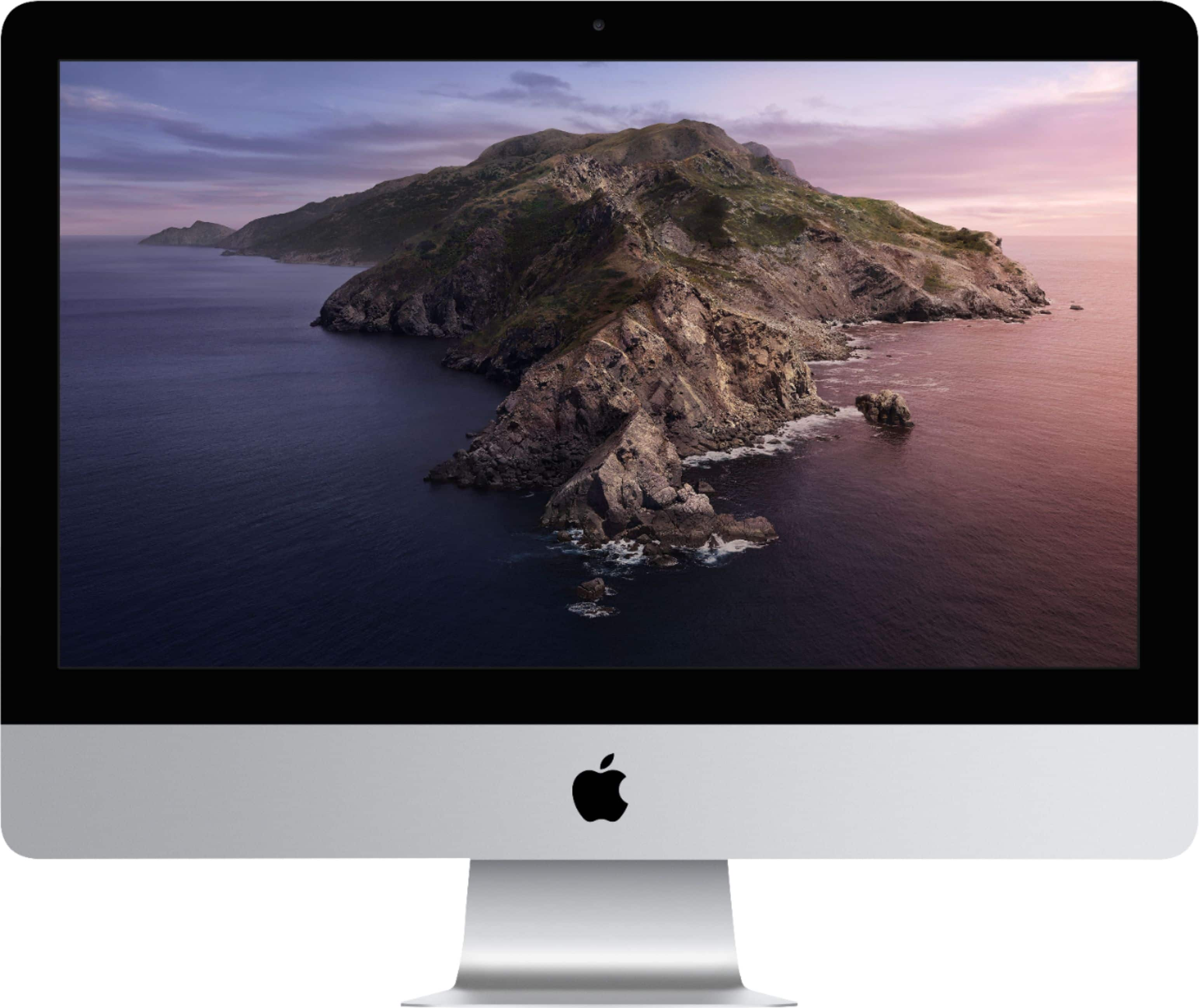
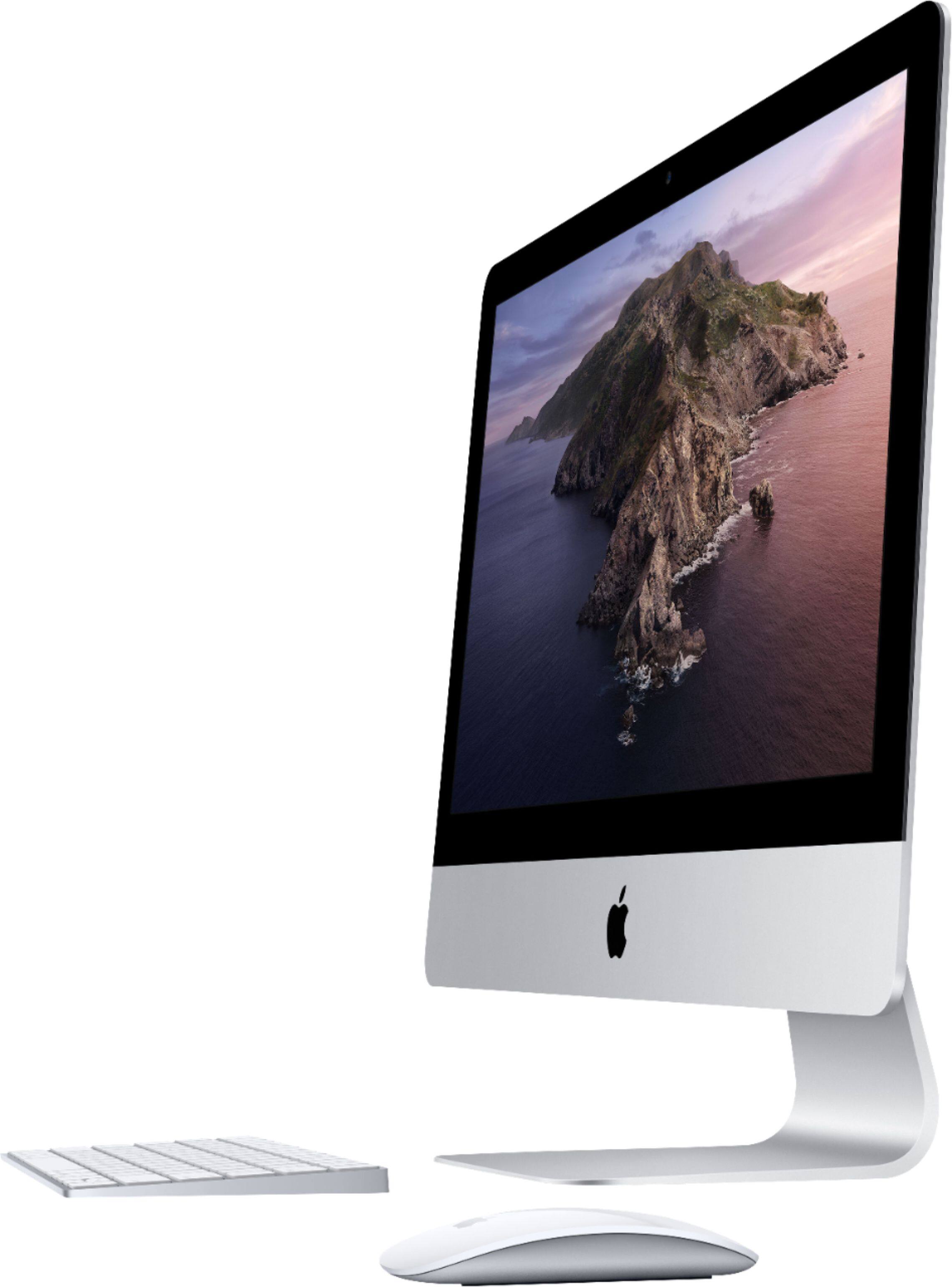
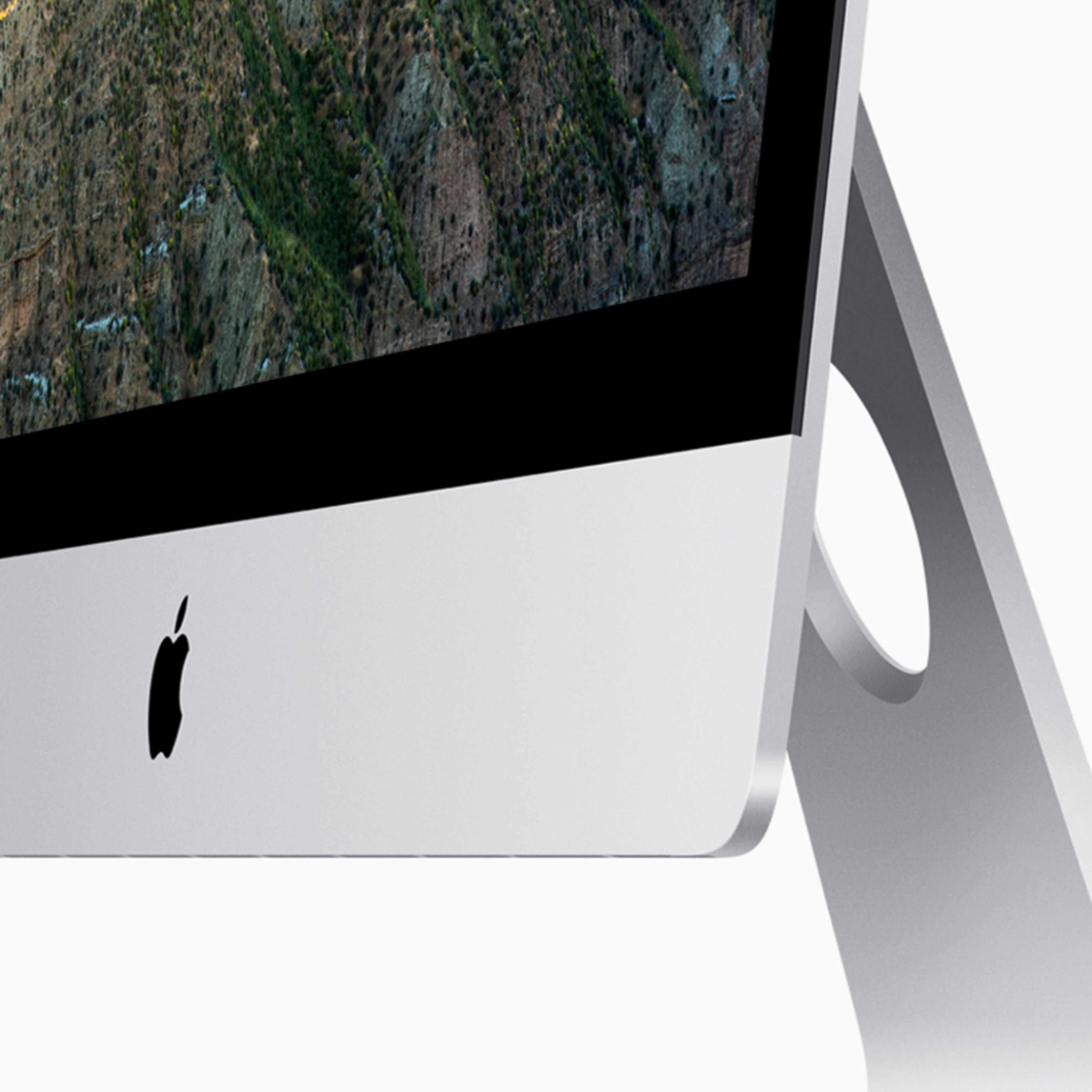
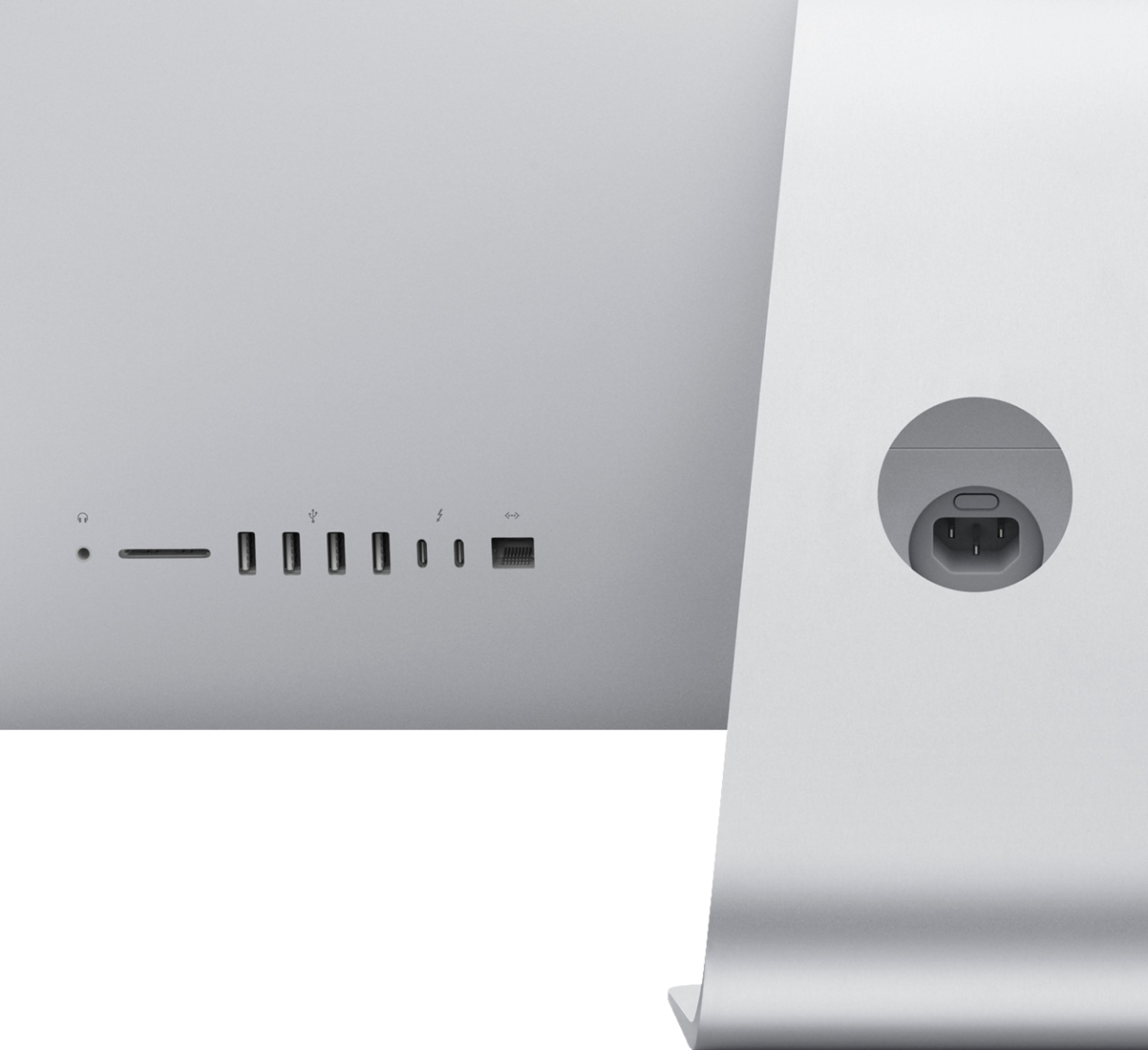
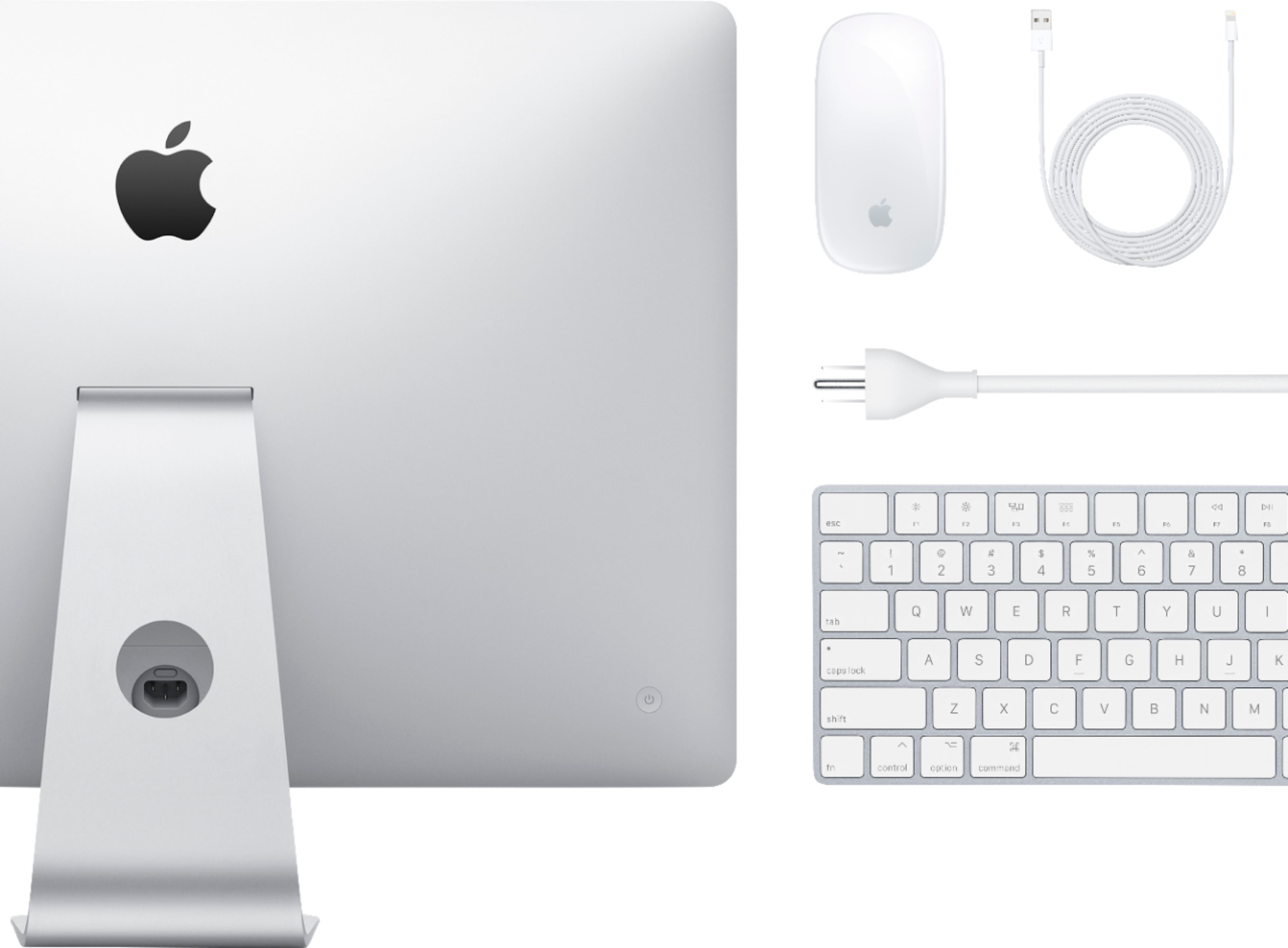
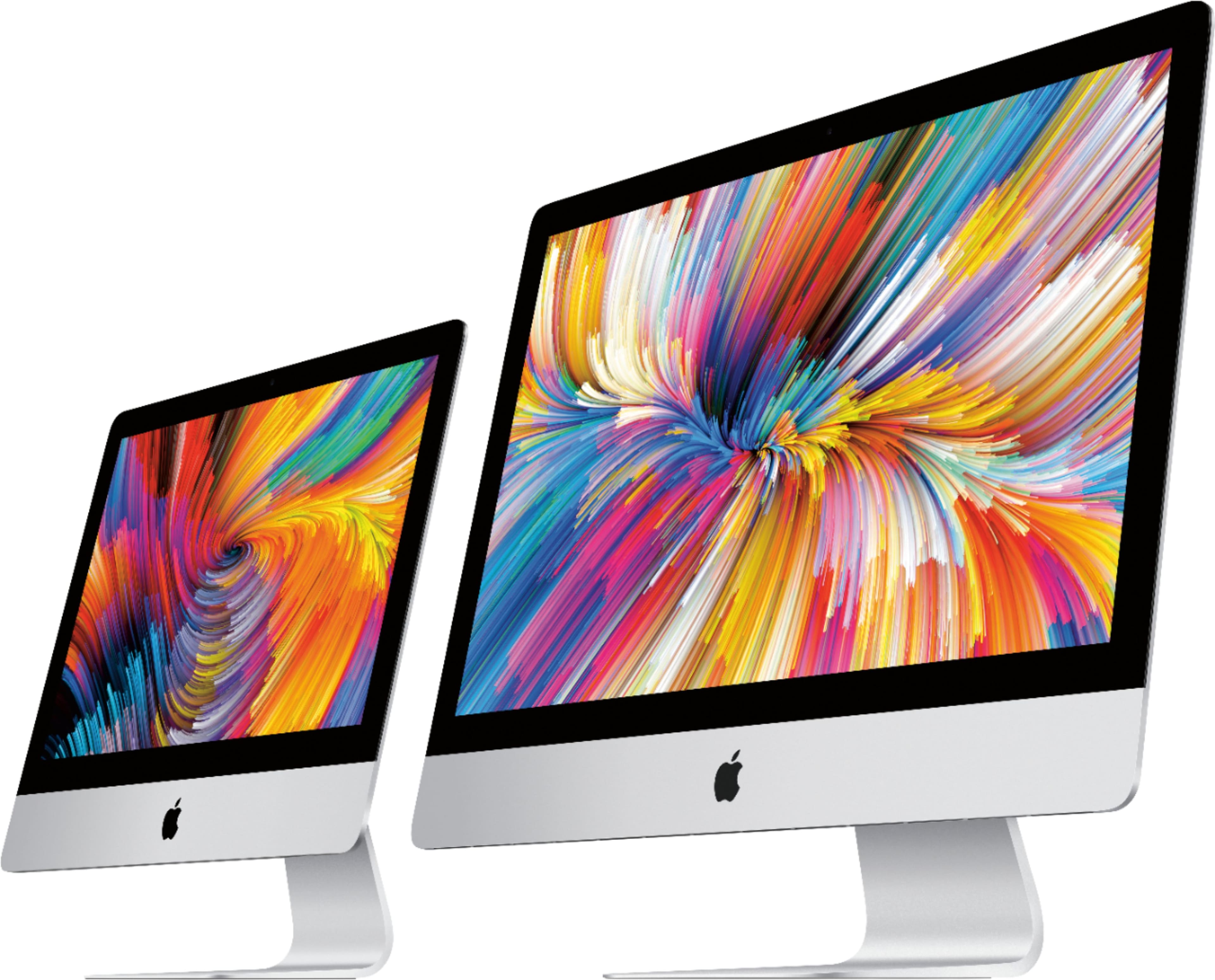
A:AnswerIn the 21 inch model no, unless you want to pull the screen apart ( not a DIY) or pay a Apple tech. yes on the 27, there is a door on the back you can open and expand it
A:AnswerIt’s just the amount of clarity in your monitor or tv. Anything over 4K on a tv 60 inch or smaller is really not worth it. At that point you want to start looking into refresh rate and not definition.
A:AnswerGet a MacBook (laptop) Air its easy, portable - light and very fast to use. Affordable too.
If you don't need a computer but just to surf the internet - Facebook and stuff, get an Ipad.
A:AnswerThe pixel density of Retina displays is so high that your eyes can't detect individual pixels at a normal viewing distance. This gives content incredible detail and dramatically improves your viewing experience.
A:AnswerNo. This computer only has 8gb ram. You need more ram to edit videos or your going to be sitting at a frozen computer half the time. I suggest 32 gb or 64 ram for video editing.
A:AnswerMine came with Catalina. I upgraded to Big Sur and found I needed more memory. Not sure about the hard drive. I went with the hard drive rather than SSD because of the larger storage capacity,
A:AnswerIt is upgrade able - Apple says 32 Gb is the limit. If you are not afraid of doing your own install, OWC sells upgrades with the tools you need to do it. I would recommend watching their installation video before you buy so you can decide if you want to tackle it. Otherwise it has to be installed by an Apple repair shop or at your local Apple store. You can't upgrade memory when you buy - possibly can at an Apple store.