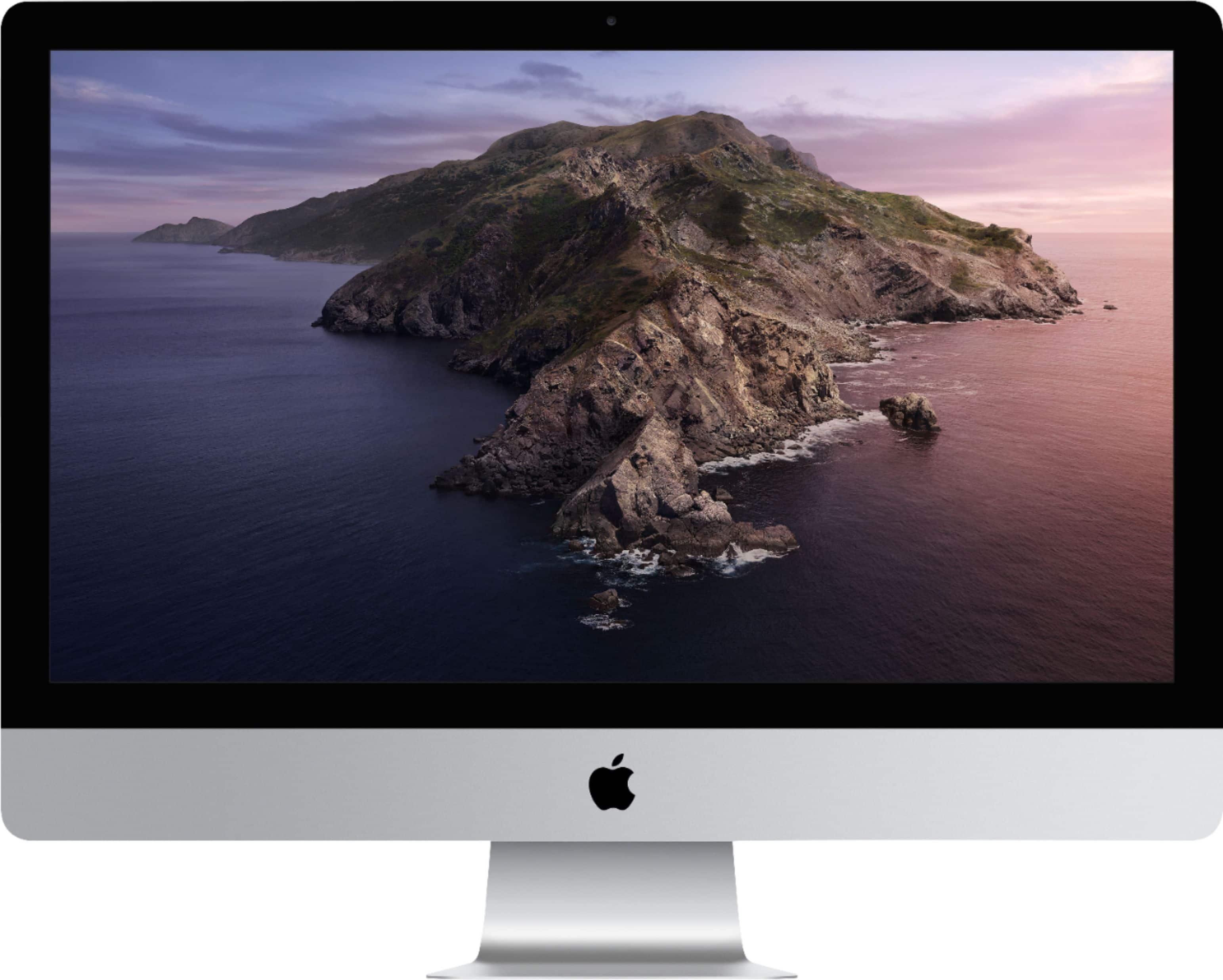
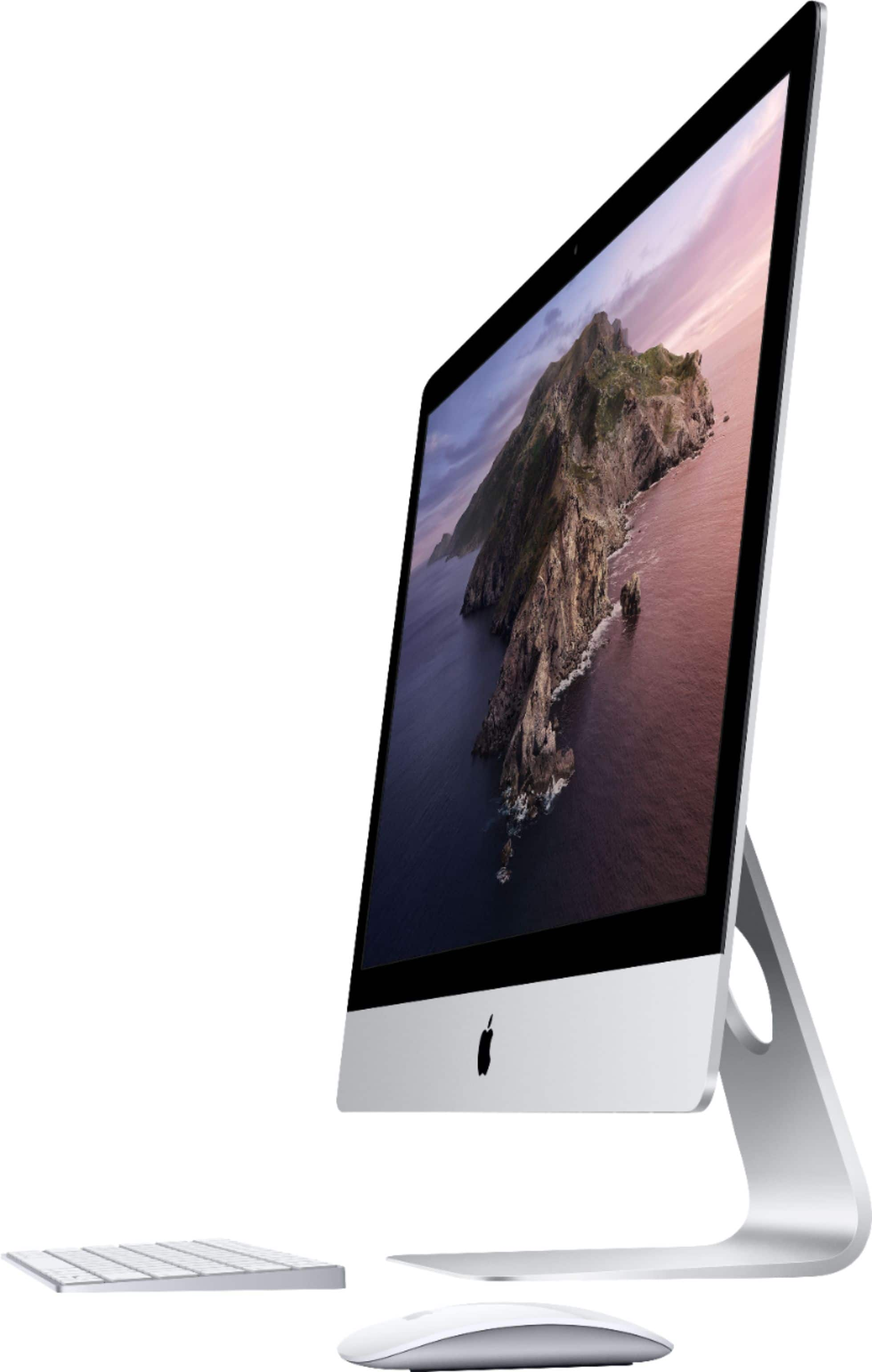
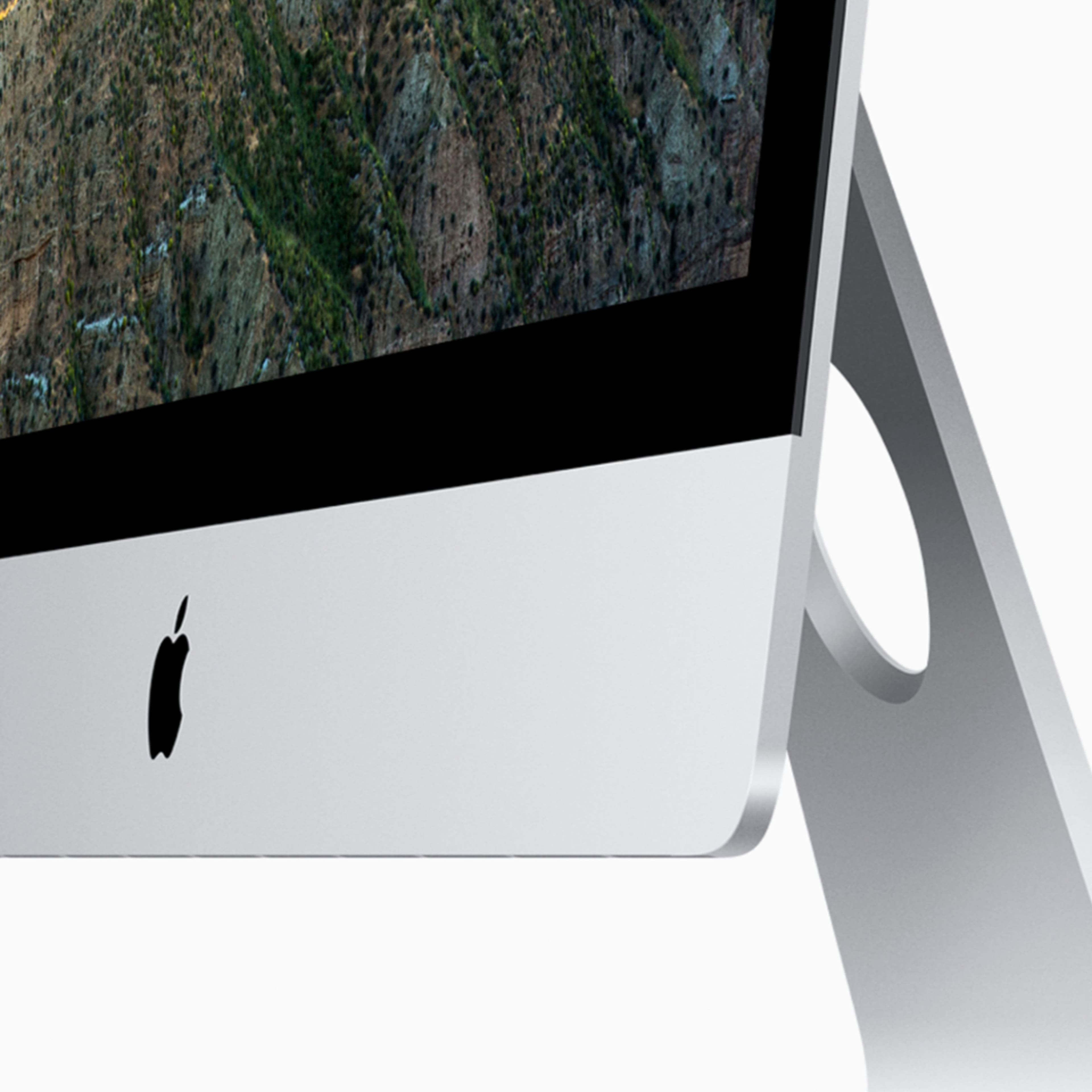
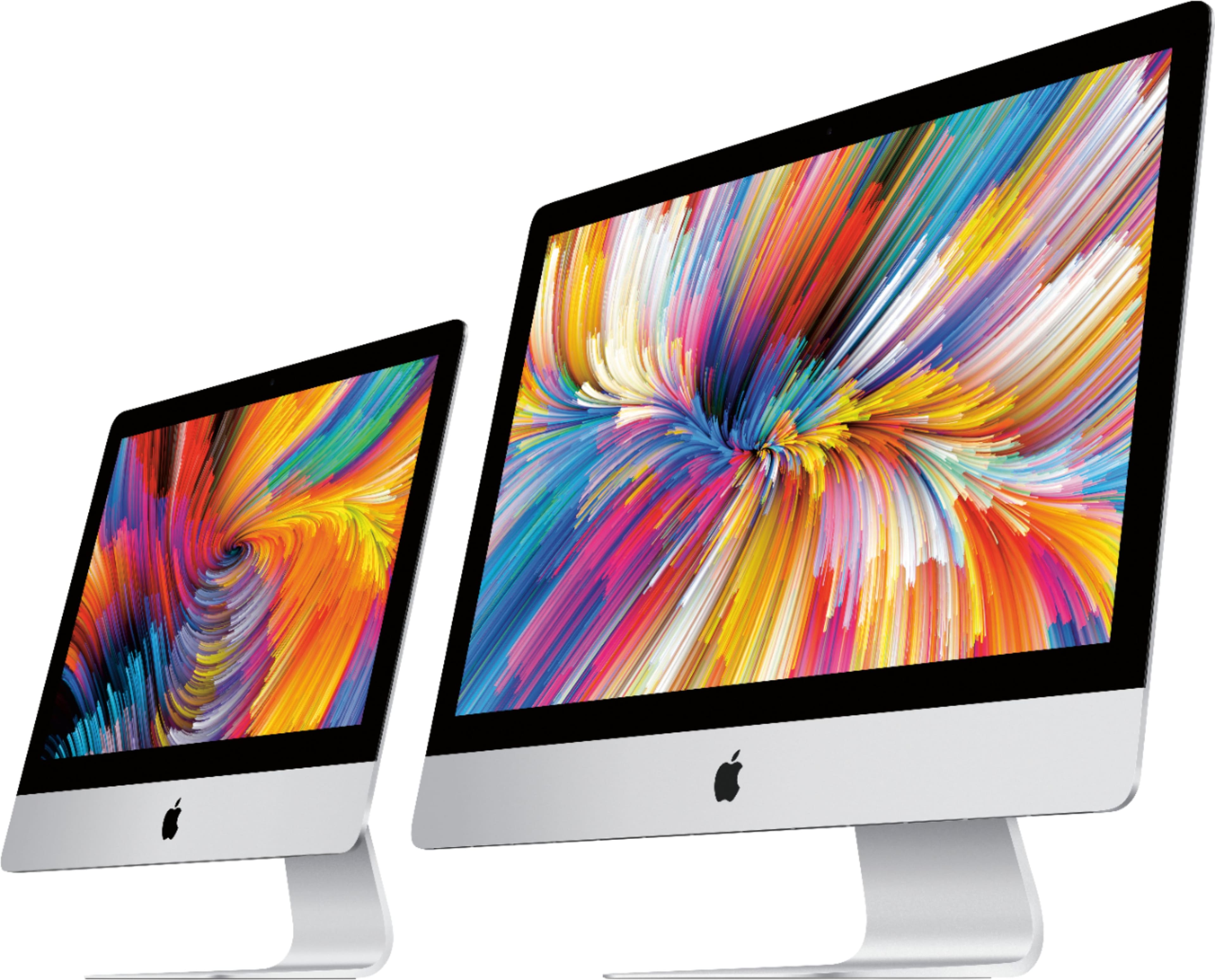
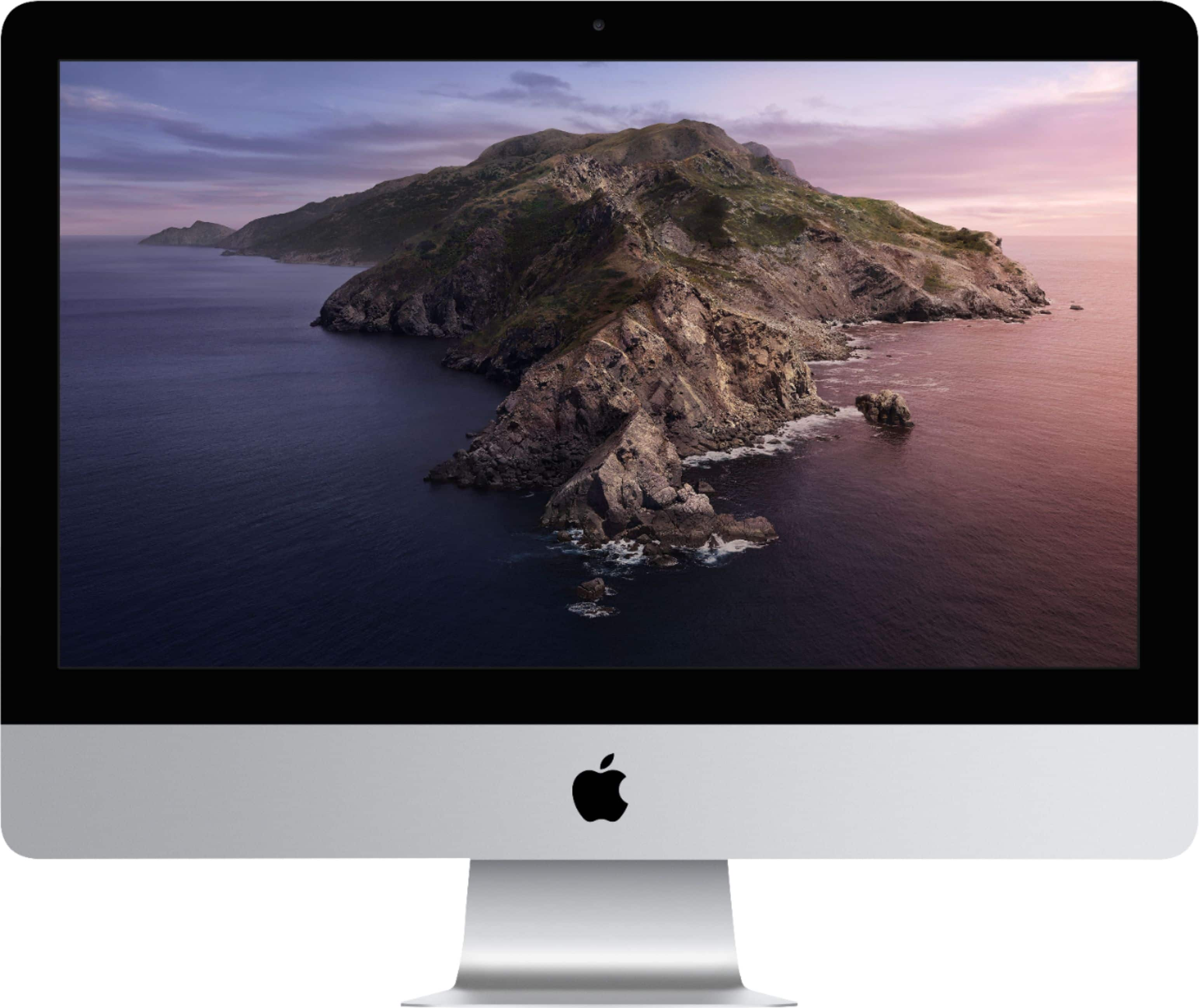
A:Answer No, RAM can only be up to 16GB on Best Buy and up to 64GB on apple.com. It is confirmed that you can insert up to 128GB of RAM using the manual below. 21.5-inch iMac do NOT have RAM doors.
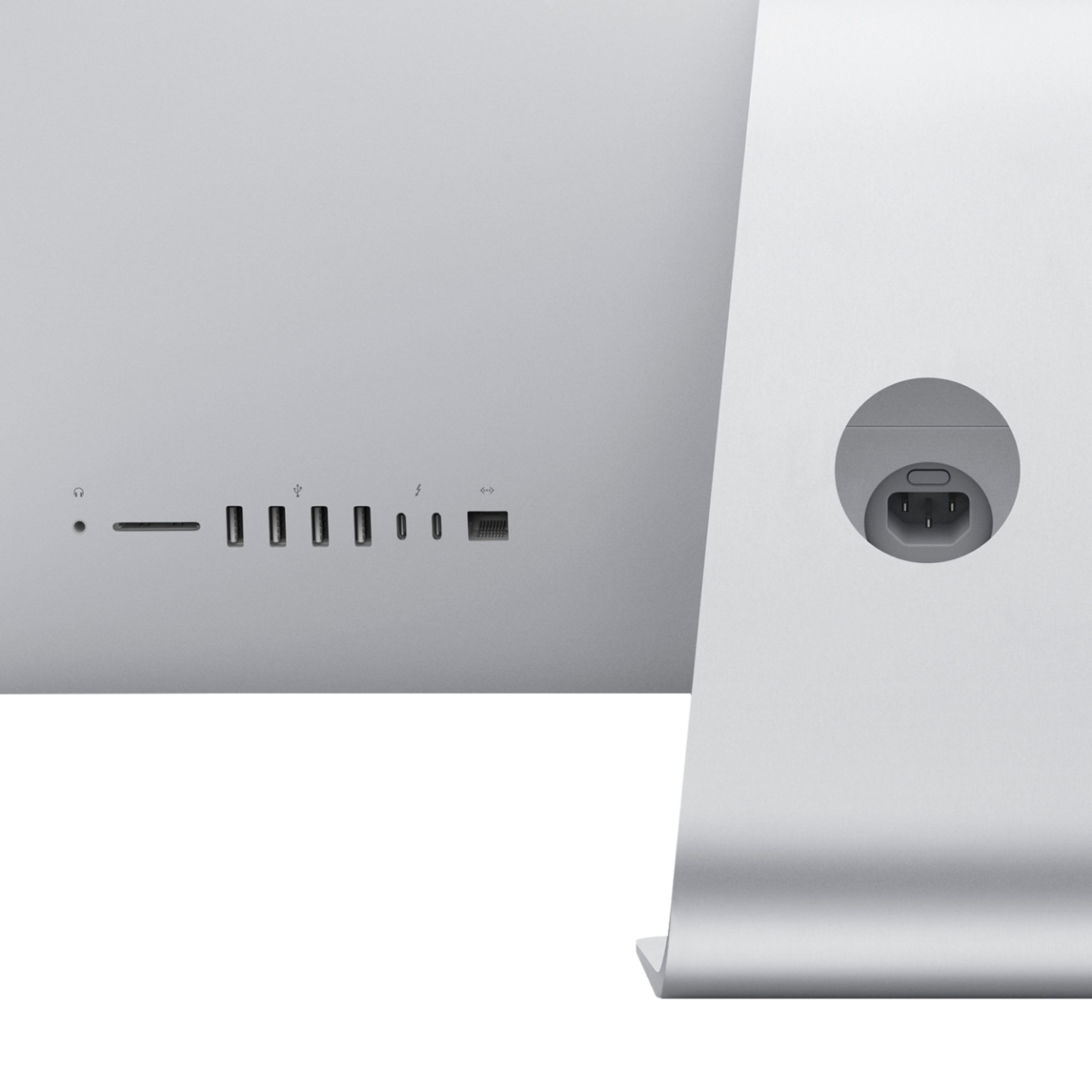
A RAM door can be found on the back on 5K 27-inch iMacs. To open it, turn off your iMac and wait 10-20 minutes after shut down. Unplug your iMac, and press the little button in the power supply port. This button releases the door open. Open it further if needed. Then push gently down onto the RAM and remove the old RAM sticks. Then insert your new RAM and push down on it gently. Then, close the door. Confirm that is the door is locked on. Plug it back in. If your iMac doesn't turn on, repeat. If it does, login, and click the Apple icon in the corner and click "About this Mac." Finally, check "Memory" and make sure that the correct amount of RAM can be used. If not, repeat.