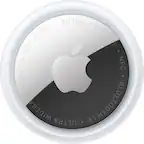
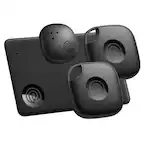
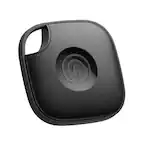
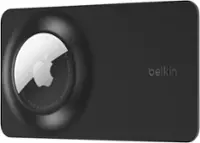
A:AnswerThe range is virtually unlimited. The way they work is by using the “Find My App”. The AirTag “pings” and Apple product, IPhones, IPads, MacBooks, etc that have Bluetooth turned on. The accuracy of the location is only limited to the AirTag being close enough to “ping” another Apple product that has Bluetooth on. I think the range is about 100ft at best (I think), but think of how many people own iPhones, iPads, MacBooks and Apple watches. It’s millions and millions. This makes it far more likely to get a very accurate location if you’ve lost something the AirTag was attached to.
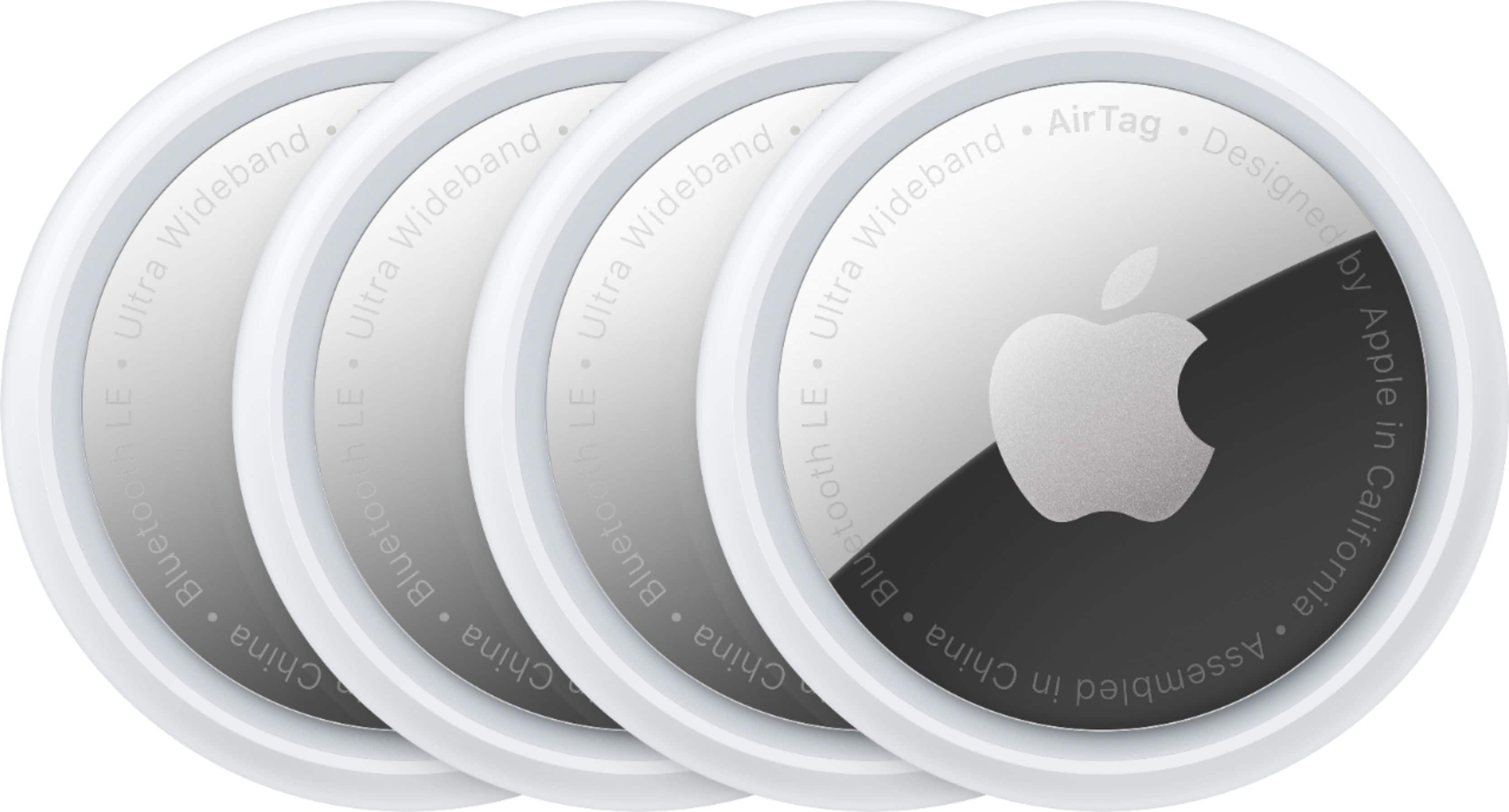
A:AnswerA tag is associated to your Apple iCloud account. As long as you have the FindMy app and are signed into the same Apple account that was used to register the tag. You cannot share tags between differnet users at this time.
A:AnswerYes, they will. This is exactly how I track my luggage when I’m flying across country. It’s very reassuring to open up the app before the flight and see that my luggage is in the aircraft with me.
A:AnswerYeah, I have a Tile, which you can tap in the Tile app to have it chirp to make it easier to find. Air Tag does the same, but it’s not quite as loud.
A:Answerno, location is piggybacked (securely) off other peoples apple products and then when you get close it uses your phone to pin down the exact location
A:AnswerBecause the Find My app isn't available for Android, your options for using AirTags with an Android phone are limited.
Apple released an Android app called Tracker Detect, which tracks item trackers and works with Apple's Find My network. It won't do so automatically; you have to prompt it to detect trackers. You can use it to scan for an AirTag; it will check for trackers that are outside the Bluetooth range of the owner's device.
For Android, other solutions provide a better user experience like Tile
A:AnswerBecause the Find My app isn't available for Android, your options for using AirTags with an Android phone are limited.
Apple released an Android app called Tracker Detect, which tracks item trackers and works with Apple's Find My network. It won't do so automatically; you have to prompt it to detect trackers. You can use it to scan for an AirTag; it will check for trackers that are outside the Bluetooth range of the owner's device.
For Android, other solutions provide a better user experience like Tile