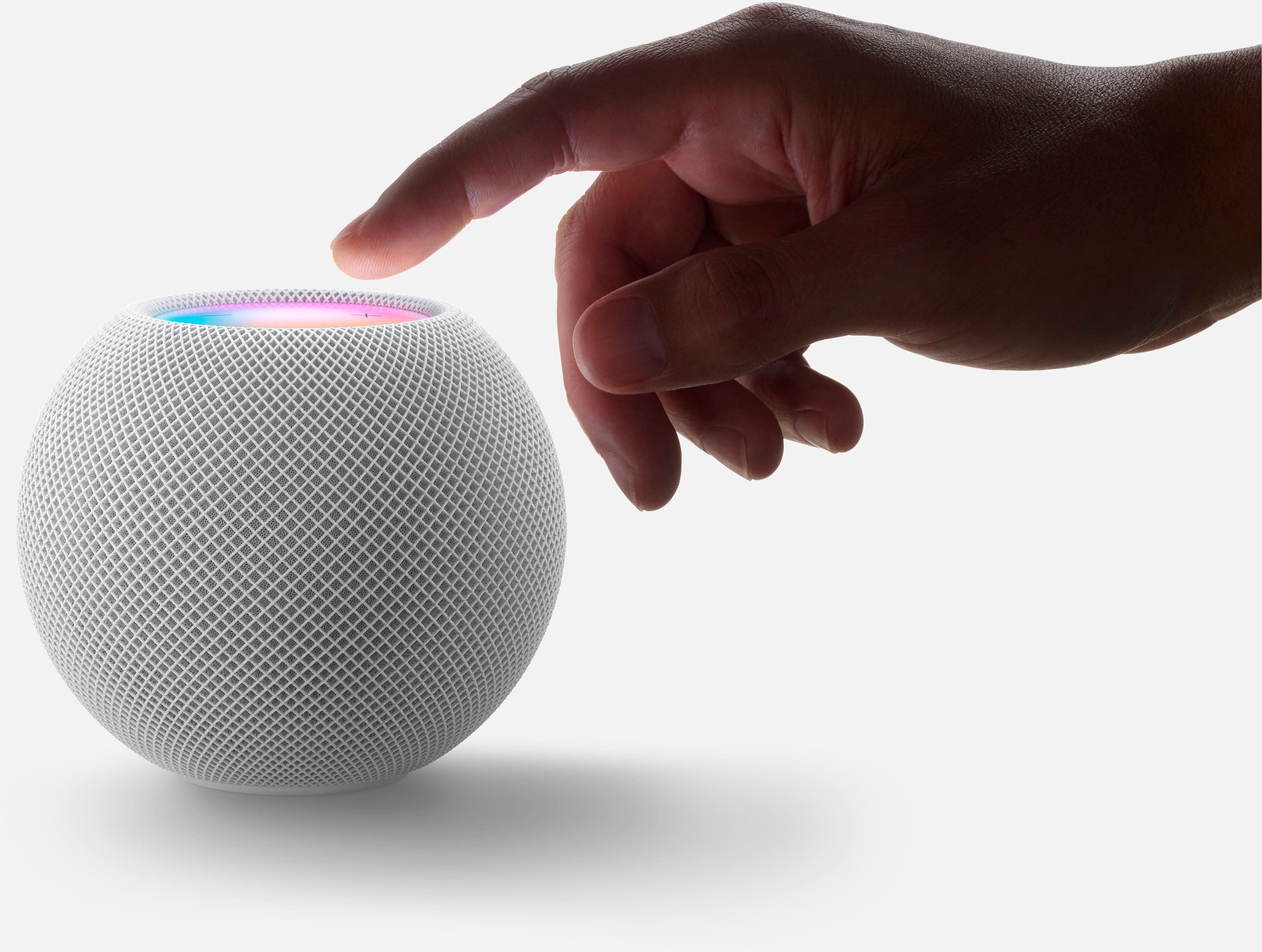
A:AnswerYes, you can tell Siri to stop listening to you. No joke just say "Hey Siri please stop listening" The HomePod will confirm and then you will have to hold the top of the HomePod to turn the microphones back on.
A:AnswerThe HomePod supports AirPlay so you would be able to stream music from your iOS devices. However, you will not be connecting the iPod Touch to the HomePod via Bluetooth but rather through WiFi, meaning your HomePod and iPod Touch will need to be in the same WiFi network.
A:AnswerThanks, but that answer didn't help me with a XR...... Glad your experience is good......
I have found a solution in case anyone needs it - I read somewhere that I should make sure
Fitness Tracking is turned on. Mine was off since I don't use it. Turned it on and voila!!!!
Now my handoff is working! Never would have guessed, but now I know!
A:AnswerI do not believe it is waterproof. And not sure how long the electronics would last in a long term moist environment. It is small and light weight to move quickly back indoors. As long as you have an electrical outlet outside and your internet signal can reach the distance you could use it for a temporary period but I wouldn't recommend an extended amount of time outdoors. It does work great and using it as an extended speaker from my iphone is really cool!
A:AnswerI have Four(4) and let me tell you....THEY SURE CAN!!!!!!!!!!!! NO DELAY or lag either they are truly synced. you can can make them all play the same music or have them each play separate music using a different Apple product.
A:AnswerYes, it can access music on your iCloud library (Apple Music or iTunes Match). Siri cannot access music from any other source including your Mac's hard drive. You can only play those sources by manually selecting them.
A:AnswerIt a wide open area no speaker will sound great, at home its designed to read your room and then adjust.I would buy one and try it. You can always return it. (you won't trust me)
A:AnswerI’m sure it will I have a few of the minis in my home and everything works better on them. The minis are one of my favorite smart home devices.
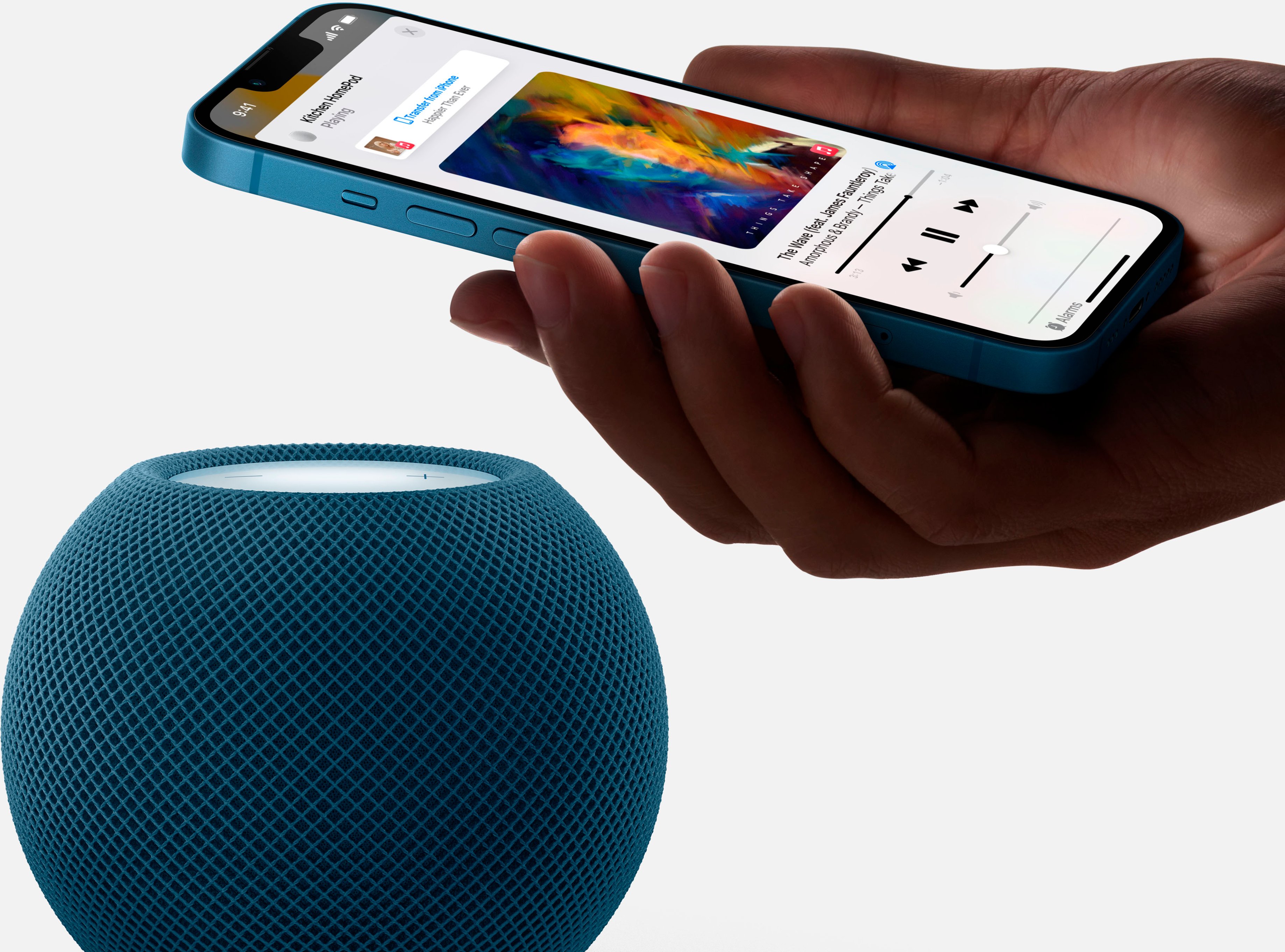
A:AnswerYou just take it out of the box, plug into the outlet. Hold your iphone near it, your phone will guide you through the setup. You don’t need MacBook in the same room to play music. As long as your MacBook or iPhone in the same WiFi with the HomePod, you can play music anywhere.
A:AnswerNo car adapter, but if you have an power inverter and a wifi network that your phone and HomePod will be connected to it should work. But this really isn't designed to be used in a vehicle.