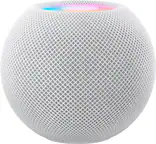
A:Answerthe HomePod will allow you to take and make calls when connected to the same WiFi server and if WiFi calling is enabled on her iPhone, I would not expect it to suport any control functions of her smart TV
A:AnswerThe Apple HomePod doesn't have a water/dust resistance specification rating. Apple describes the operating conditions for the device as "Relative humidity: 5% to 90% noncondensing." By this description, you probably don't want to bring it into a bathroom with poor ventilation while showering. Even if the bathroom is well ventilated, you wouldn't want to bring a cold HomePod into a humid bathroom as that would cause condensation to form in/on the device. There are third party HomePod cases that do waterproof the device, but I haven't found any on the BestBuy site.
A:AnswerHomepod links via Airplay to the Apple TV, not the LG, so if you have not already figured it out, you'll get the audio from the Apple TV and not the LG. Now most popular apps on the LG are already on the Apple TV, so unless there is an App on the LG that you use routinely that isn't, you should be able to use the Apple TV and HomePod for most viewing.
A:AnswerYou cannot. You can only play third party music streaming apps through AirPlay. HomePod is only working with Apple Music if you are using Siri.
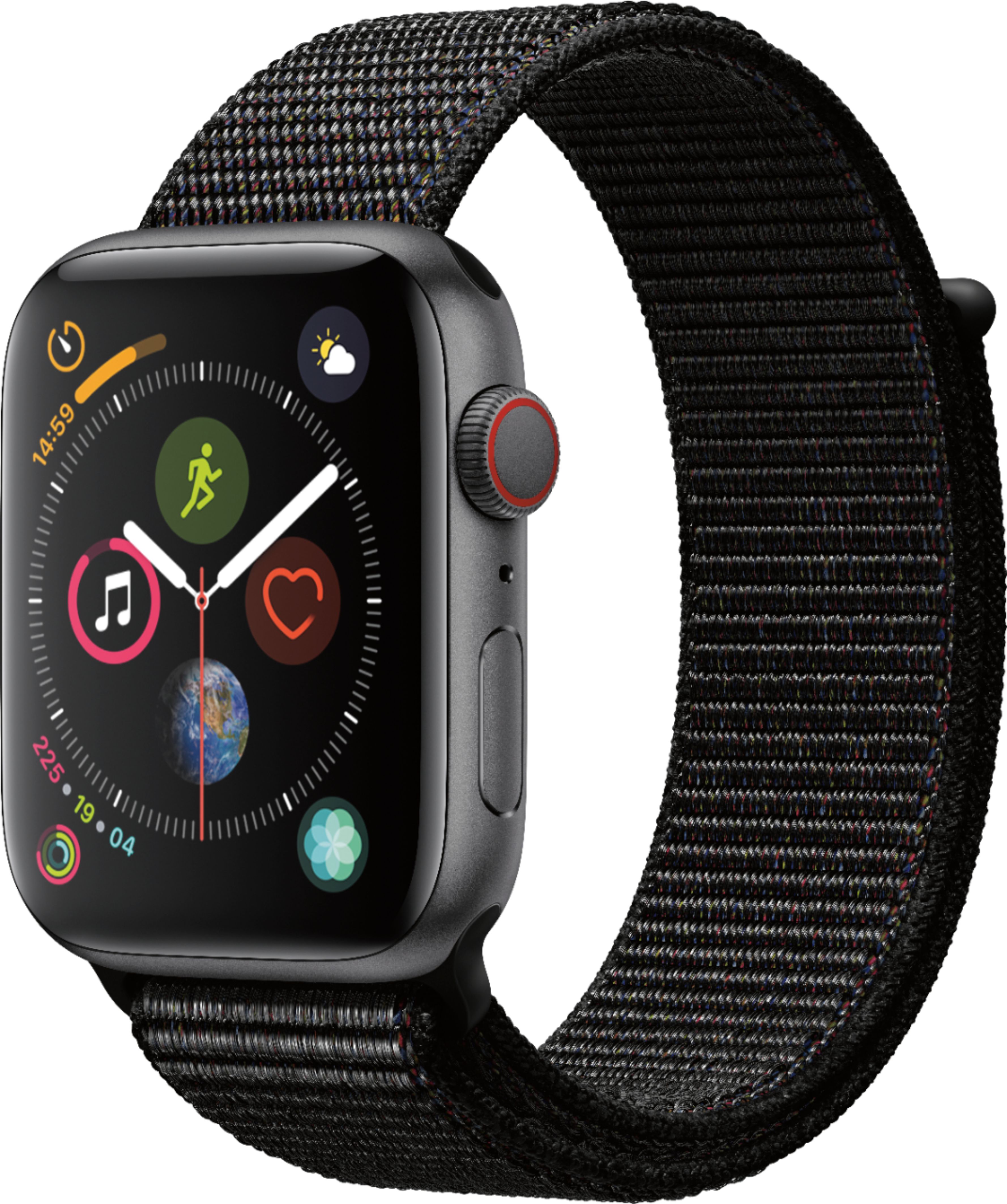
A:AnswerYour mother would need another apple device nearby to make a call with the HomePod. The device itself can't make cellular calls but it can piggyback off another cellular device on the same network. If you are concerned about falls, the new Apple Watch Series 4 could be used as it has fall detection. If you got a cellular model for her, she could also request emergency help as well. It seems a bit strange to choose an Apple Product that she would need to charge every two days when you could get her a LifeAlert or something like that. I guess the fall detection feature is nice.
Regarding using it to play back music, the HomePod is both a wifi and bluetooth speaker. This means you can use either technology for playback which gives you good range options. You can also initiate playback from any device or streaming service that can connect over bluetooth or wifi. This includes your laptop and Pandora.
A:AnswerNot yet. Apple has promised that with Airplay 2 they will enable multiroom support. However, until Sonos implements Airplay 2 (and they've said they will) you cannot play them together in a multiroom setup. I'm currently able to Airplay to my Sonos home theater through the Apple TV. If you have an Apple TV and want to play them together, you should be able to do that as soon as Airplay 2 is released.
A:AnswerThe treble is very balanced and a bit rolled off and not what I would call a bright speaker. This will vary from track to track but I suggest listening to some of your favorite demo tracks to get a feel.
A:AnswerYes and No.
No, this device specifically does not require a service fee. BUT to use it best, it helps to have an Apple Music account which does have a fee. Its not useless without Apple Music, but its not its best.
A:AnswerThe smart capabilities are lacking campared to Echo and google home but the main focus is the speaker. The HomePod is one of the best bluetooth speakers out there right now. If u looked up any reviews on youtube you would know why its so expensive. I wasnt sure how the price was justified at first but after researching it I realized why.
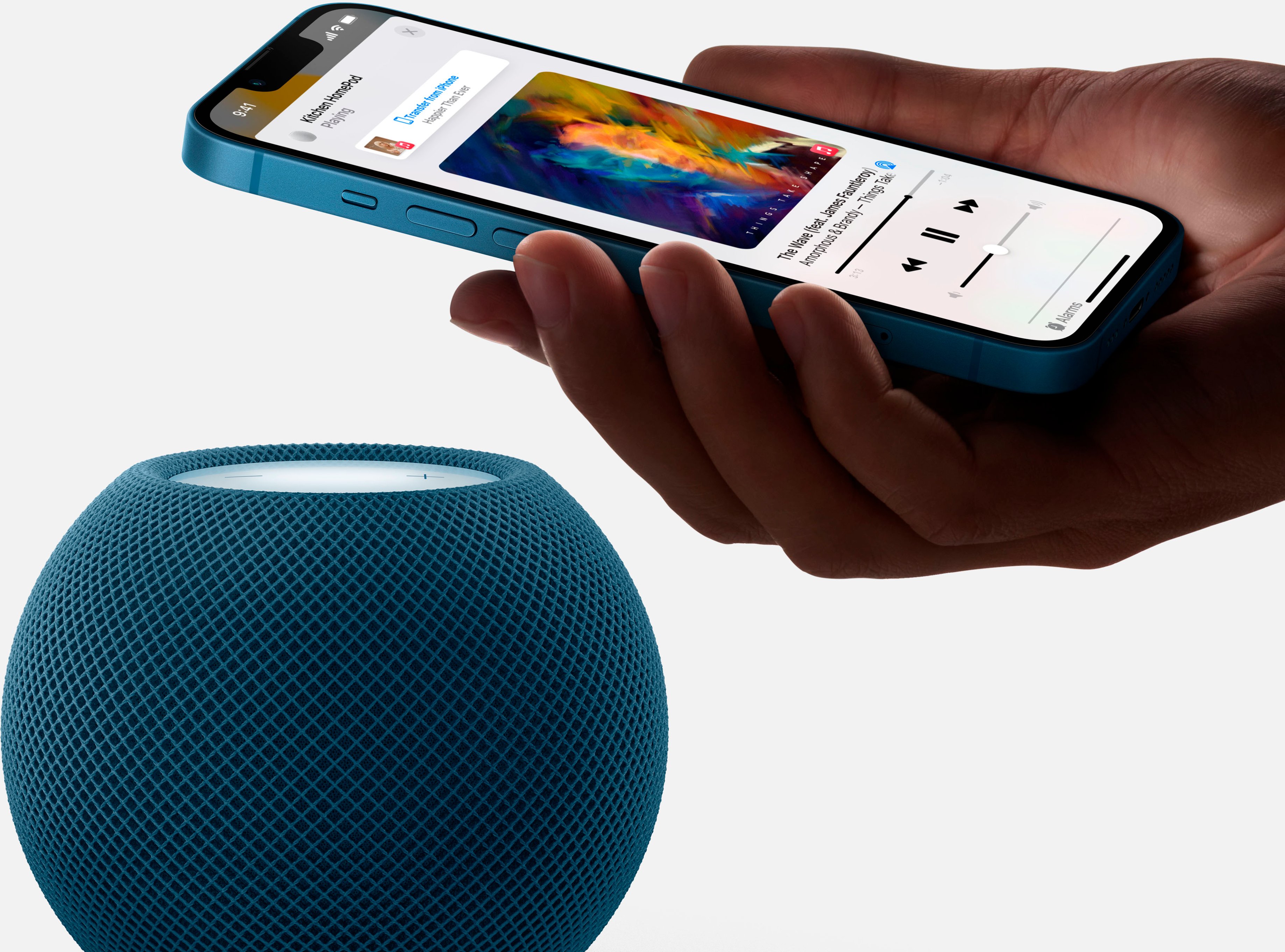
A:AnswerWith AirPlay, you can connect your Mac, iPhone, iPad, or Apple TV to the HomePod. Any audio played on these devices can be streamed to the HomePod for wireless audio.