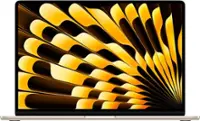
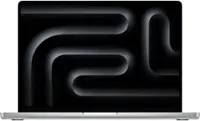
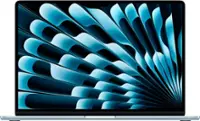
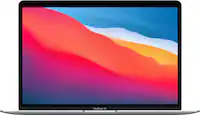
A:AnswerYes, this would be a high end option for college. I would recommend if they are going into graphic design, media, or something editing heavy. Otherwise, if it’s just general stuff for class the MacBook Air would be more than sufficient.
A:Answer"Good quality" for what? I.e., what will you be printing? And how much will you be printing? A recent trend (some years now) has been tank systems instead of cartridges. I print things infrequently (can be months between uses from needing to print just a few pages or hundreds) and a tank system has been reliable whereas cartridge systems weren't.
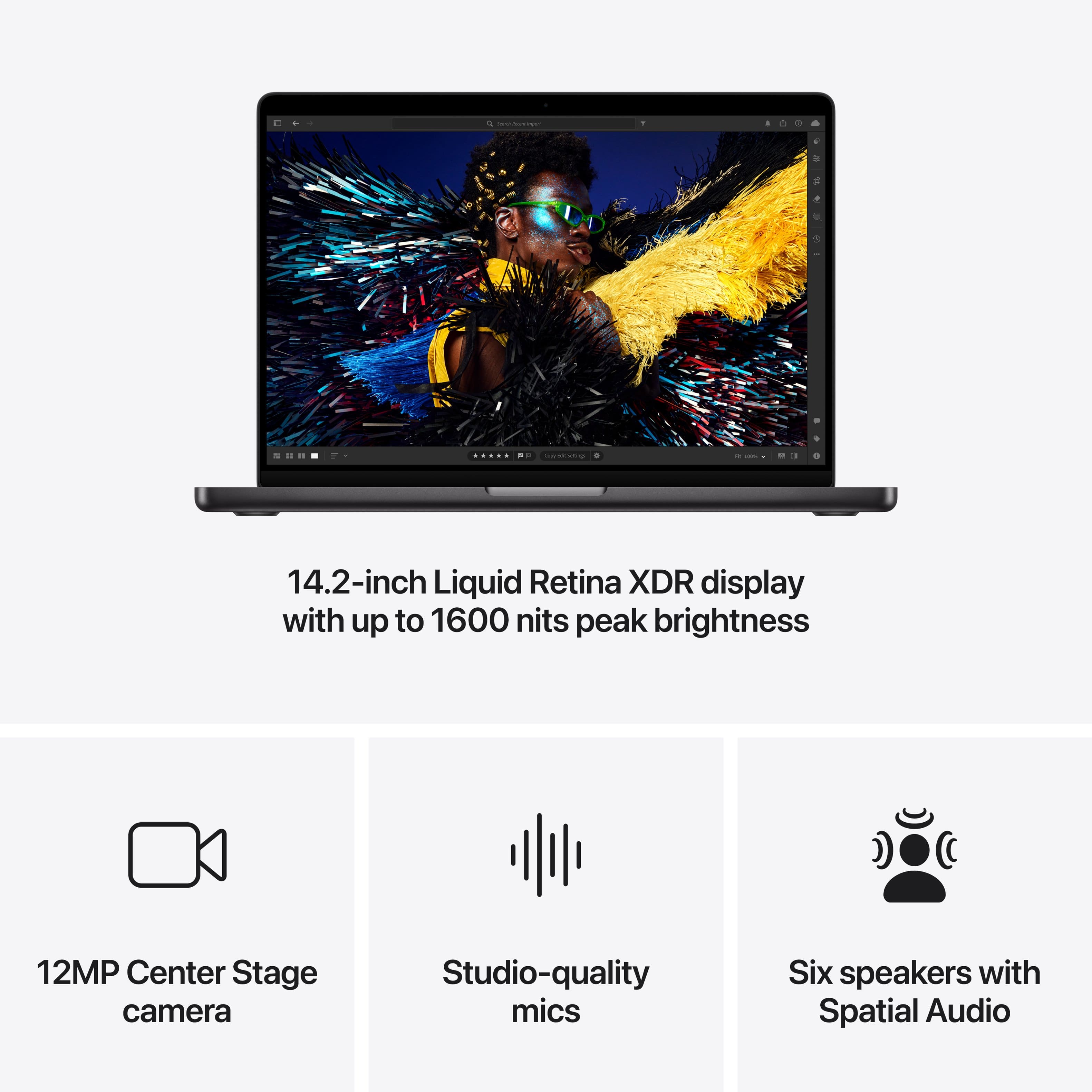
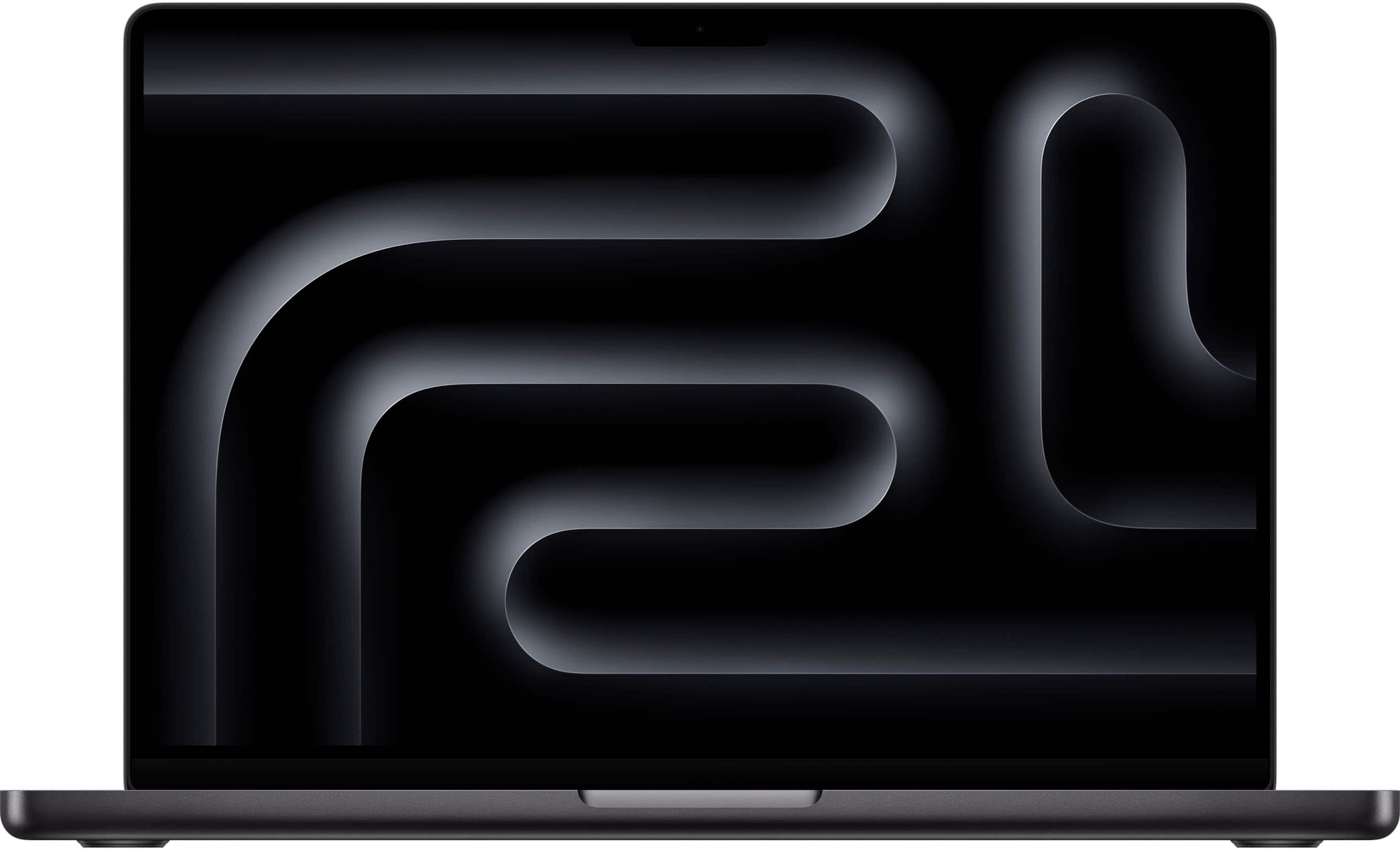
A:AnswerThe MacBook Pro M4 has a ProRes display meaning it is going to have a 120hz refresh rate meaning more smooth picture, M4 pro is also going to have a higher peak brightness! Speakers sound great the M4 Pro has 6 speakers compared to 4 speakers on the air so it will be a little louder!
A:AnswerI would not recommend due to the extra, extra sensitivity of the display screen. I could see an accidental tap with a ruler, pen, pencil, or even paper would crack your screen
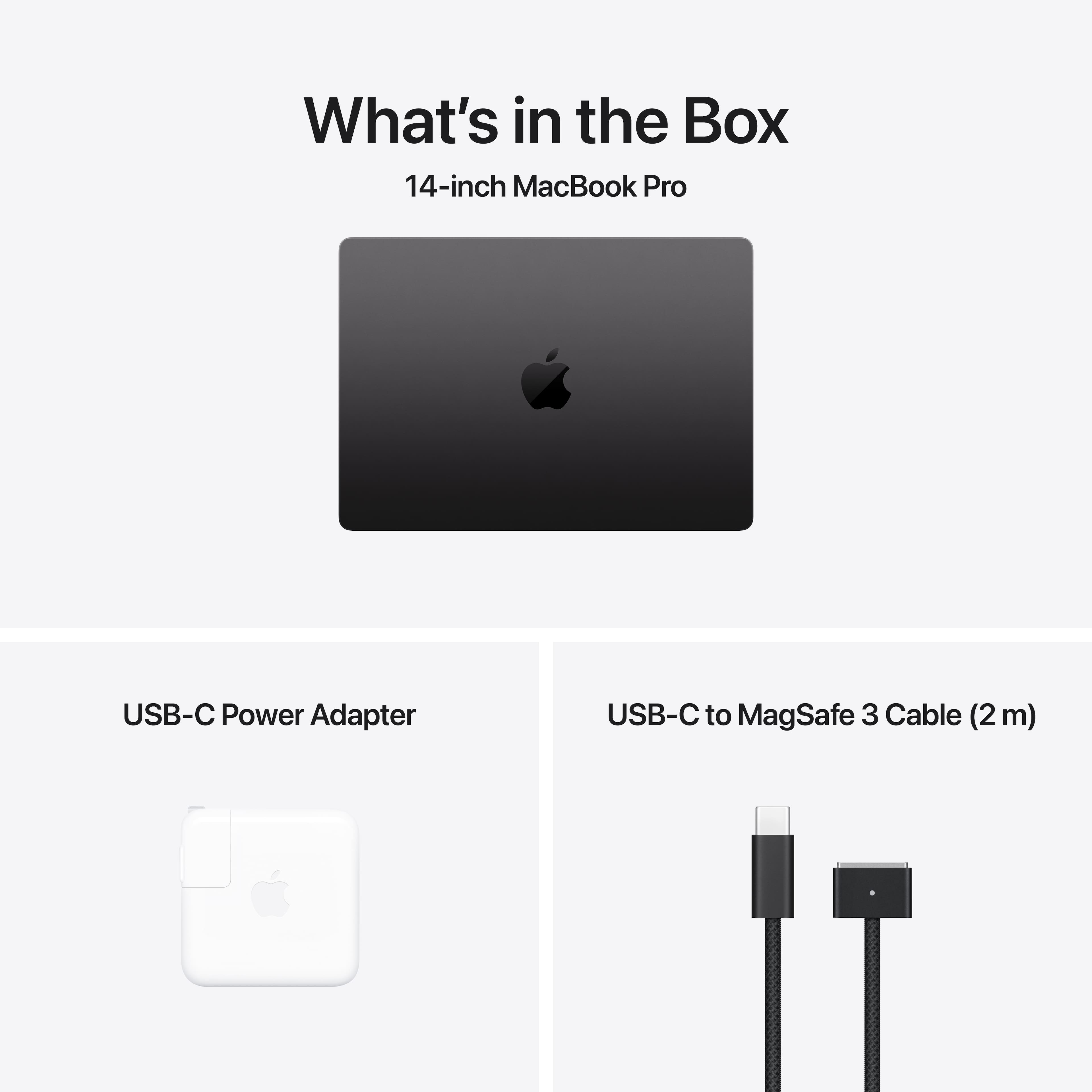
A:AnswerIt comes with a charging brick and the needed cable. The charging brick and cable are compact enough they should easily fit in most suitable laptop bags.
A:AnswerNo, but if you need more bootable storage, install MacOS on an external drive and boot from that. Apple’s, among others, site tells you how to boot from an external drive.
![The text on the image is a keyboard layout, which can be grouped and corrected as follows:
1. Alphanumeric keys:
- A B C D E F G H J K L M N O P Q R S T U V W X Y Z
- 1 2 3 4 5 6 7 8 9 0 I O J K L M N
- ! @ # $ % ^ & * ( ) = + -
- Tab, Q, W, E, R, T, Y, U, I, O, P, { } ]
- Control, option, command, and shift keys
The image shows a close-up of a laptop keyboard, which includes the alphanumeric keys, function keys, and other special keys. The layout of the keyboard is standard for most laptops and desktop computers.](https://pisces.bbystatic.com/image2/BestBuy_US/images/products/8c64a17f-165f-4a91-bc00-3a3fd92b7a4c.jpg)