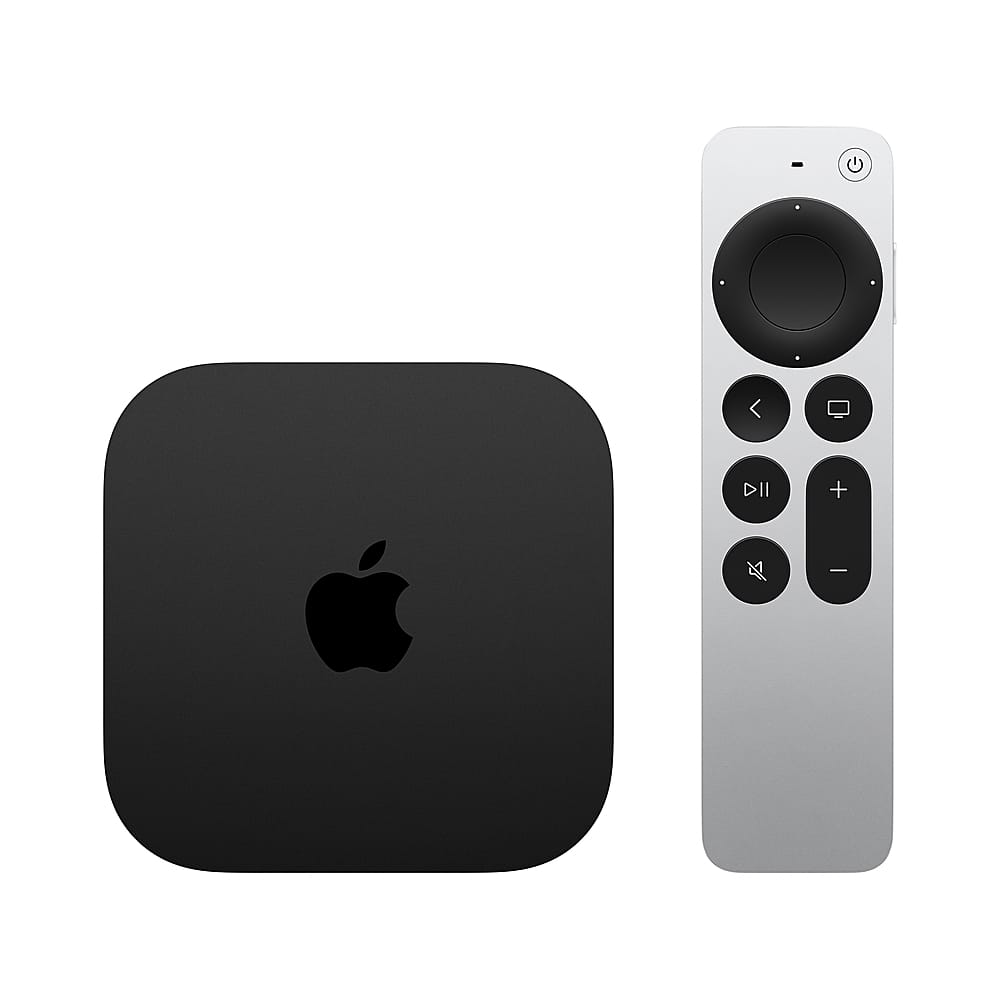
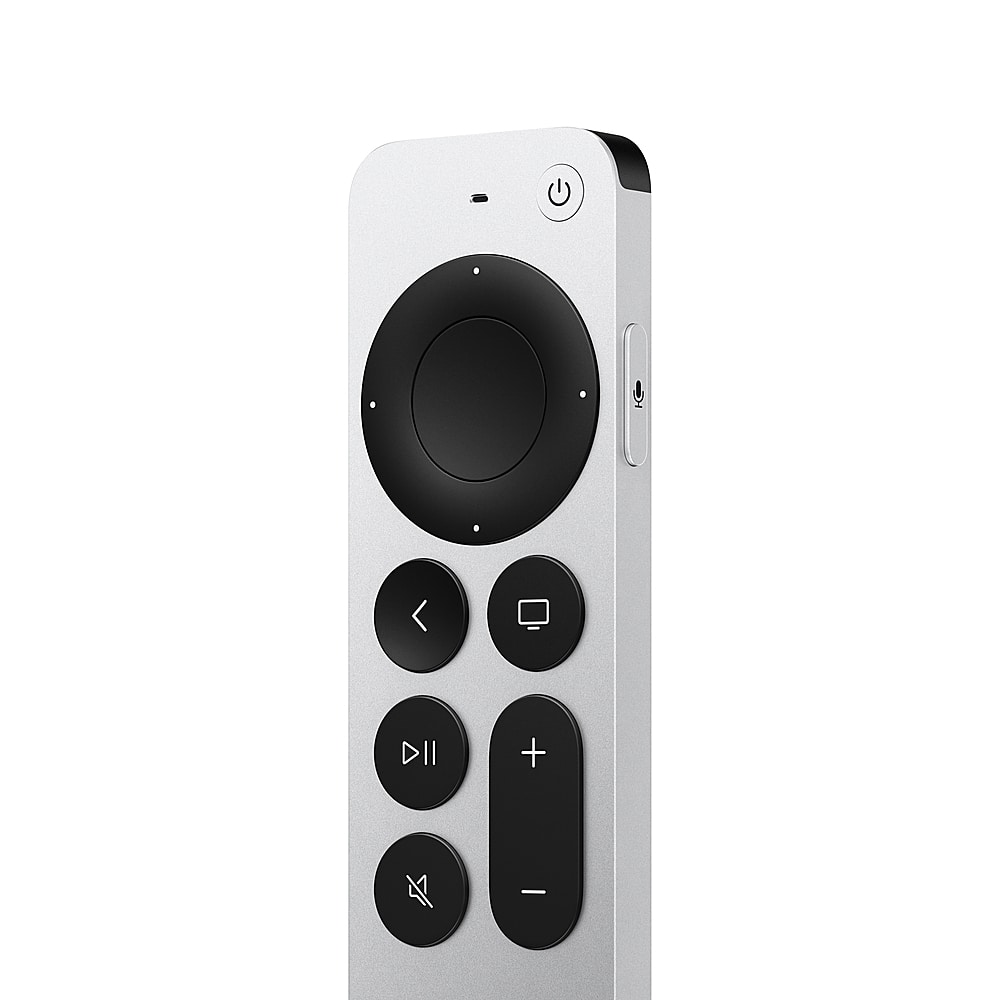
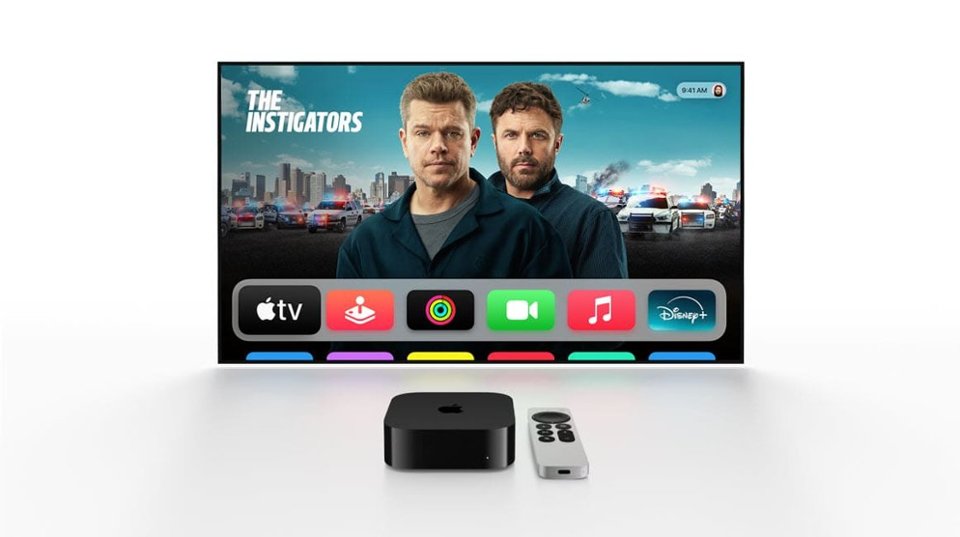
A:AnswerPreloaded are Apple apps: AppleTV+, music, photos, fitness, podcasts, store, facetime and arcade. It is very quick and easy to download other apps from the app store.
A:AnswerSort of, the Apple TV has Siri built in and cannot be replaced by Alexa. You can use Alexa skills on a separate Echo device to control the Apple TV.
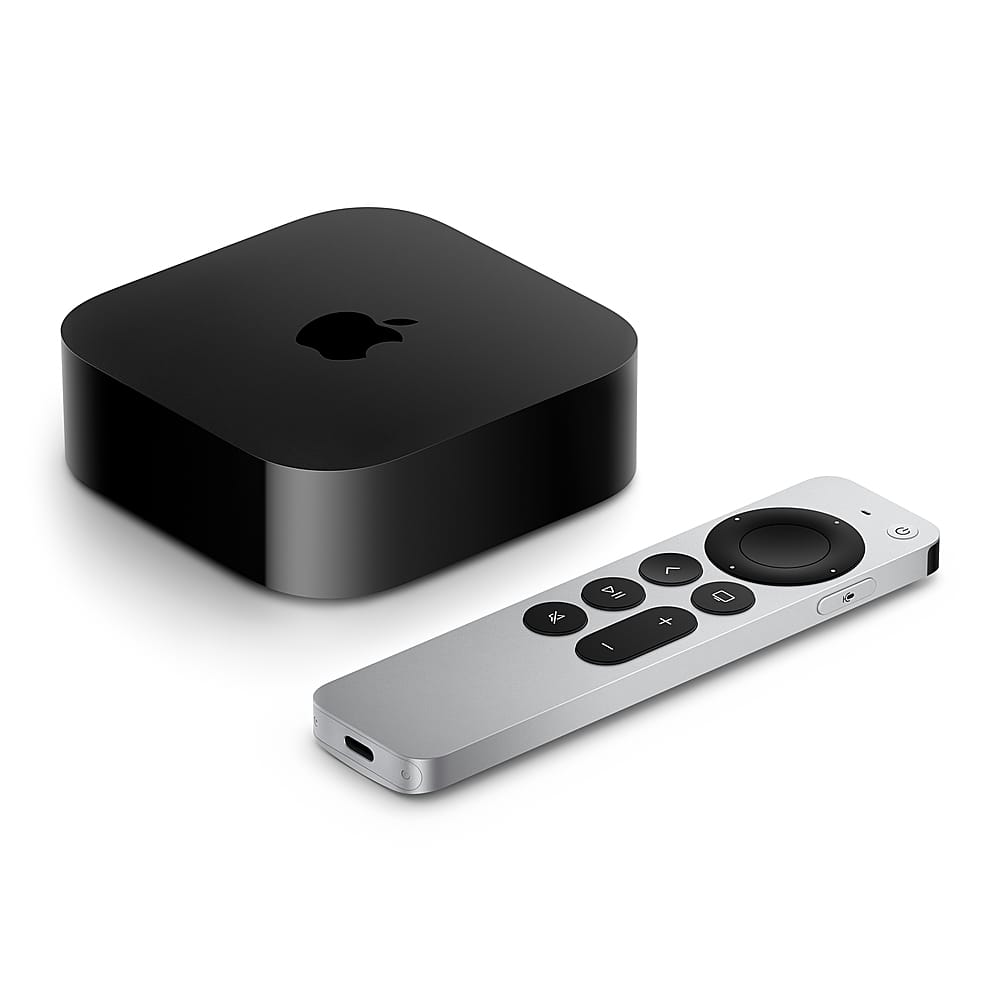
A:AnswerThe current generation Apple TV does support Dolby Vision. Double check your Apple TV is plugged in to an HDMI port that supports Dolby Vision (some TVs only allow certain ports). Also check that your HDMI cable is capable: Go to Settings > Video and Audio and select Check HDMI Connection.
A:AnswerApple TV doesn’t come with any streaming services out of the box / for free except Apple Tv+. You can download most streaming apps from the App Store like Netflix, DirecTV Stream, Hulu, Max, and YouTube TV.
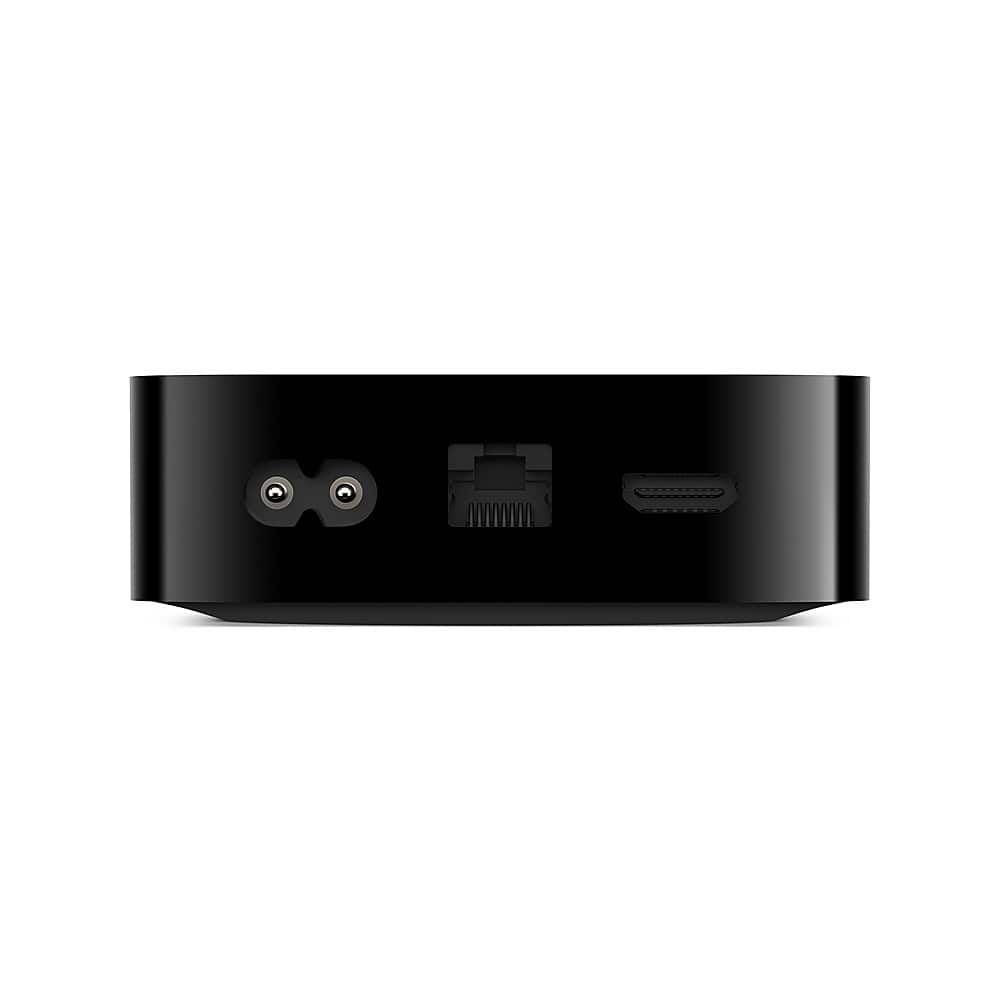
A:AnswerNo it does not matter. As long as the app is available on the App Store for Apple TV, you can use it on your Apple TV. All you need for Apple TV is an HDMI port on your TV.
A:AnswerI guess it depends on how old your "older Samsung TV" is but if you currently are able to get Apple TV+ on your Samsung TV and use cable, then you will certainly be able to get it using this device. If you have any doubts, get the specifics of your current Samsung TV and give the information to the Best Buy consultant. They will certainly know. I used this device to cut the cord and go to YouTube TV (via Frontier for internet access) where I'm getting all of the same channels, but for $200 per month less! Only question was – why did I wait so long?
A:AnswerSounds like you need to connect your Apple TV to your Onkyo via Bluetooth, if you are wanting the sound to come through those speakers. Turn on your BT on the Onkyo, making sure you disconnect it from anything it is already connected to and the turn on the BT in the settings app under the Accessories tab on your Apple TV. Then it should work. How this helps
A:AnswerIf you have (or acquire) a TiVo box (some Bolt and Roamio models) have an option to record Over the Air (OTA) programming. Just keep in mind two things:
(1) Since you'll be using an antenna to pull in local OTA channels, your viewing experience will be "limited" to whatever channels you can receive with your antenna. As a result, if you can't pull in a channel, you won't be able to record it. If the channel comes in and out or the image is "pixelated," the TiVo device will record the program as such. You can position your antenna to find the "sweet spot" for certain channels. So if you know you want to record channel 4.1 at 10 PM, just make sure that the antenna is in the best spot to receive that channel.
(2) If you use a TiVo device, you will pay a monthly subscription fee to TiVo for the channel programming info/guide that allows you to search and find channels and upcoming programming in advance. You can pay month to month for the subscription or one year in advance. The TiVo device will allow you to store a ton of OTA programs on its expansive hard drive. There is no charge for storage, as each TiVo has a specific hard drive size that will hold a certain amount of programming (1 Terabyte is my TiVo box's allocation).
I bought this TiVo box from Best Buy roughly seven years ago, and it was initially hooked up to our Cable TV programming through a "cable card" that was provided to me by the cable company for a nominal monthly fee. Sometime last year, I paid the 1-yr TiVo subscription fee in advance, which will expire later this year. Then late in 2024, my cable TV provider announced it would stop supporting "cable cards," thus rendering my TiVo box useless to acquire and record cable TV programming.
Once the TiVo box stopped working with my cable TV provider, I simply hooked it up to an HDTV antenna and I am now able to record OTA programming and get programming info with my TV. I have the TiVo hooked up with an ethernet cord, but it can also connect to a router wirelessly to acquire programming data.
I cannot speak to other OTA recording devices, as I have owned two TiVo units over the past decade or so and prefer their graphical user interface (GUI) over other DVRs. Before going with TiVo, be sure you can get a reliable OTA connection via an HDTV antenna, and make sure the TiVo unit you acquire is OTA capable. They have designed many DVRs over the years, and some have offered one (cable) or the other (OTA/antenna), and some (like mine) offered both.
Avoid the much older TiVo boxes (like the Premiere) that may pop up on E-Bay because many of them are obsolete and are no longer supported by TiVo. All I can tell you is that my seven year old TiVo Bolt box works well recording OTA programming.
Since I have an active TiVo subscription that expires later this year, the box worked seamlessly once I changed the connection from "cable" to "antenna" through the guided setup menu.
Hope this info helps or expands your options....