A:AnswerI don’t think you can. I’m pretty sure you can’t do that but you can store movies and tv shows and watch them. You would have to get them from iTunes. Without internet you can’t stream anything so you would have to download all of your shows to the Apple TV storage.
A:AnswerAn HDMI certified premium cable with 18gbps speeds would be the best bet to ensure 4k passes through properly. Cables don't necessarily need to say 2.0a, 2.0b or 2.1--that refers to the source, not the cable. See this: https://www.hdmi.org/manufacturer/premiumcable/faq.aspx
A:AnswerNot sure what you’re asking. There are a ton of streaming services available, some free, some pay. If you’re asking if it includes an hdmi cable, it doesn’t, you need to buy one separately or use an existing one.
A:AnswerYes, you can. I have my Apple TV, DVD, and Cablebox hooked up to 6 televisions, plus audio wall controls in several rooms. Whatever output you are using, you are going to need to split the signal and also amplify it - otherwise you'll lose signal quality.
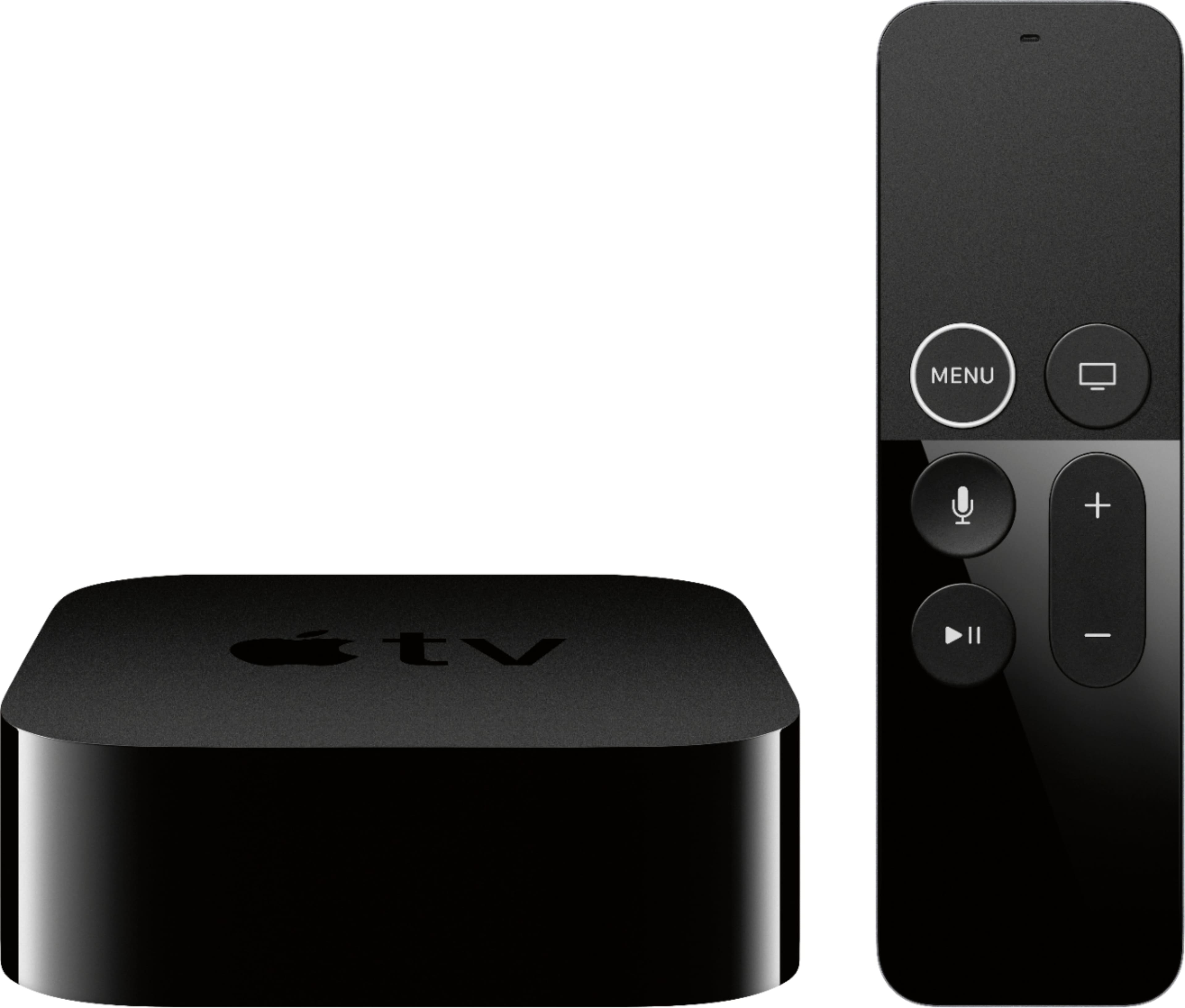
A:Answeryes it can if theres and HDMI connection. 4K won't work, but the apple tv can be set to lower resolution to match your TV. You're better off getting the non-4K appleTV though. save money.