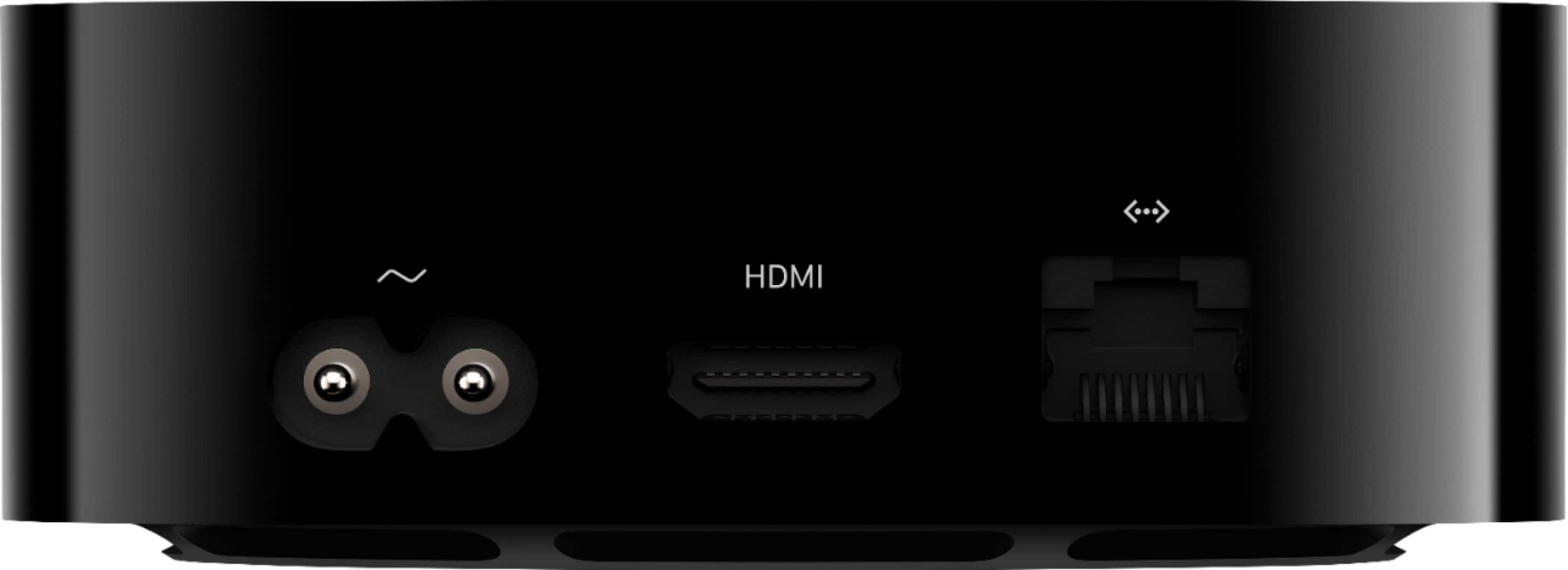
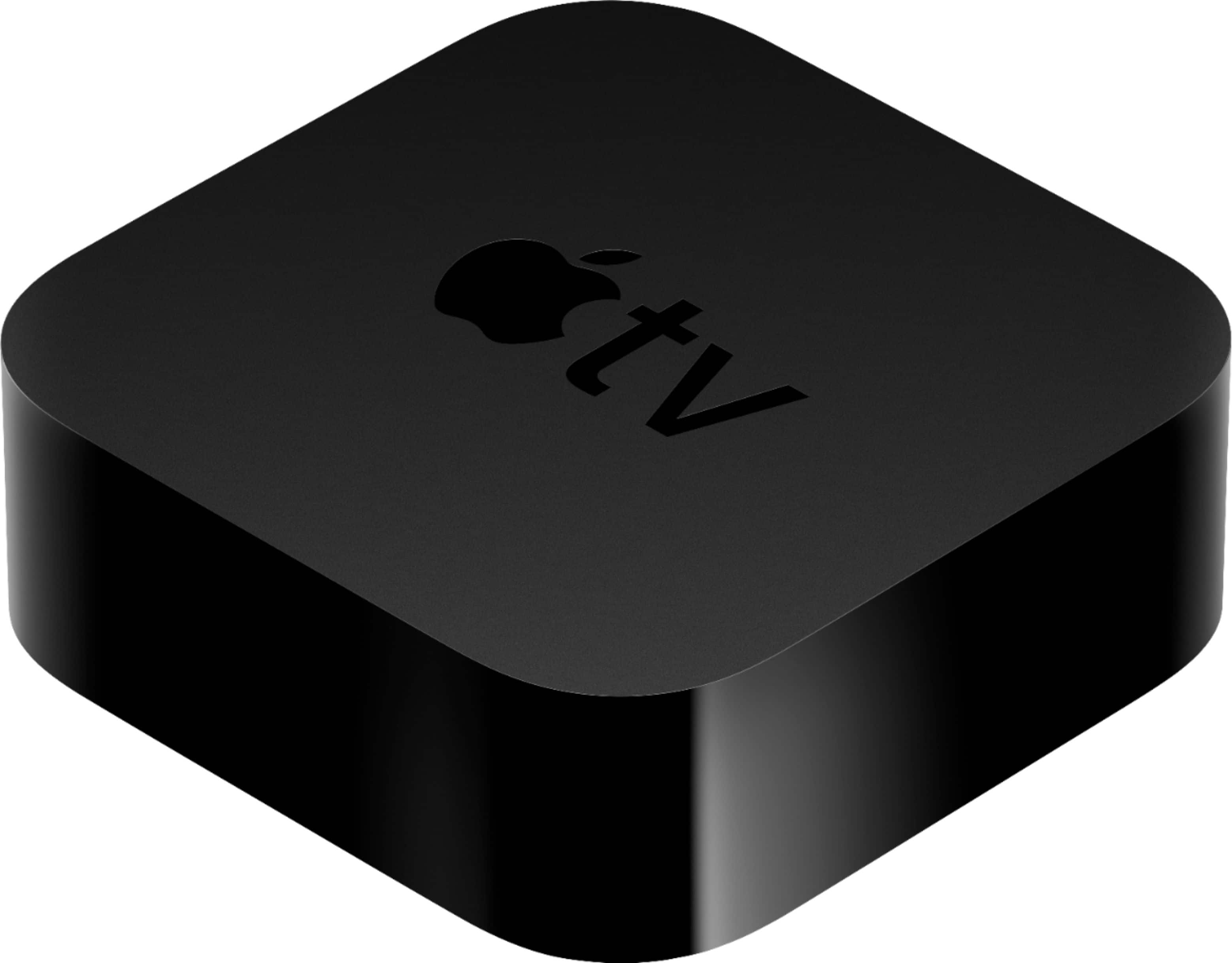
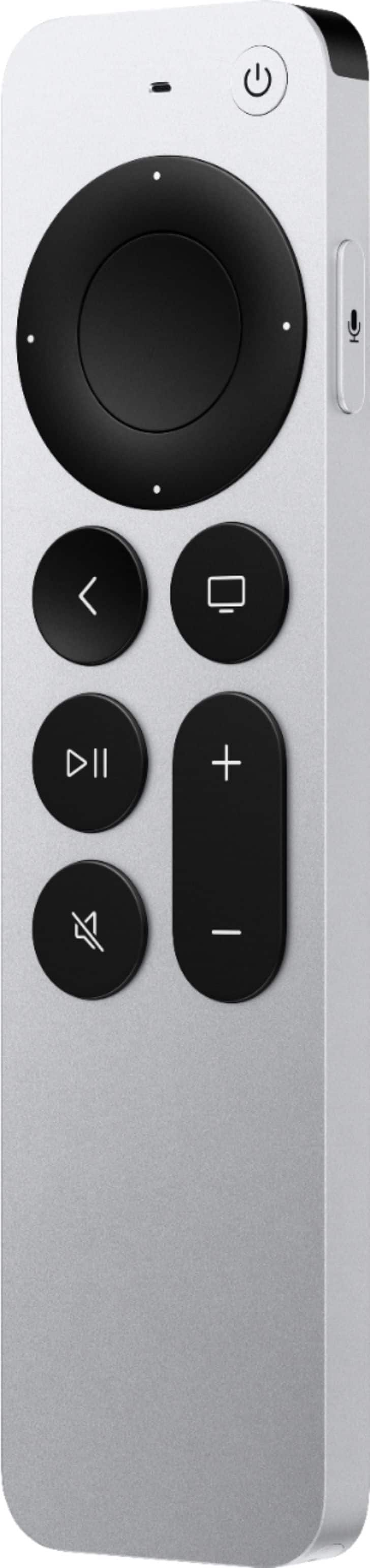
A:AnswerTo use the Apple TV unit itself does not cost anything. To watch Apple TV (the network) would require a subscription. This is basically a smart broadcasting and storage unit. Like a Roku or Chrome cast.
A:AnswerThe Apple TV 4K with Dolby Digital Plus unlocks its full feature set, including 5.1- and 7.1-channel audio capability (depending on the program).
The prior generation of Apple TV 4K with only Dolby Digital, gets only 5.1-channel surround sound.
On the new Apple TV 4K with the latest version of tvOS, you can listen to music, movies, and TV shows in Dolby Atmos but you still need a way to get surround sound out.
You can use the following setups to play sound in Dolby Atmos or surround sound:
• One or two Apple HomePod speakers*
• A television that supports Dolby Atmos audio
• A Dolby Atmos compatible sound bar with a television that supports Dolby Atmos audio
• A Dolby Atmos-enabled AV receiver
*Apple TV 4K and HomePod speakers automatically play sound in Dolby Atmos or surround sound if it's available with content that you watch.
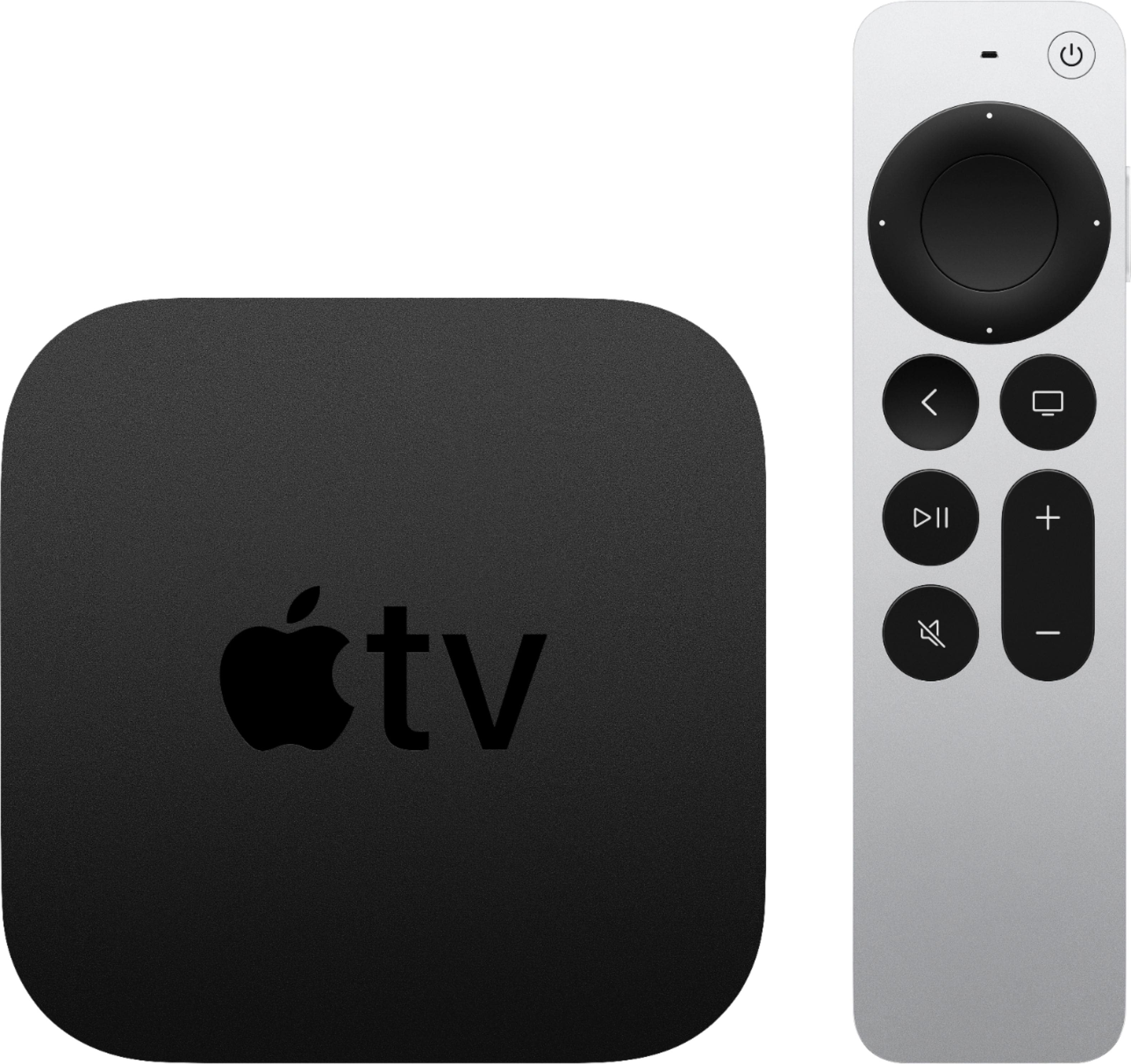
A:AnswerBuffering comes down to your internet service a 100% cable or fiber is what you need.
Get a better service speed. Or more dependable service. I have a gig down and have no issues. We have a 4K show streaming in multiple rooms same time no problems at all. All shows start immediately.
A:AnswerYes you can. If they are in your movies folder or in the cloud. You can connect your local device on the same network. I used to do that all of the time.
A:AnswerEvery Apple TV comes with a one-year limited warranty and up to 90 days of complimentary technical support. You also have the option of adding applecare+ which provides exceedingly more benefits than the limited warranty for 3 full year's.