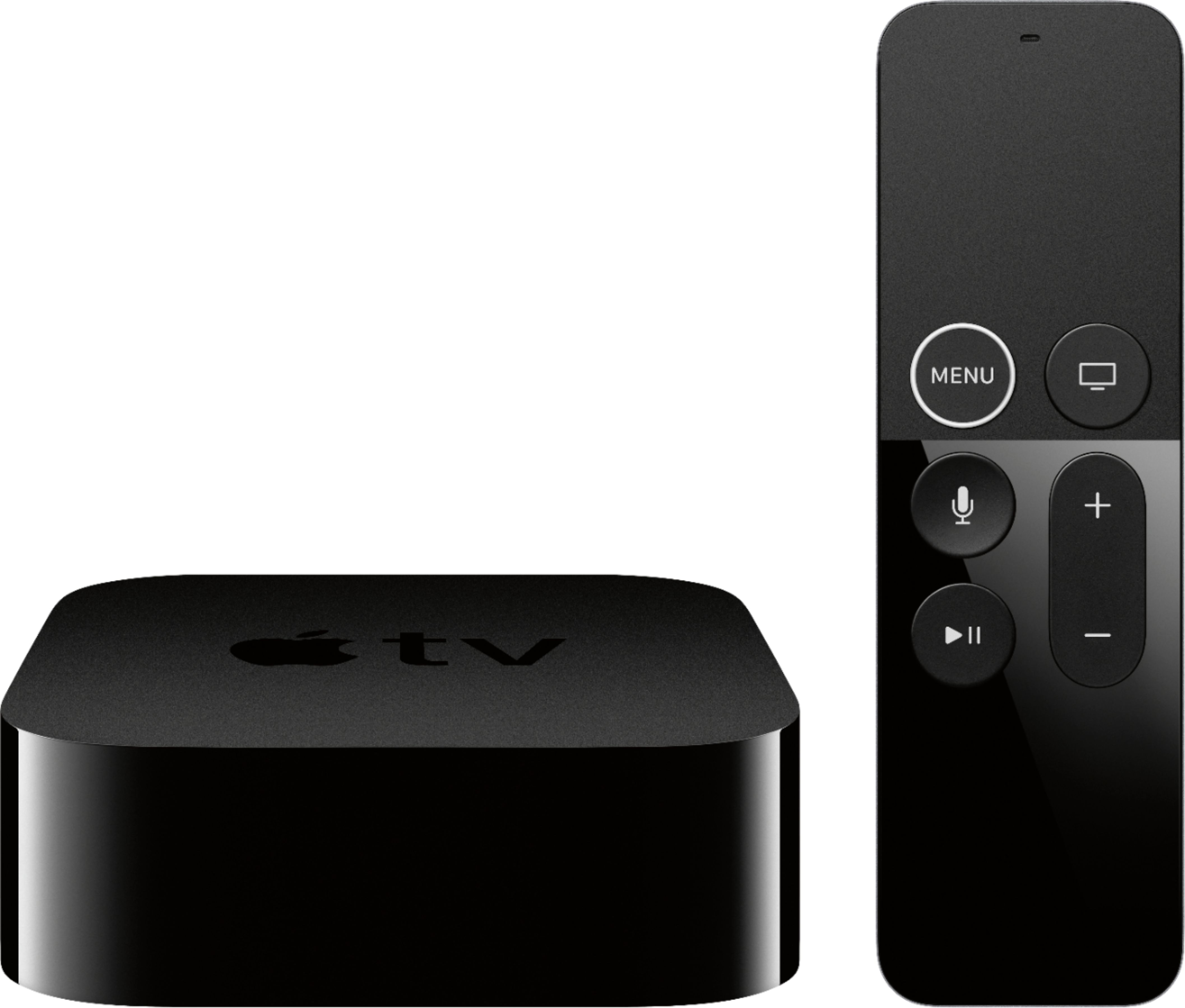
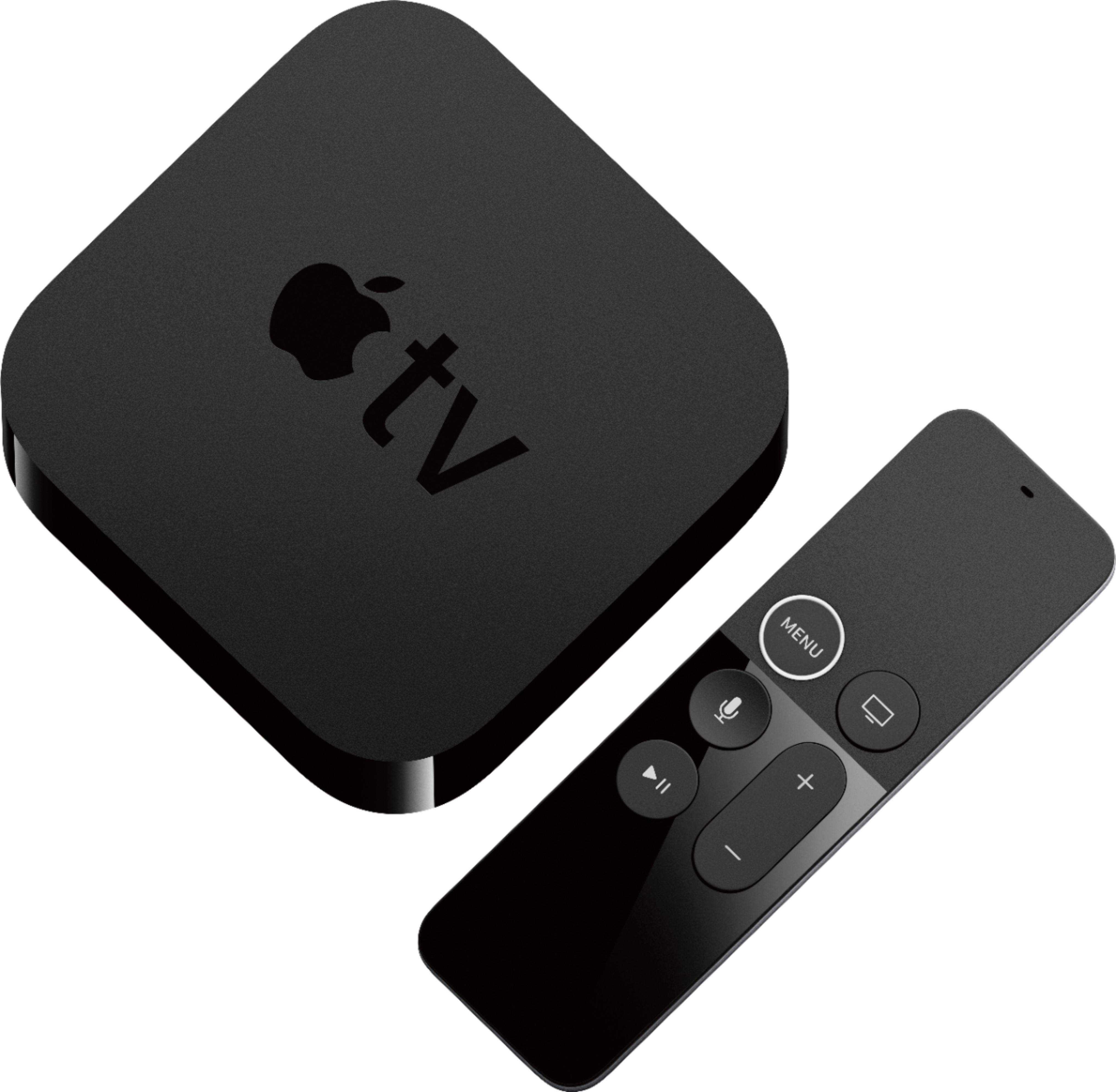
A:AnswerYou would still pay the content provider the same service fee to stream that you do on your smart TV. The benefit with the Apple TV is the ability to download other apps from the App Store. It also is an added benefit for a “dumb” TV.
A:AnswerThere are no provisions to connect an antenna to the rear of the Apple TV. There are only inputs for the power cord, HDMI, USB-C, and Ethernet.
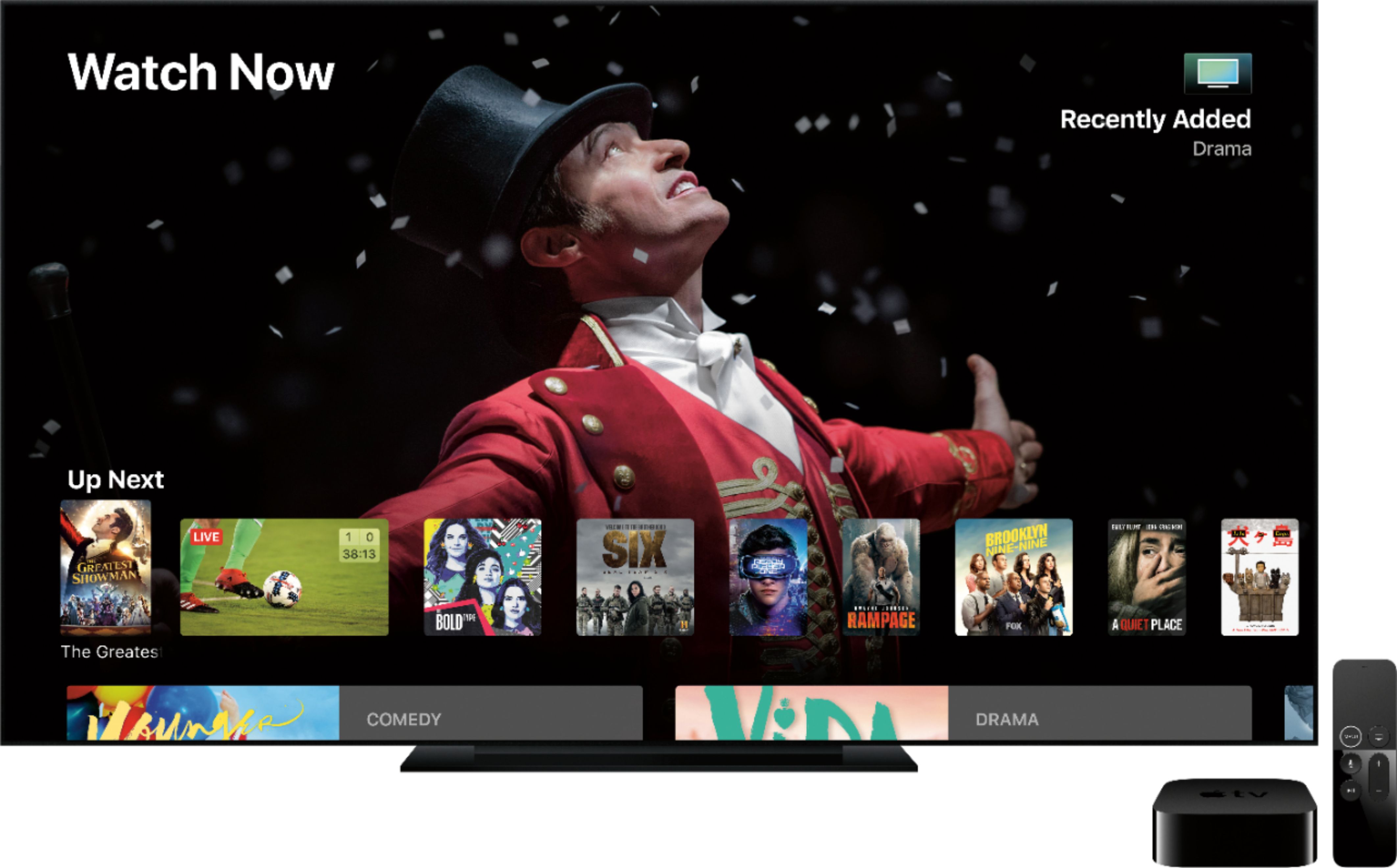
A:AnswerIf the AppleTV is connected to the internet via ethernet or WiFi you can stream internet content through it to your TV.
Any free streaming content on the internet (e.g. YouTube, etc.) can be streamed to your TV without having to have a subscription.
Any pay streaming content on the internet (e.g. Netflix, etc.) will require a subscription to that service for the AppleTV to log in and access that content.
Any streaming content on your local network (e.g. from a computer running iTunes or your iPhone) can be streamed to your TV directly from those devices without requiring a subscription (though you will need logins to access the information on the devices).
Hope that helps.