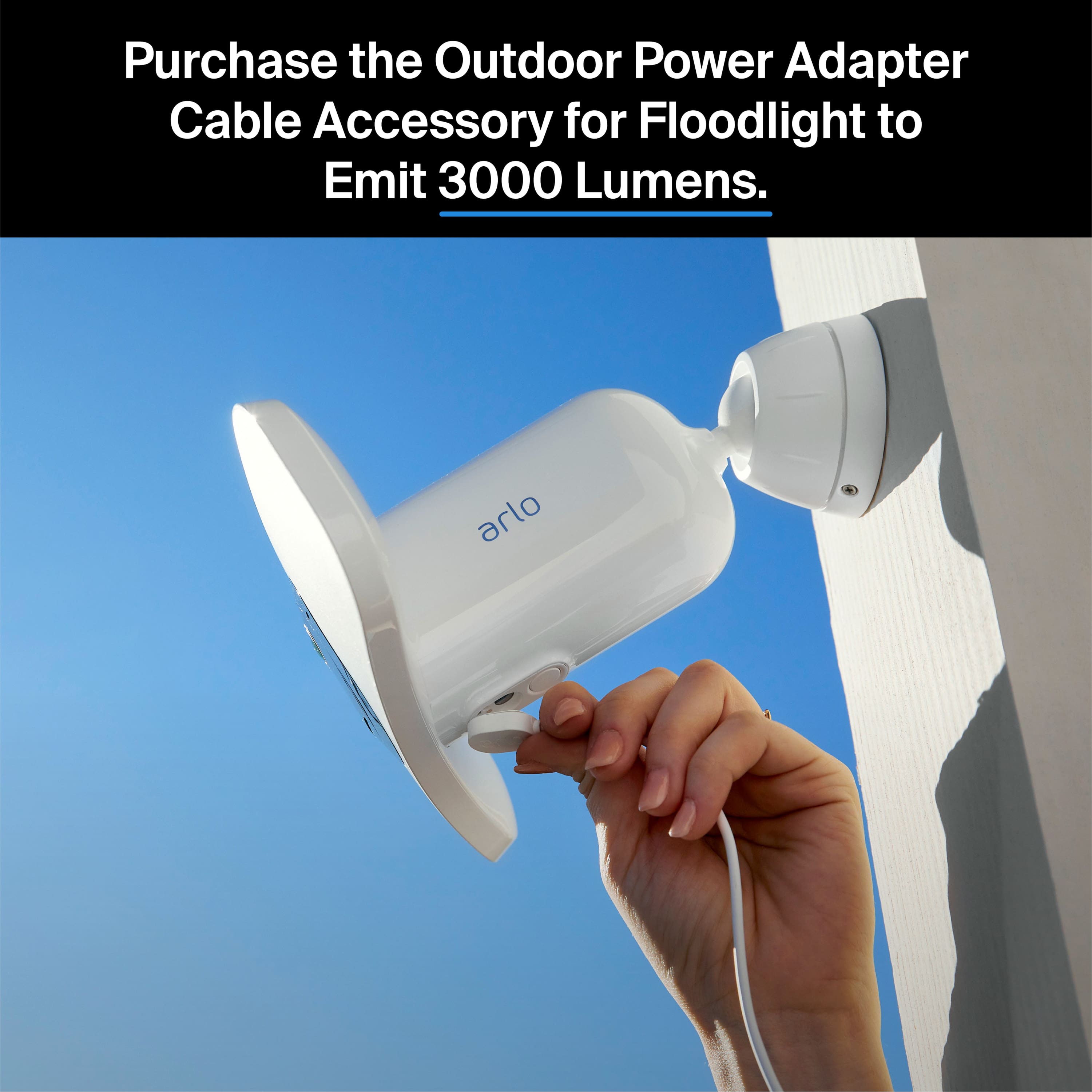
A:AnswerIt will record when it detects motion. However, when powered by the Outdoor Magnetic Charging Cable you can subscribe to CVR to have continuous recording.
A:AnswerWhen you connect to a SmartHub or base station, you can enable local storage recording and set a base station’s siren to cross-trigger various Arlo cameras when motion or audio is detected.
A:AnswerNo. An Arlo SmartHub or base station is optional. You can connect your Arlo Pro 3 Floodlight Camera to a VMB5000 or VMB4540 SmartHub or to a VMB4500 or VMB4000 base station. When you connect to a SmartHub or base station, you can enable local storage recording and set a base station’s siren to cross-trigger various Arlo cameras when motion or audio is detected. ^KN
A:AnswerYes. Yes. An Arlo SmartHub or base station is optional. You can connect your Arlo Pro 3 Floodlight Camera to a VMB5000 or VMB4540 SmartHub or to a VMB4500 or VMB4000 base station. With every purchase of an Arlo Pro 3 Floodlight Camera, users will receive a complimentary three-month trial to Arlo Smart, Arlo’s AI and computer vision-based service. After the three months, users will have the option to enroll in a plan that fits their needs and preferences. For pricing, please visit: https://kb.arlo.com/88/. ^KN
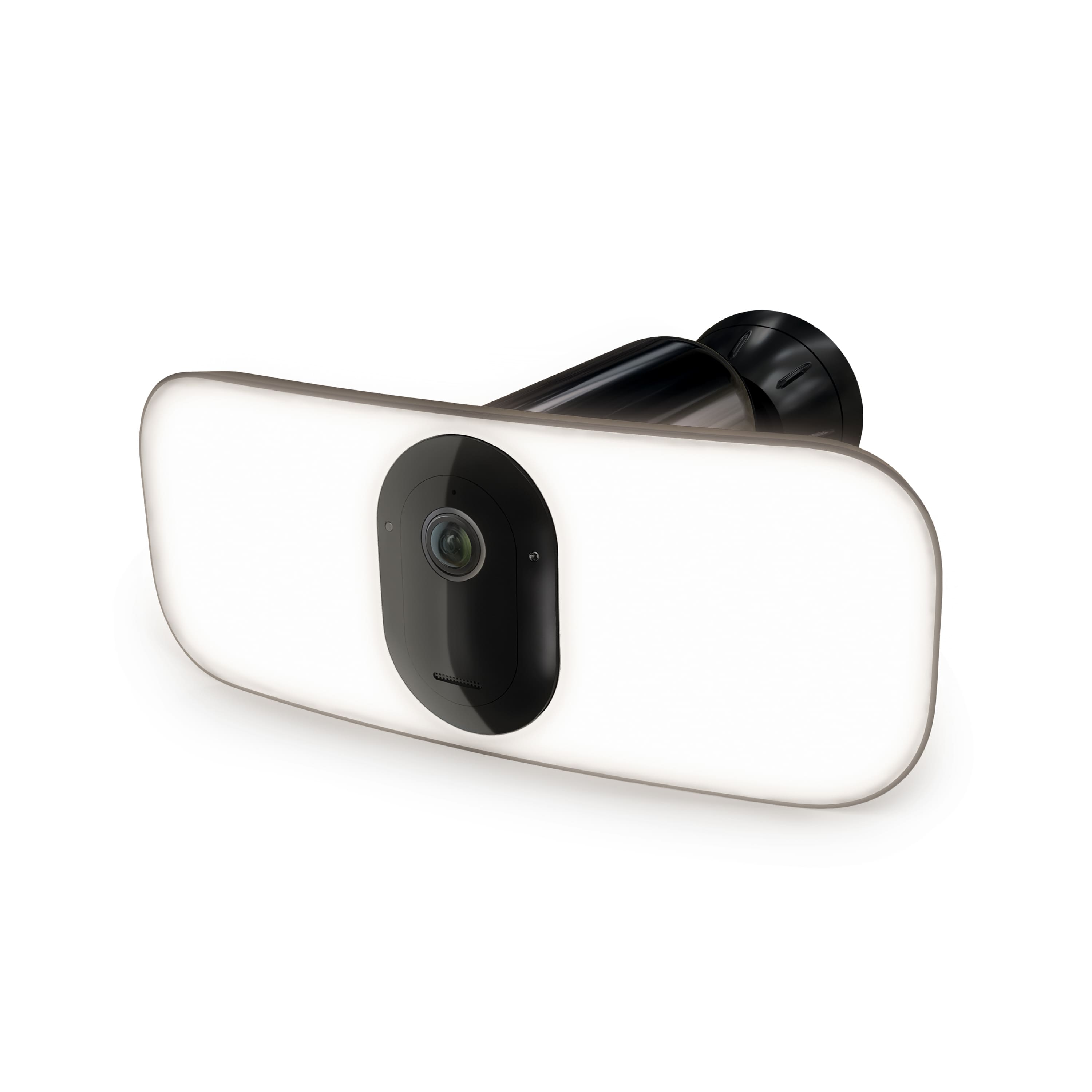
A:AnswerAn Arlo SmartHub or base station is optional. You can connect your Arlo Pro 3 Floodlight Camera to a VMB5000 or VMB4540 SmartHub or to a VMB4500 or VMB4000 base station. When you connect to a SmartHub or base station, you can enable local storage recording and set a base station’s siren to cross-trigger various Arlo cameras when motion or audio is detected.
A:AnswerI have different battery-only Arlo cameras that have endured a few winters. They have given the warning that it is too cold for them a few times, but it was below 0 degrees F. The devices came back online with no issue. I don't know if the larger light of this one will be impacted yet. It has endured a few nights into the teens.
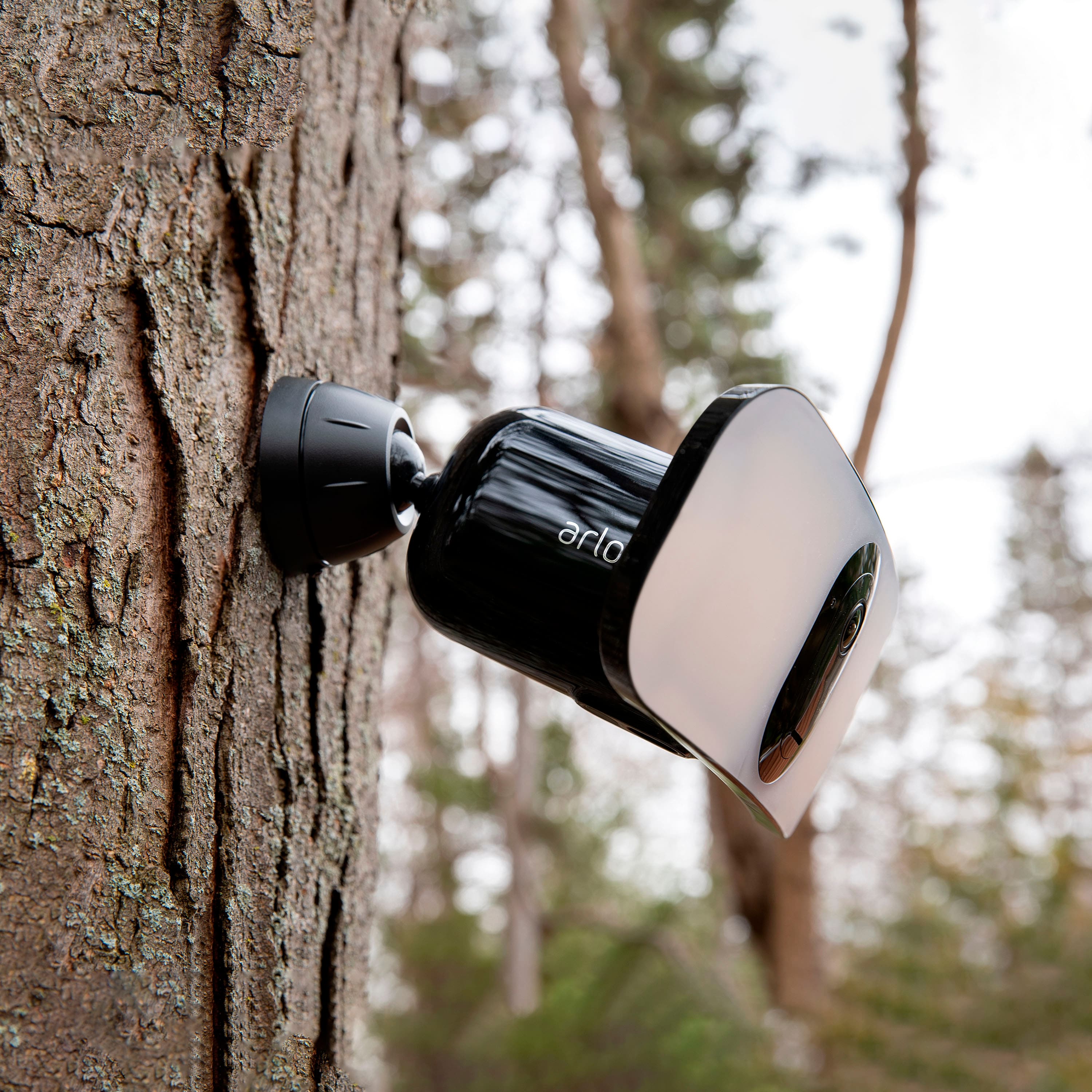
A:AnswerArlo Cameras and Doorbells are weather-resistant. Arlo cameras and doorbells work in a wide variety of weather conditions, including rain and snow, but do NOT allow Arlo batteries or the interior of battery compartments to be exposed to water.
A:AnswerYes you can use it but you have to buy a separate subscription for from Arlo.
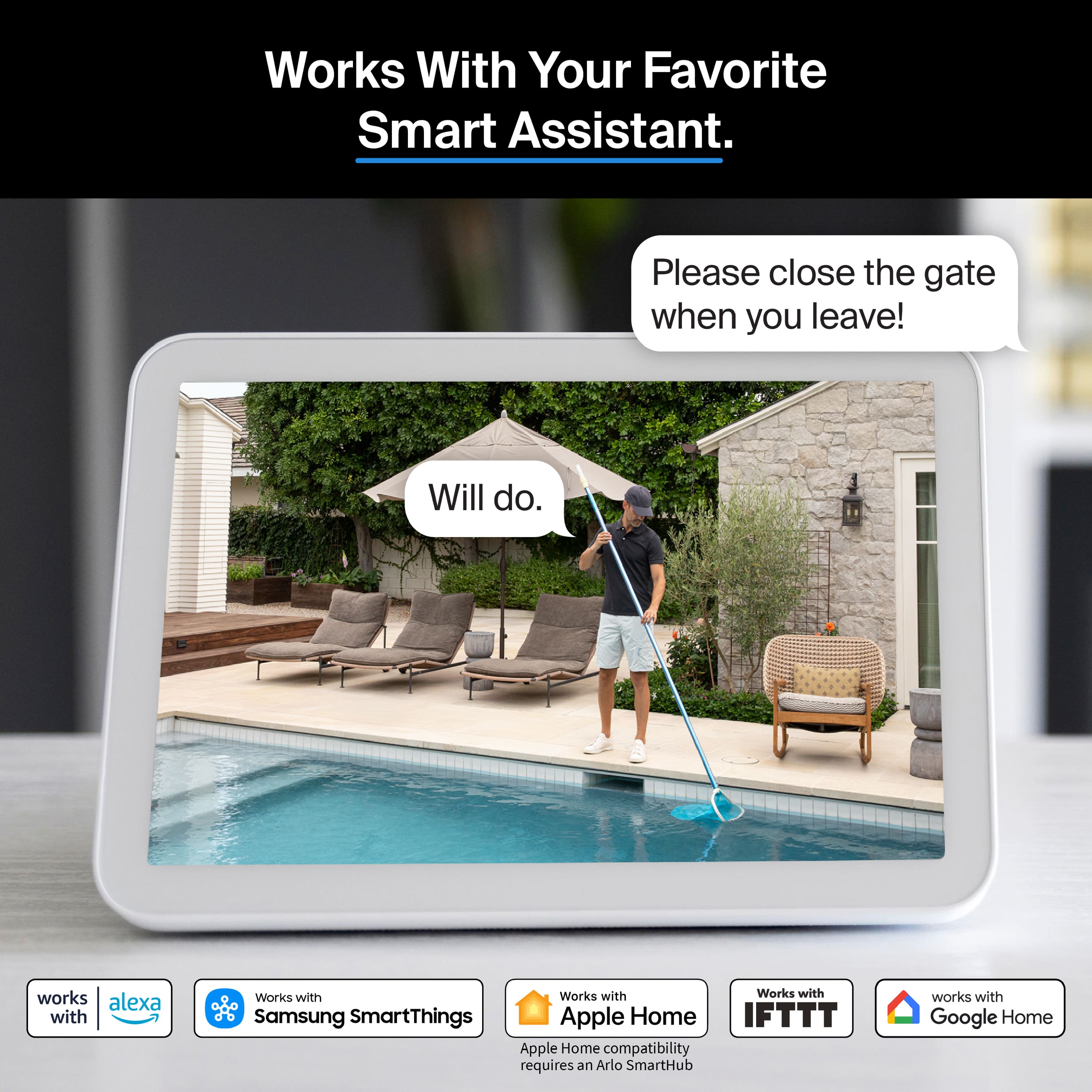
Arlo is compatible with Alexa.
It will show up on your apple phone if you use a compatible hub.
Its better to stay within the same group of products (like ring in your case).
A:AnswerIf it shows up in the Arlo app as a device and shows connected with a strong battery, Its most likely the settings are somehow corrupted. Delete the camera and re-add it.
A:AnswerI believe these devices need the 2.4ghz band. If your router allows for that, it connected easily. You may just have to check the wifi network you are trying to connect.