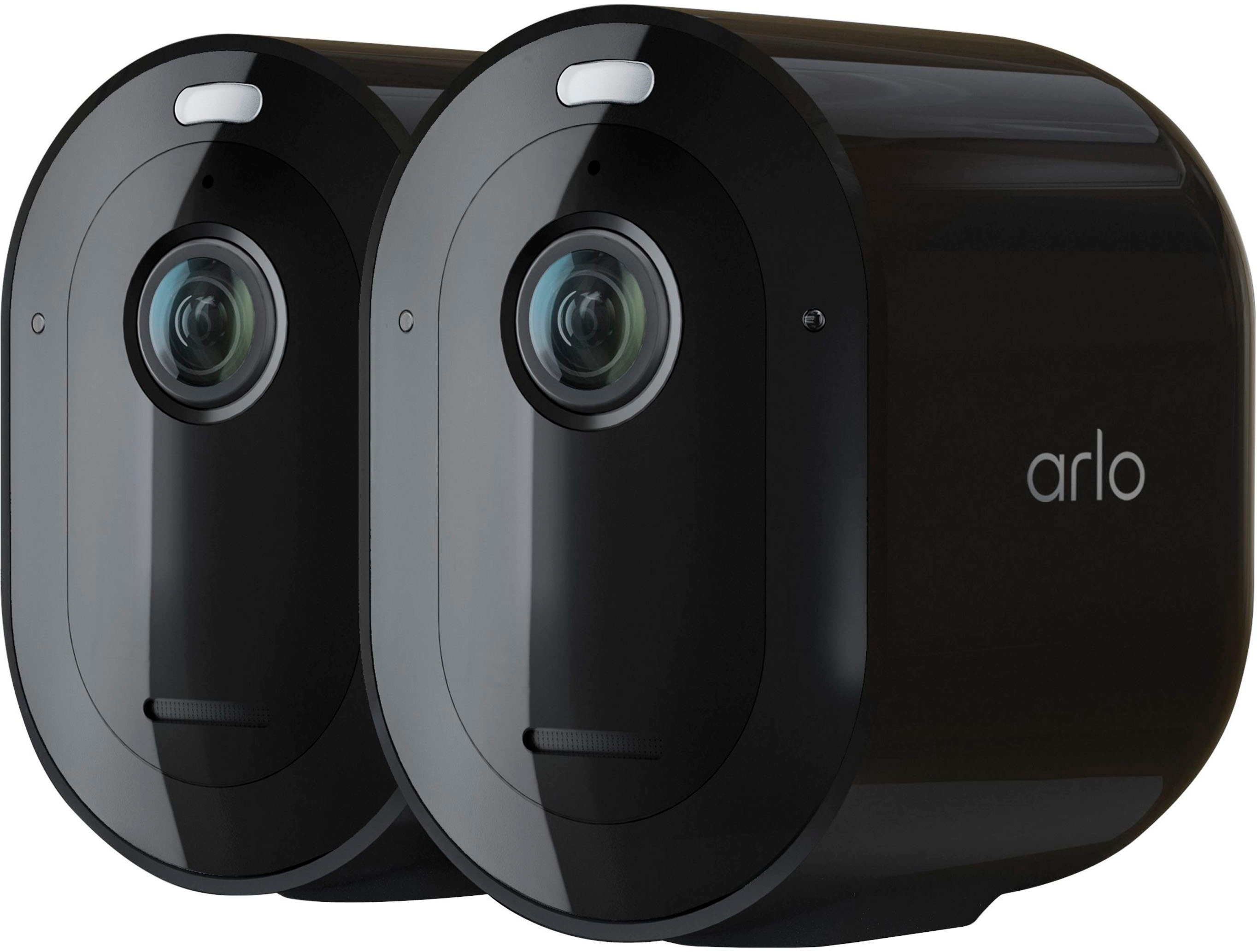
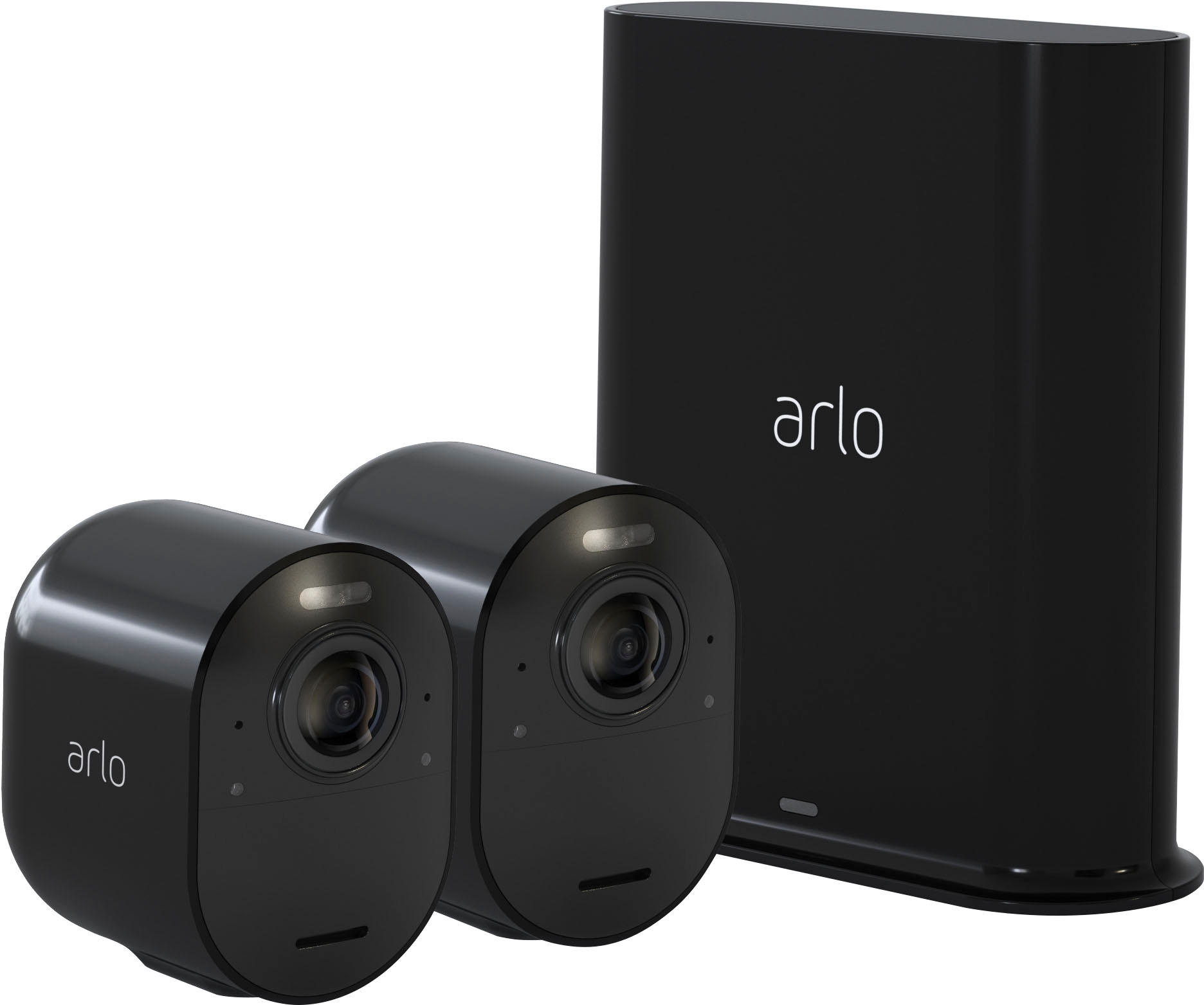
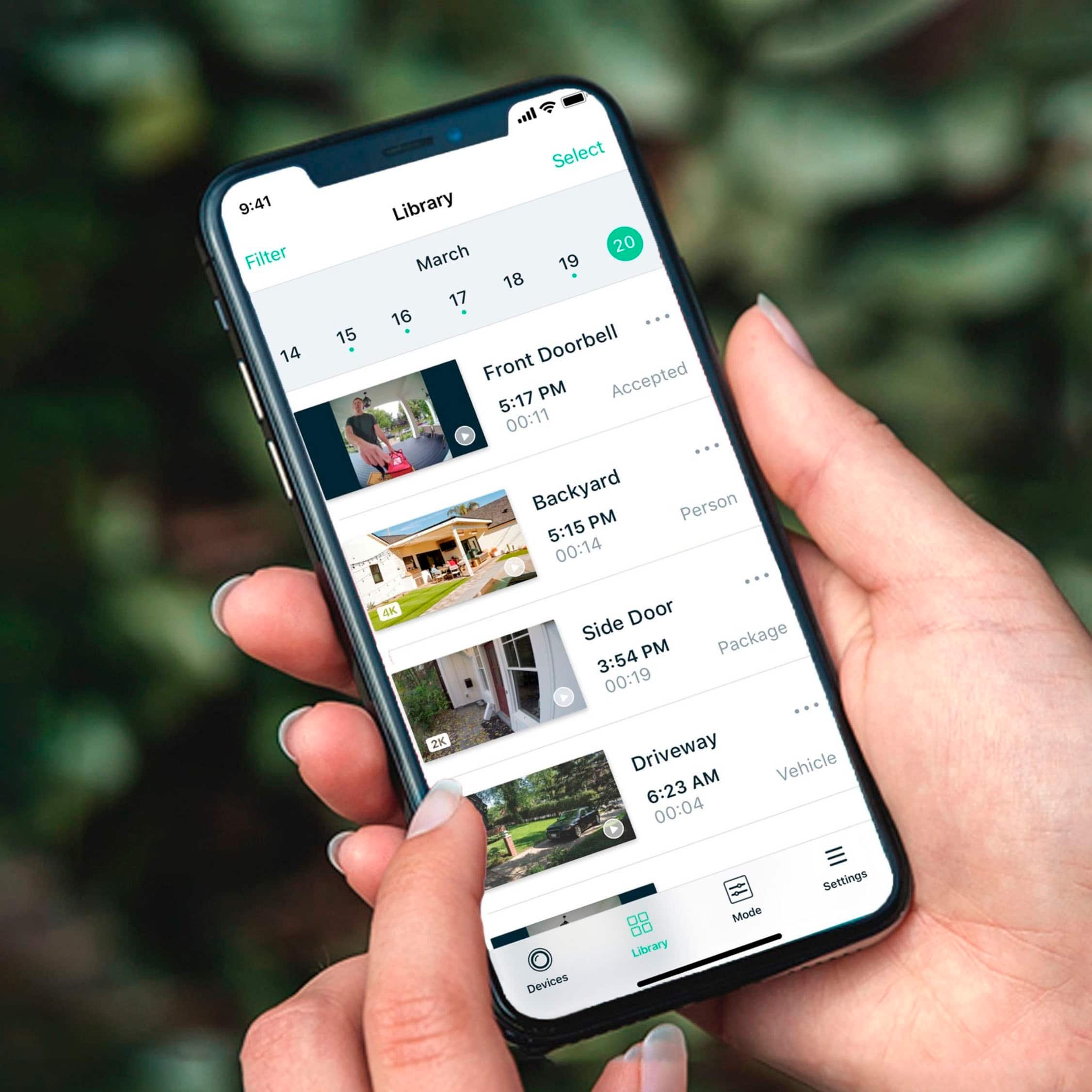
A:Answer I currently have one plan (Plus Unlimited), and I am monitoring three separate locations/physical addresses under this one plan. Each site has one base station and three cameras.
You will need Wi-Fi access at each site. Once you connect the base station to the Wi-Fi and sync the cameras to the base station, you are all set.
You need to connect your phone to the 2.4ghz Wi-Fi and not the 5ghz if your routers have both. If you connect to the 5ghz you most likely will not get the app on your phone to locate the base station during setup.
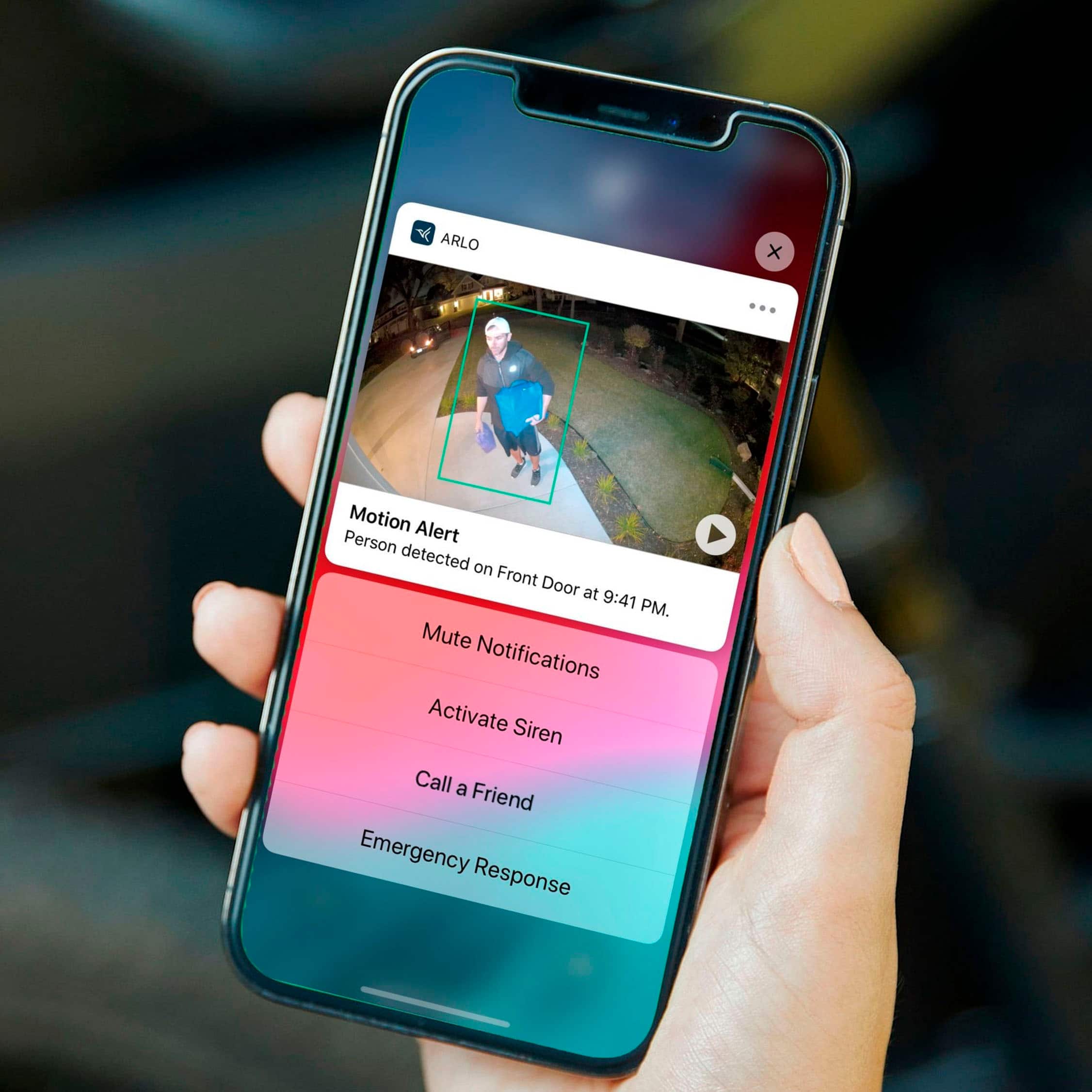
Once done, DO NOT attempt to assign locations to each site in the Arlo app. If you create locations, you will be required to purchase a separate plan for each location/site. Leave Locations blank or only create your primary location (one location). Know that Locations are tied to the 911 feature of the app, so if you do create a location, all of the cameras, no matter where there are, will show just the primary location you created. If there is a 911 alert sent from your secondary location, all of the emergency responders will be dispatched to the primary location and not the secondary location that sent the alert. If the 911 feature is an absolute "must have" for you, then you will have to purchase separate plans for each site.
Please know that this is everything I encountered when doing exactly what you are questioning to do. I am not any type of Arlo expert, just an end user that had to troubleshoot my way through this process before I was finally able to successfully monitor multiple sites under one plan.