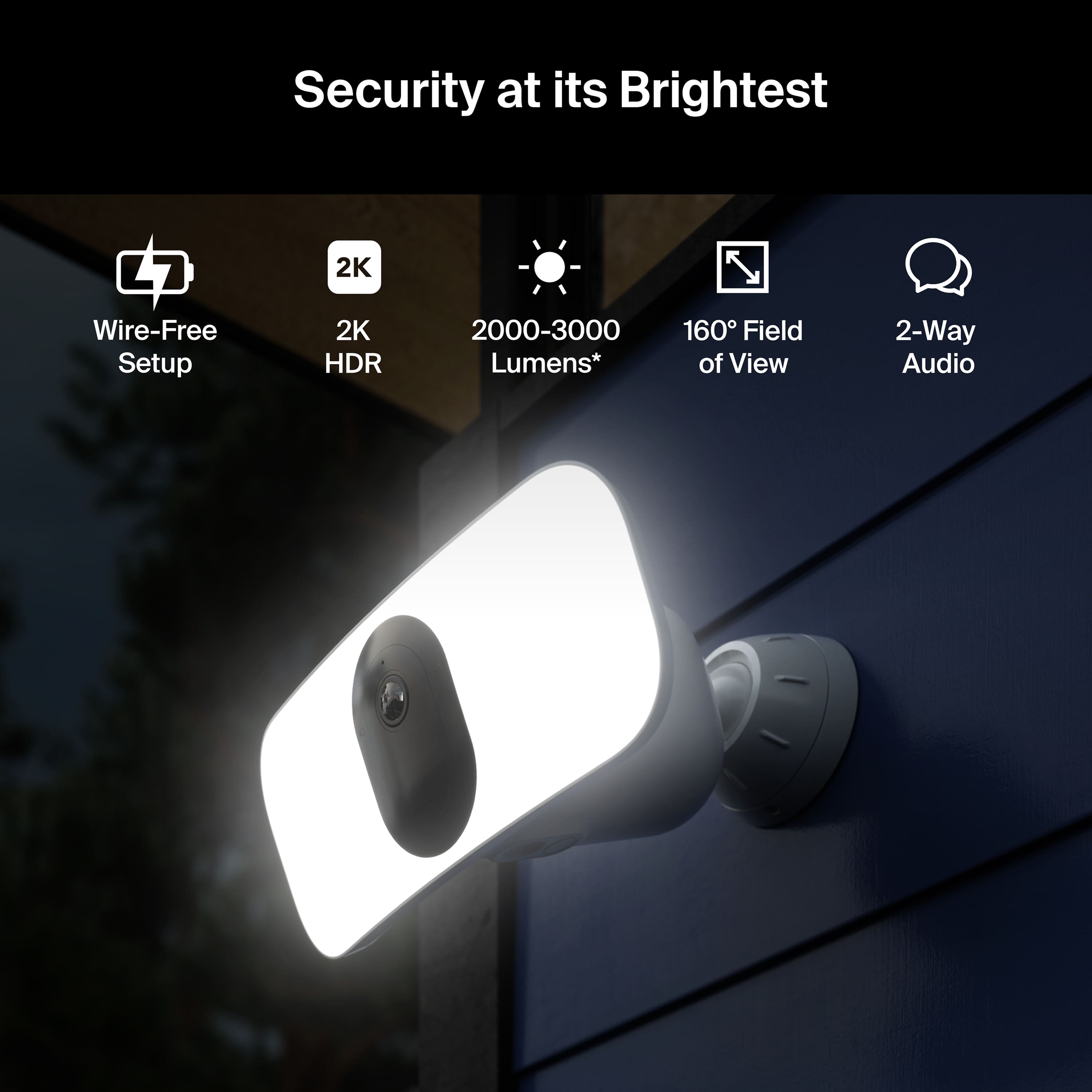
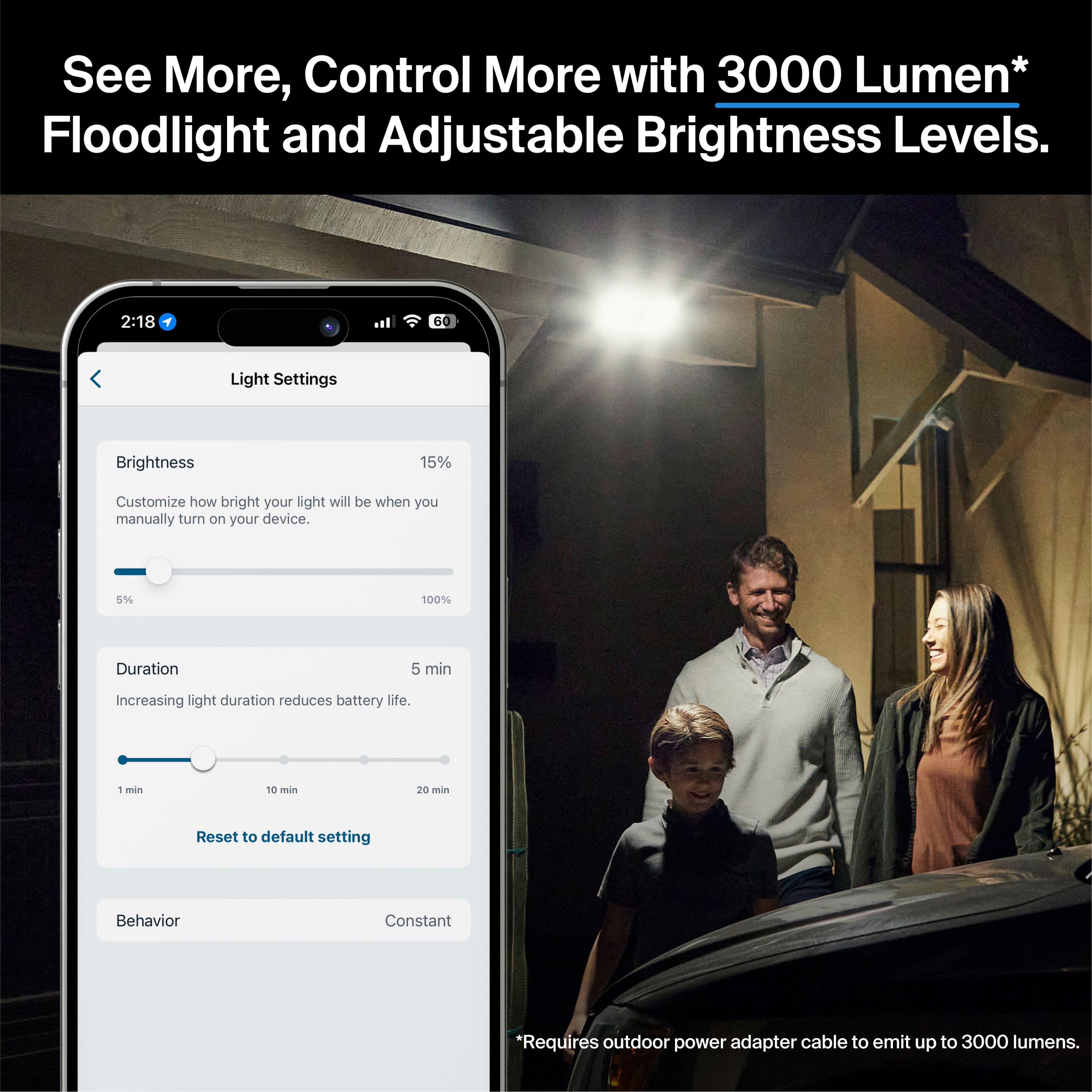
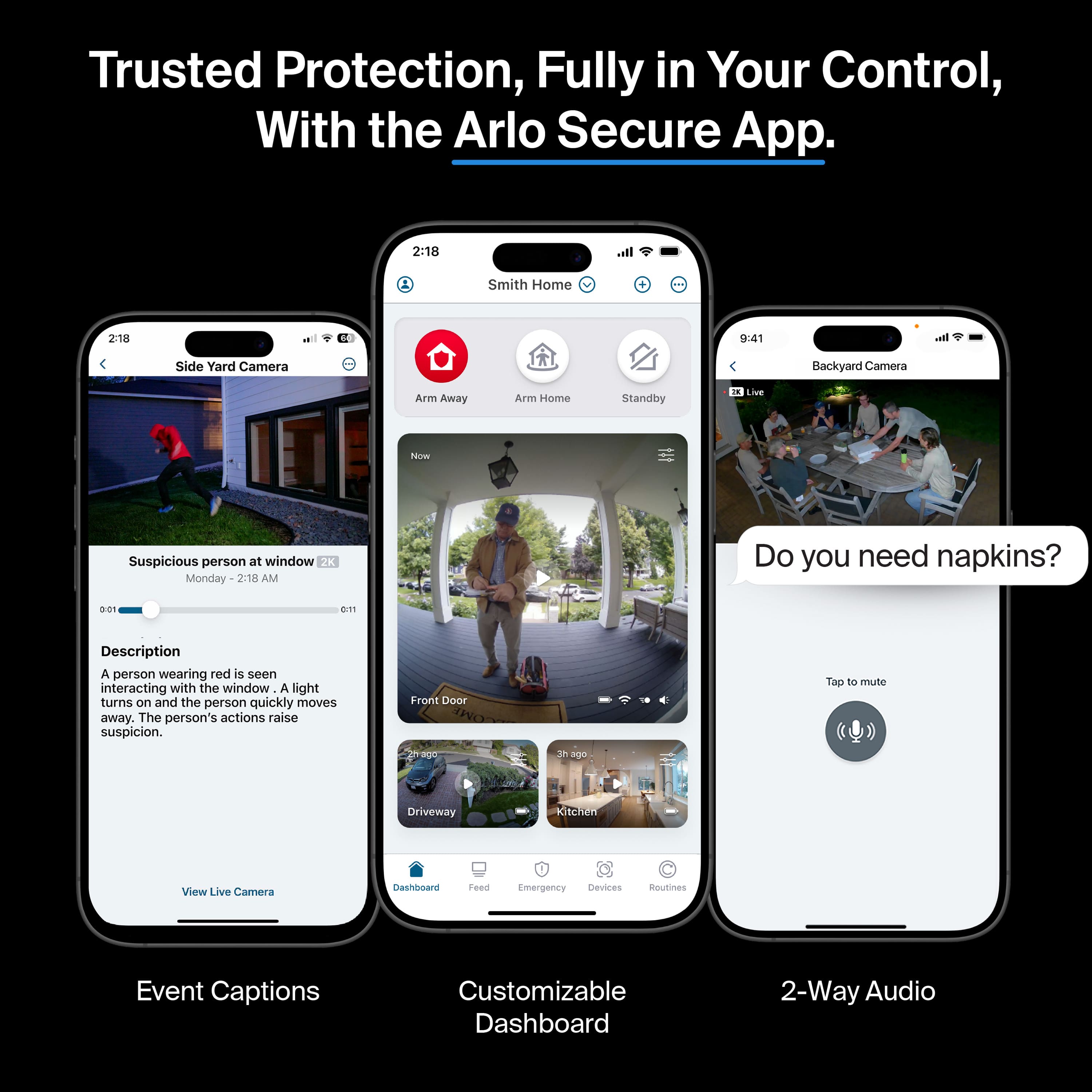
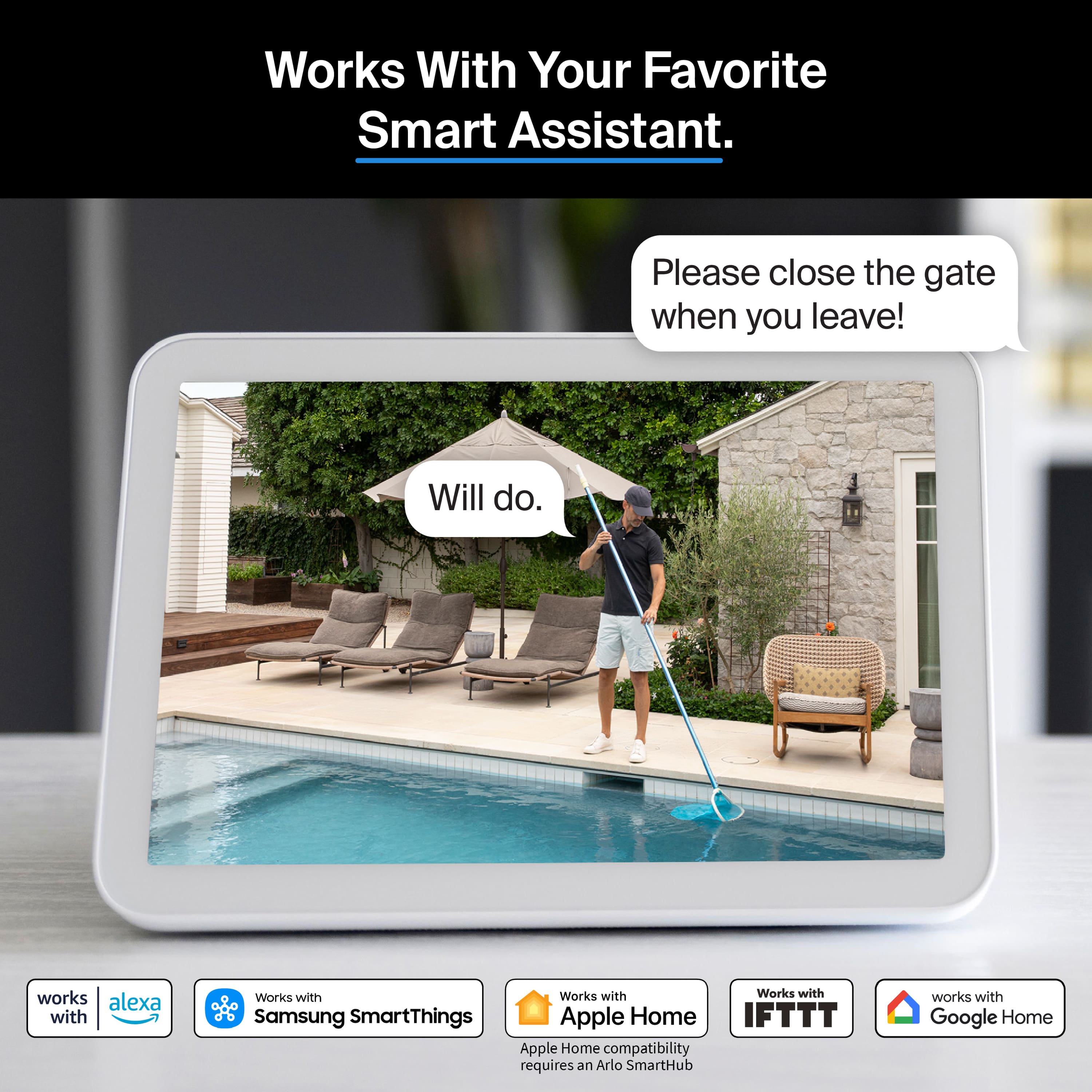
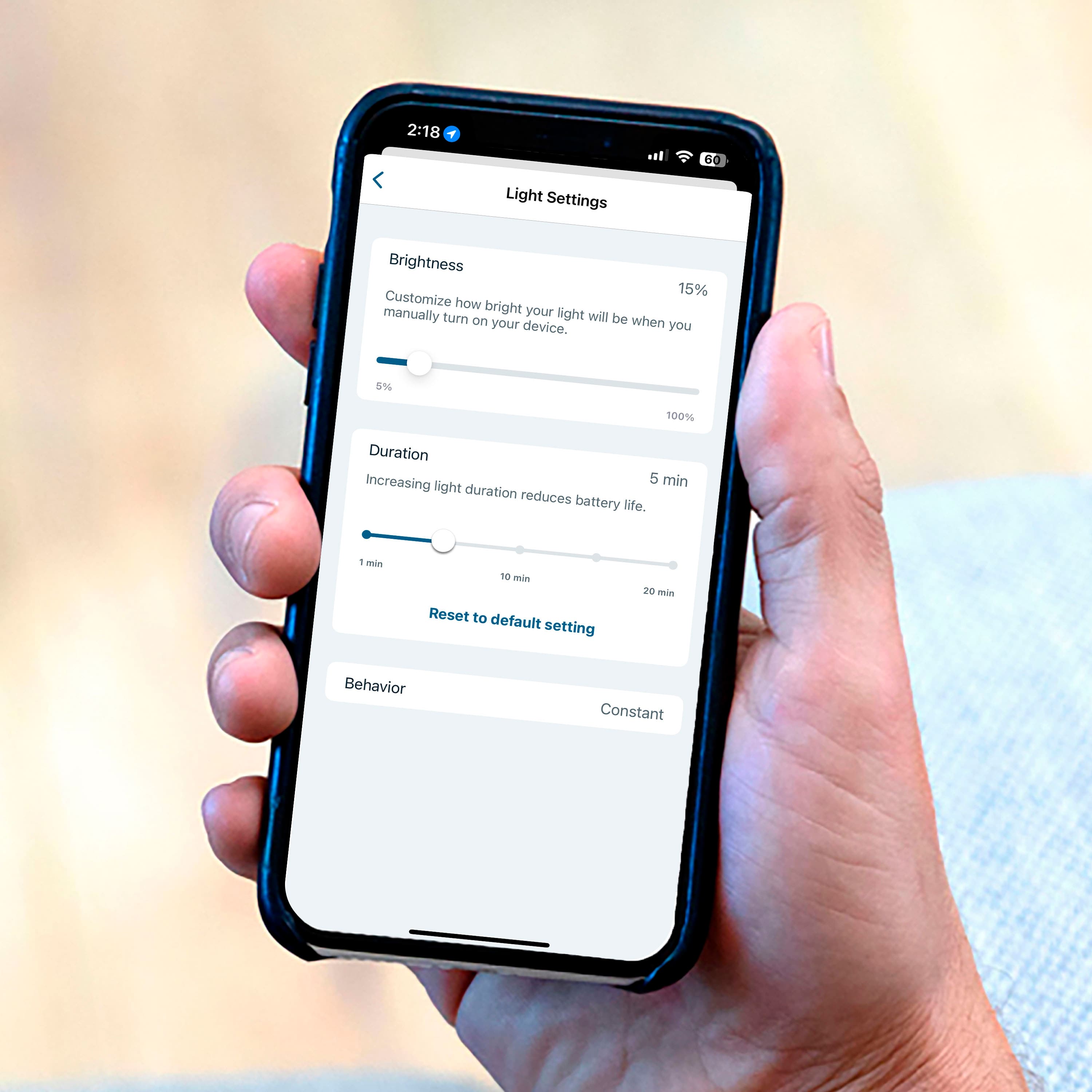
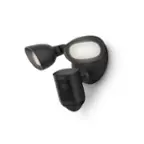
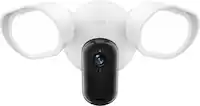
A:AnswerI am not sure. However if you the arlo app you can control and view cameras and google home allows you to add them. I like using the arlo app, you have more functions, control with it.
A:AnswerIt should be no problem whatsoever now. But if yours is a battery wireless then that’s going to be a pain to take it off of space and charge it.
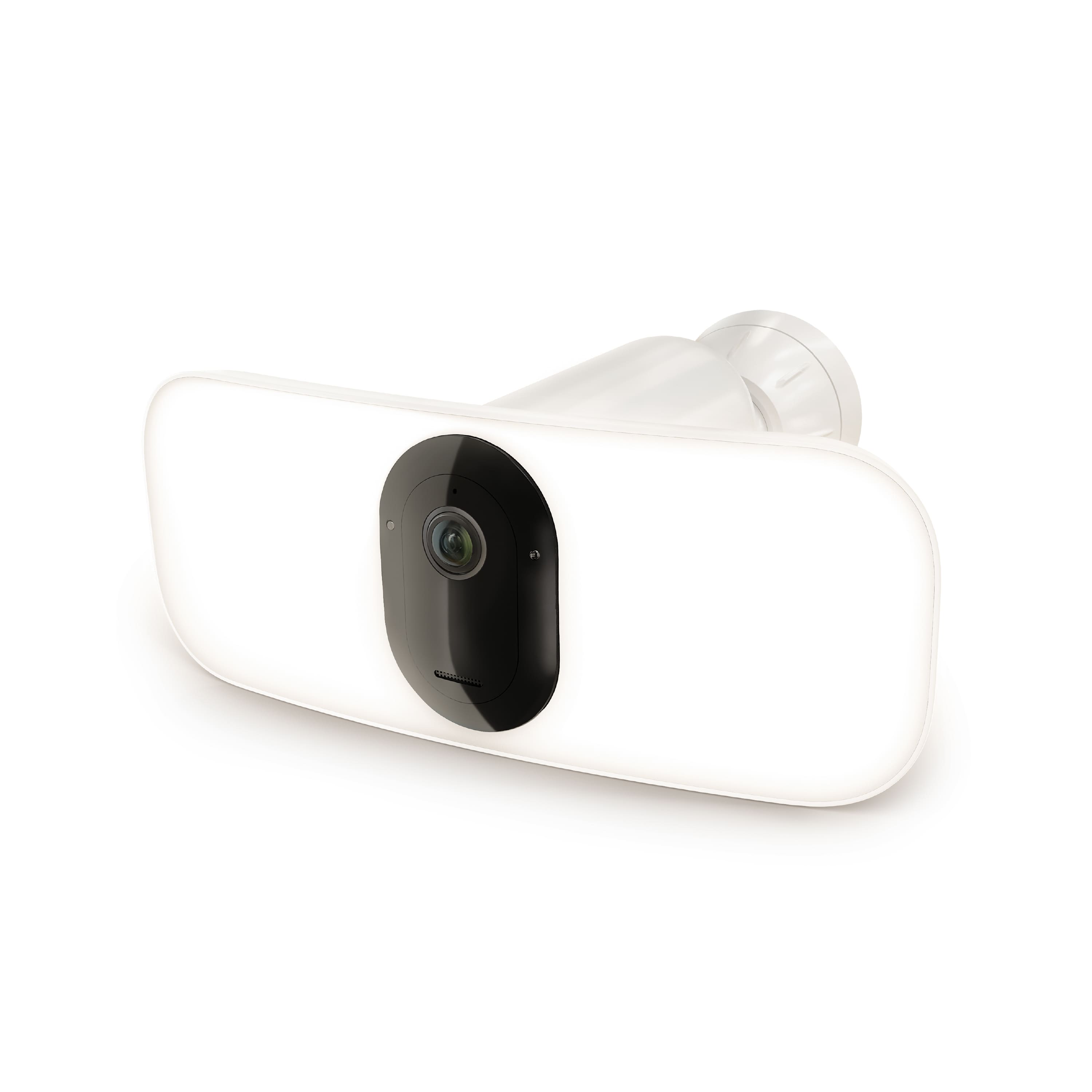
A:AnswerNo. If you are connecting an Arlo camera directly to a WiFi router—without an Arlo SmartHub or base station—you must connect your mobile device to your router’s 2.4 GHz band during the setup process. Many routers broadcast WiFi networks in both 2.4 GHz and 5 GHz bands. Your Arlo floodlight camera directly connects to a 2.4 GHz WiFi network. This means that you must first connect your mobile device to your 2.4 GHz WiFi network, then connect your Arlo device to that same 2.4 GHz WiFi network during the setup process in the Arlo app. The Arlo Video Doorbell, Pro 3 Floodlight Camera, Q, Q Plus, and Baby can connect directly to a 2.4 GHz WiFi network.
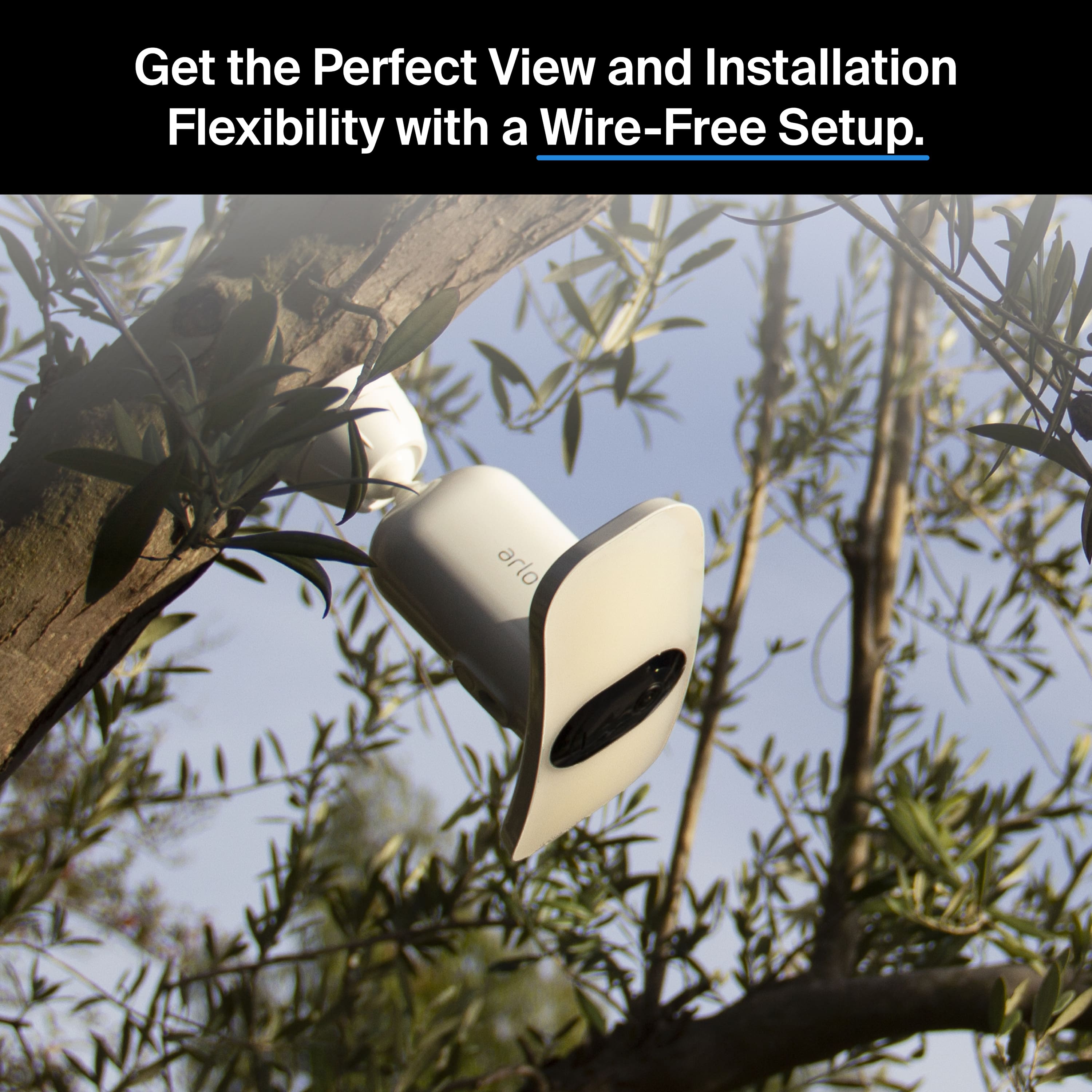
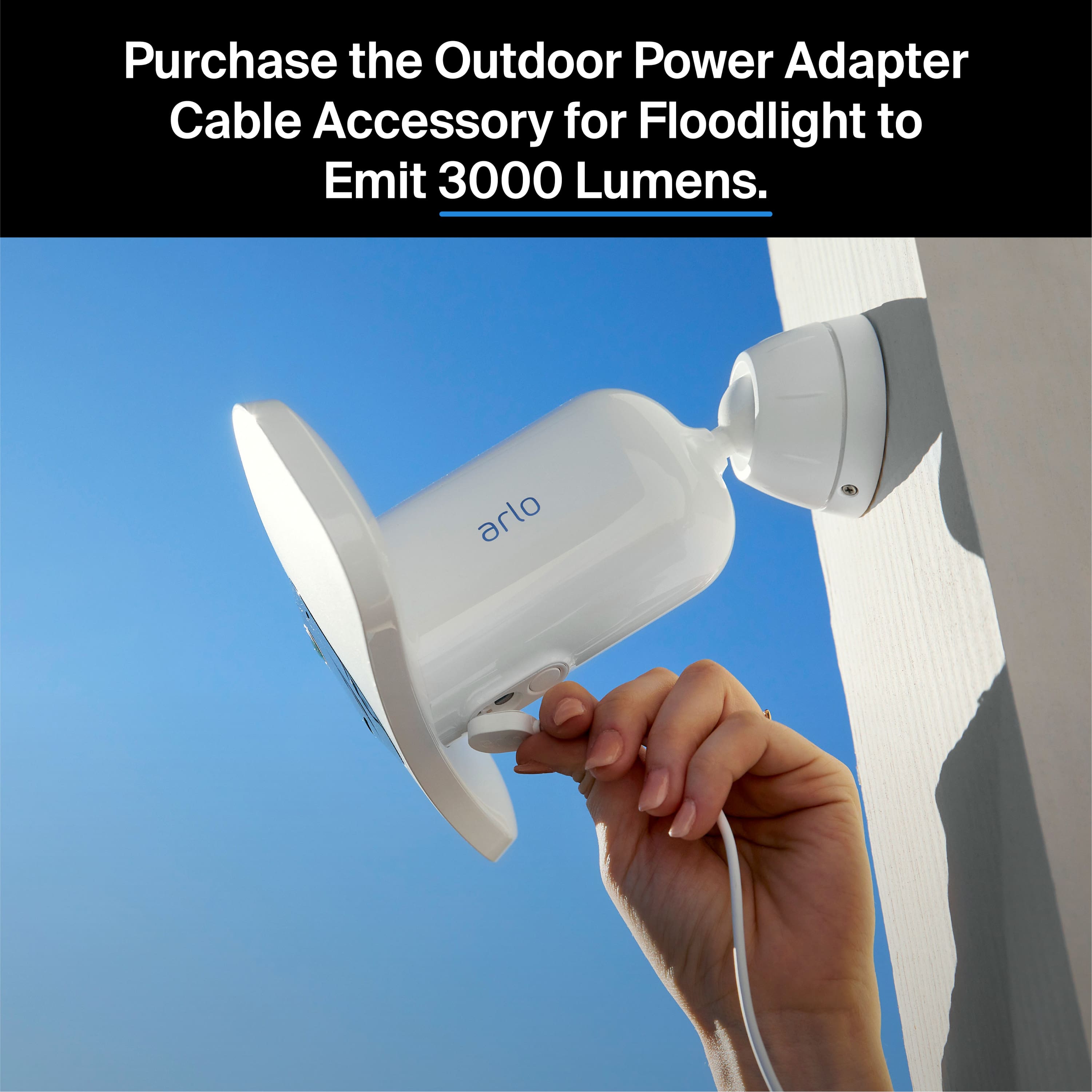
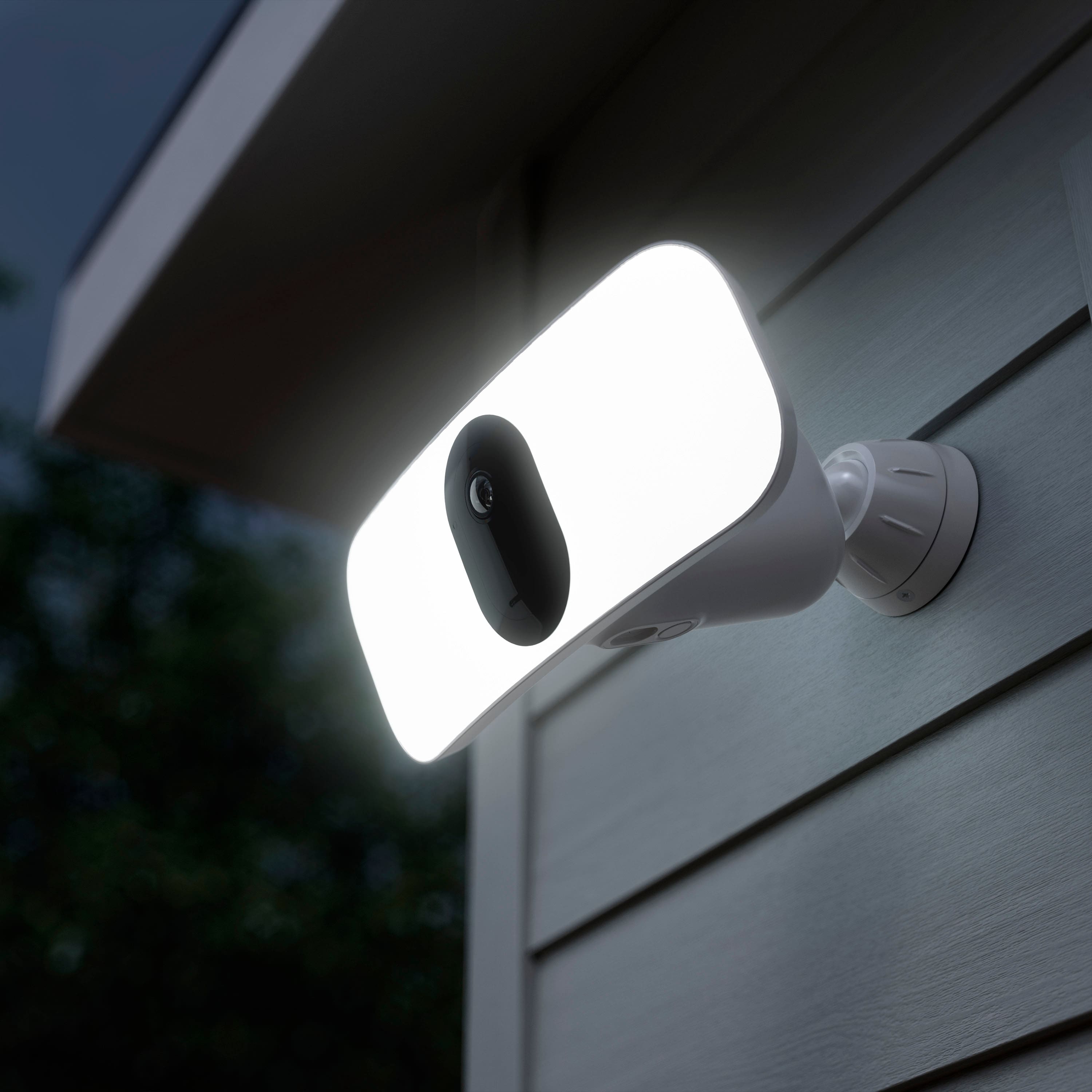
A:AnswerWith the Arlo Pro 3 Floodlight, a wall mount is included. You can purchase a ceiling adapter accessory to improve your viewing angle: https://shop.arlo.com//FBA1001-10000S.html
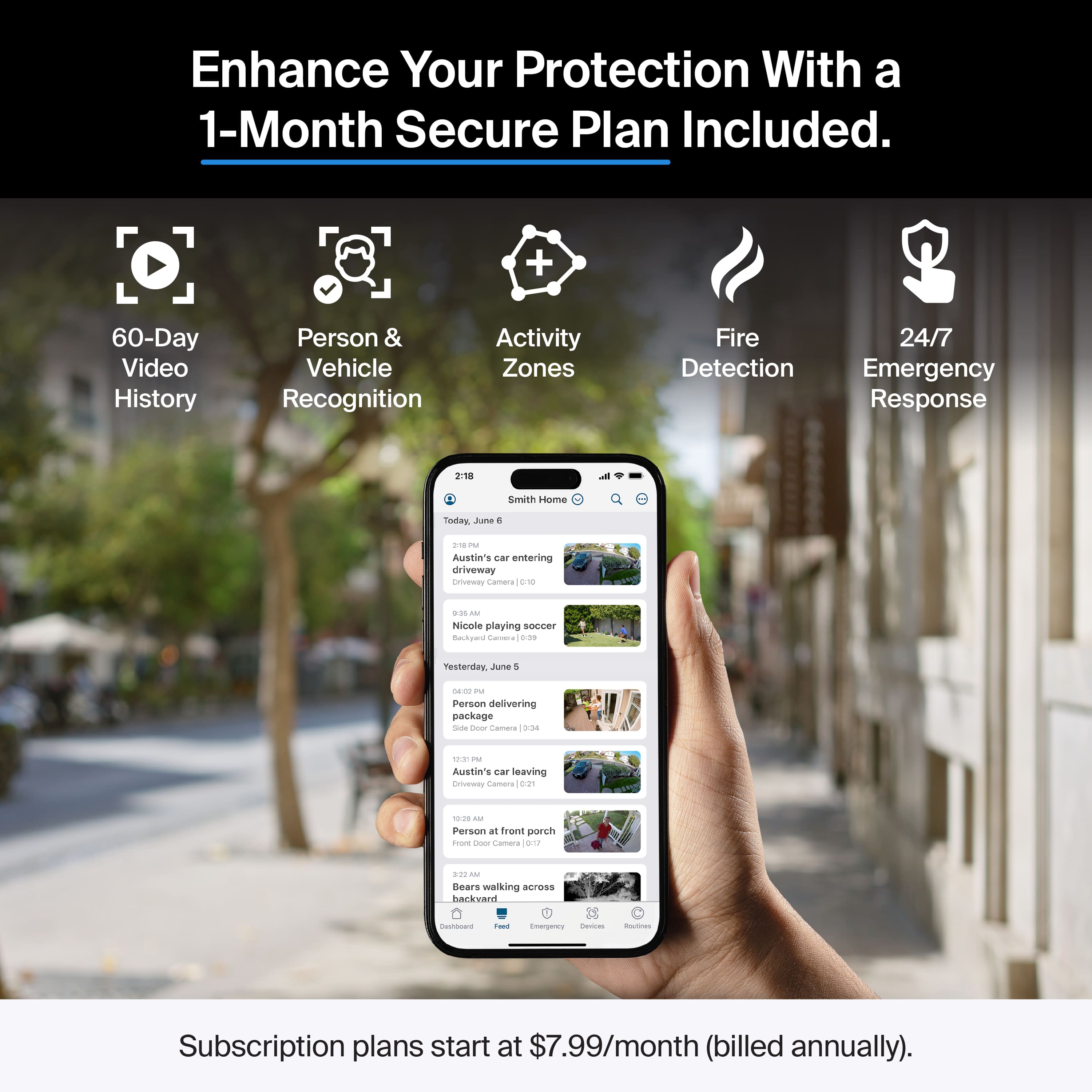
A:Answerit comes with its own base design. After 3 months you need a subscription otherwise the only this you get to use is the live camera feature and a floodlight. I updated my previous review about this product to reflect this change Arlo has made.
A:AnswerArlo Pro 3 Floodlight camera comes with a free Arlo Smart trial. When the trial expires, you have the option to purchase an Arlo Smart subscription. Without an Arlo Smart subscription, you can still add up to 5 cameras to your Arlo account, live stream, and receive motion and audio notifications. ^RM
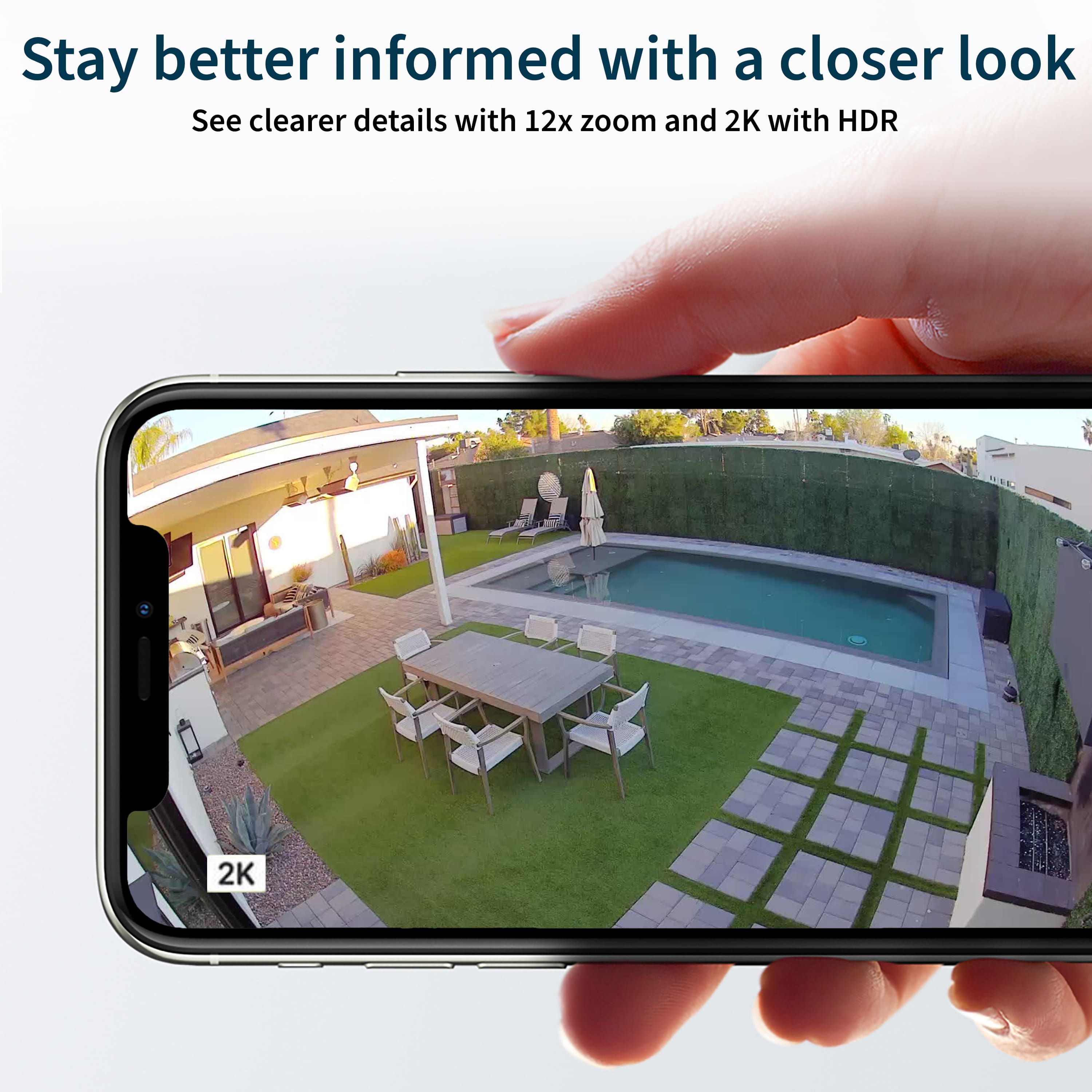
A:AnswerUsers will have the ability to record to the cloud at 2K video resolution or lower for a rolling 30 days within the three-month Arlo Smart trial. After the three-month period, if users would like to store and access cloud recordings, they will need to renew their subscription by enrolling in an Arlo Smart plan that fits their needs and preferences.