A:Answergonna answer my own question as a way to speak back to the person who gave me a supposed official answer. THERE IS ONE
ONE
not three ONE
thank you for the time and effort I now have to extend to return this crap
why do you have the job you have if you give wrong answers??????????????????
A:AnswerYes, the Chromebook is good for vide-conferencing like Zoom and Skypes. It supports basic or casual games available at the Chrome and Google Play Stores.
A:AnswerActually the real useful answer is June 2024, I bought it and followed this procedure Settings=>About ChromeOS=>Additional details... pretty sad the manufacturer can't answer the question.
A:AnswerThe volume or loudness level is acceptable. However, for better listening pleasusre or experience, we recommend using a headset or external speaker system.
A:AnswerYes, the Chromebook can connect to a cellphone hotspot. Microsoft license needs to be purchased in order to access MS Office. Google Docs, Sheets and Slides are integrated within the Chrome OS.
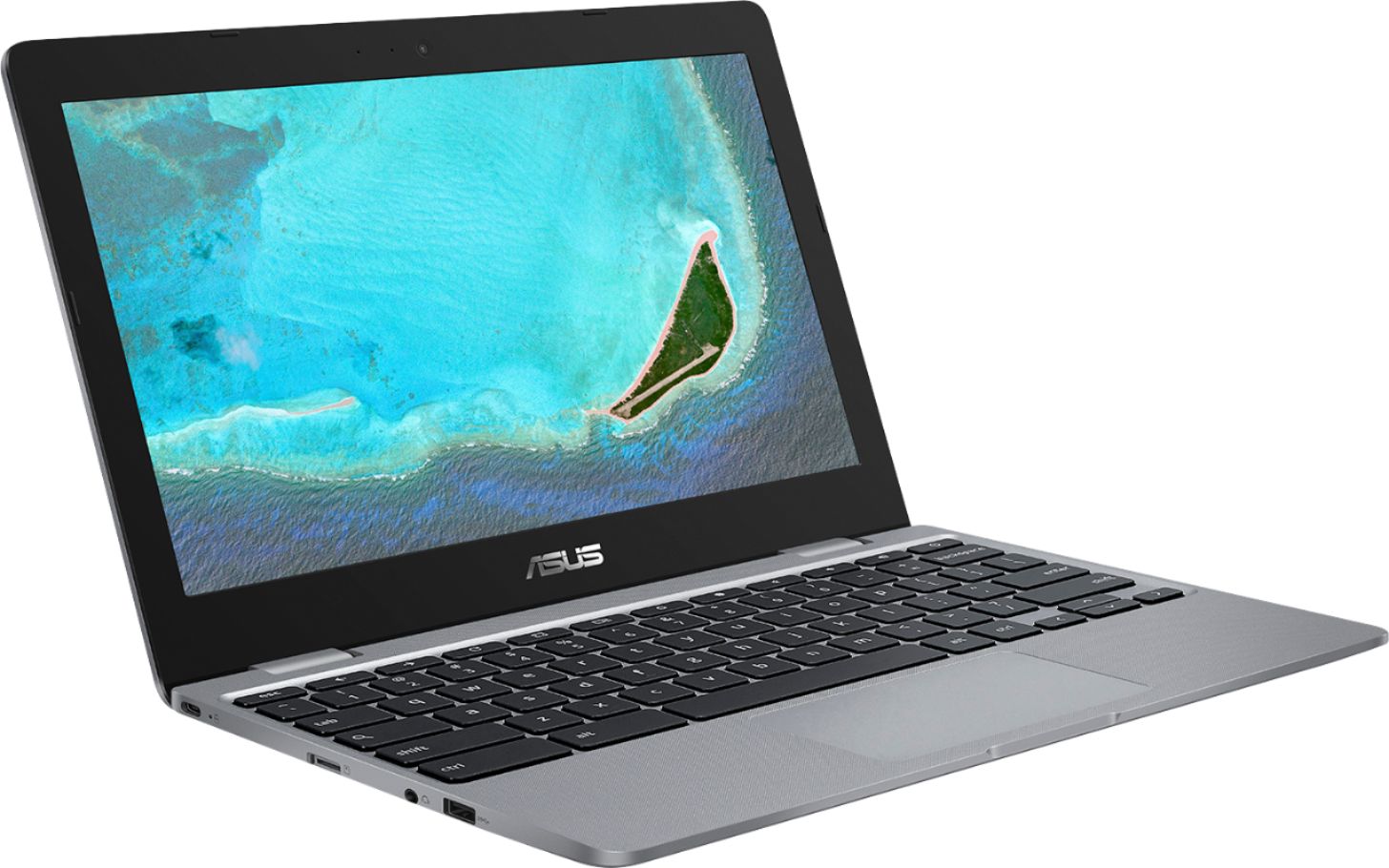
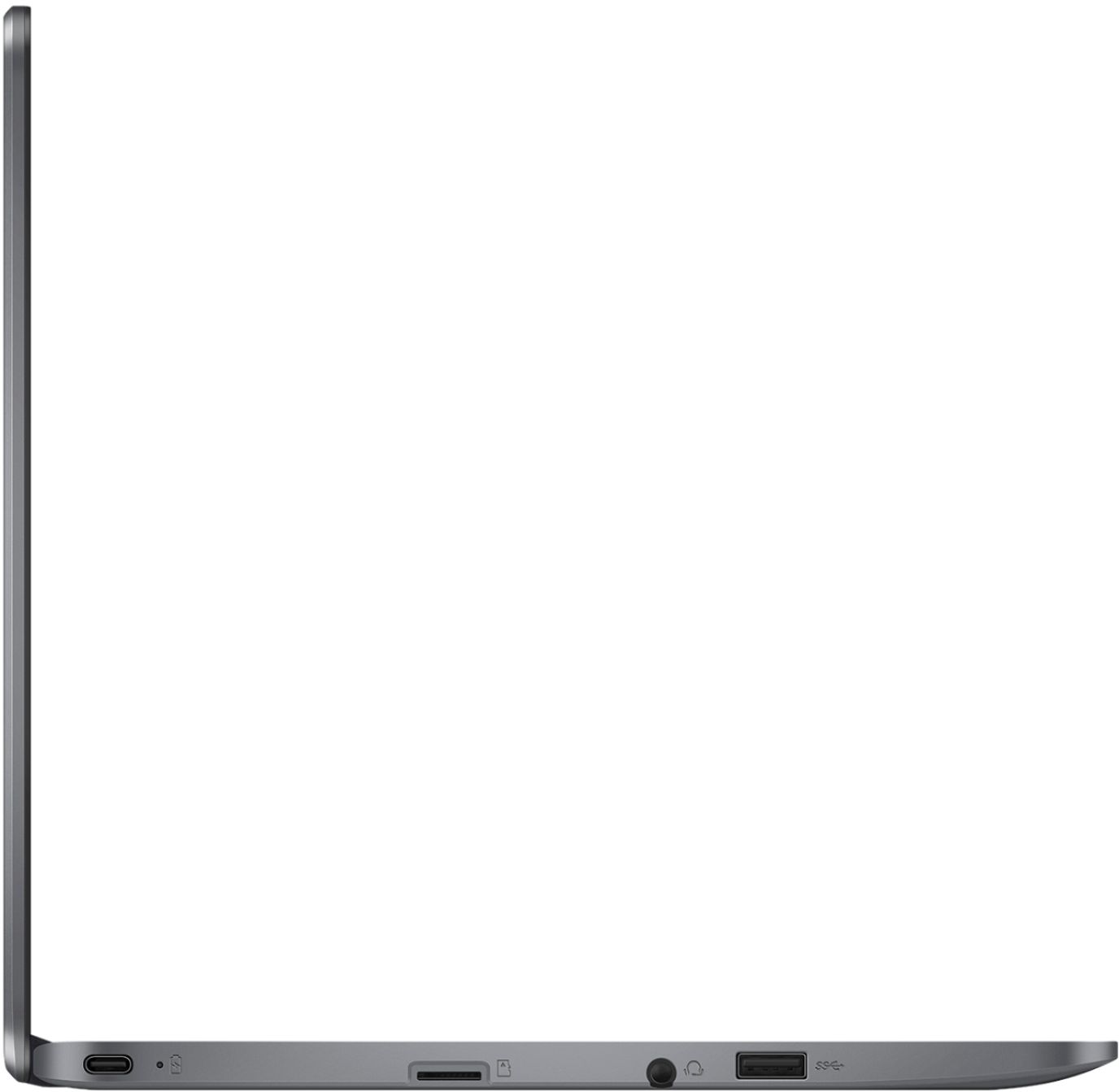
A:AnswerThe unit does have a camera and microphone and you will be able to use it for Zoom. It does have an audio port. As for reliability, their support is terrible.
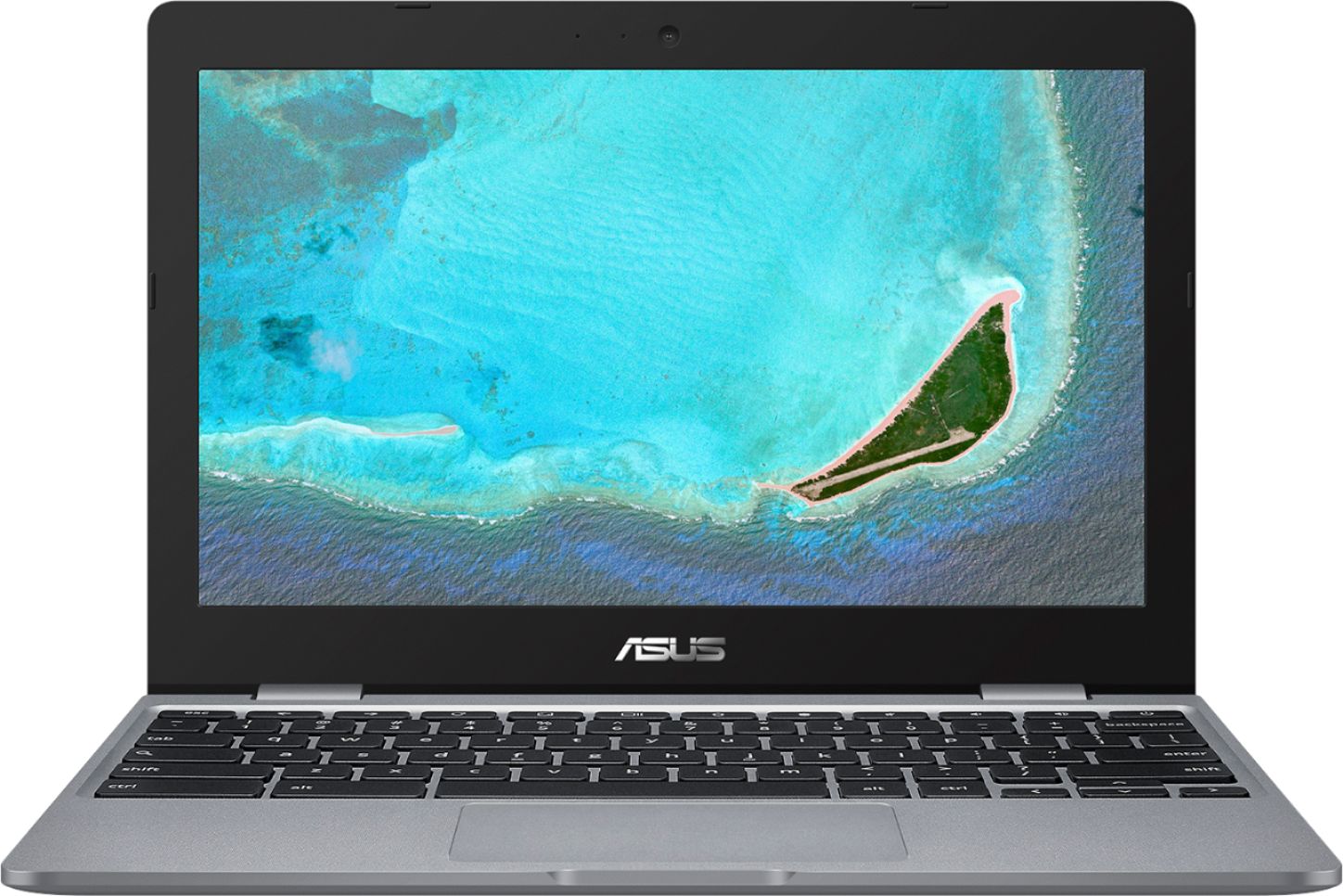
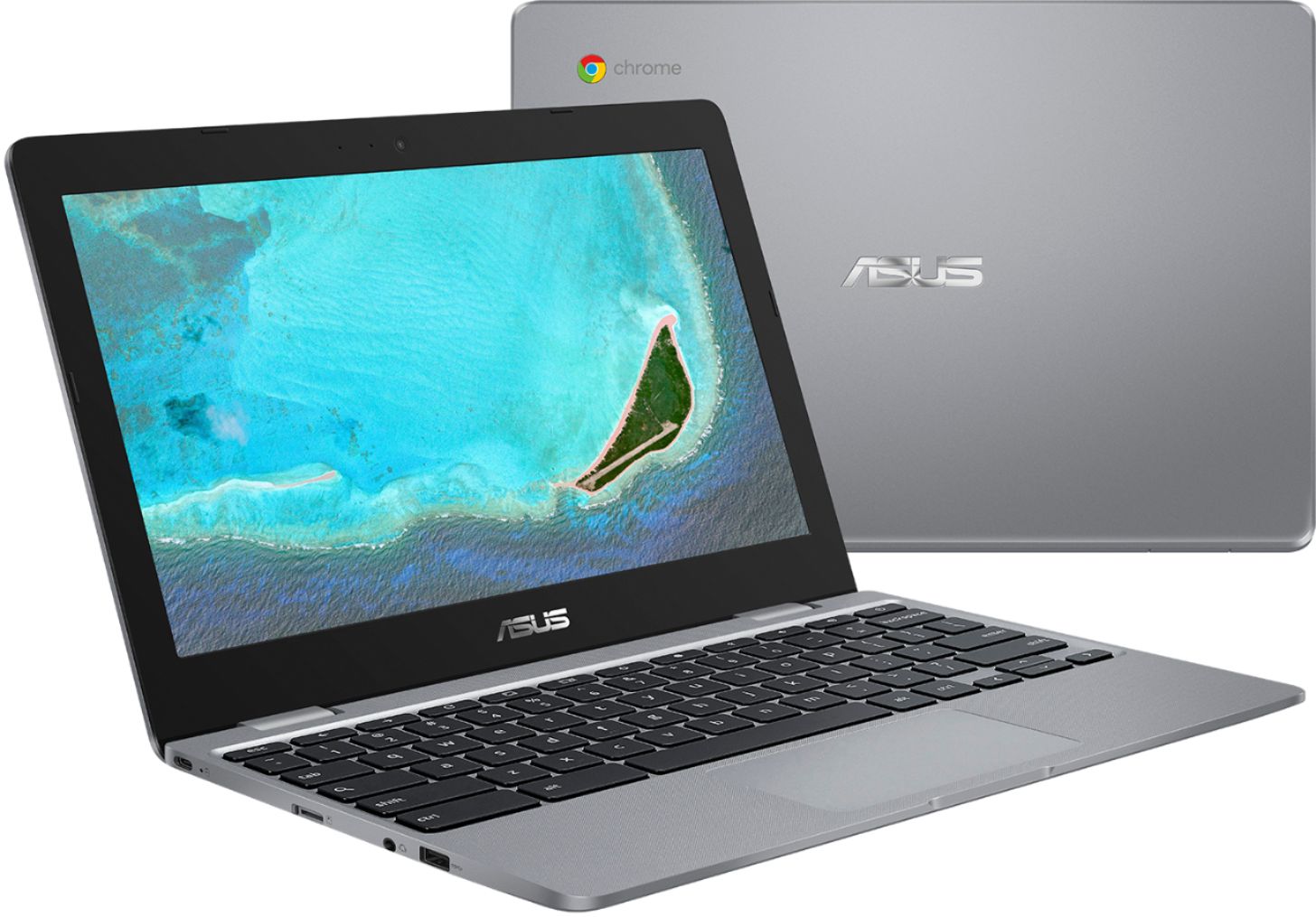
A:AnswerThe Chromebook is a decent laptop that is perfect for running basic and light computing applications, like word-processing, video calls and more, without compromising system stability and performance. It is not a performance laptop.
A:AnswerCan you? Well.. technically, yes.. but realistically, no.
Have I? Yes. Was it worth it?.. no.
Emmc is slow... 16 gig emmc.. although it would work for a minimal windows install. There is no space left over.
This is an internet appliance. It is designed to be a web browser and nothing more. You have to be really good at computers to 'hack' one of these units to install windows. They are designed for being a Chromebook. And they do it well. If you want a windows 10 PC.. buy a unit built for it.
A:AnswerThe camera is ok for videoconferencing, as is the mike. There is no HDMI slot but you can buy a chromecast unit for your tv and cast nything on your screen to the tv that way. HTH