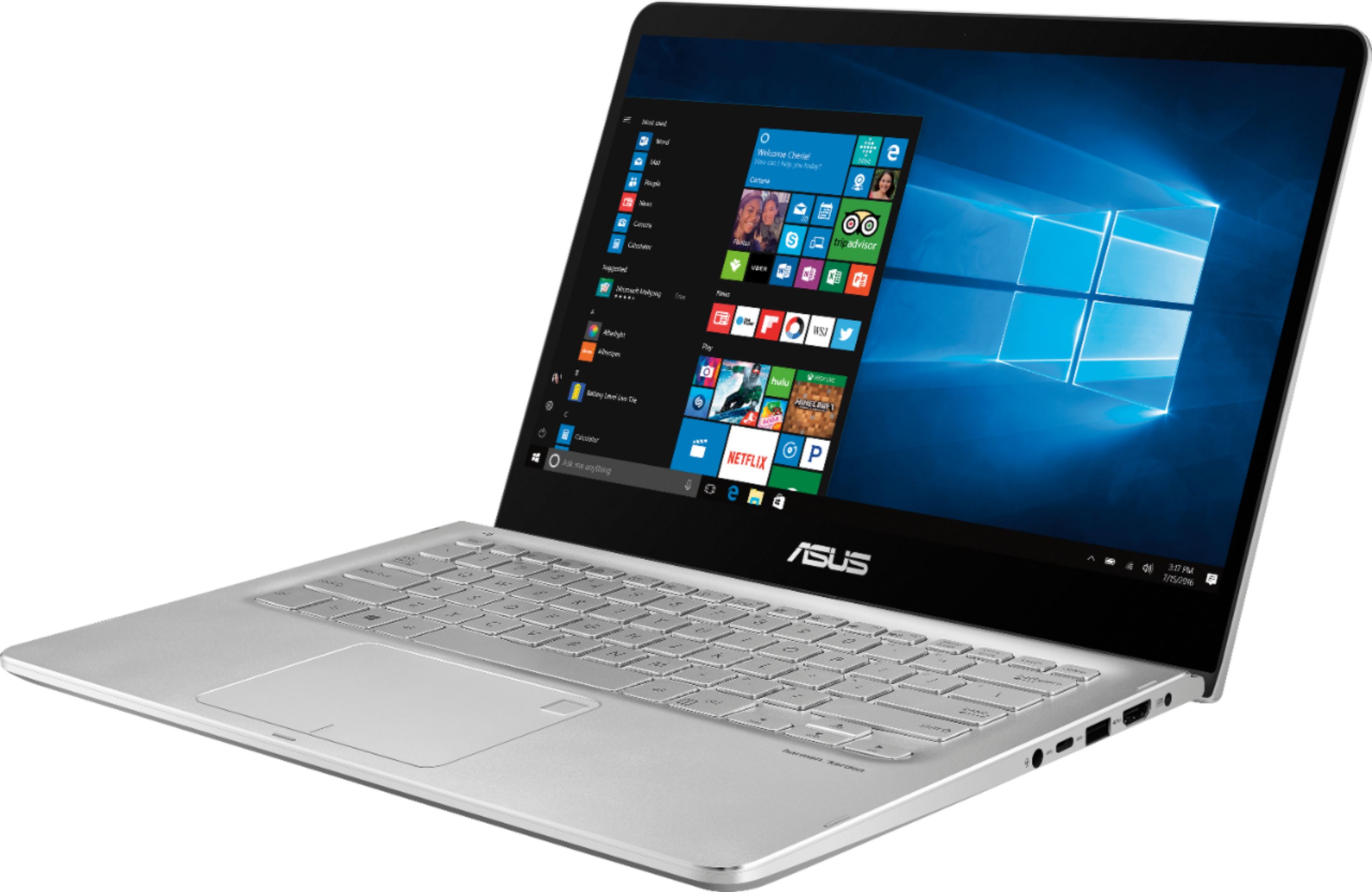
A:AnswerIt does make a noise while in use, so far I haven’t had it running hot, but in fairness I dont use it for gaming...so I can only address the noise question. For the price I like it.
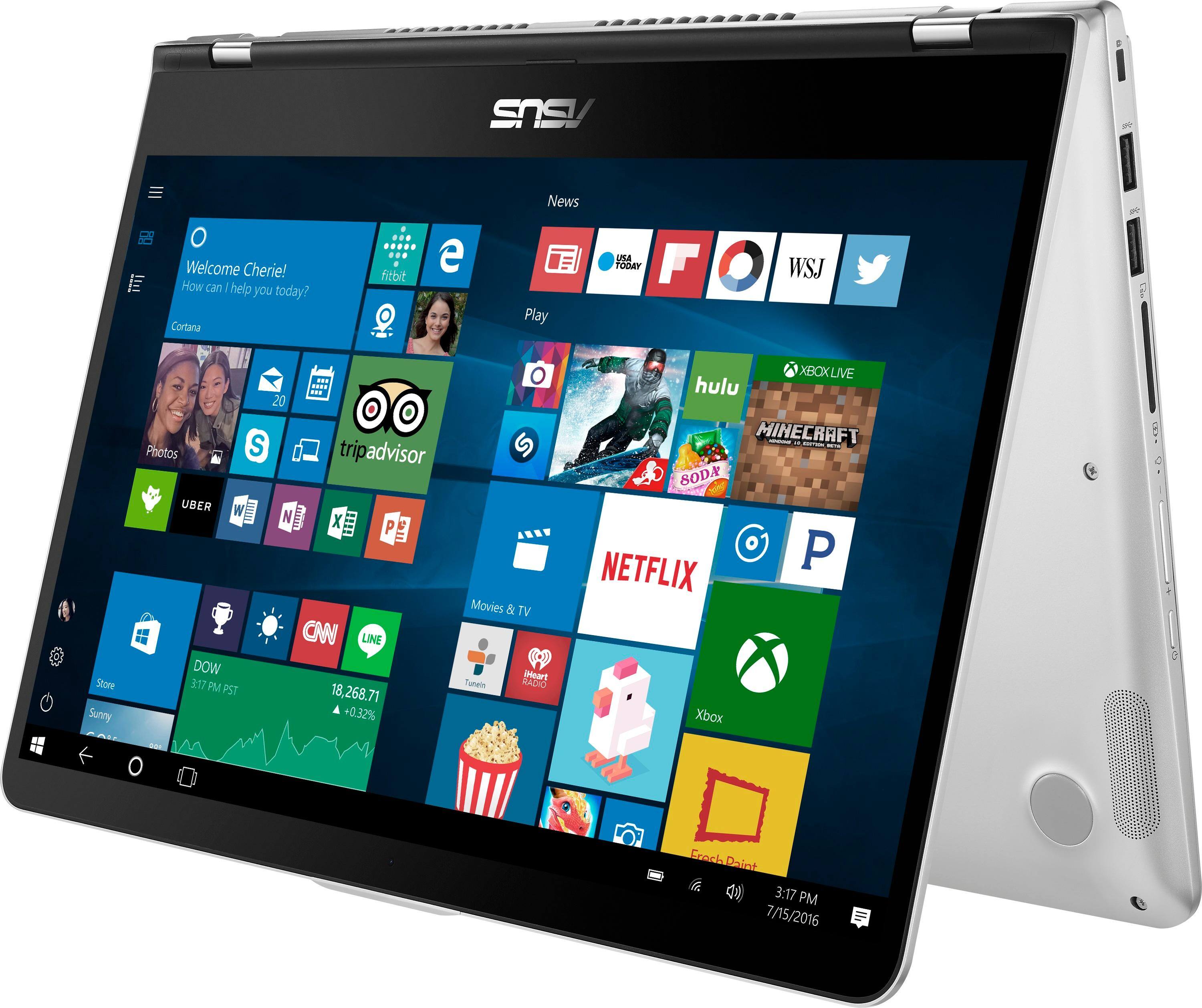
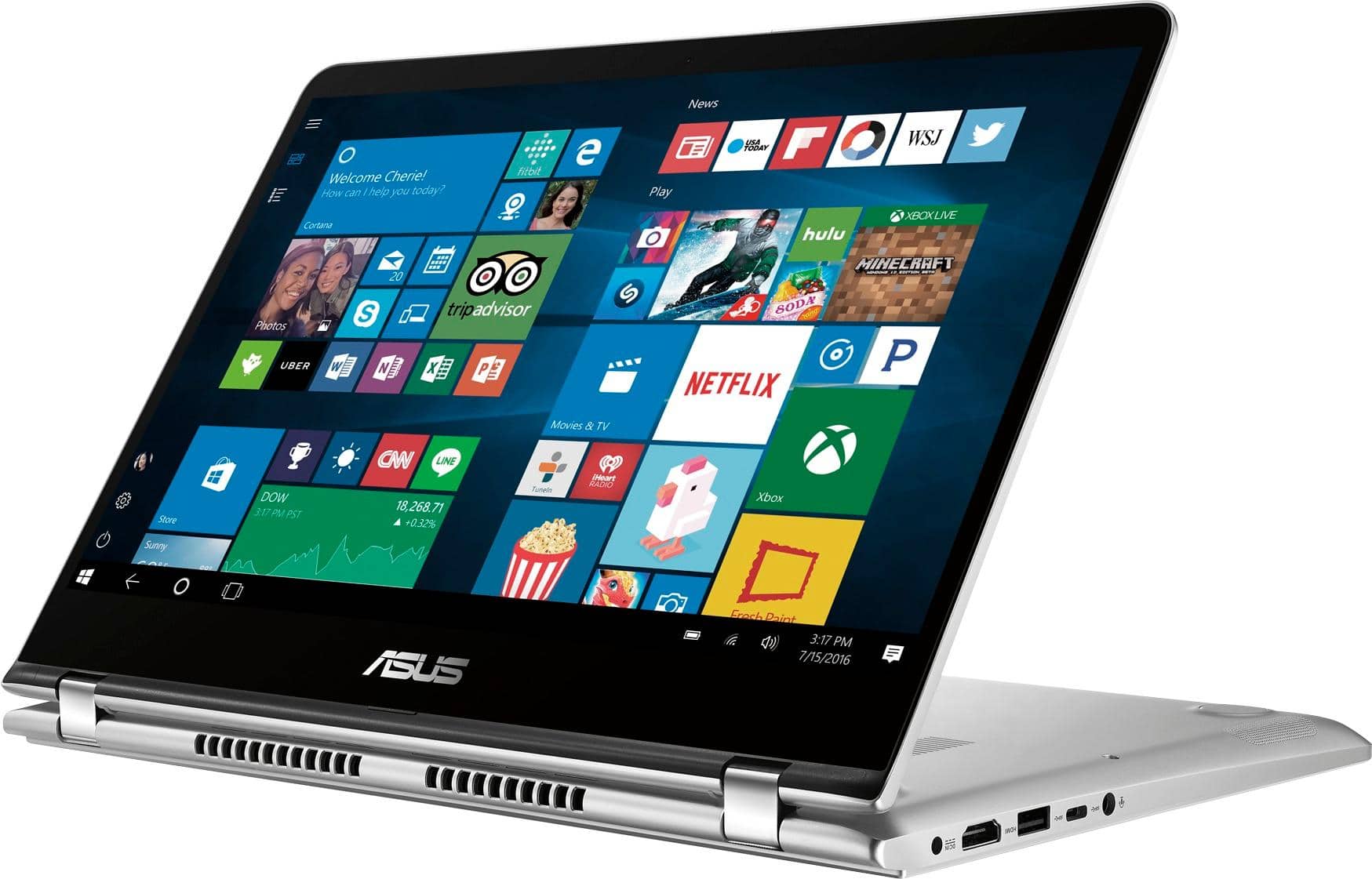
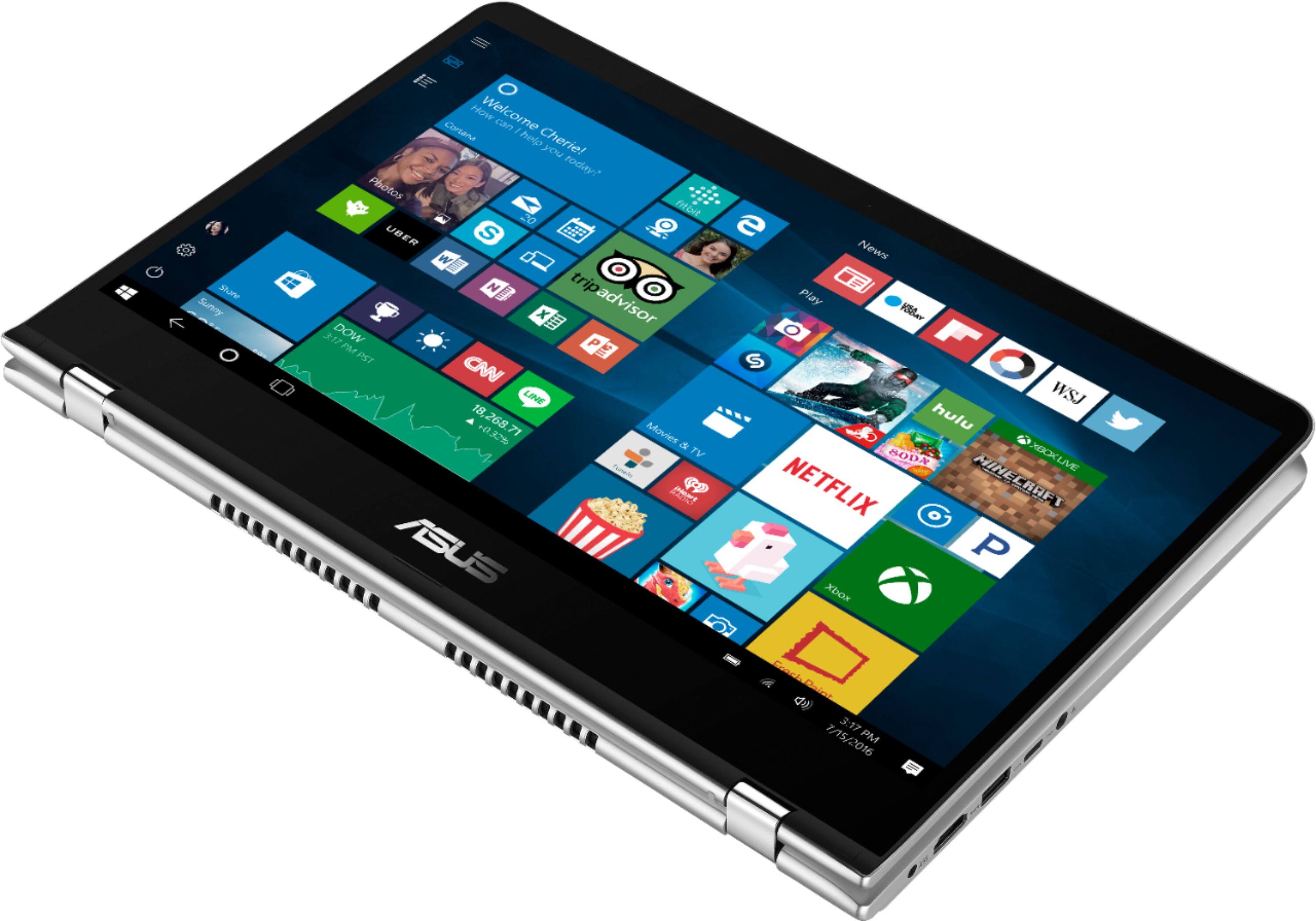
A:AnswerI dont run fortnite, but I do run a lot of other games and can say it runs those really nicely so we can assume fortnite will work fine on it. I recomend folding it into a teepee and attaching a controller, its really nice to play that way:-)
A:AnswerThere is a SATA 6 connection that supports SATA 3. The tray appears to accommodate 2.5" SATA drives up to 9mm. The drives I installed this week were both 7mm and fit just fine.
A:AnswerI opened the top face plate to look inside. The ribbon cables can be disconnected by flip the small tab to release. However, 2 or 3 of the ribbons are glued down partially and I am comfortable to peel them off.
If you have a small/short screw driver, I think you can remove 3 HDD case screws without undo the ribbon cables.
A:AnswerThe cord that ships with it is as follows:
Input:
100-240V 50-60hz 1.2A
Output:
19v at 2.37A Center pin positive.
The model number of the actual power supply is: ADP-45BW Y
Hope this helps!
A:AnswerYes u can. It took me awhile to find one but on ebay u can. U want to search 14 in. Asus laptop screen protector. The touch screen works awesome with it,also has anti fingerprint.
A:AnswerI replaced the 2.5" hard drive with a Crucial MX500 500GB SSD. Didn't need a bracket but installation was a pain as you have to disconnect several flex cables.
A:AnswerMy husband just hooked his up to a 4K monitor. The hardest part is finding 4K content. Very Happy with the out come.
Not sure about the resolution of the webcam