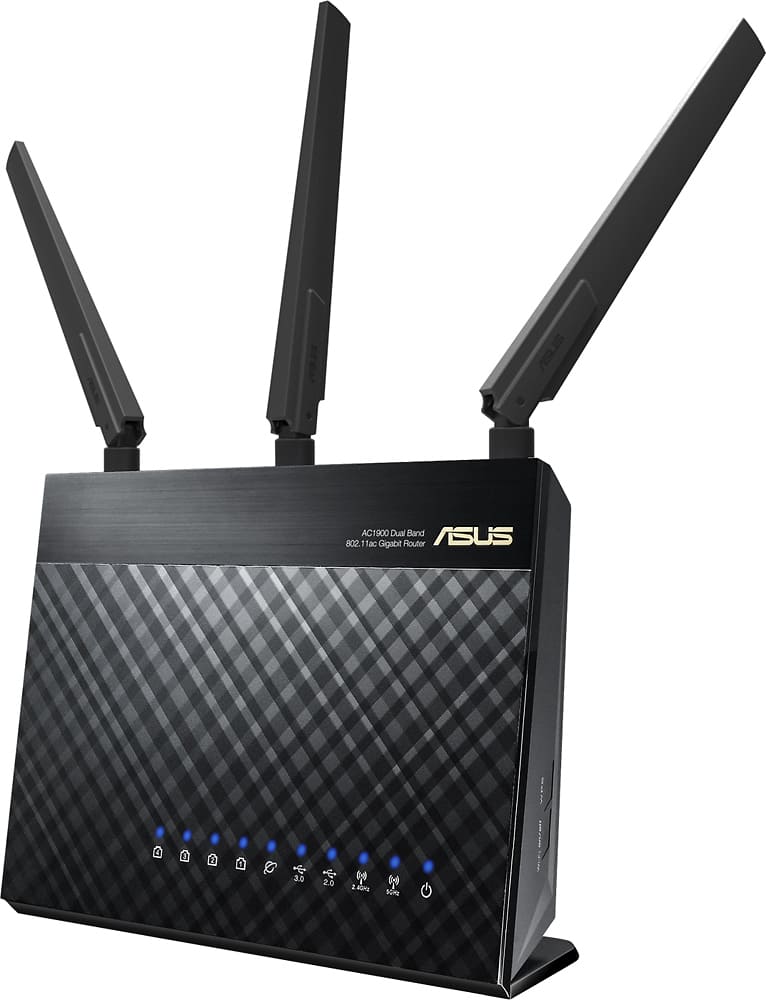
A:AnswerThe router is not the issue. Nest cams require a large upload bandwidth (1 mbs). I have 2 nest cams, try lowering the video quality of your camra.
It is more likely that your internet upload is not fast enough for stable use of all your devices
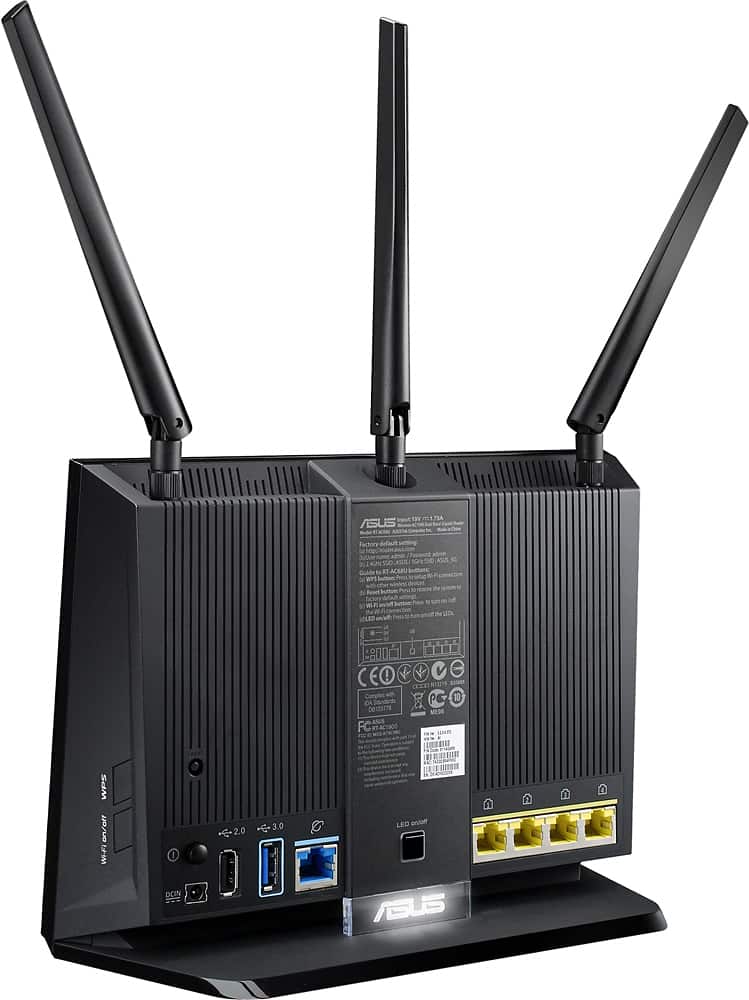
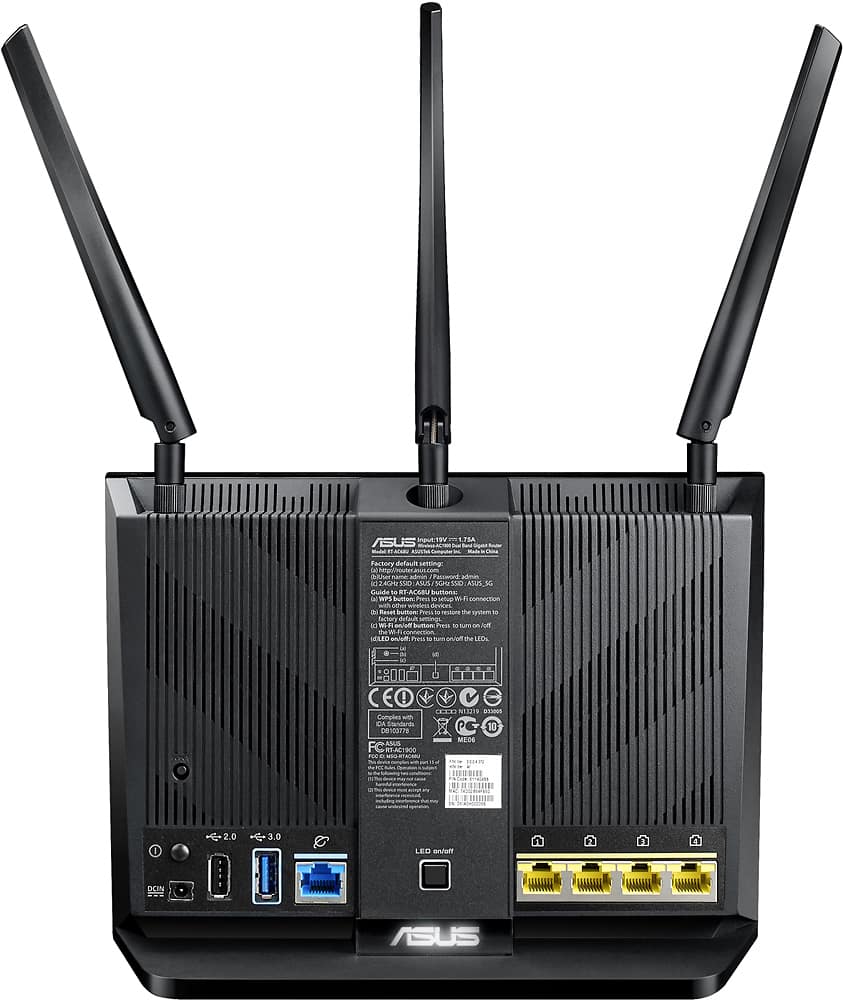
A:AnswerYes, you should be able to plug in into one of the ethernet ports no problem! You'll want to use it in access point mode, most likely, and plug into the Asus LAN ports (yellow) not the WLAN (not the blue one)
A:AnswerIt will connect to more than you home should have! 25 seems to be good for us. I would say that you could get to 50 without any trouble, but remember you splitting whatever available speed your internet service provider gives you. And when you do that, some devices (like apple tv) require a certain amount of reserved connection speed to even work at all. The good news is you can dedicate certain amounts of QoS bandwidth to specific devices should the need arise.
A:AnswerYes, it can plug into a charter modem. You don't need to have a PC connected at all. you can even configure it from your mobile device via browser or the Asus app.
A:AnswerTheir should be a manual that will help you set this router up. You must use the IP address given and change the password for all your wireless router like Admin, 5G etc. You can also go to their website for further info but you must protect your wireless network.
A:AnswerYes it will. I have Fios gig and it works great. Better wifi speeds than Quantum router as well. We have multiple TVs, computers, phones, tablets, etc. All have worked great with this.
A:AnswerThis is just a router. Modems will be the device that have the coax. ISP/Internet connects to modem through coax then from modem to router with ethernet cable. Some routers come with modem built in. This does not.
A:AnswerIt should. Connect the output from a modem port to a port in the router. Choose an IP like 192.168.1.0 for the router, assuming the modem IP is 192.168.0.0
A:AnswerKen, yes you can. I too have Frontier with an Actiontec router. There are several connection possibilities and not sure how you want this to be set up but if you want to use the wi-fi on the ASUS and no longer use the Wi-Fi on the Actiontec, all you need to do is connect an Ethernet cable from any one of the 4 ports from you Actiontec to the BLUE connector on your ASUS router. Then, set up the ASUS in AP MODE. You can use the same SSID and Password for both 2.4G and 5G you have on the Actionec. Then go into the Actiontec and disable the Wi-Fi. Now, all of your Wi-Fi devices are connected to the ASUS and since it is cable-connected to the Actiontec, you'll have Internet access.
A:AnswerHas 4 ethernet ports, I plug in my PS3, security system, solar panel, so I have one left for what ever I need, like a desktop. At the same time also has wi-fi for all wireless gadgets, like laptop, ipad, ipod, roku, 6 celphones.