A:AnswerIt needs to have some kind of connection to the internet if you wish to access the internet. It does not need that connection if you are only networking the devices connected to it
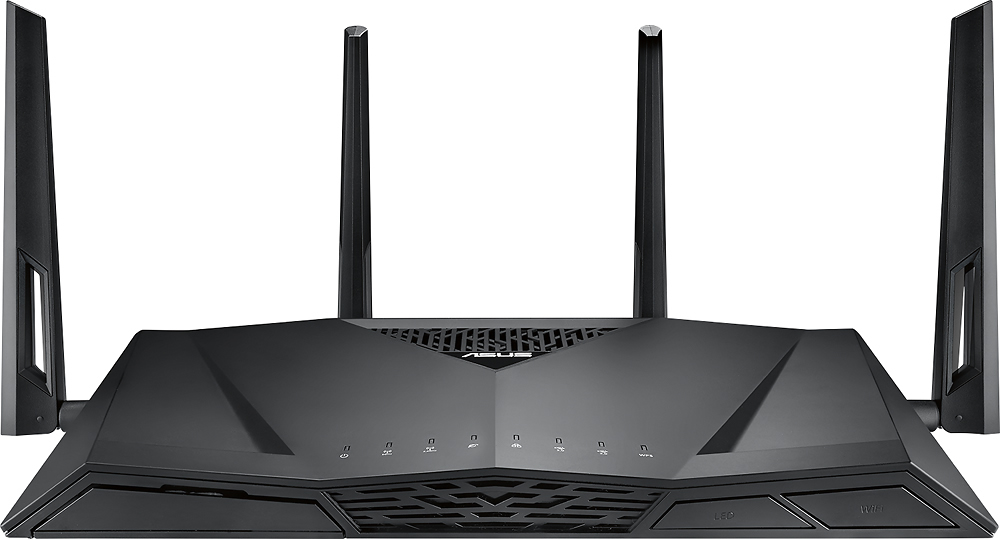
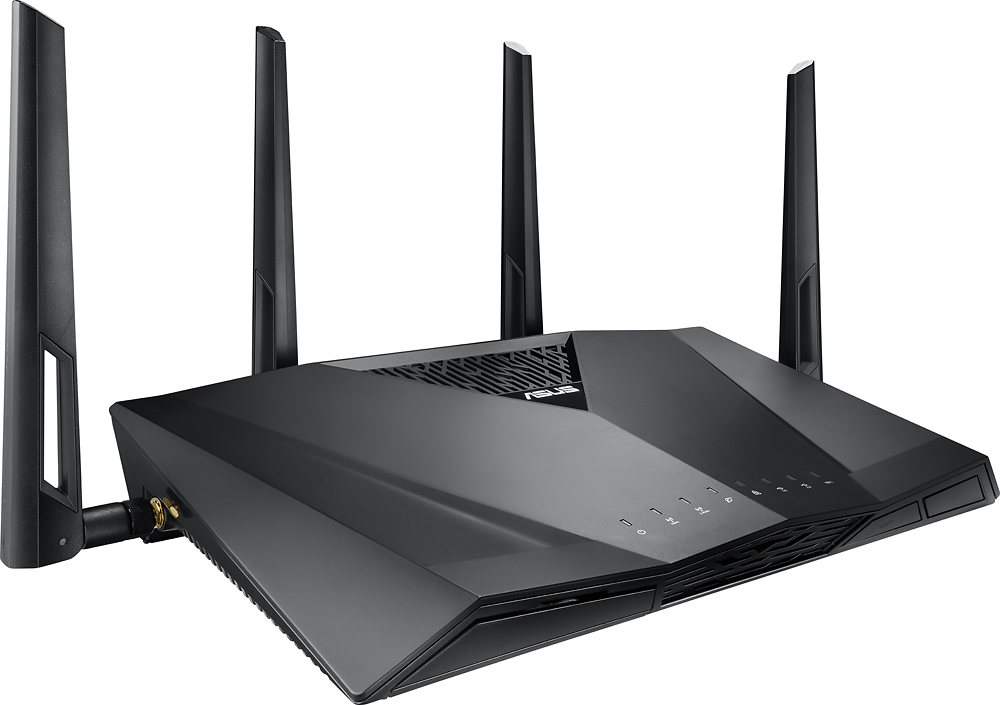
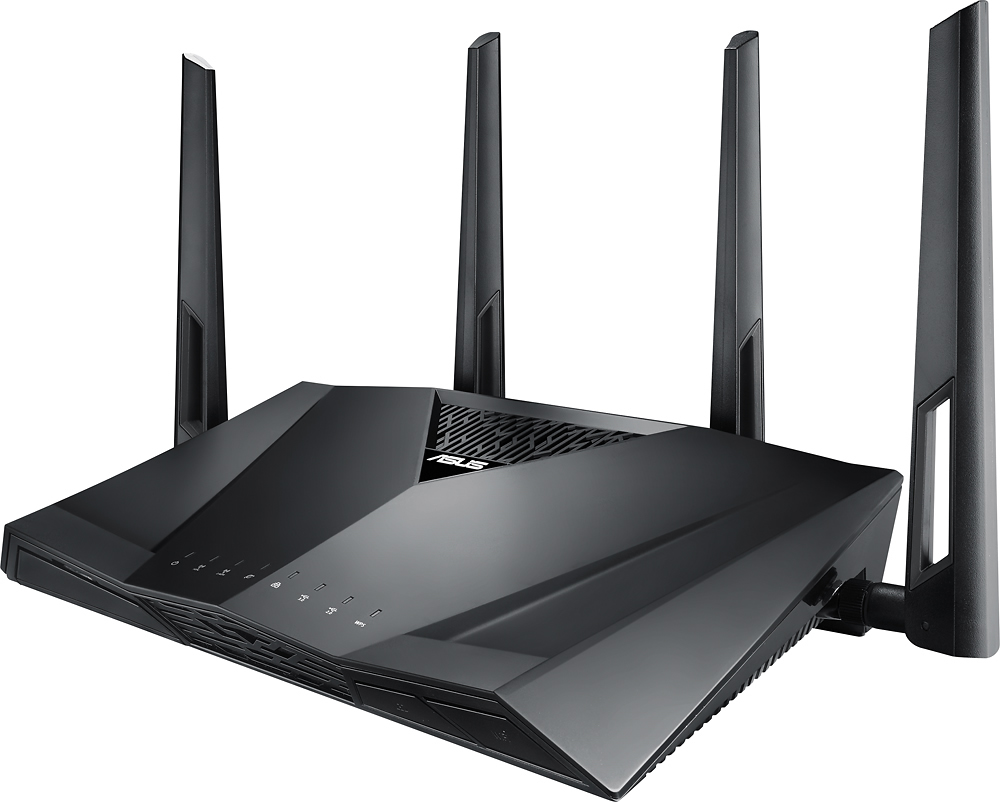
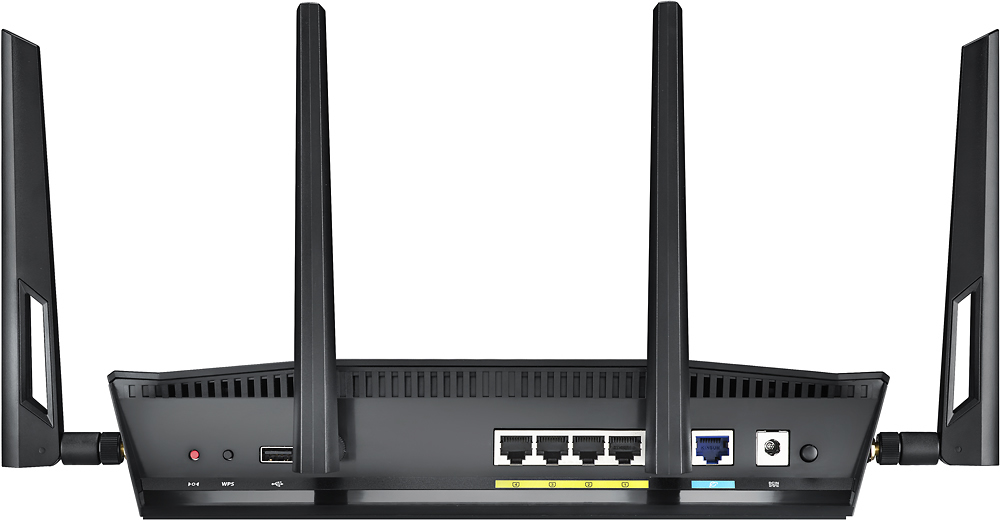
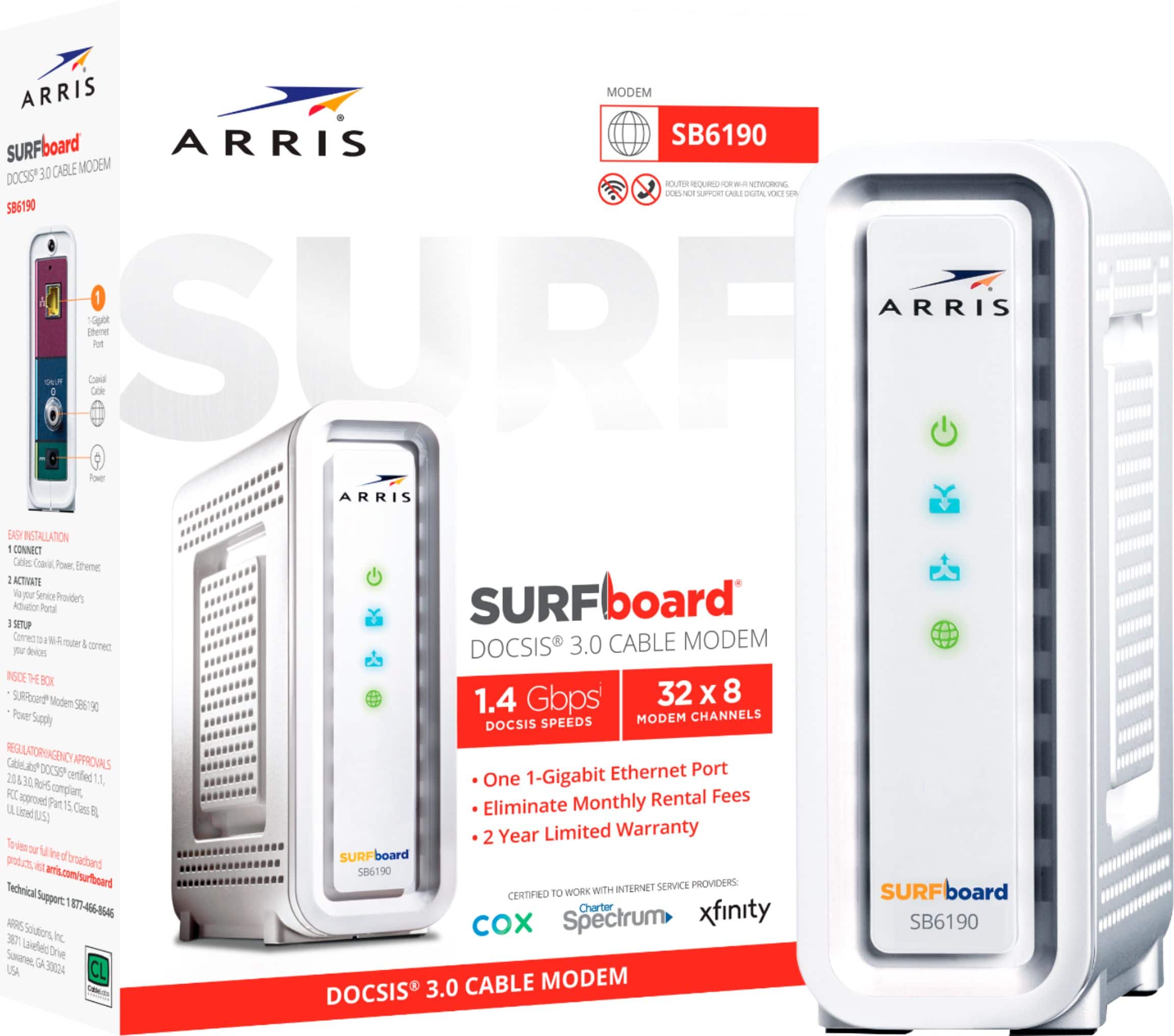
A:AnswerYour xfinity router is actually two devices in one: a router AND a modem. If you want to replace the xfinity device then you have two paths available to you. You can either look for a another two-in-one device or you can buy a router and a modem separately and then just connect them. I did the latter, using this ASUS router and a Surfboard modem. It works wonders, and much better than xfinity's device.
A:AnswerLet FIOS replace the existing router, far less grief and pretty decent equipment. There is a password log in that comes with the new router. No they don't use a modem and the cable used is fiber optic not coaxial. This unit would be a nice extender for that system if you are still having range problems.
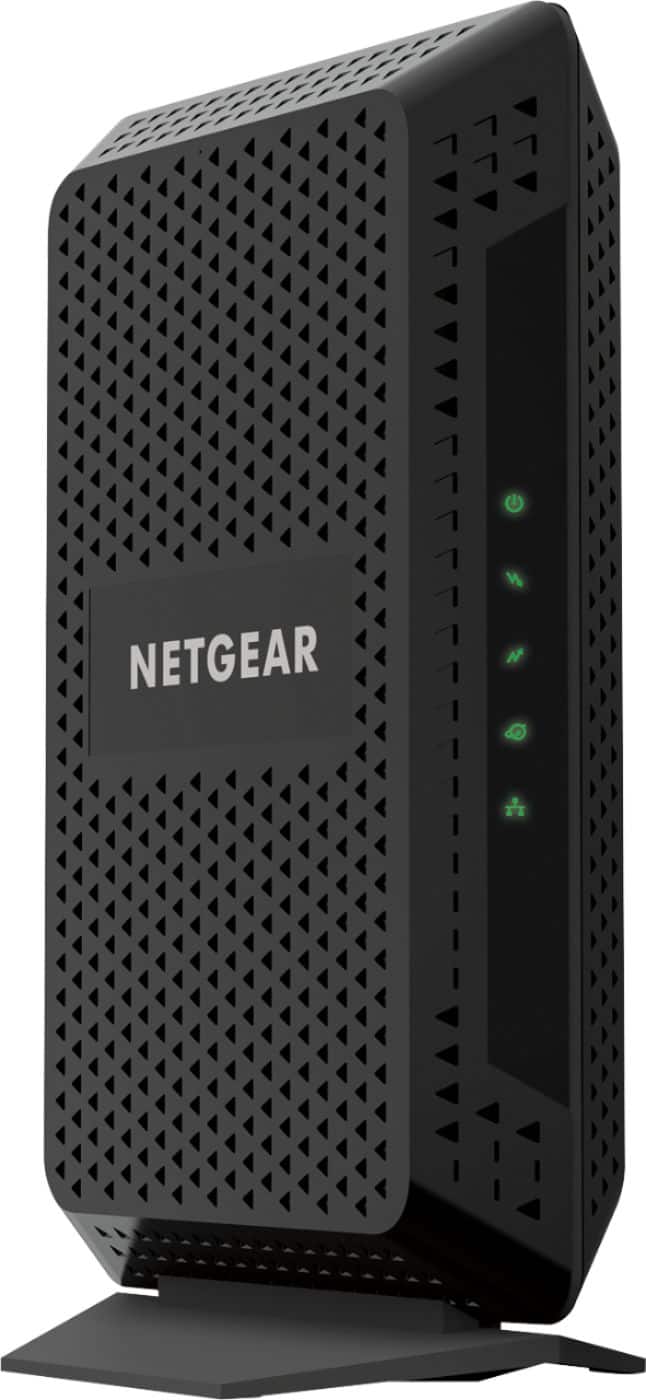
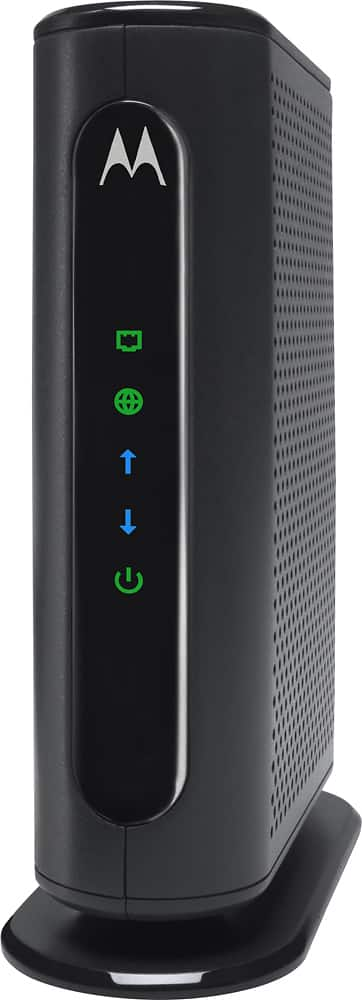
A:AnswerThis will not replace your Cable Modem . . . which you need to receive service. Look on your cable provider's website for compatible modems for your service.
A:AnswerYou can probably get it to work but it'll probably take a lot of effort. The asus routers have their own mesh wifi software which is different from the orbi. I wouldn't recommend it. I don't think it'd be worth the hassle
A:Answerit does. and since you don't have to make any changes to settings to view it, it actually works. If you have to make changes to the settings, though, know that a bug in the firmware will prevent you from saving those changes.