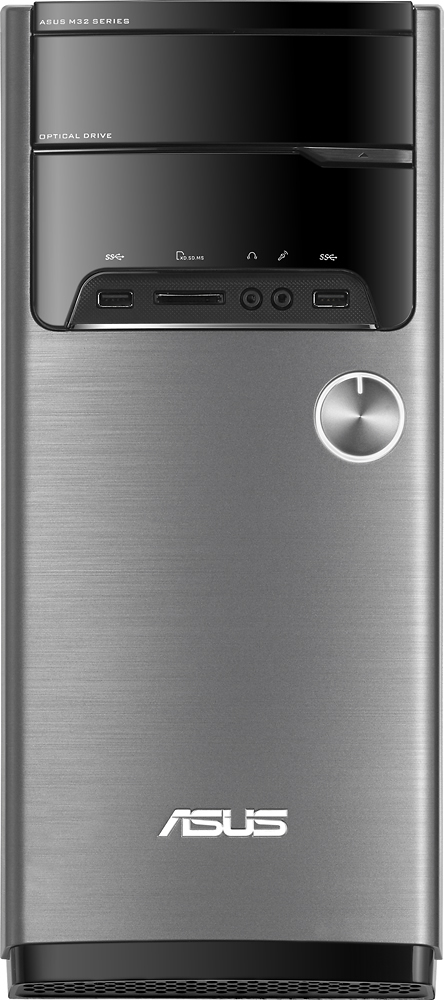
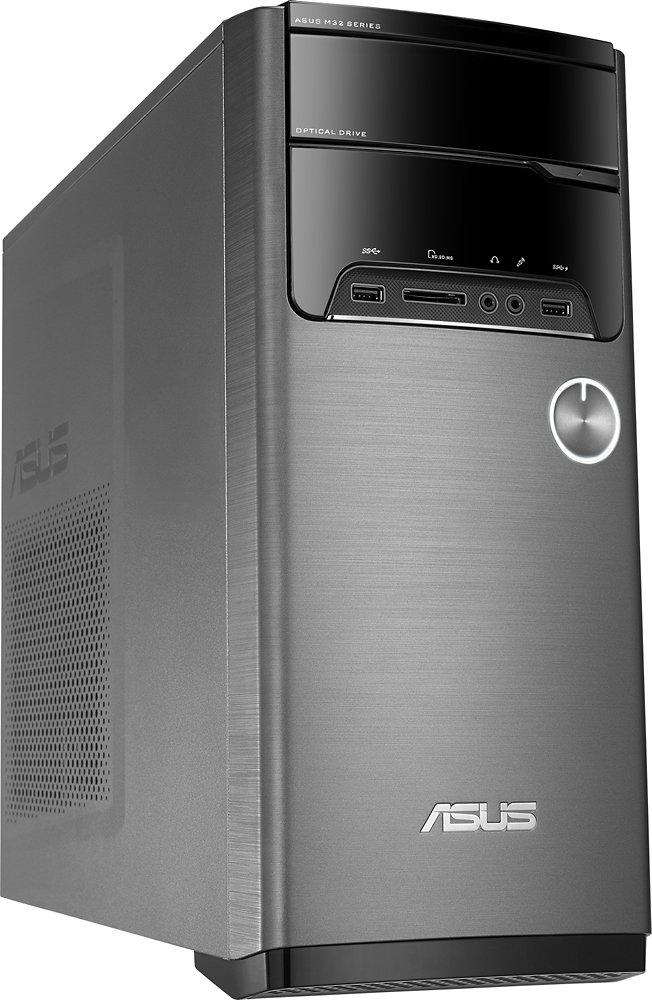
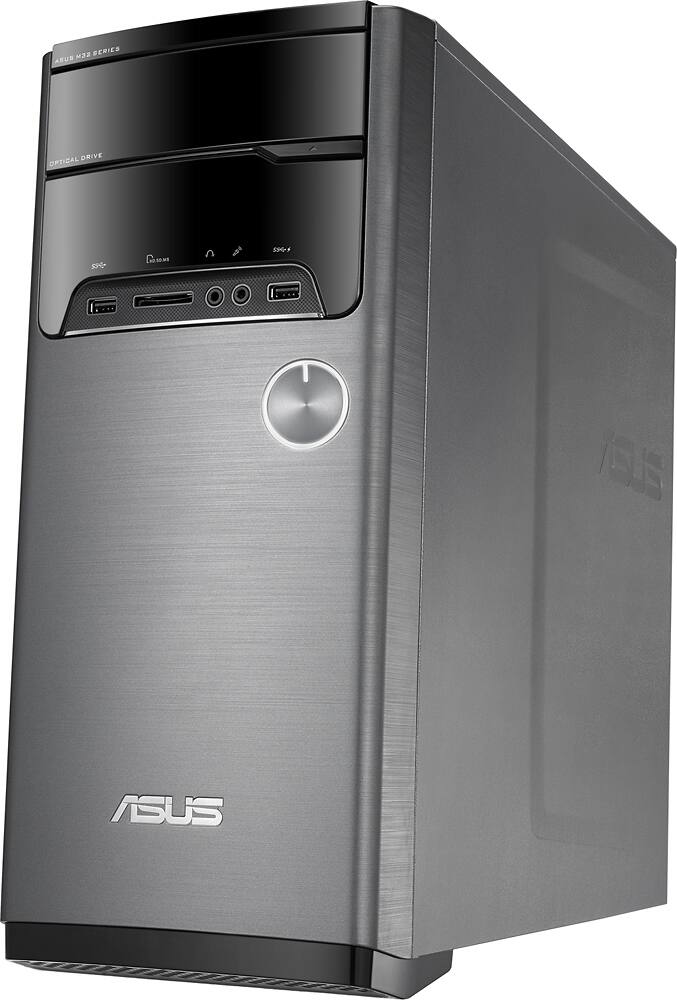
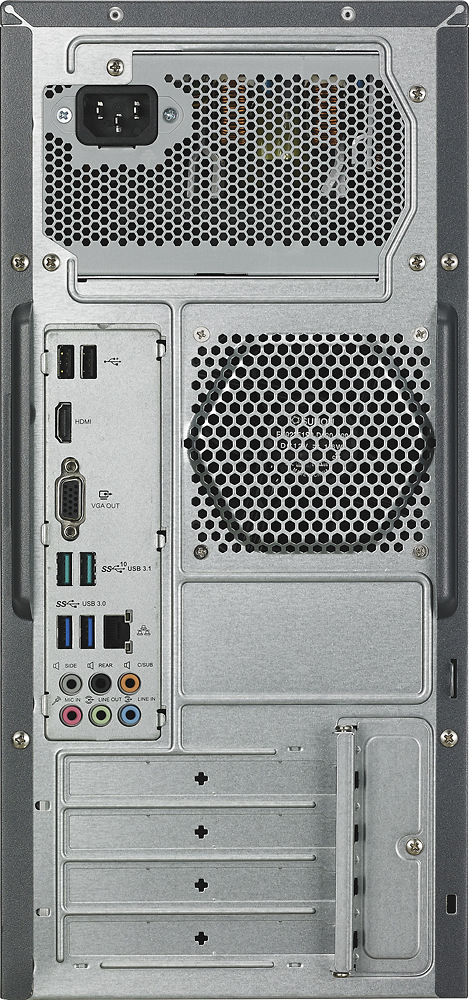
A:AnswerIt has the ability to support 2 displays. This model has a VGA and a HDMI and you can use both. Go online and read the manual for verification. http://dlcdnet.asus.com/pub/ASUS/Desktop/M32CD/E10433_M32CD_UM_Win10_DVD.pdf?_ga=1.54621608.2057039405.1460307483
A:AnswerThe OS is installed on the primary 1TB partition; the 8GB of SSD storage is used for caching data that is frequently accessed for faster loading times, so it's not something that you can save data to directly.
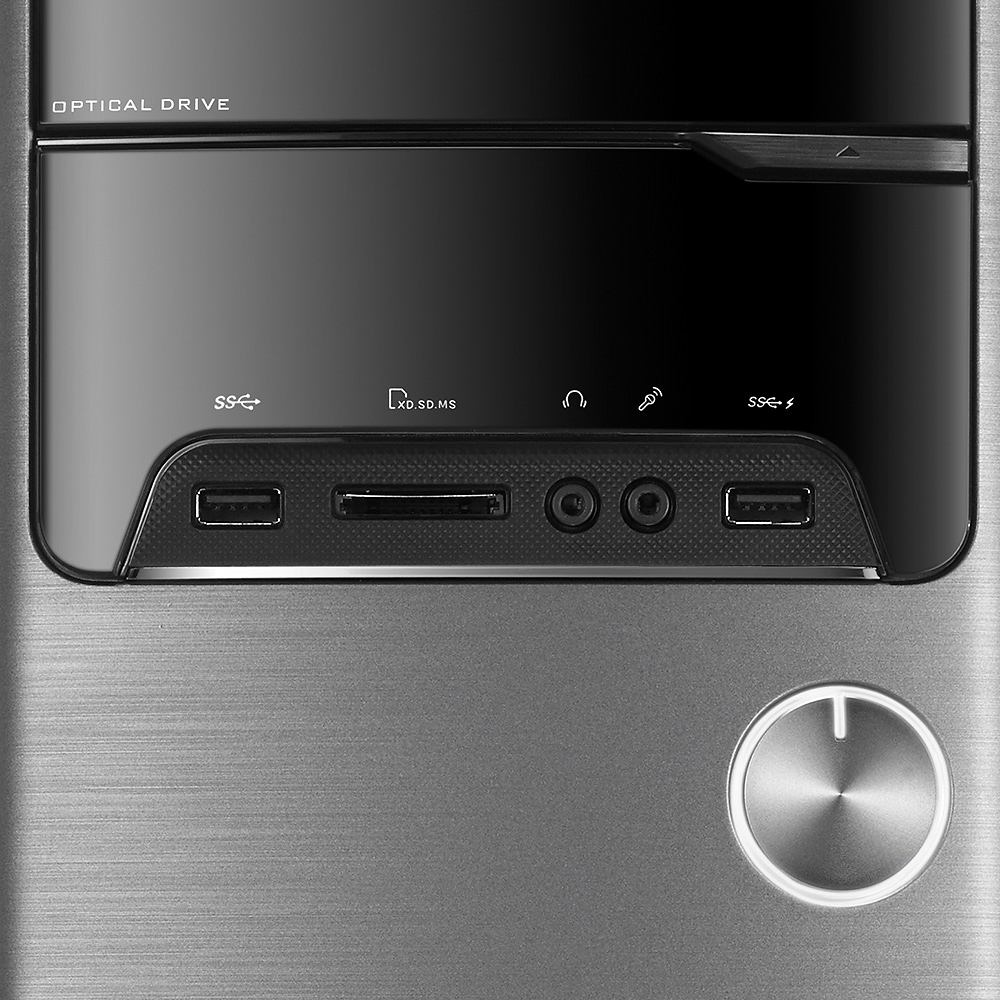
A:AnswerIt does have a dvd rw drive which can read cd's and dvd's. The tower has a VGA and HDMI port for monitors. As long as the printer has a USB cable and the software, it will work.
A:AnswerI had this issue with my computer. You cannot mix the OEM RAM with the new PNY RAM. Either use one OR the other and you should experience no problem. I put PNY Anarchy in every slot and it works fine...
A:AnswerThere is no discreet ("separate") card; the CPU includes the Intel HD 530 APU for handling video output. The single PCI-E 16x slot on the motherboard can be used to add a GPU, but in most situations you would then need to upgrade the power supply as well.
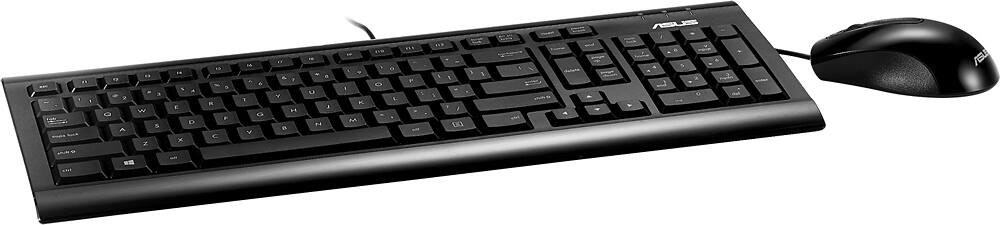
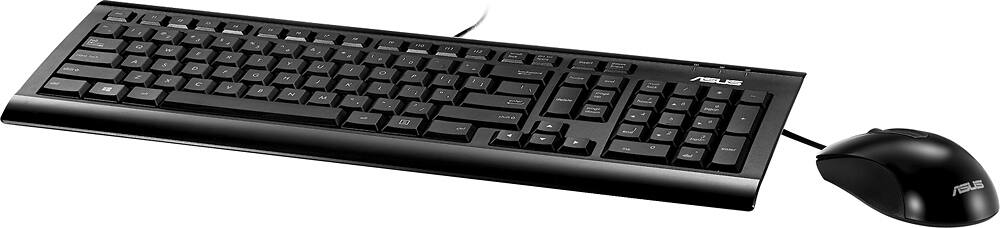
A:AnswerYes it does. And they are OK. It actually is is nice keyboard with the new style chicklett keys like Apple keyboards. The mouse is optical with scroll wheel and tapered body. Decent!
A:AnswerThe RAM is 12GB, 1x8GB and 1x4GB DIMMs.
The hybrid drive contains an 8GB "partition" of sorts to "boot faster" or something along those lines. I found it useless. Just purchase an SSD like I did to run the OS on and use the 1TB drive as extra storage.