














Black Friday is hereShop new DoorbustersShop now

Skip to content
Gift Ideas
26 Cypress St
Williston, VT 05495
Open until 9 pm
Find Another Store
Main Content

Questions & Answers

Your price for this item is $2,899.99
Page Showing 1-20 of 37 questions
  • QuestionHow much RAM does the ProArt P16 laptop have?

    • Answer The ProArt P16 laptop comes with 64GB of RAM.
    This question and answer was generated by AI based on customer and product data.
  • QuestionDoes this laptop include a touch screen?

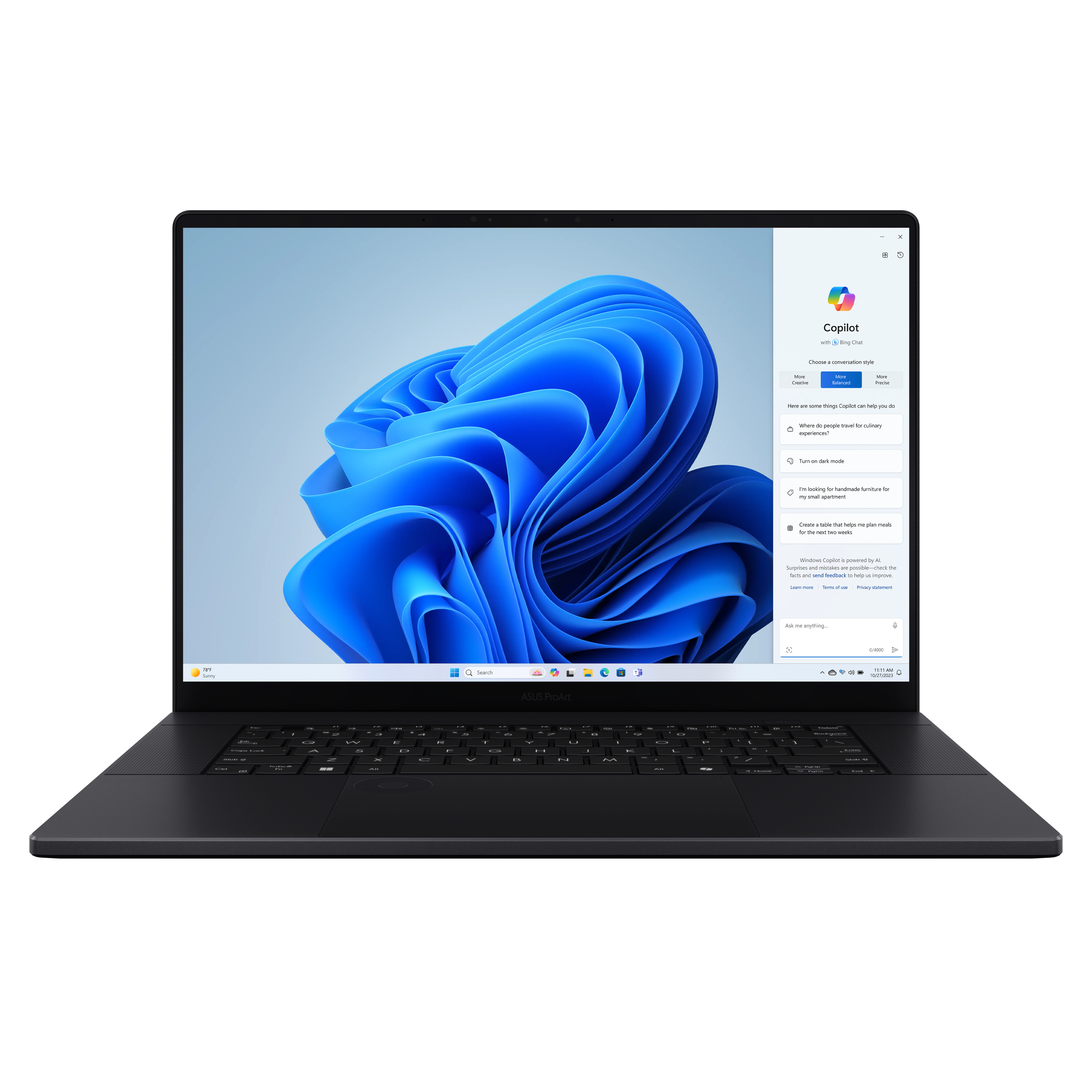
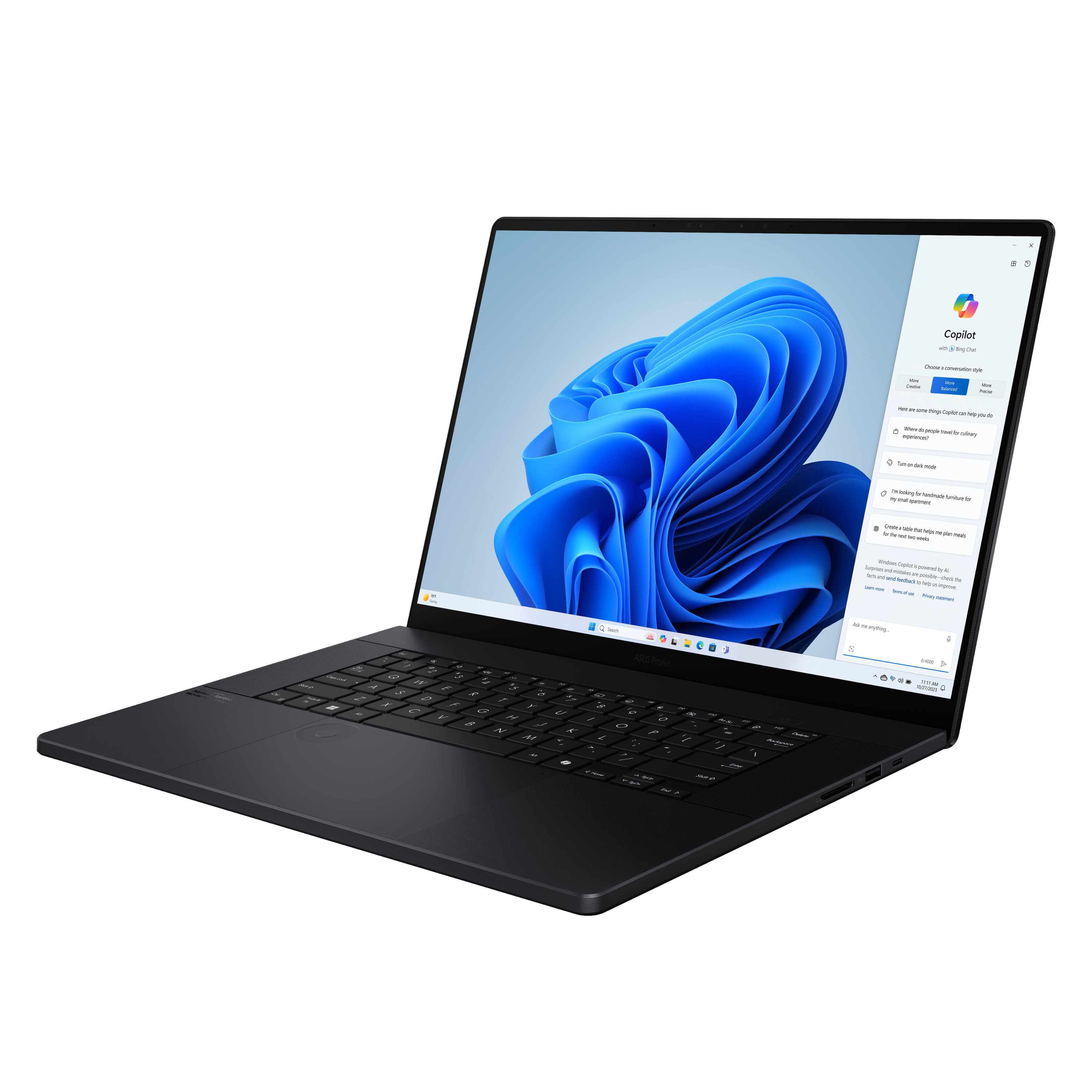
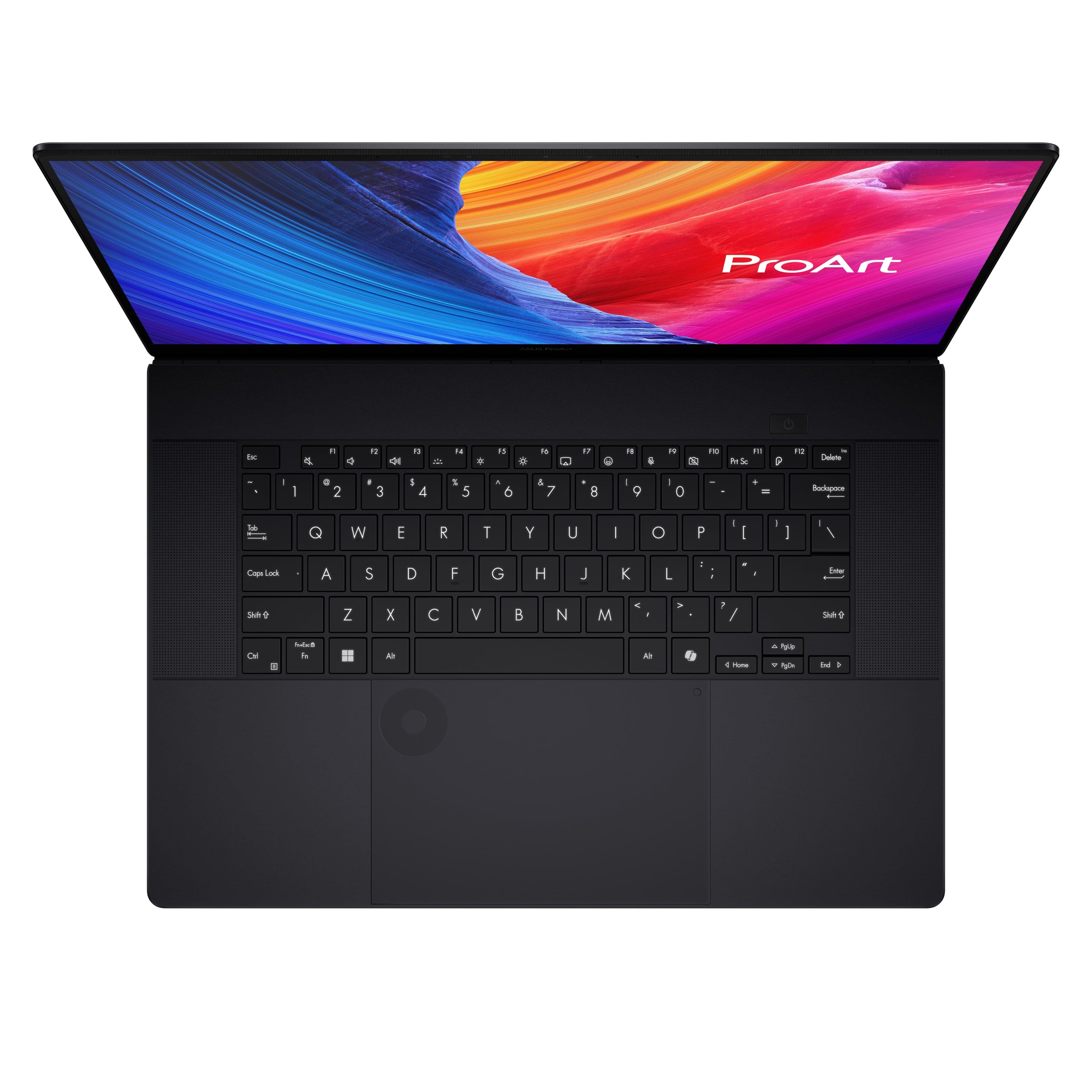
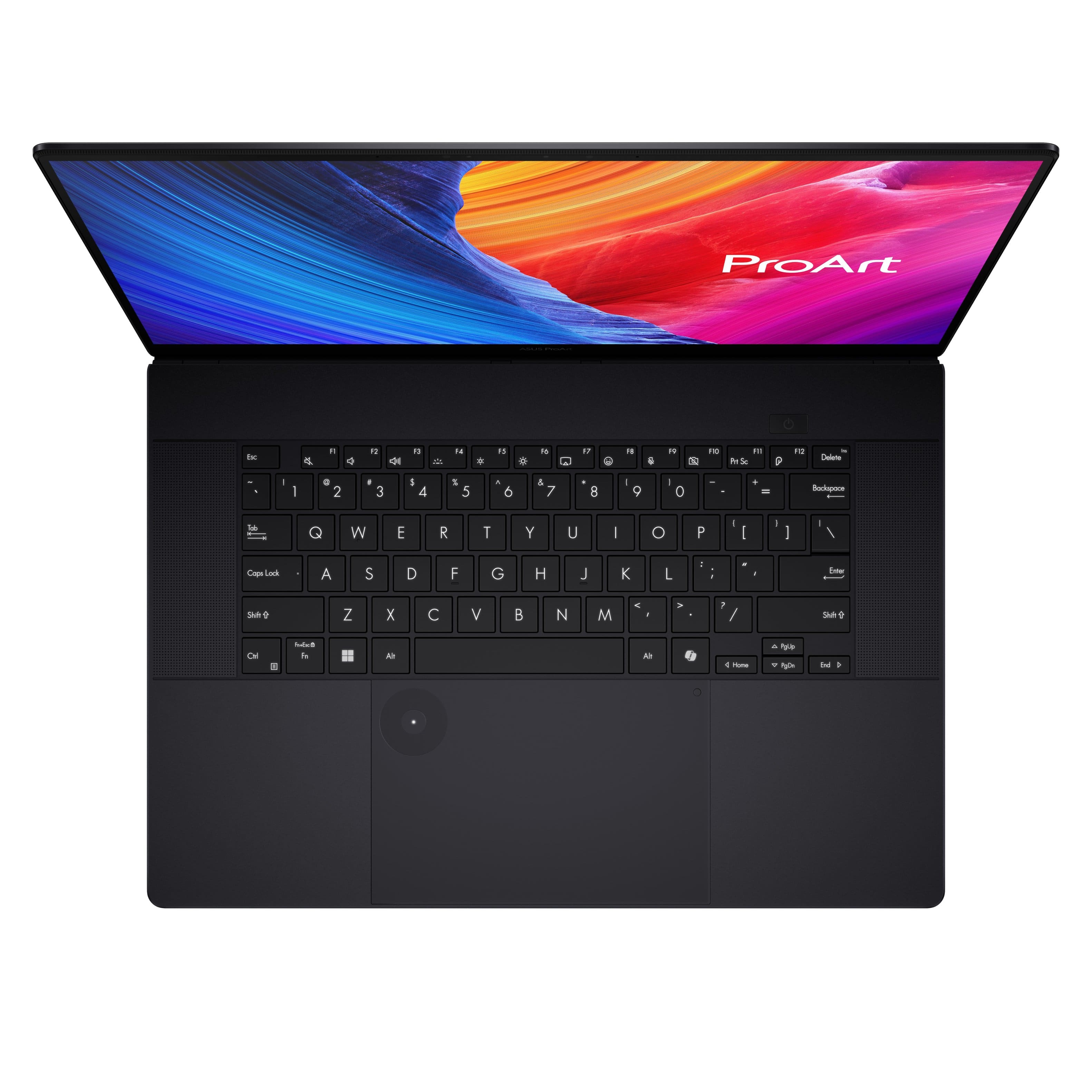
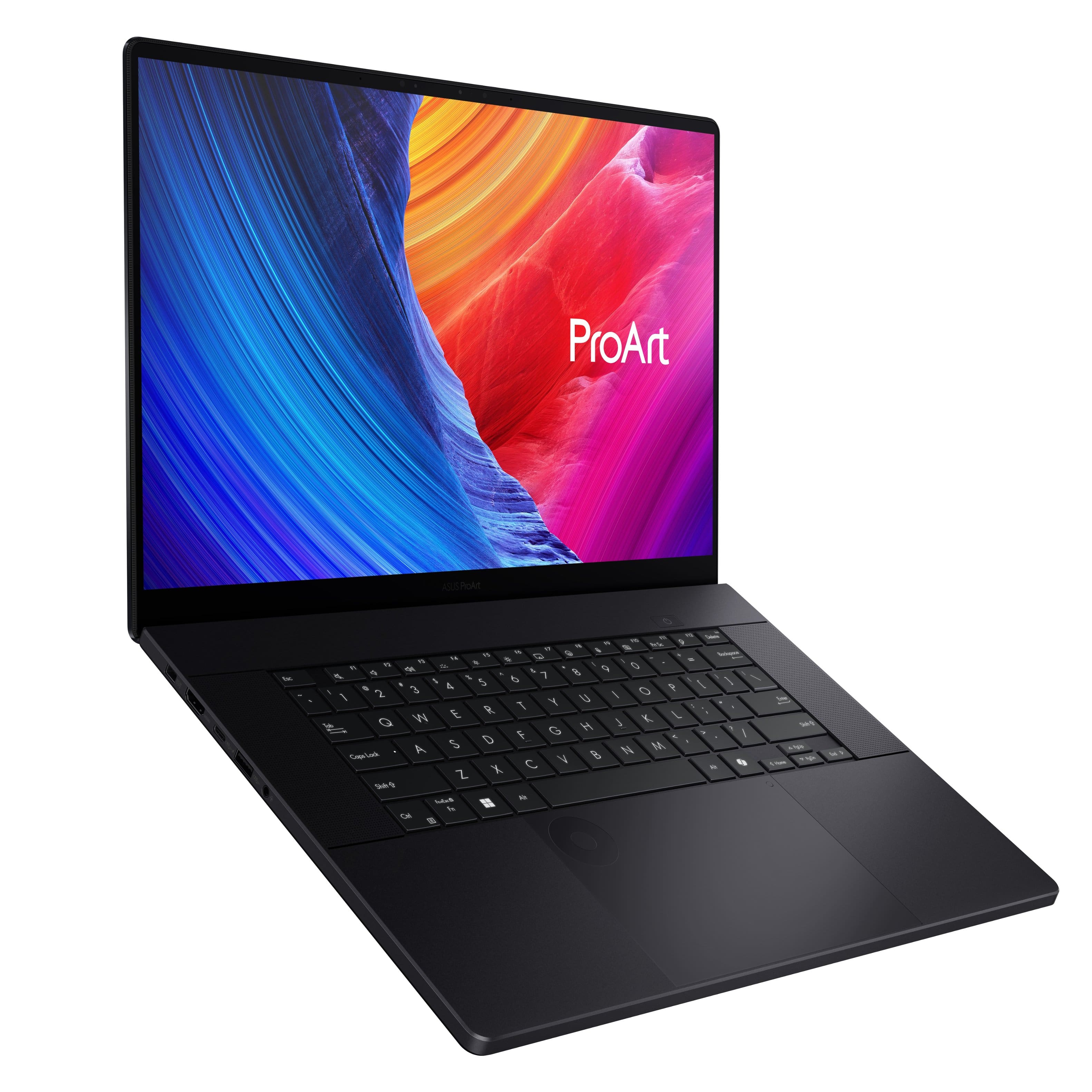
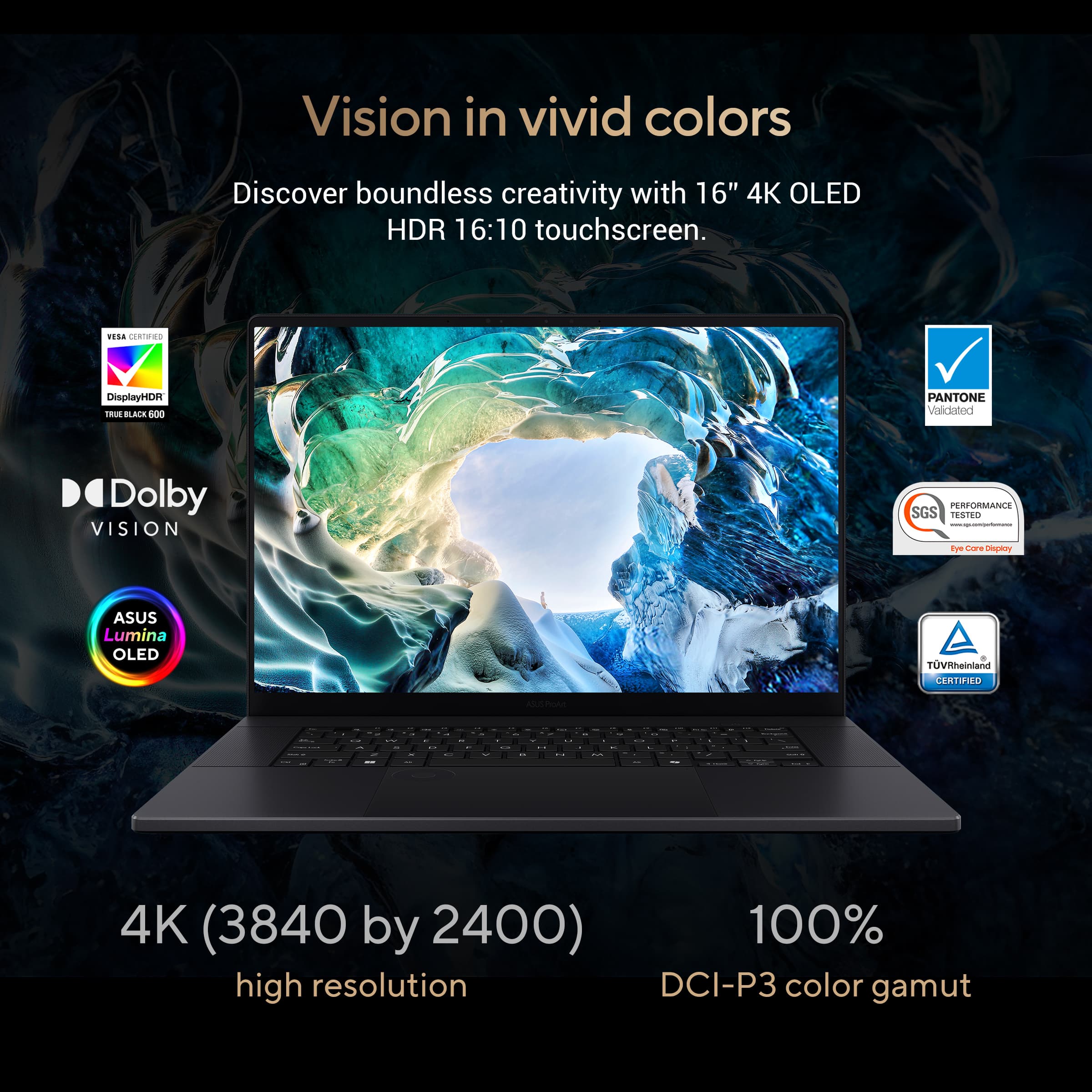
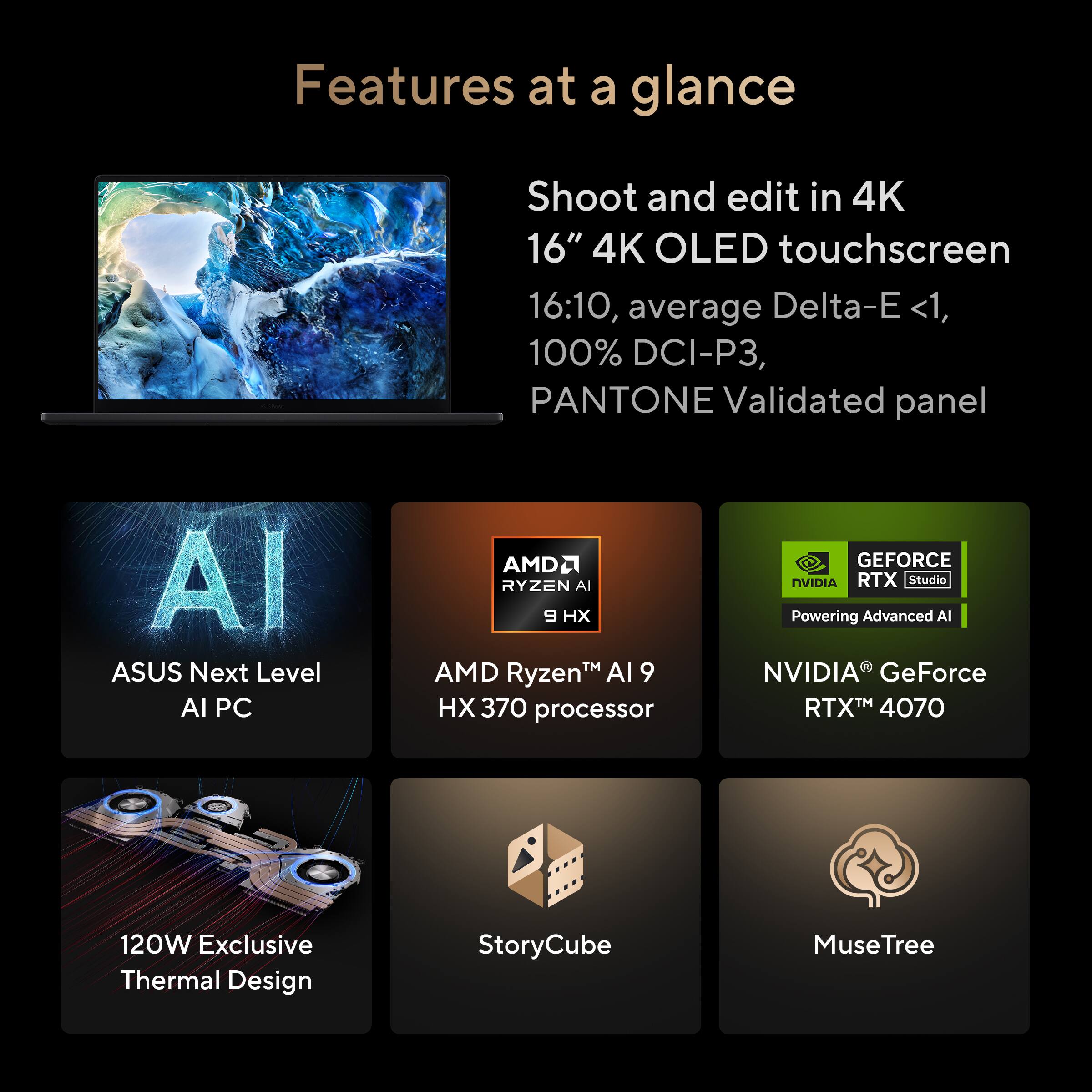
    • Answer Yes, the ProArt P16 features an ASUS Lumina OLED touchscreen.
    This question and answer was generated by AI based on customer and product data.

  • QuestionWhat type of processor does this ASUS laptop have?

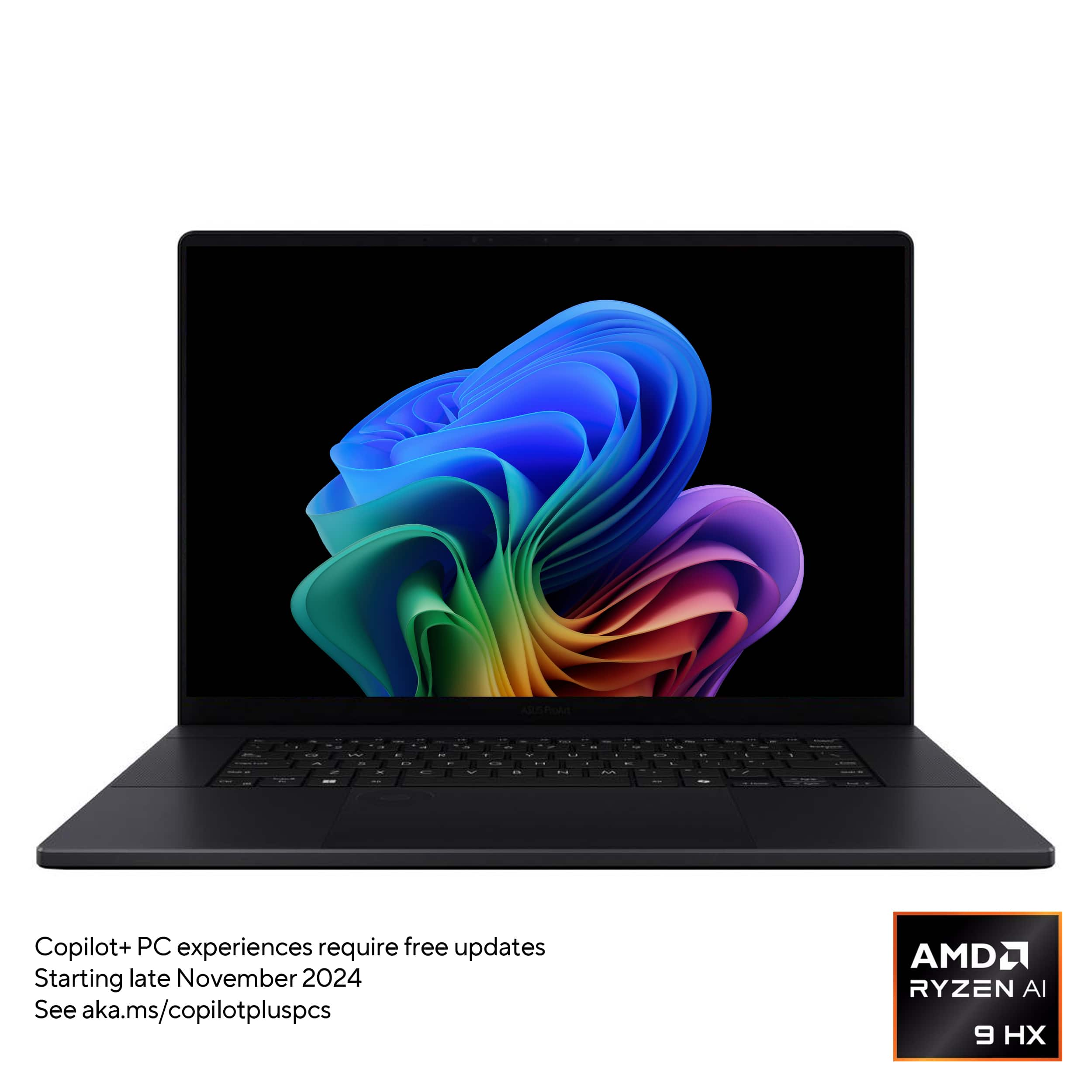
    • Answer This ASUS laptop is equipped with an AMD Ryzen AI 9 HX 370 processor.
    This question and answer was generated by AI based on customer and product data.
  • QuestionWhat kind of graphics card does this laptop use?

    • Answer This laptop features the NVIDIA GeForce RTX 4070 graphics card.
    This question and answer was generated by AI based on customer and product data.

  • QuestionDoes NVIDIA technology allow for faster processing on this laptop?

    • Answer Yes, with NVIDIA technology and GeForce RTX PC, you can do more, faster.
    This question and answer was generated by AI based on customer and product data.
  • QuestionWhat is the storage capacity of this laptop?

    • Answer This laptop has a 2TB SSD for storage.
    This question and answer was generated by AI based on customer and product data.
  • QuestionHow long does the battery last on this laptop?

    • Answer The ProArt P16 has a battery life of up to 10 hours.
    This question and answer was generated by AI based on customer and product data.

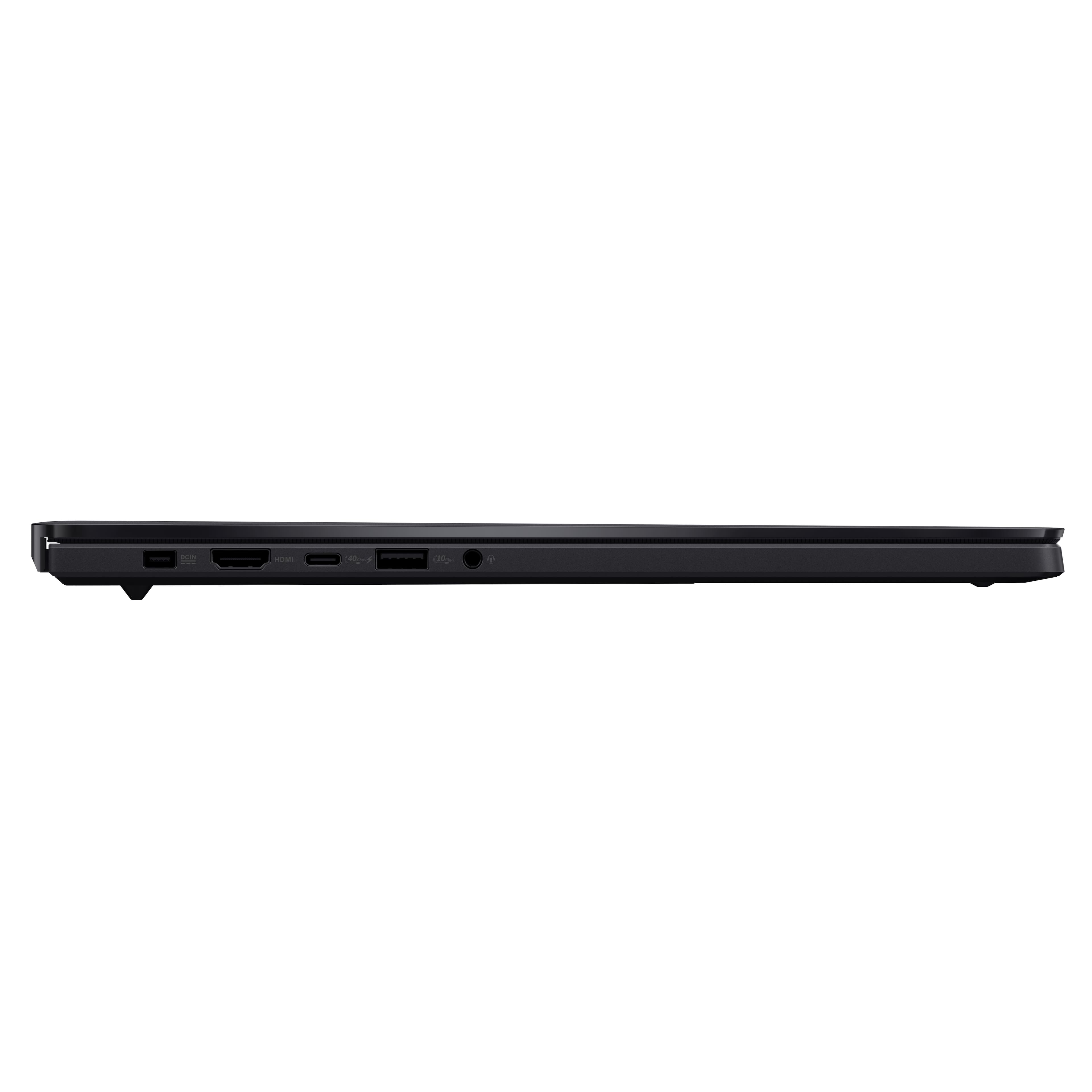
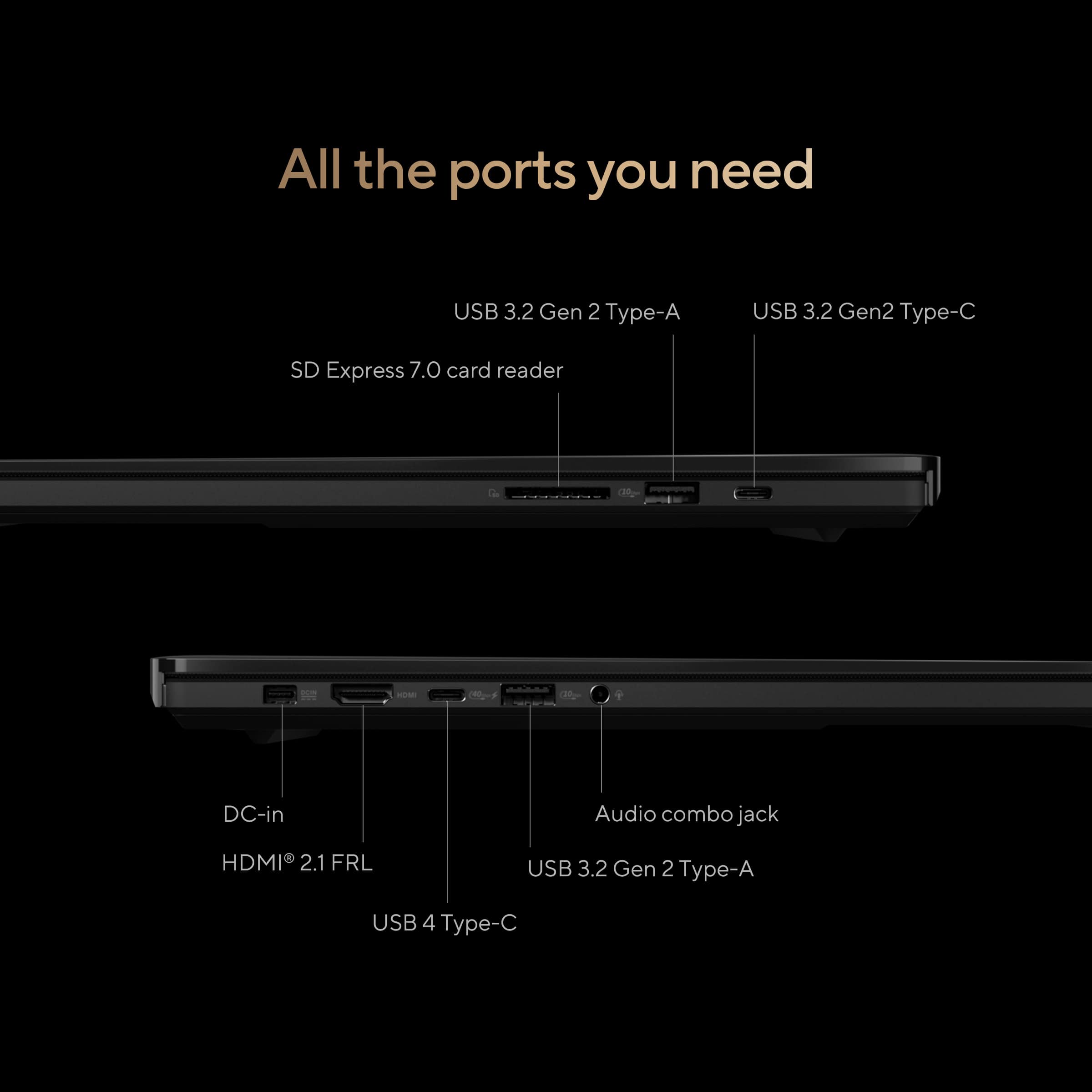
  • QuestionDo some or all of the USB-C ports support charging?

    Asked by Jacey.

    • Answer Yes, both, but I believe it is a lower power wattage charge from USB-C than when you use the dedicated PSU. Also, it as some interesting performance throttling according to the charging rate. If you are not charging at all, you get X% performance. If you are using the dedicated PSU, you get Y% performance. If using USB-C charging, you get Z% performance. That's partly because the system can draw power from the battery at a particular rate, and differently from the power charging source, depending on whether it is using slower charging (USB-C) or dedicated PSU (maximum charging rate). Finally, to avoid throttling down, because many demands for especially high power are often momentary, it can draw above its normal maximum draw by a certain amount, but only for a few seconds, before throttling kicks in: this way, you can ride through a brief surge in power draw with no hiccup, unless that extra heavy drain remains sustained.

      Answered by dlj8903947607407443401

  • Questionregarding the ASUS ProArt P16, Model:H7606WI-PB99T, how many PCIe lanes are attached to each of the two internal SSD slots? One being the boot drive/C: and the other being the spare, empty SSD slot? Meaning are they x2 or x4 slots and do the differ?

    Asked by Robert.

    • Answer The primary/default boot drive uses 4 lanes, and the second (usually empty) M.2 NVME slot only uses 2. For the specs of the first slot, the SSD used isn't the quickest: not bad by any means, but no record breaker either... Use the 2nd slot as a storage slot.

      Answered by dlj8903947607407443401

  • QuestionDoes this have two SSD slots? If so, it the 2TB a single 2TB drive with an empty slot or two 1TB drives?

    Asked by Debbie.

    • Answer Yes, this laptop model has two SSD slots. It has a 2TB preinstalled on a slot and a secondary empty SSD slot.

      Answered by ASUS Answers

  • QuestionDoes this have a non glare screen?

    Asked by Kitten.

    • Answer 'Glare Only'. I don't like highly reflective screens, but I can see why they chose one. When you use a glossy screen, it's a lot easier to clean, everything looks sharper, and darks and saturated colours stay dark and saturated (otherwise black looks like dark grey and saturated colours look a bit like pastels, and details look a little fuzzy). If you want your colours accurate, it's best to use a glossy screen (such as this), and adjust your environment to not be too reflective. If you must work in a super bright or sunny place, it will be harder to avoid distractions. FWIW,I am getting this one (64GB 4070, 2TB).

      Answered by dlj8903947607407443401

  • QuestionDoes an external display hooked up through the USB C display port get serviced from the 4070 dedicated graphics card, or would an external display be driven from integrated graphics processing from the CPU? Same question for the HDMI port.

    Asked by Duncan.

    • Answer Both the USB-C and HDMI ports are connected to the integrated GPU, by default. It will automatically switch to the discreet GPU if more graphics processing power is required.

      Answered by ASUS Answers

  • QuestionDoes this laptop have a mux for the dGPU? HDMI & USB C Ports?

    Asked by William.

    • Answer I believe that is reserved for the latest Zephyrus G series (the 16 for sure), which is nice. While the ProArt P16 is almost identical to the Zephyrus 16, each has some key differentiators. The Zephyrus has mux and high screen refreshes and RGB backlighting, whereas the P16 has the touchpad wheel, more support apps for 'creator' and 'artist' type apps, and doesn't make you look like GamerBoi when you bring the laptop to the boardroom, but has one-region single colour (but different brightness) backlight and is capped at 60hz for the screen.

      Answered by dlj8903947607407443401

  • QuestionDoes this pc offer higher refresh rates then 60Hz at lower resolutions and if so what are they?

    Asked by Matt.

    • Answer The ASUS H7606WI (ProArt P16) offers a refresh rate of 60Hz at its maximum resolution of 4K (3840 x 2400). It doesn't support higher refresh rates at lower resolutions.

      Answered by ASUS Answers

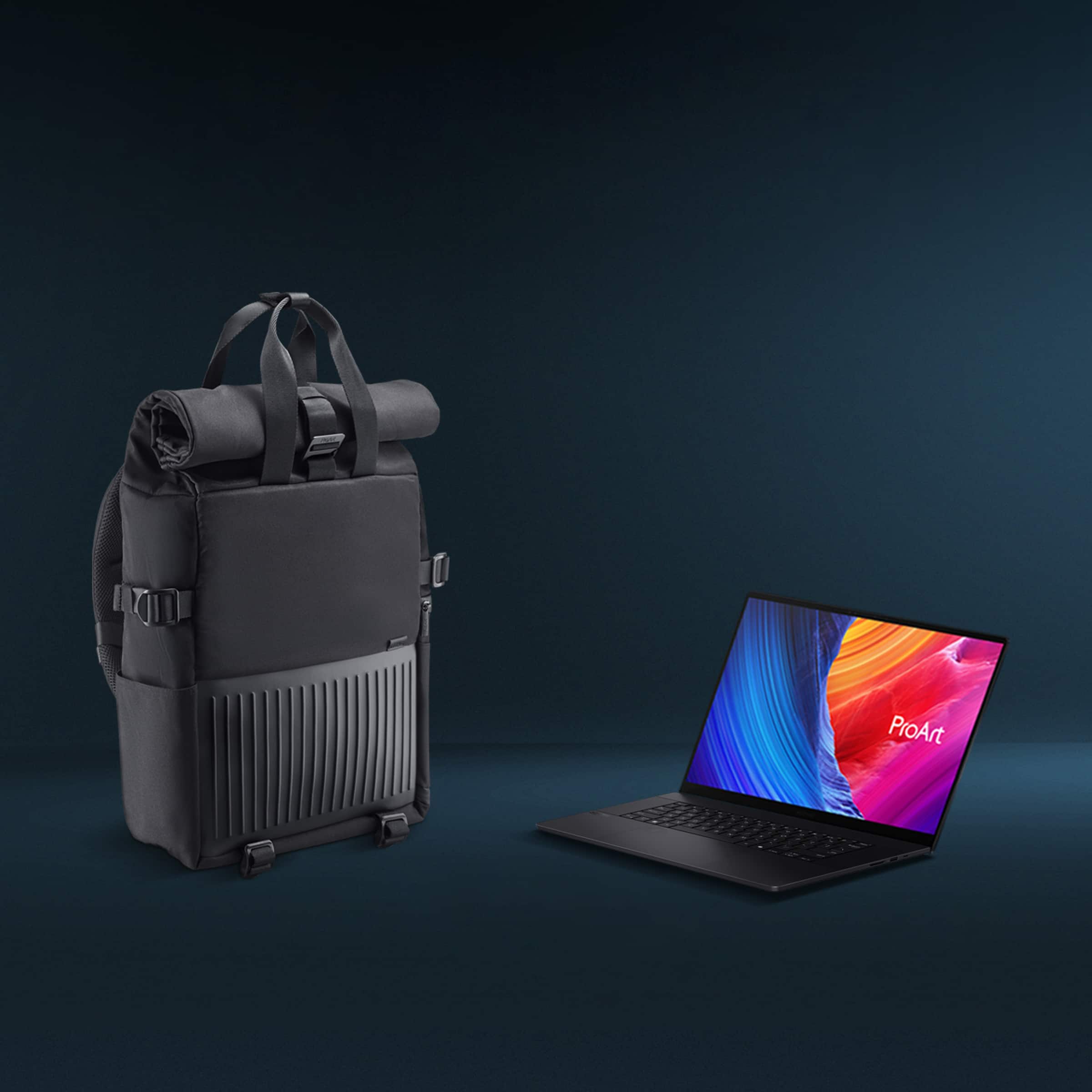
  • QuestionI've seen reviews where it comes with Asus pen 2.0 and a backpack. Is this true?

    Asked by Northstar.

    • Answer On launch, it was coming with some nice extra goodies, if purchased through authorized resellers, like BestBuy, and that was only for residents of the USA. However, those are excluded outside the USA. As well, I don't know how long that promotion runs for: it will have to stop at some point. It was still running later November, if that helps.

      Answered by DLJ8903947607407443401

  • QuestionWhat stylus is compatible with this model?

    Asked by Mel.

    • Answer It uses the ASUS Model 2.0 pen (of the four types of touch screens), This one uses the Microsoft 2.0 style of pen. However, I can't seem to get one important answer about the pen functionality: It says it supports angled drawing or writing, but that isn't a completely clear answer. You can hold a pen, for example, at 45 degrees, and it will detect that the pen is there, or even at higher or lower degree angles from perpendicular to oblique. BUT in many apps that support tablets or touch screens, you can adjust for characteristics or effects to alter your strokes, and no one from Asus could answer whether that is supported for me: I hope a Social Media person from Asus checks this and we can get a clear answer. Think of a calligraphic pen: when you hold the pen at various angles, it changes the stroke's appearance a lot. If you can only detect that the pen is touching the screen (but not the angle it is at, when it touches) you can't get that kind of effect. Same with some paints, brushes or stamping/cloning, etc.

      Answered by dlj8903947607407443401

  • Questiondoes this come with the accesories that asus shows in the product video? the pen and the backpack?

    Asked by ManuelD.

    • Answer This laptop model comes with the following accessories: backpack and a USB-A to RJ45 gigabit ethernet adapter.

      Answered by ASUS Answers

  • QuestionDoes this laptop make a lot of noise when you're using it while traveling? Some laptops have fans that are way too loud.

    Asked by Philly.

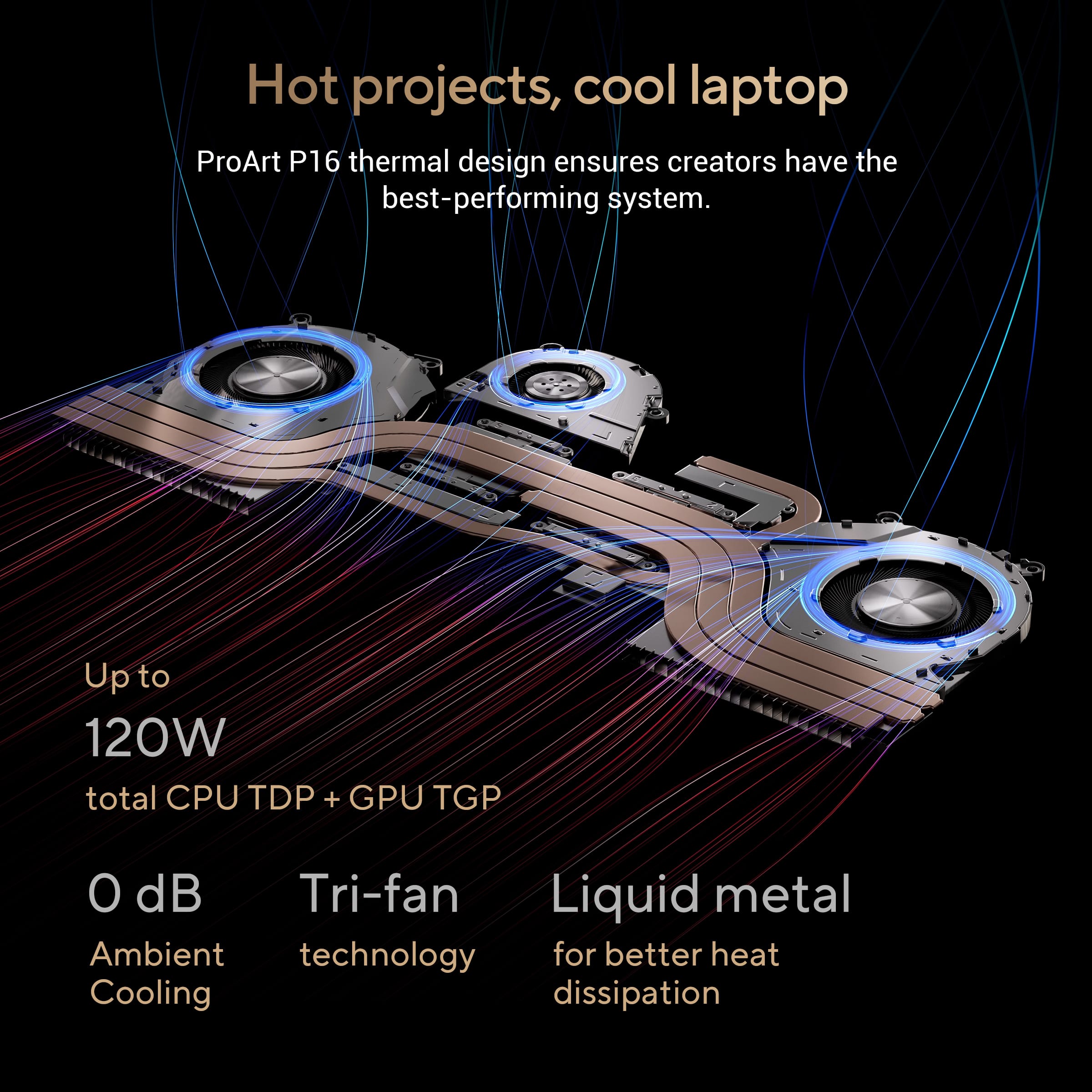
    • Answer Honestly no, if its on battery power and in standard operating modes it is fairly quiet. Also depends on what programs you are using on battery life, but I’ve found it is a lot quieter than other “gaming” laptops I have had in the past.

      Answered by Lucy27

  • QuestionIs the storage expandable, and how big can it be expanded? What are the storage expansion increments?

    Asked by InterestedShopper.

    • Answer The ASUS H7606WI comes with two M.2 2280 PCIe 4.0 SSD slots, each supporting up to 2TB.

      Answered by ASUS Answers

  • QuestionDoes it come with the bag.

    Asked by Aj.

    • Answer Yes! Got a super cool computer backpack in the box. Kind of a tech bro vibe backpack, but super cool as it was unexpected.

      Answered by Lucy27