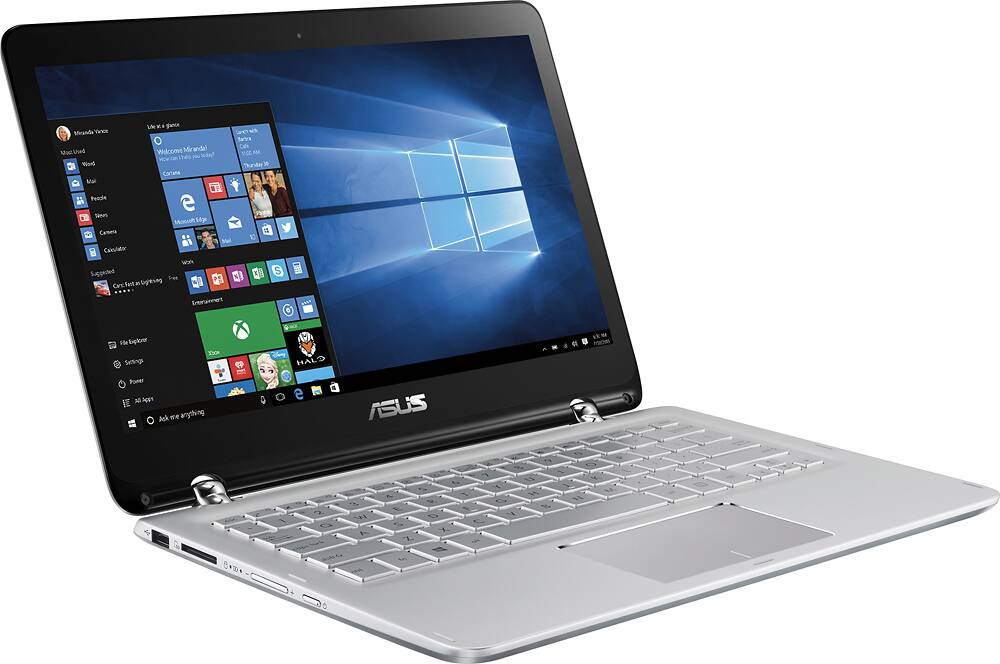
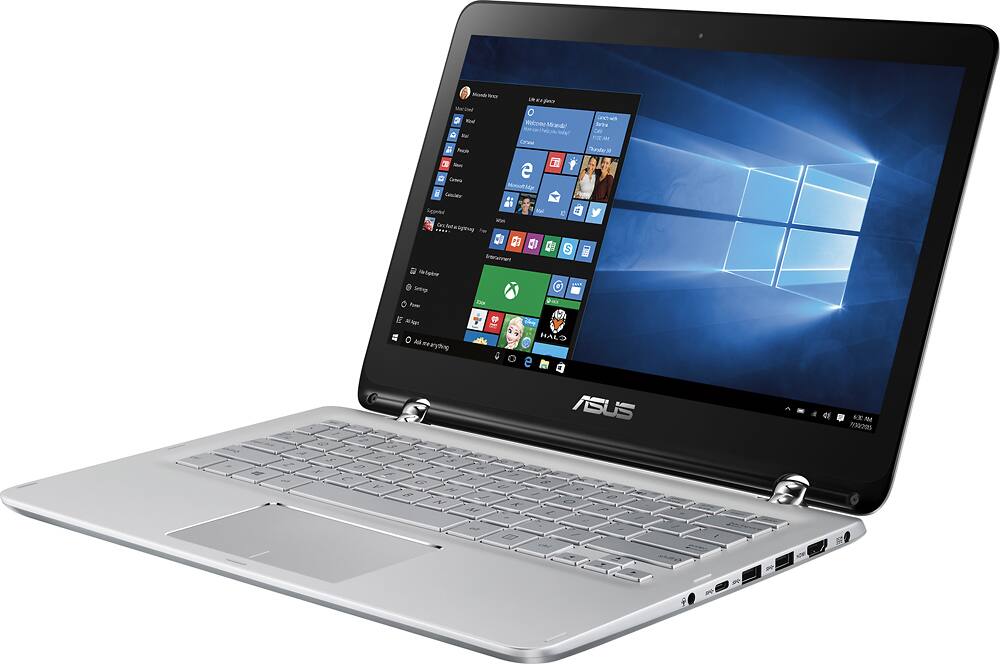
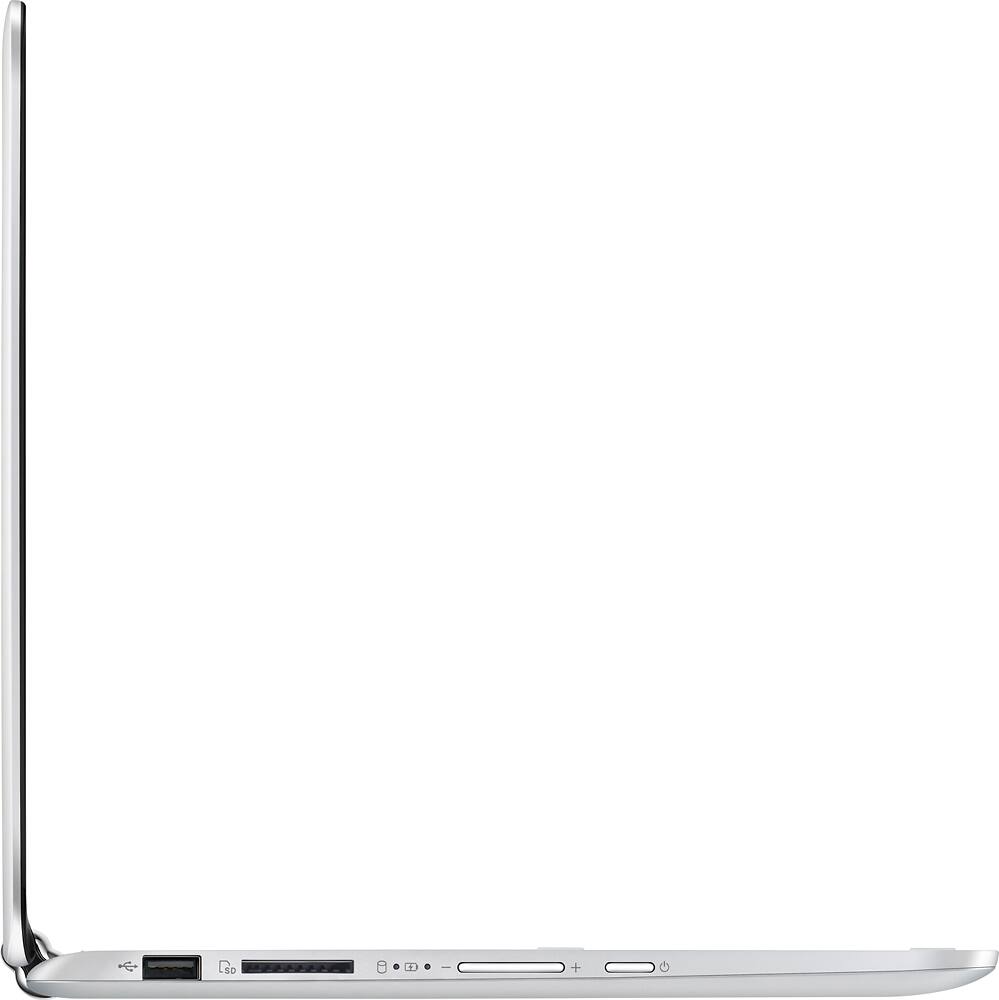
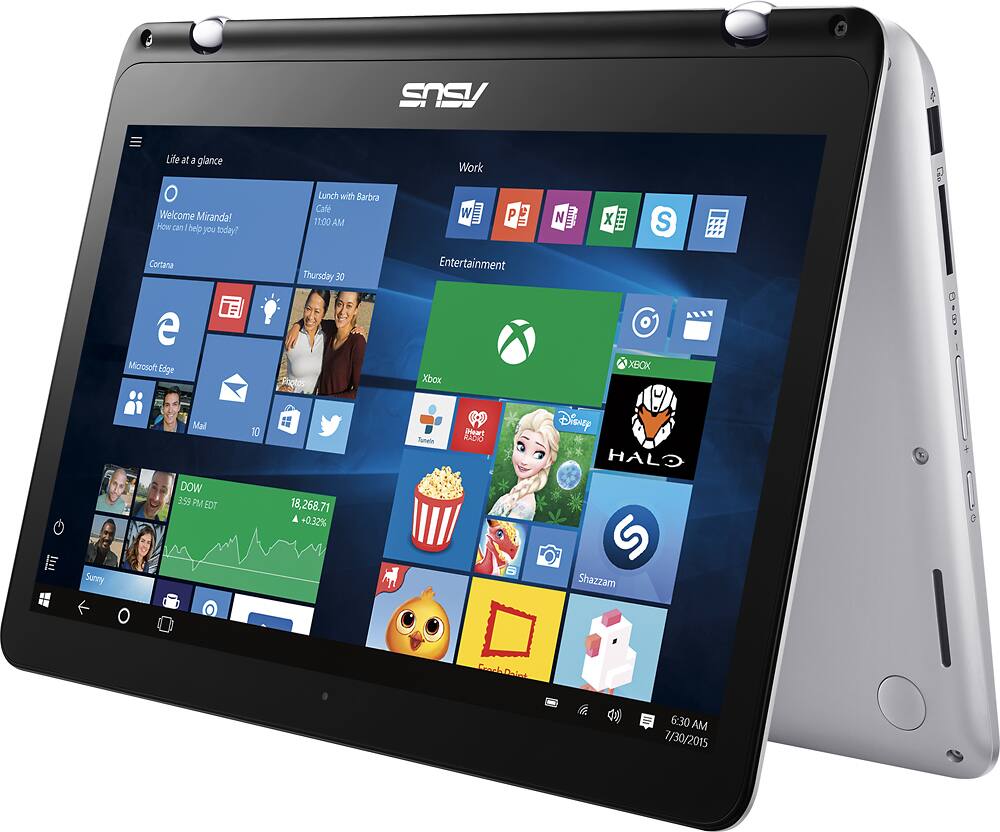
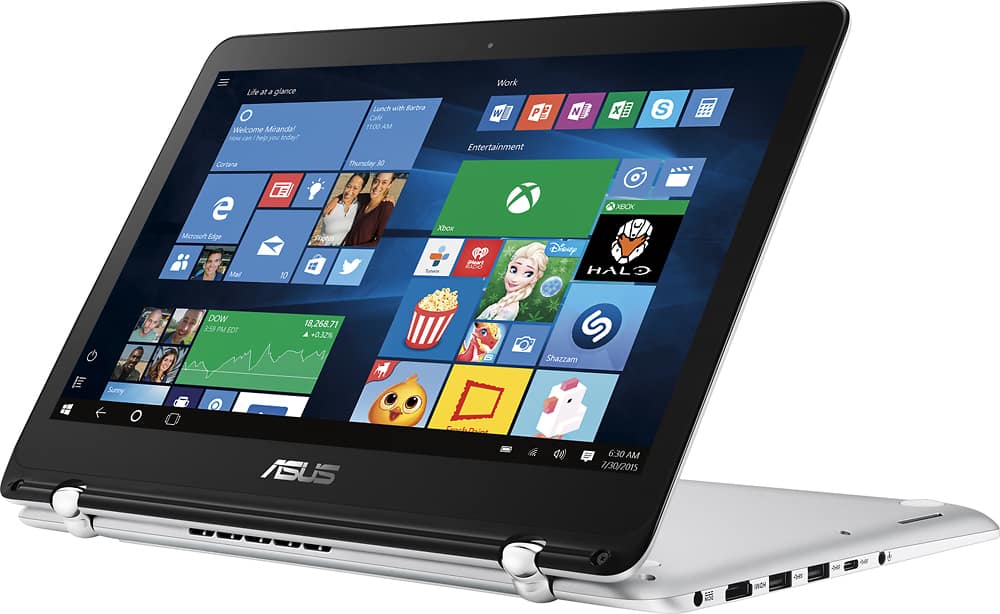
A:Answer Disregard the other answer. No, you cannot DIRECTLY hook up your VGA/DVI monitor to the Asus Q304UA, but you CAN purchase a (relatively) inexpensive adapter to convert HDMI to VGA/DVI/DisplayPort. BestBuy even sells one; http://www.bestbuy.com/site/insignia-hdmi-to-vga-adapter-black/1577417.p?id=1219503843232&skuId=1577417 ($29.99). You can also purchase a USB 3.0 to VGA adapter, although they're usually more expensive and you end up using a USB port (one of only two; the Asus Q304UA has two USB 3.0 ports and one USB 2.0 - this adapter would, obviously, not work on the USB 2.0 port).
There are other adapters through other vendors; search Amazon for HDMI-to-VGA and you'll be overwhelmed with options.
And yes, I know this works as I have tested my Asus Q304UA by attaching to an Epson projector through HDMI to VGA (in fact, I'm connected as I type this). I have not tested DVI.
My adapter is a Cable Matters adapter with an optional USB-power cable (not needed for the Epson projector). Works GREAT.