A:AnswerHi,
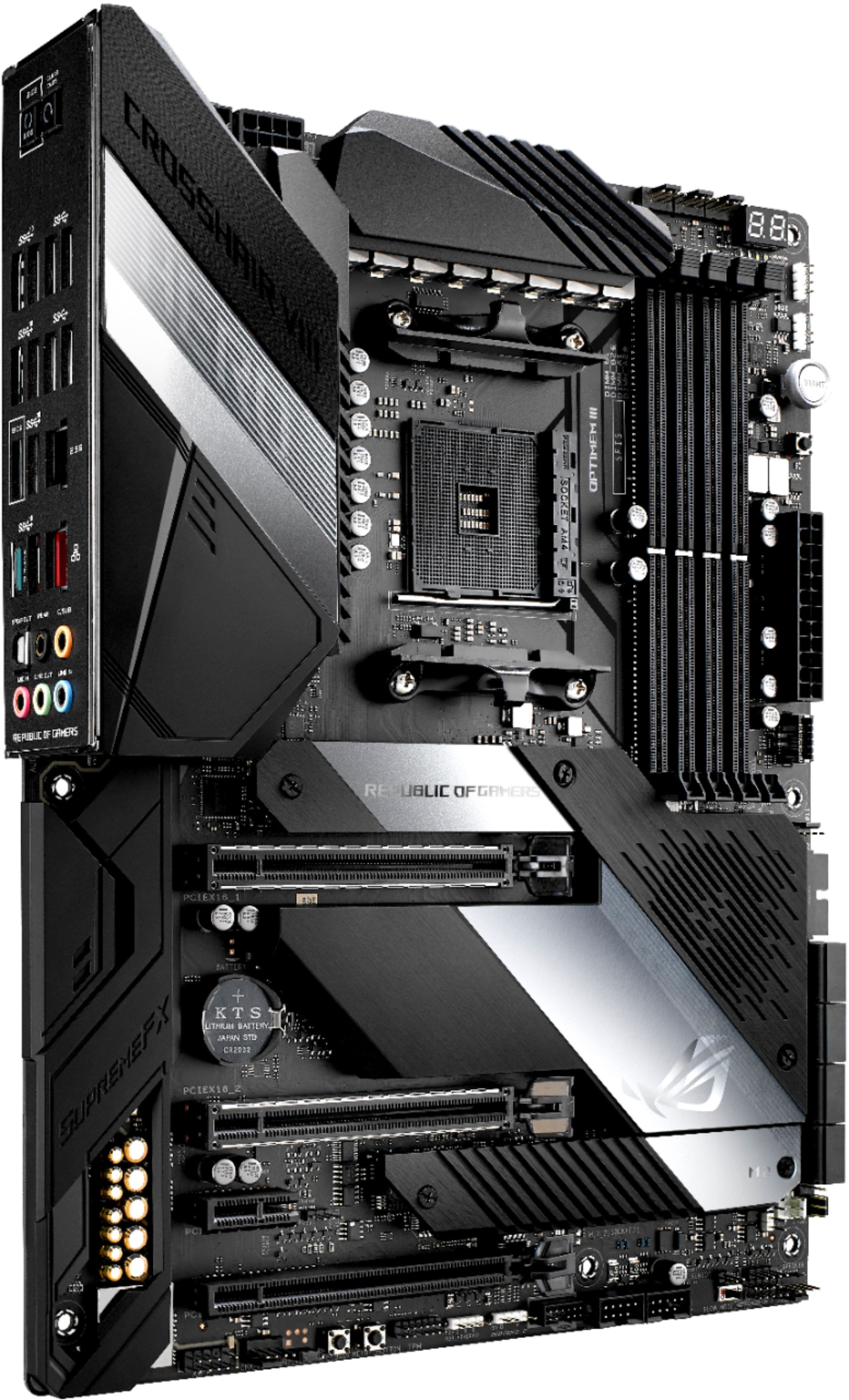
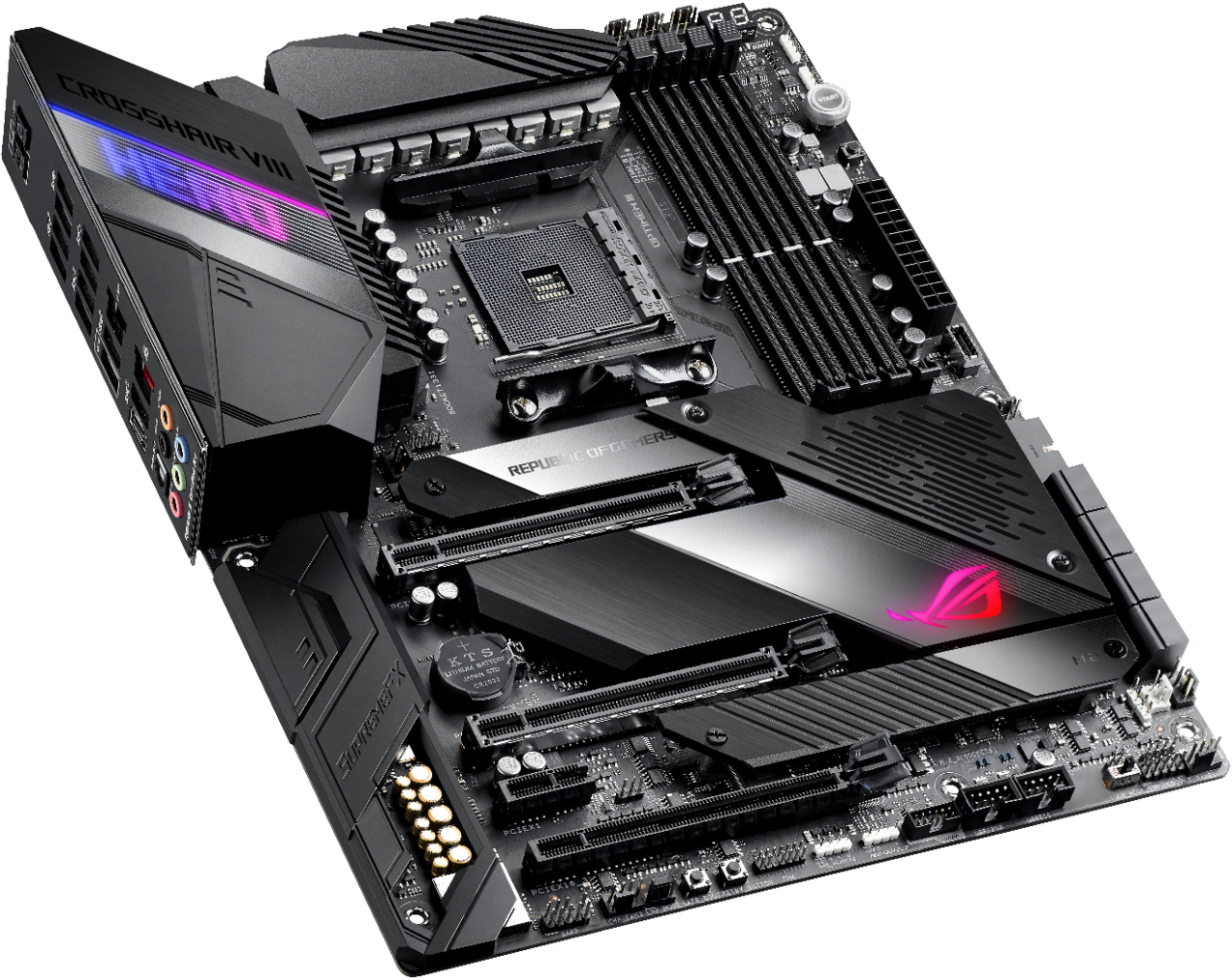
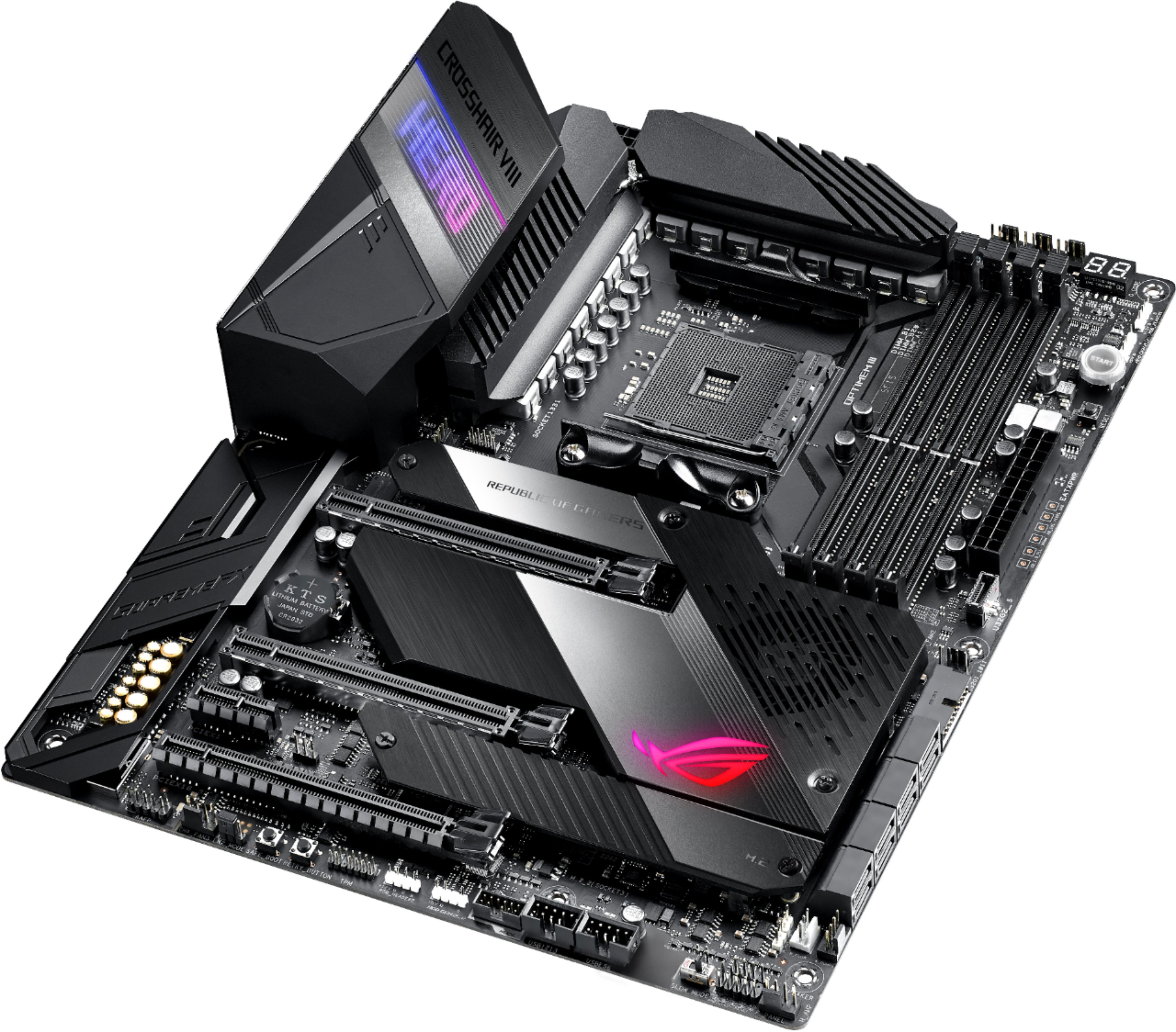
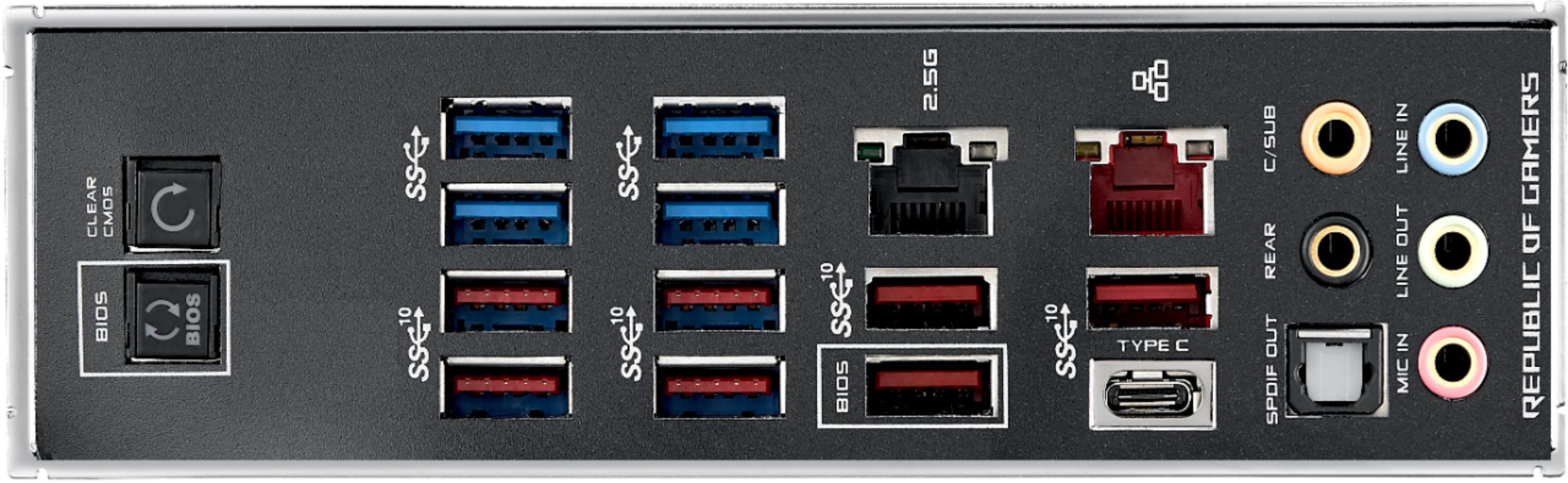
This particular model does not have Wi-Fi. The Wi-Fi version of this motherboard is a bit more expensive and isn't available on Best Buy that I have seen.
I stuck to this particular board because I didn't really need the Wi-Fi connectivity considering I run my computer wired straight to the router. Great motherboard! I would highly recommend if Wi-Fi is not necessary.
A:AnswerMany computer components are out of stock right now I don't know when this specific one will be available however I do know many system components are expected to return to stock between now and mid June. As Production in China begins to return to normal.
A:AnswerYes. Easy to overclock multi core to 4.0/4.1 and even up to 4.3 with a single core clock of 4.7/4.8. I have a 3700X on this mobo but my other Asus mobo has the 3900X so I'm familiar both the Mobo and CPU.
A:AnswerI have 7 including the AIO. I do use a 4 pin fan splitter for my top fans plus my AIO fans plug into the AIO breakout cable that was included with the AIO. You can always get a fan hub too.
A:AnswerYou do not need an alternate CPU, this board supports USB BIOS Flashback. A guide on how to perform a Flashback is here. https://www.asus.com/us/support/FAQ/1038568/
Your BIOS can be downloaded here, please verify that the BIOS supports AGESA 1.1.0.0 or newer. https://rog.asus.com/us/motherboards/rog-crosshair/rog-crosshair-viii-hero-model/helpdesk_download/
A:AnswerBest bet would be to download the updated bios and put on a flash drive. Build your system and if it doesnt have the Ryzen 5xxx updated code. You can use FLASBACK option that is found in the Manual. Follow directions and you will be able to load it.
A:AnswerWe are trying assiduously to replenish stock for our distributors. For more information on stock availability please reach out to Best Buy support from the link below.
https://www.bestbuy.com/contact-us?contactOption=bbyStores