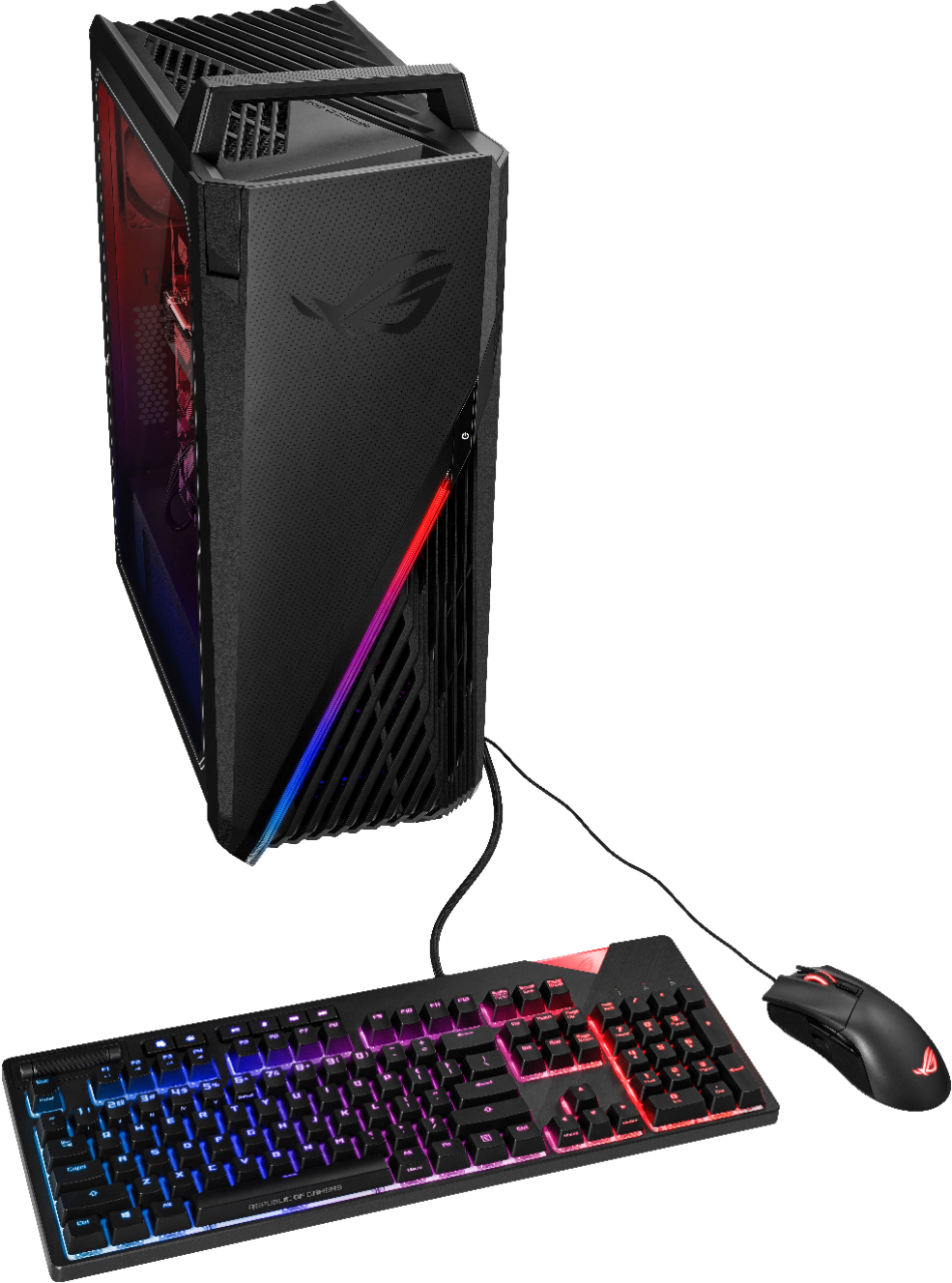
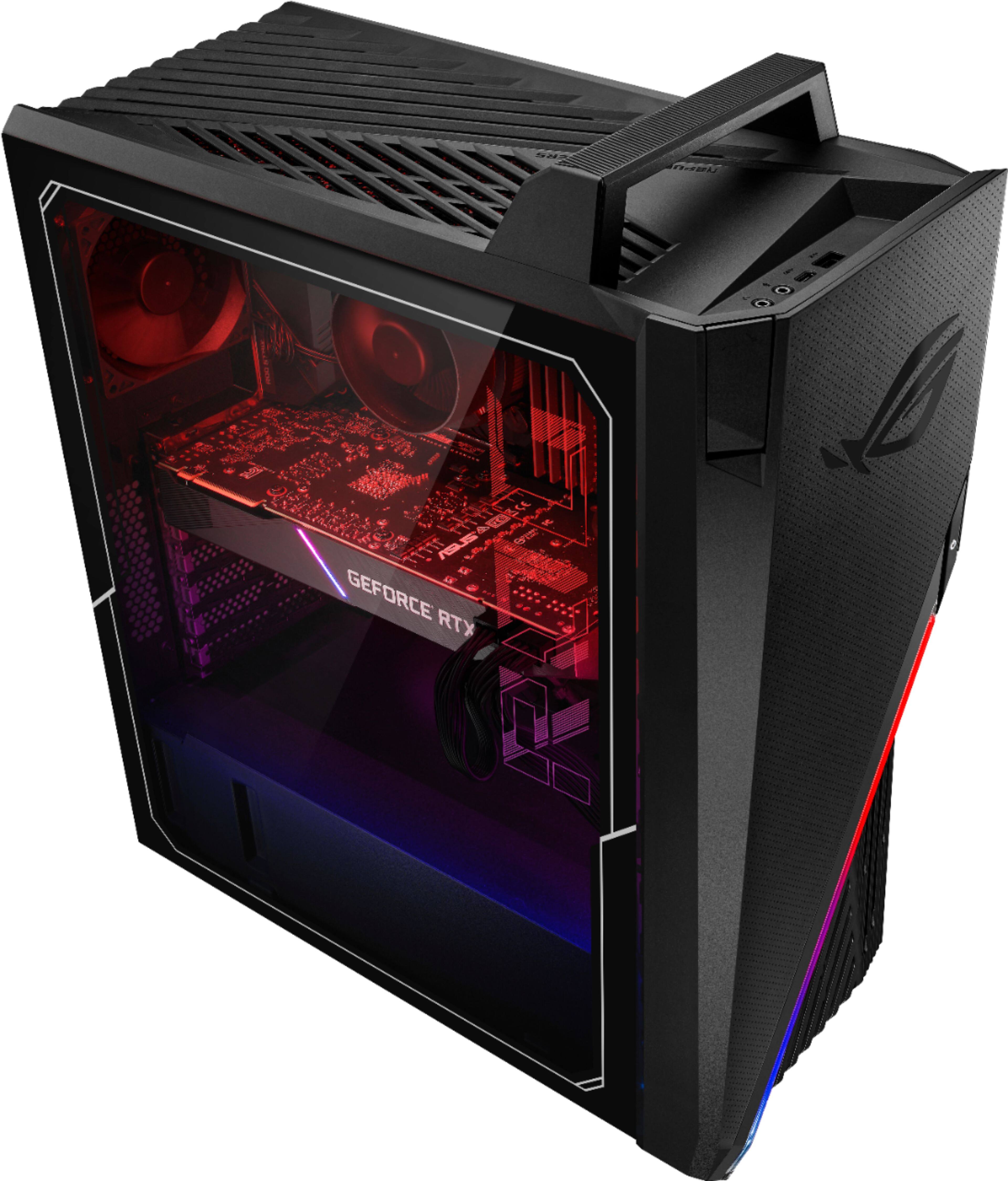
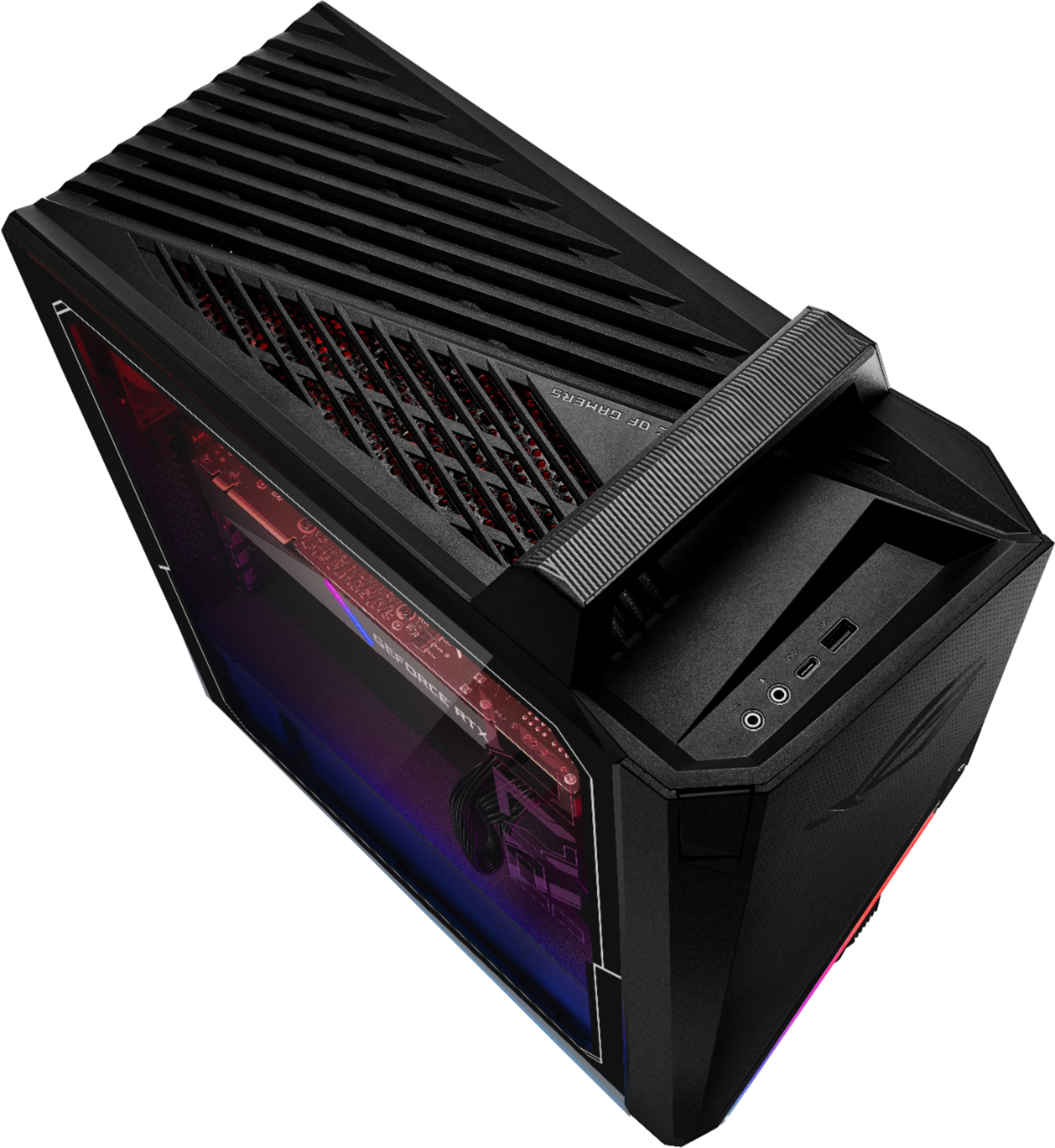
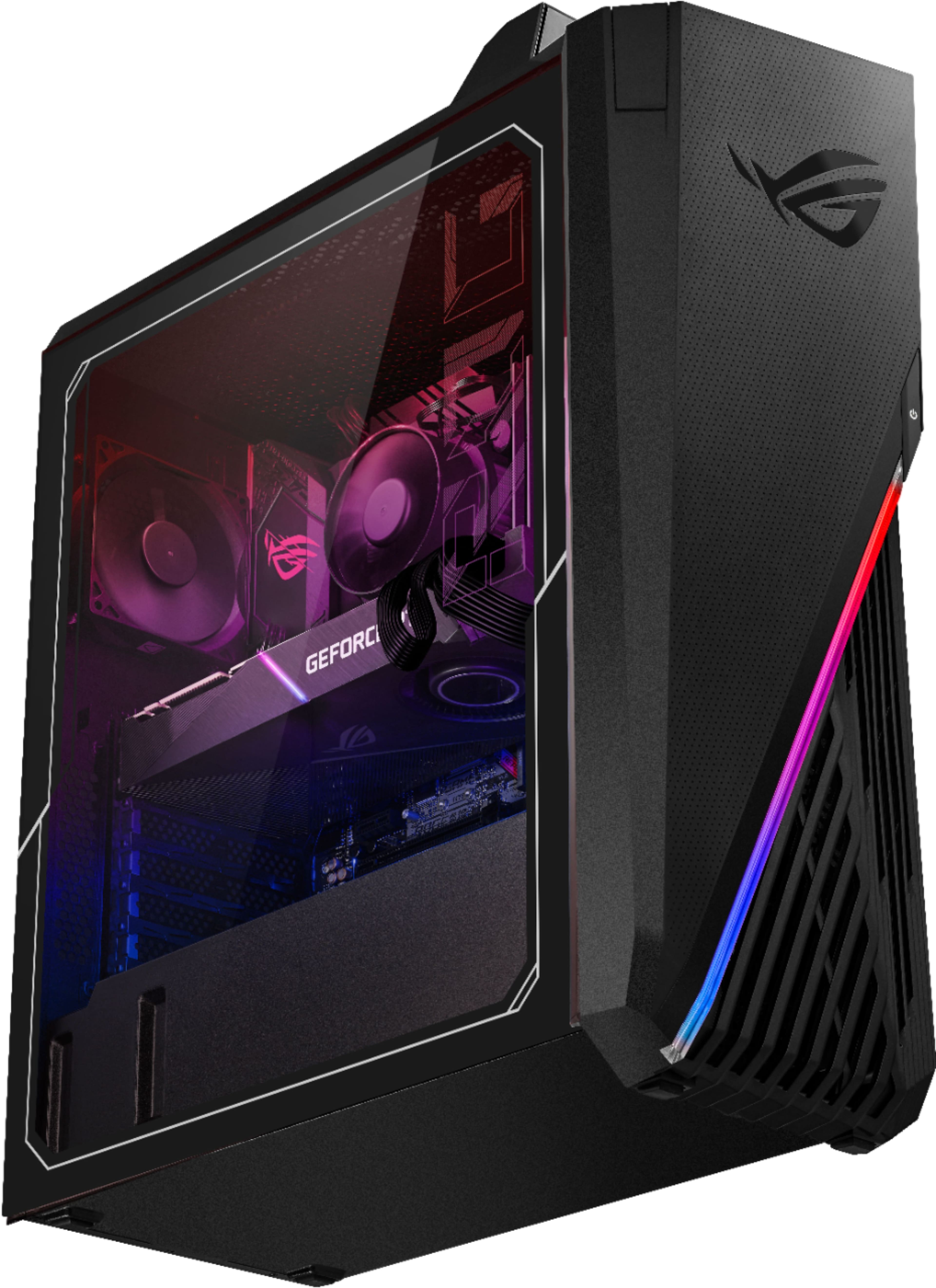
A:AnswerASUS doesn't provide hardware customization support. Please ensure the air ventilations are free from obstructions in order to have an efficient air flow for better heat dissipation. While gaming, please check that no resource hungry applications are running in the background, this will definitely spike the temperature and may cause auto-shutdown.
A:AnswerDefinitely an issue. Computer runs crazy high temps even with lower graphics demanding things ie games. Luckily my husband is a senior it specialist and all around comp wiz.... he replaced original case with a larger one and increased the amount if fans. Hope that helps.
A:AnswerIf your temperature are at nominal levels you should be fine, otherwise it's best to send your unit for investigation at one of our repair centers.
A:AnswerThe above answer is incorrect regarding the motherboard. Although it appears the same as a B560-G, it's actually a G15CE-B11 which is a proprietary board designed specifically for this unit an possibly others.
A:AnswerAs long as no physical or customer induced damage will occur during the hardware changes or modification process, ASUS will honor the warranty on original parts only. The cooling system is efficient to dissipate heat properly while under heavy load.
A:AnswerASUS doesn't provide hardware customization support. The cooling system is adequate to dissipate heat efficiently while PC is under heavy load. It is normal for the laptop, with the same hardware configuration and regardless of the manufacturer, to generate more heat than normal while under heavy load.