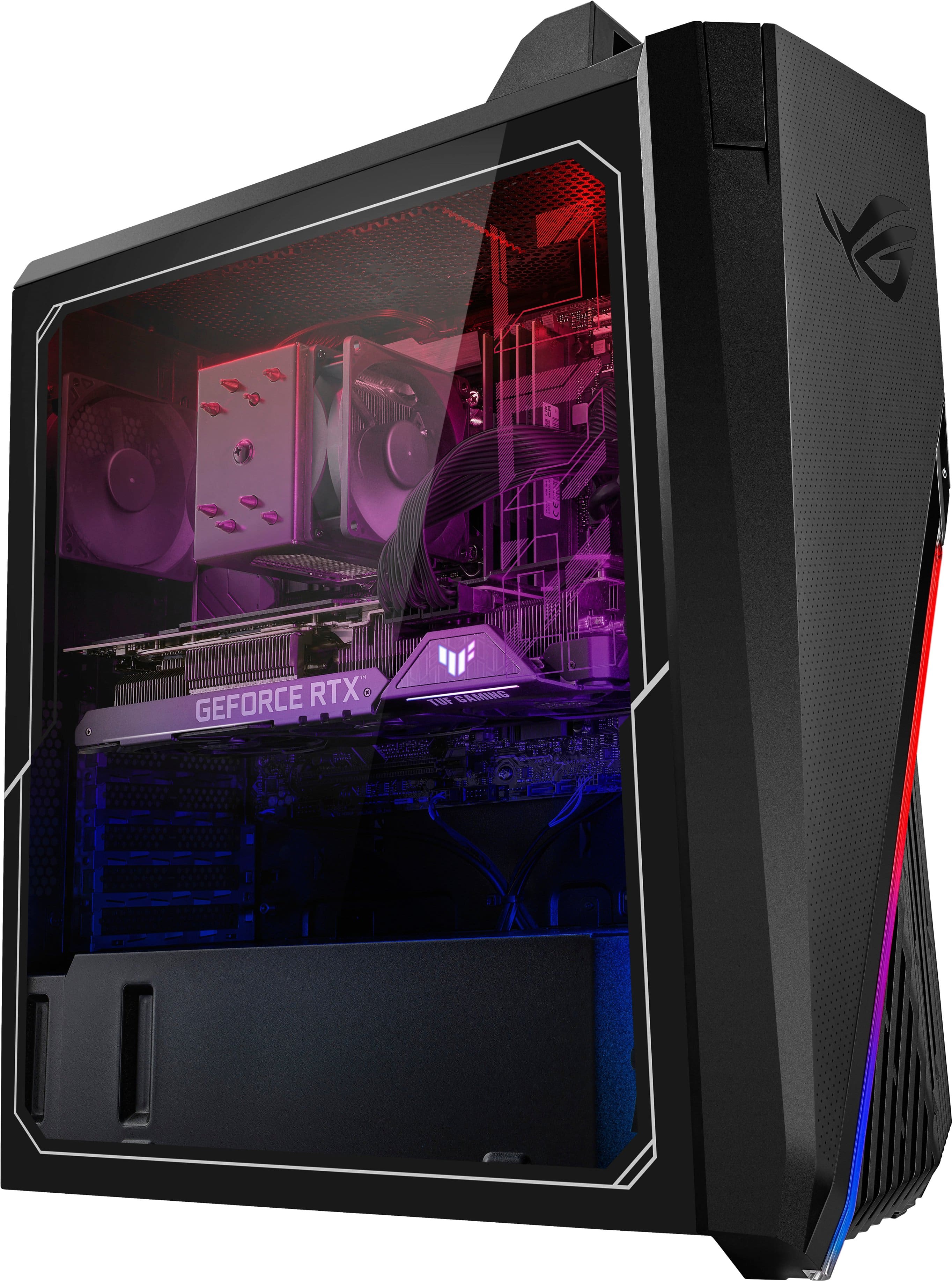
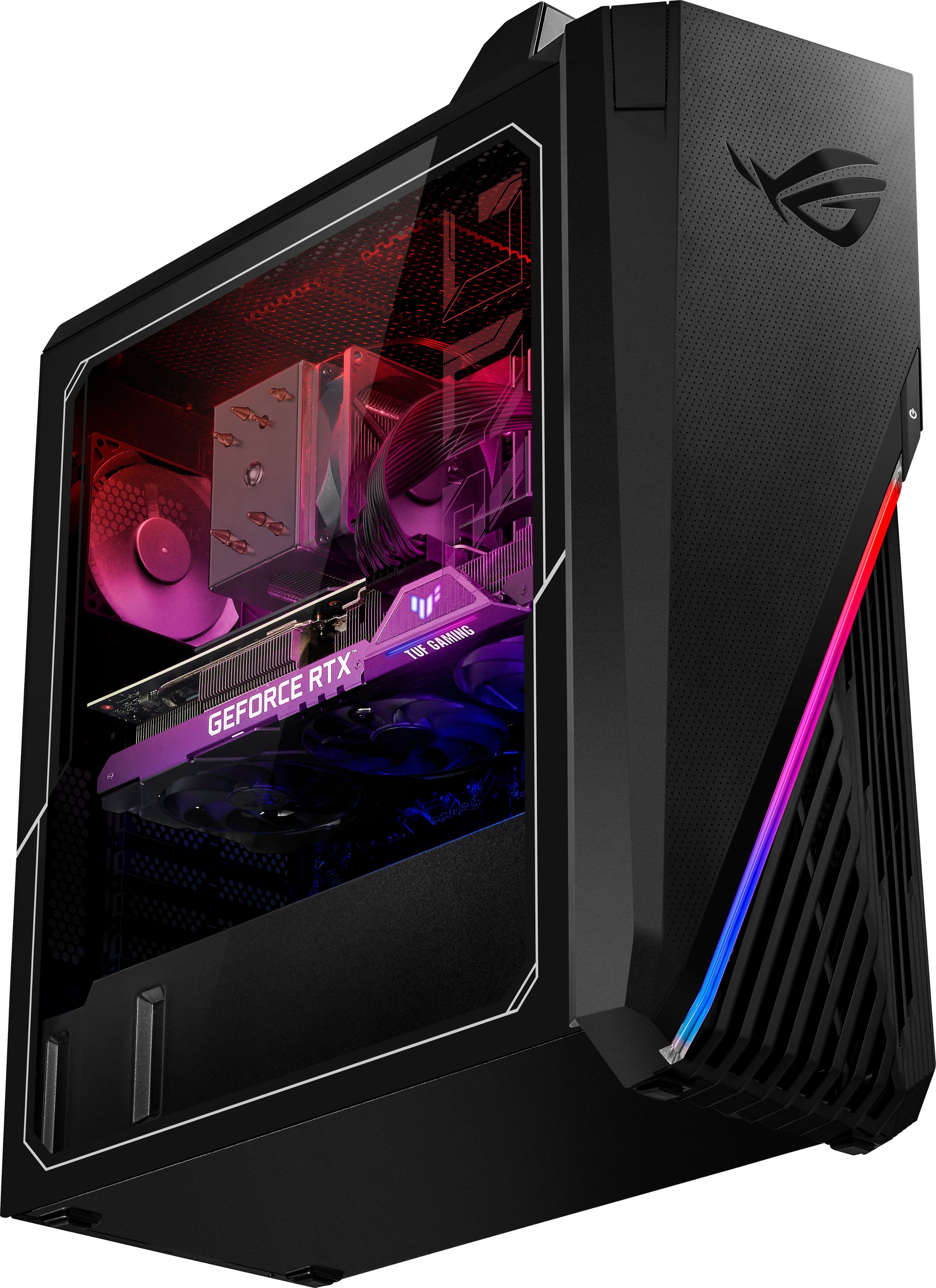
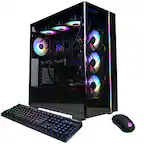
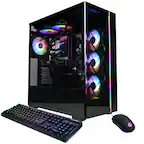
A:AnswerI would take it back to Best buy and have them look at it. The RGB is supposed to turn on when you turn on the computer. If it doesn't turn on then that's a defect that should be addressed by Best buy
A:AnswerThis desktop comes with 2 storage drives. One 512GB SSD and one 1TB HDD. The 453GB you're seeing is most likely the available space from the 512GB SSD, the remainder of the drive is used for formatting and the operating system. If you are not seeing two drives the HDD may not be assigned as yet.
A:AnswerYes. There is software installed from Asus that allows you to control not only the color but also the light pattern. I believe this software is called Armoury Crate
A:AnswerI don't have an exact answer for you but all I know is I'm planning to change out my CPU cooler fan and case fan ASAP! I'm not sure if that is an issue or not but that's where I am going to start. I've noticed the same issue with mine. I understand the fans turn off when there's no need to cool the system but the system runs hot and almost constantly needs cooling. The fans should be on constantly
A:AnswerThe mechanical hard drive is located in a tight spot under a heat shield, next to the power supply and is mounted directly to the floor of the case. If you remove this shield and get a hard drive cage then you could install an additional hard drive, possibly 2 additional.