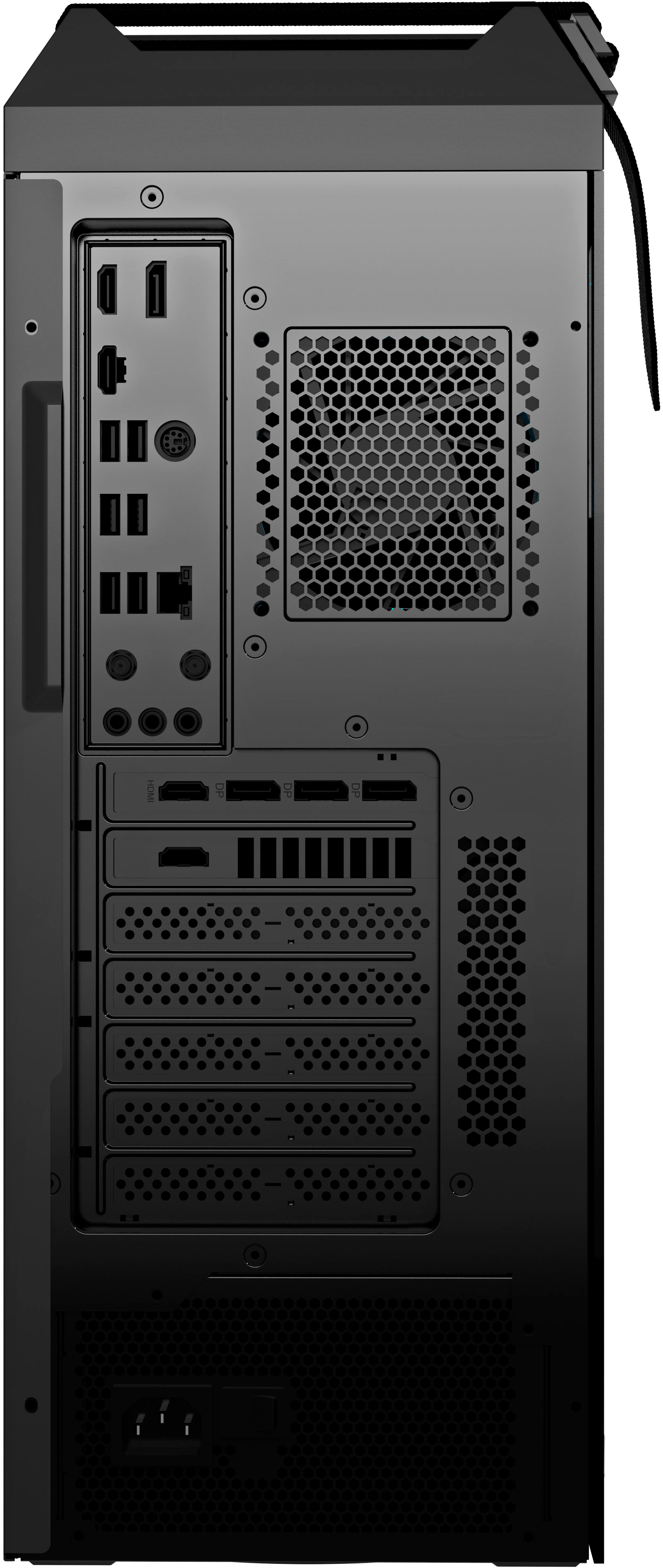
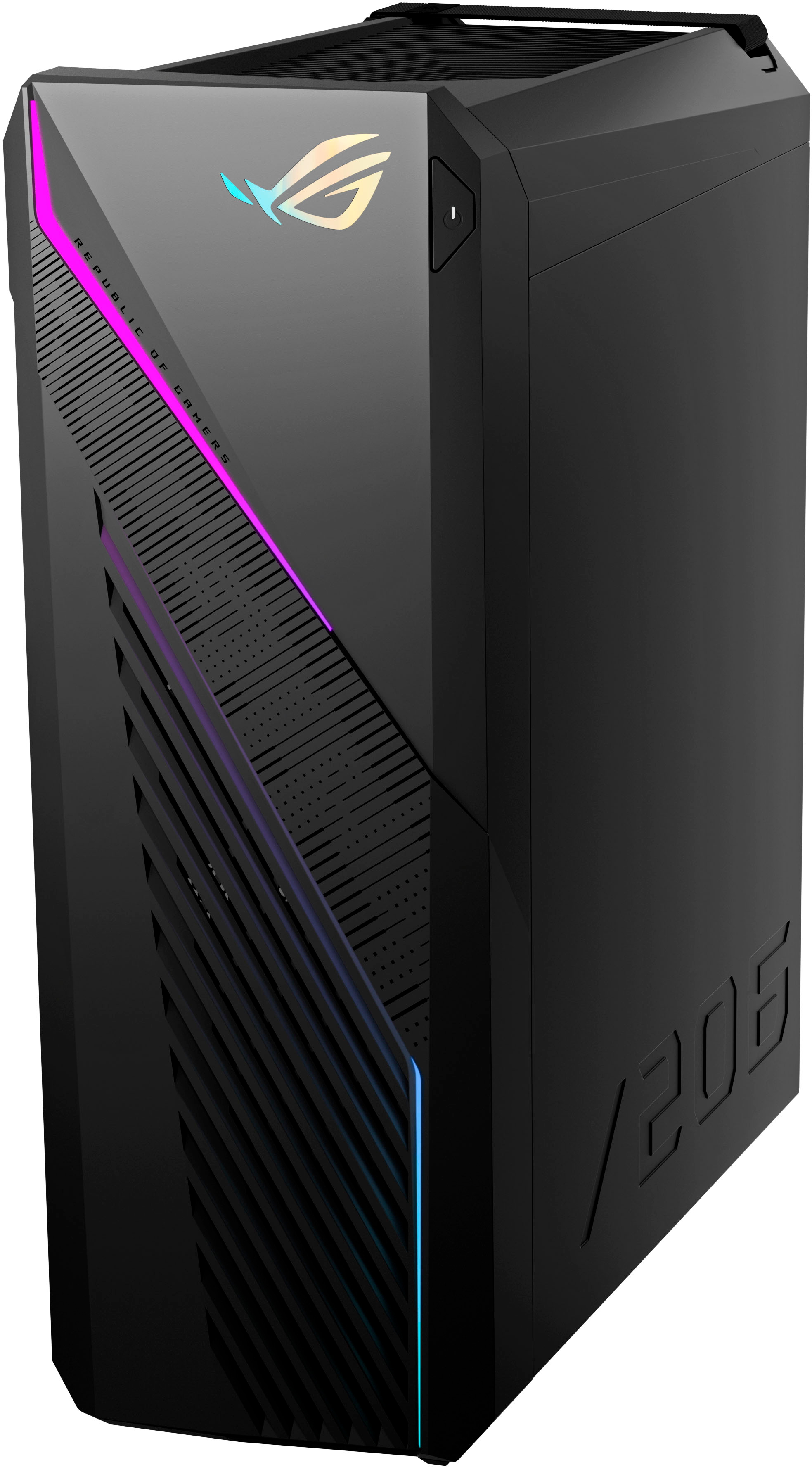
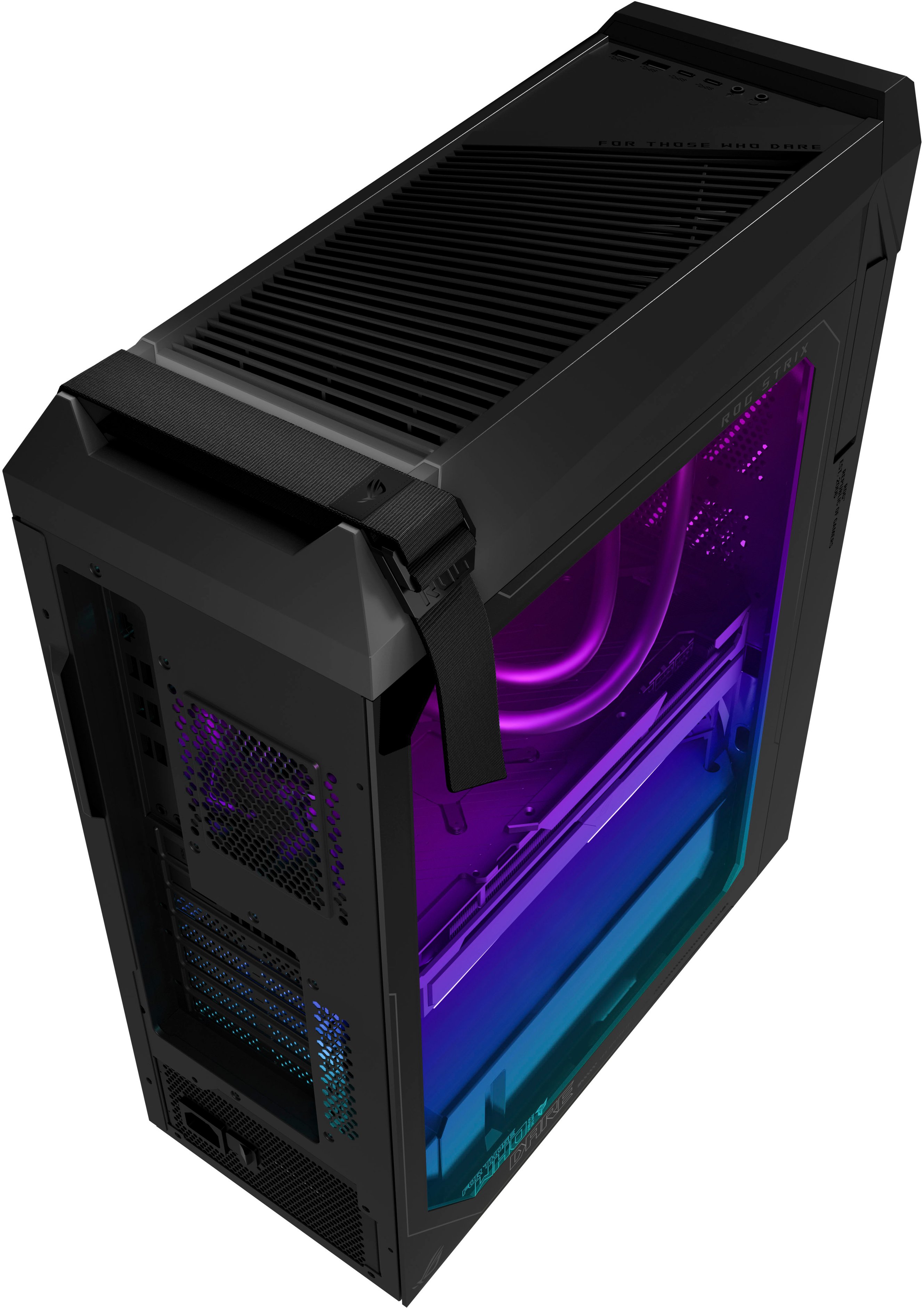
A:AnswerTo use your monitors you will plug them directly into the graphics card slot. The one with the 1 hdmi and 3 or 4 direct display ports. See if one monitor has a option for a direct display port. Most do. You will plug one monitor into it with hdmi, then the other with the direct display cord. Direct display cord is just like the hdmi cord but kind of L shaped instead. That will give you two separate operating screens. Splitters only duplicate the image.
A:AnswerTo successfully extend display, please configure this manually inside the Display Settings. For tutorials, please go to: https://support.microsoft.com/en-us/windows/set-up-dual-monitors-on-windows-3d5c15dc-cc63-d850-aeb6-b41778147554.
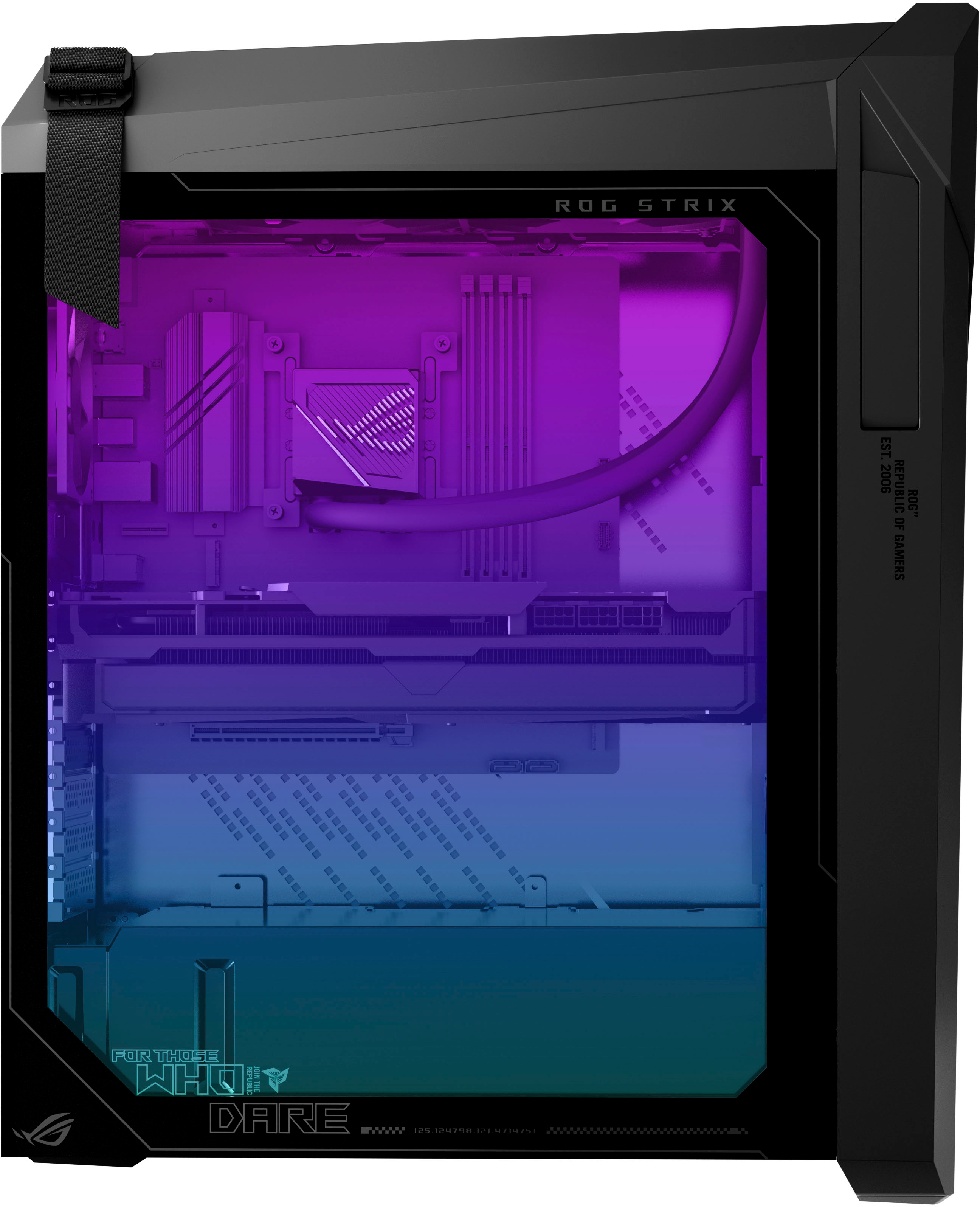
A:Answeryes on the bottom right of the motherboard but be aware it will only recognize
a 2ttb or smaller m.2, it has no problem with larger ssd on sata