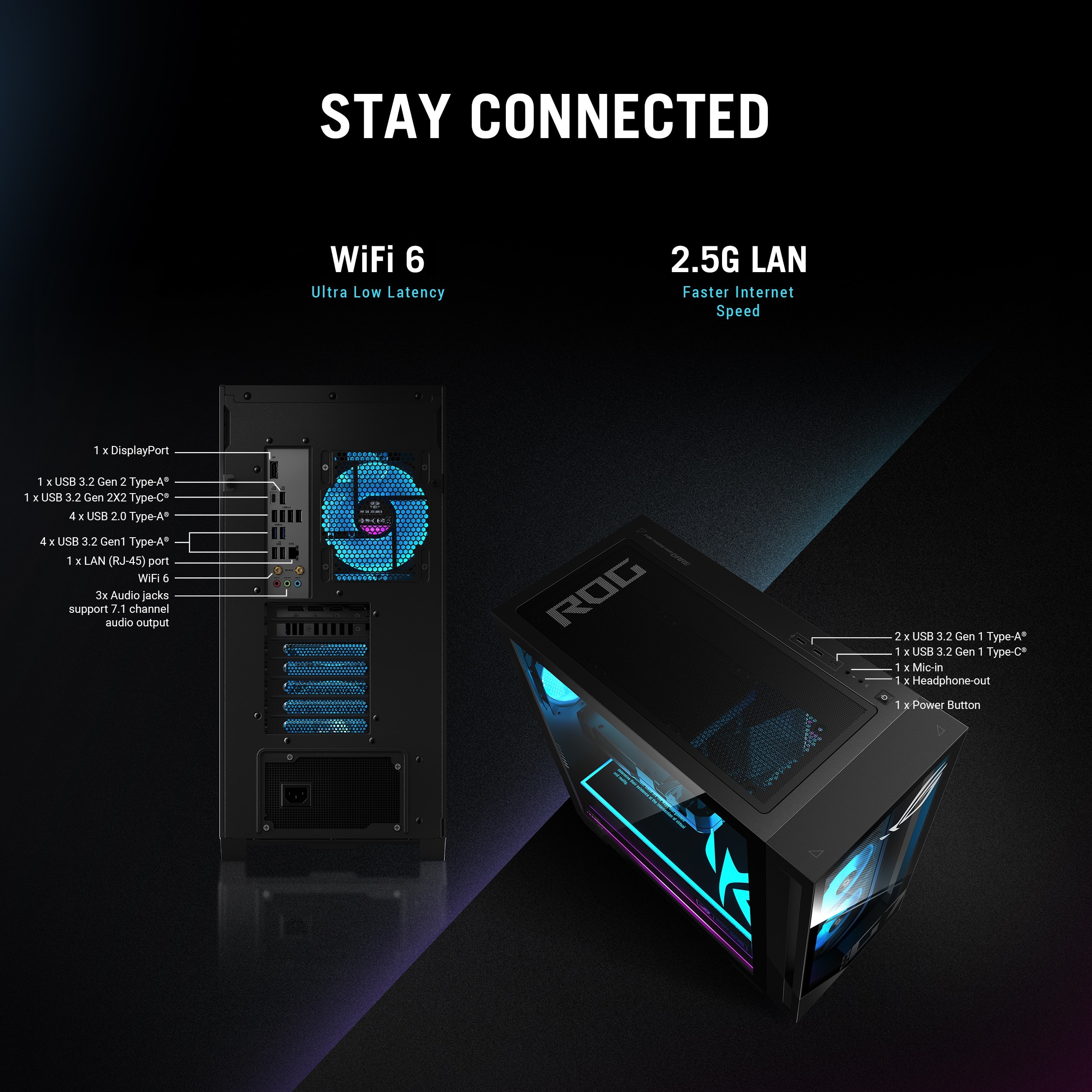
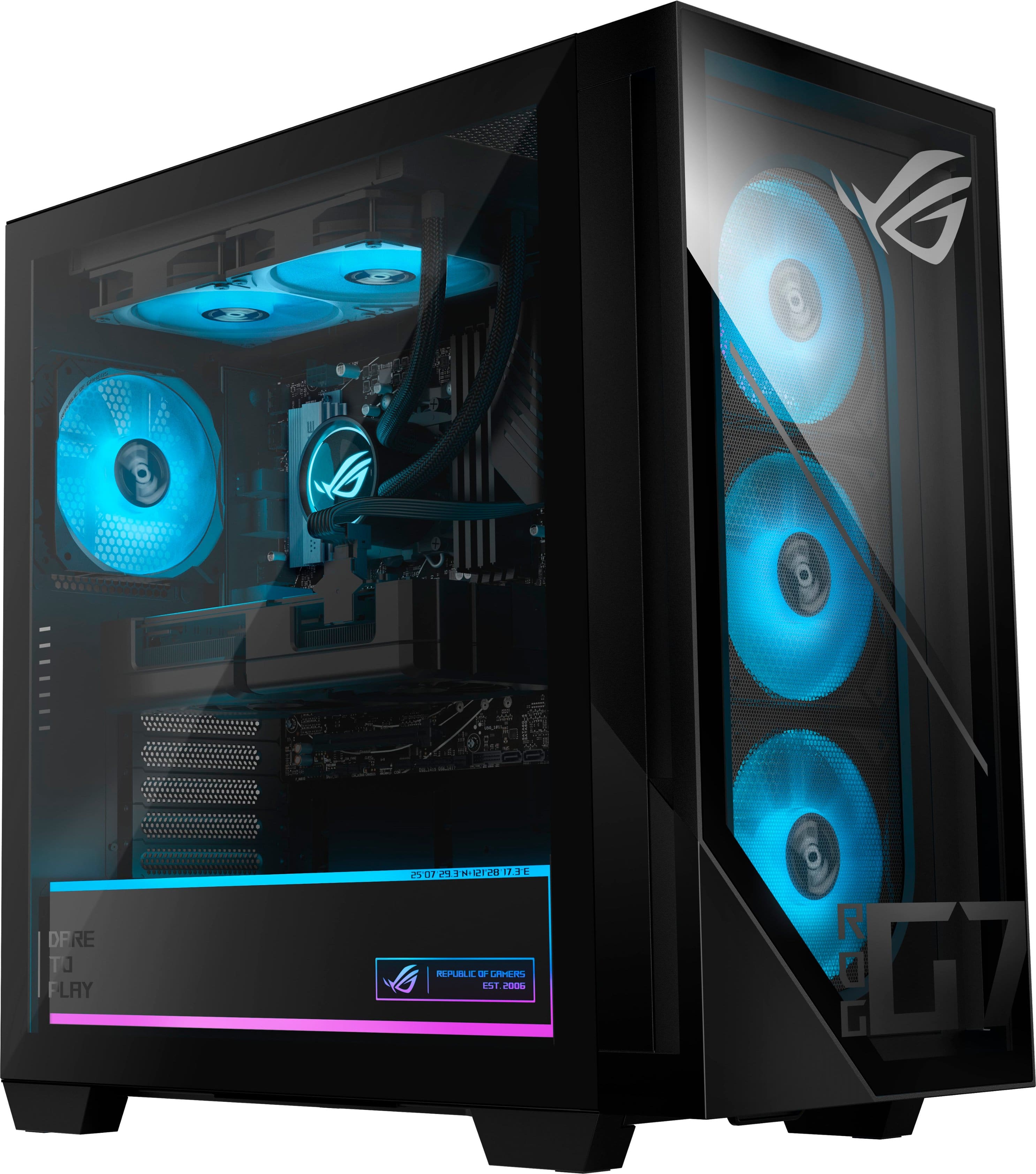
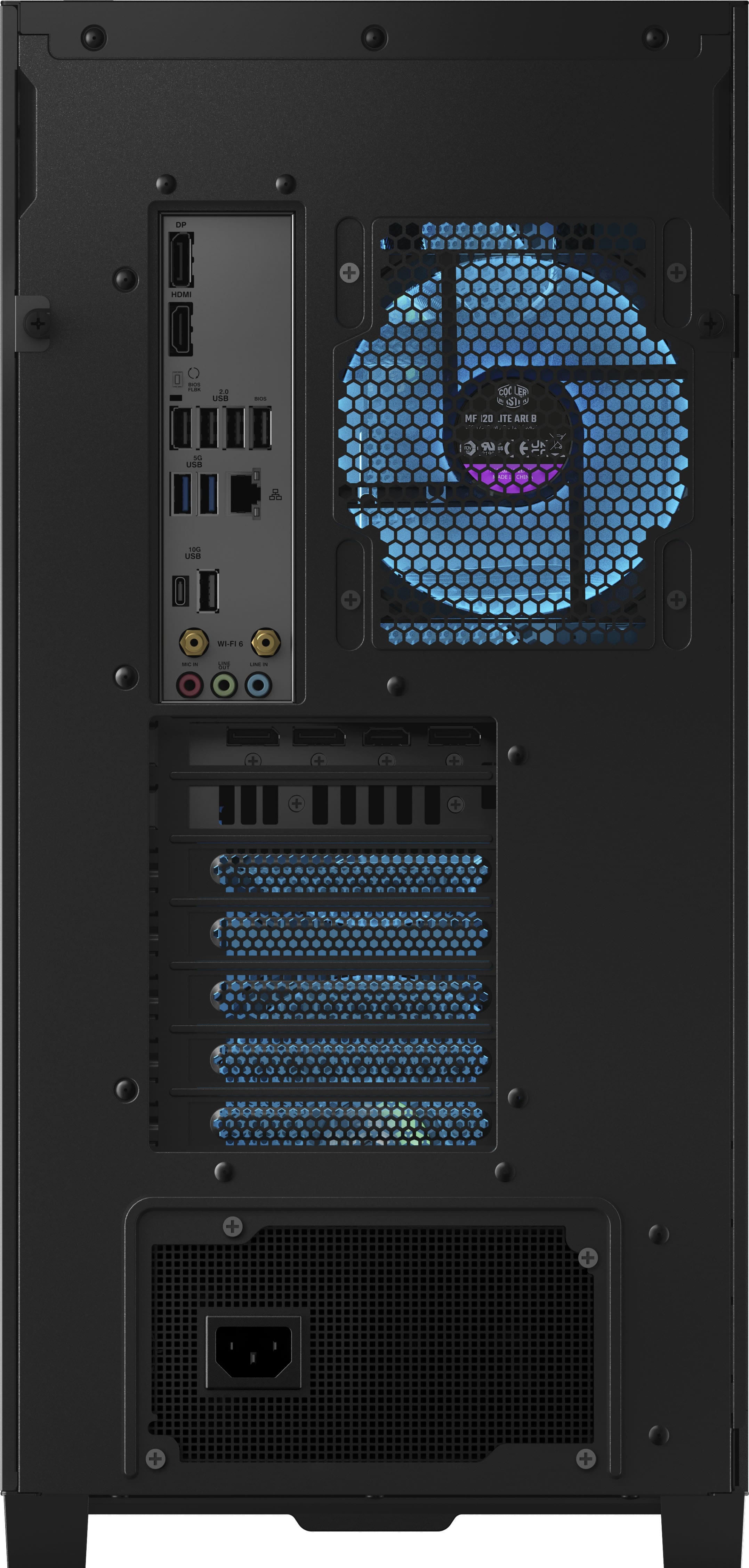
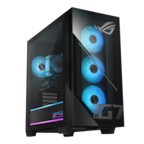
A:AnswerThe ASUS GM700TZ gaming desktop comes with built‑in Wi‑Fi 6 (802.11ax) and Bluetooth 5.4, using an integrated wireless module, so you don’t need to install a separate Wi‑Fi card like older PCs.
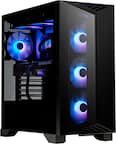
A:AnswerThere are a lot of factors to take into consideration, such as resolution and graphical settings. You can expect between starting on the lower end 82fps and on the higher end 265fps.
A:AnswerI play Arc raiders and stream to twitch with obs, I can run both and have background YouTube open etc , with the gpu settings I currently have about 200 fps and that’s running gpu at about 92%. Hope that helps a little.
A:AnswerEnsure that you plugged in the HDMI or Display port from your monitor into your PC’s GPU and not your PC’s motherboard. And yes this PC has sound, but you need speakers on your monitor, desktop speakers or a headset in order to hear it.
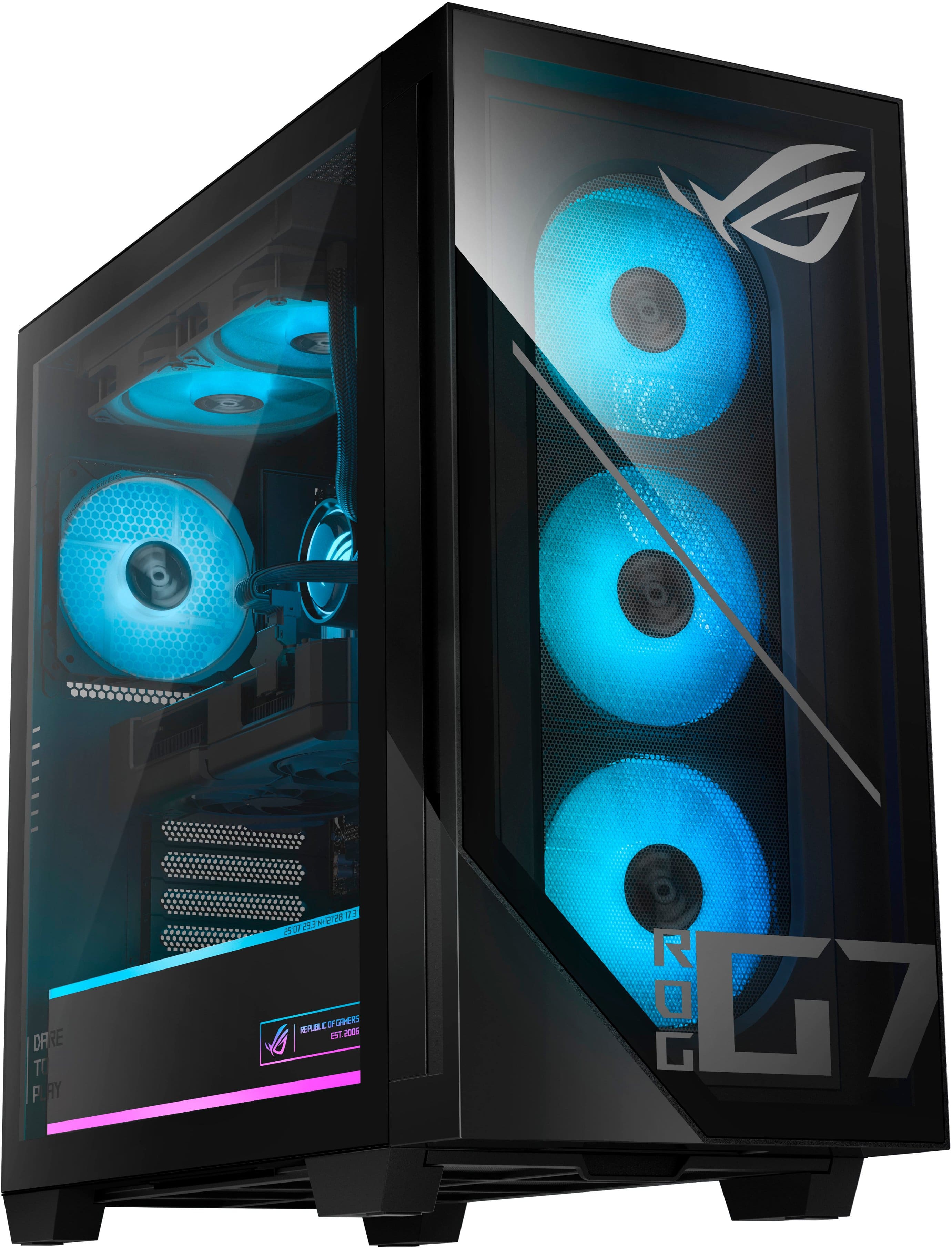
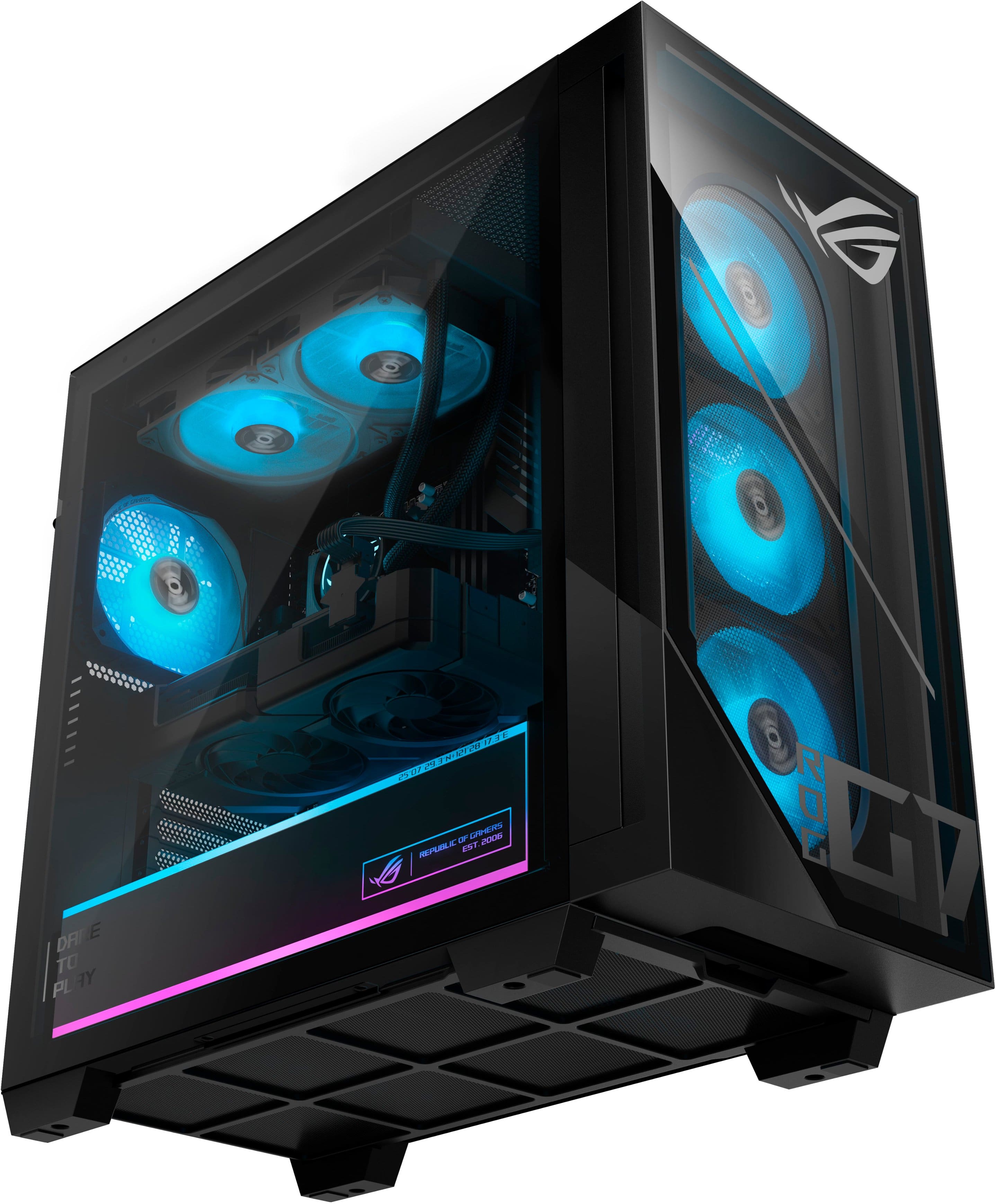
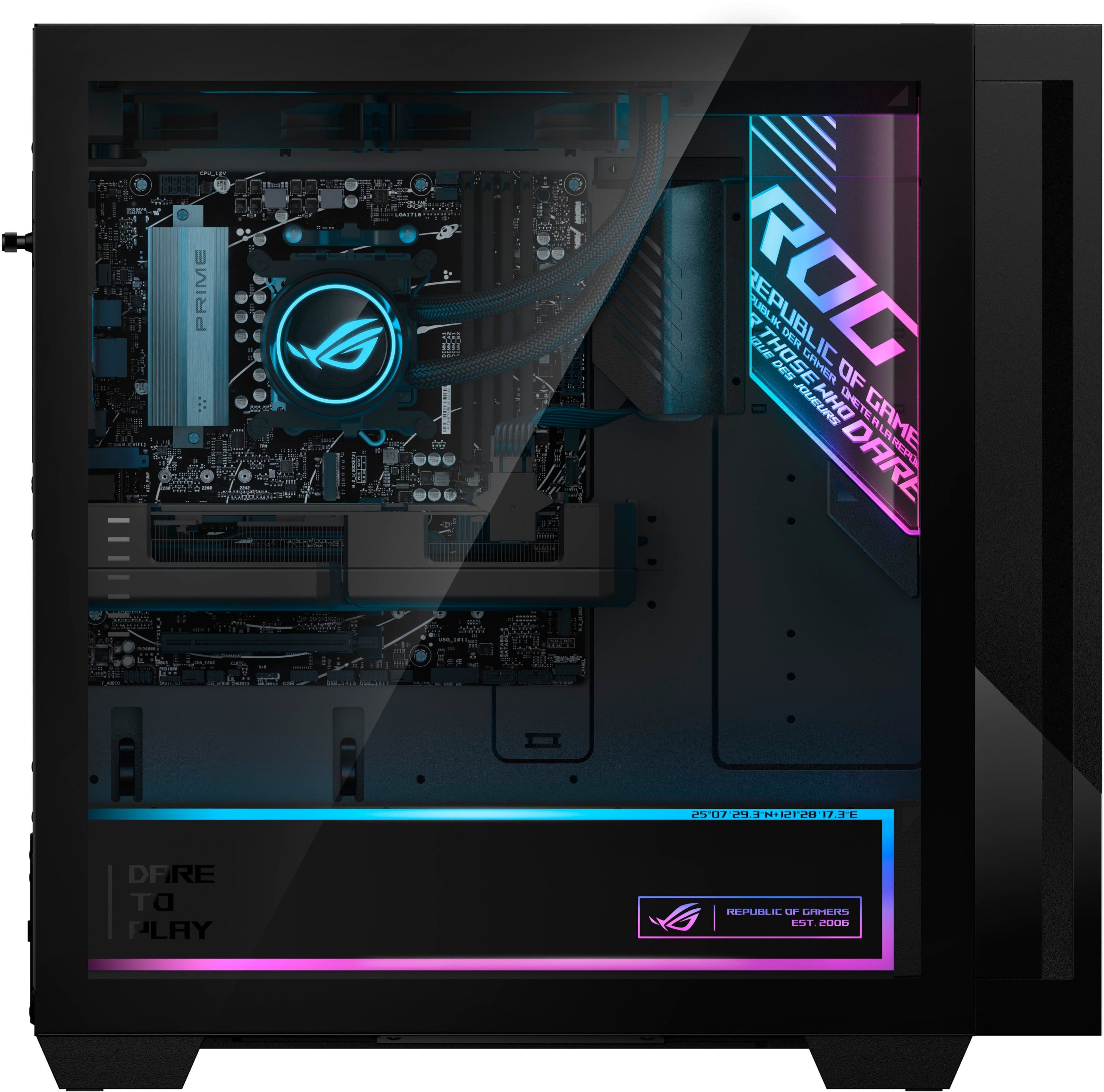
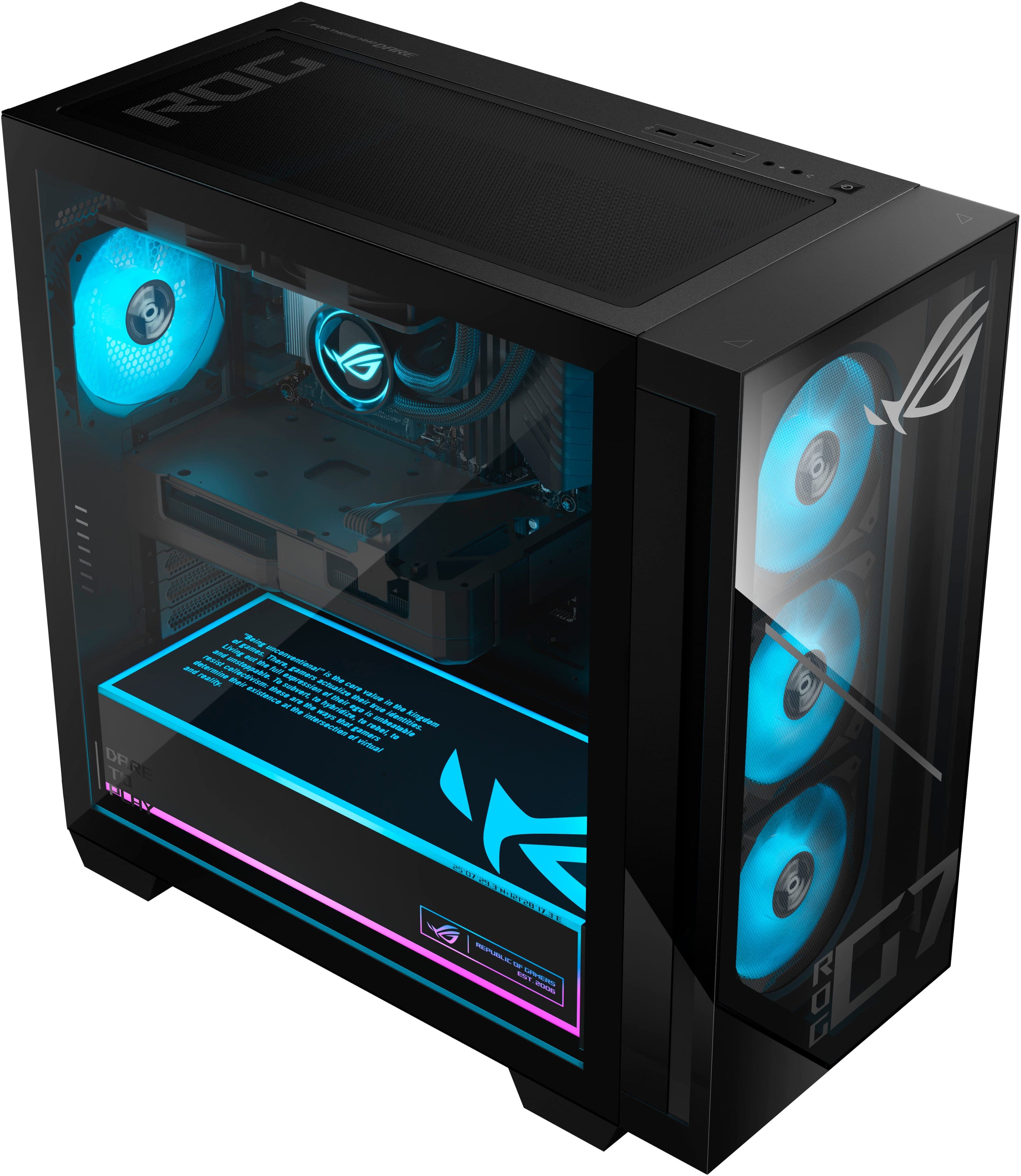
A:AnswerUnscrew the black threaded pin that sticks out the back of the PC (left side of glass) with your hand. Then pull the glass up and out starting from the finger slots. Be careful not to break the glass when pulling it off. Put it back on the same way you took it off and ensure to screw in the black threaded pin.