A:AnswerThere are a lot of USB to Ethernet adapters out there, and it should auto switch to the Nvidia when you launch programs. Otherwise you can change the global or per program default in the Nvidia control panel - Manage 3D settings.
A:AnswerThe only way that I have "FIXED" is problem is to search in the bottom left SOUND and click on the one that says (Sound) with (Control Panel) under it. After that double click speakers in the playback tab. Then find the LEVELS tab then click BALANCE. After that drag the right volume to 0 and keep the left on 100. Yours may be different so you may have to keep the left on 0 and right on 100.
This is the only thing that has worked for me.
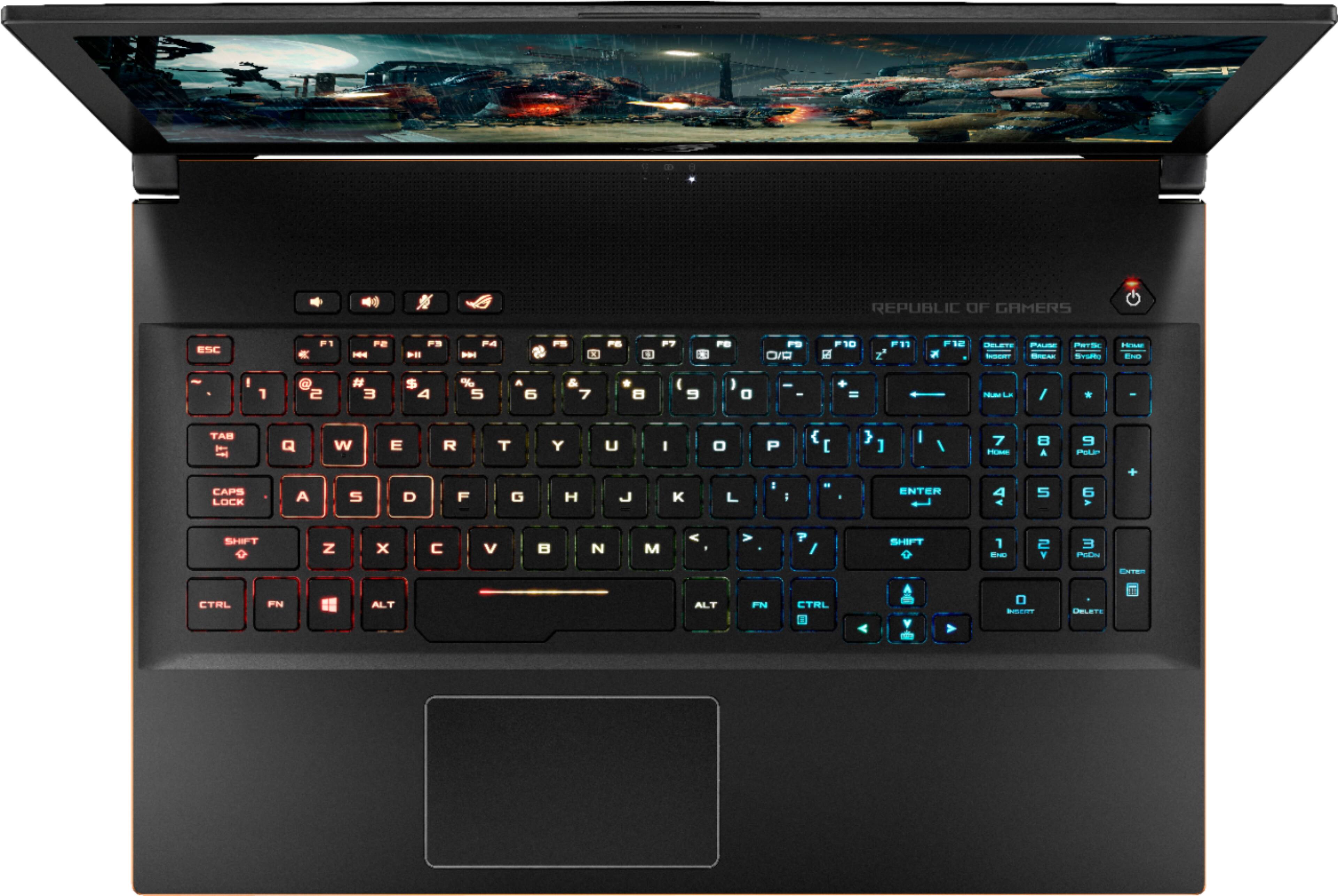
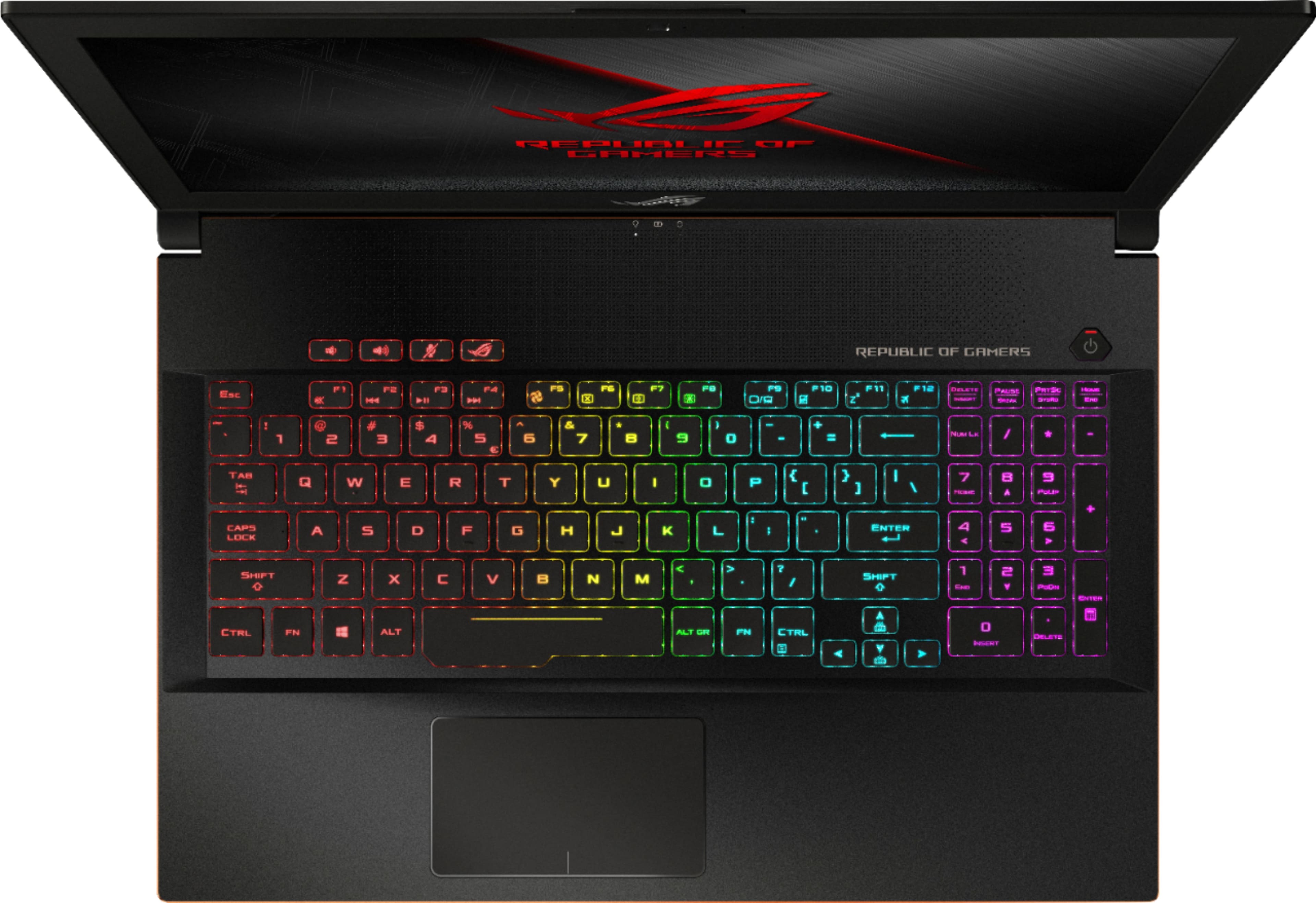
A:AnswerPress the ROG button to open the ROG gaming center. In the bottom left there is an area that says ROG Aura Core. Click that and it will take you to the backlight settings.