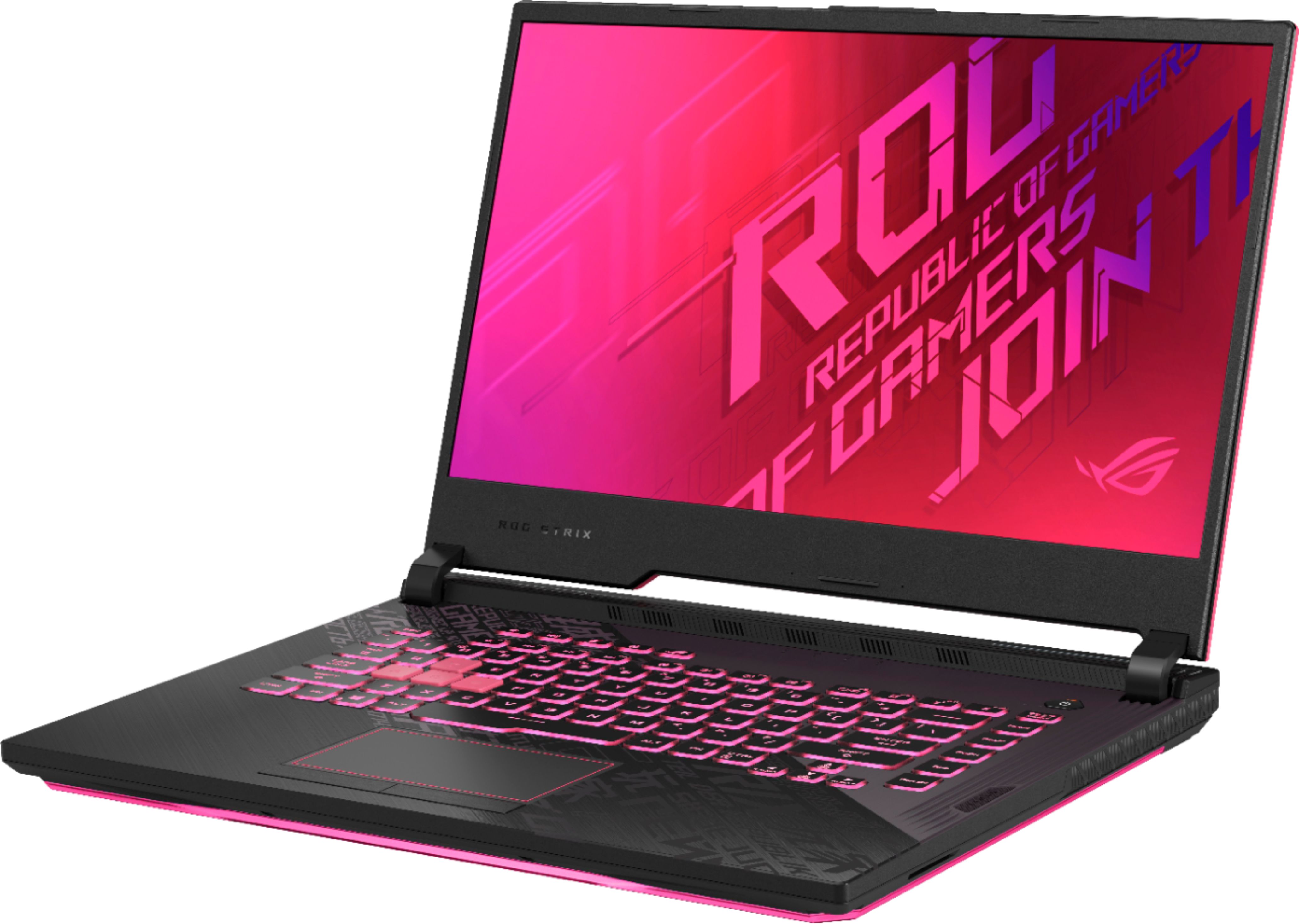
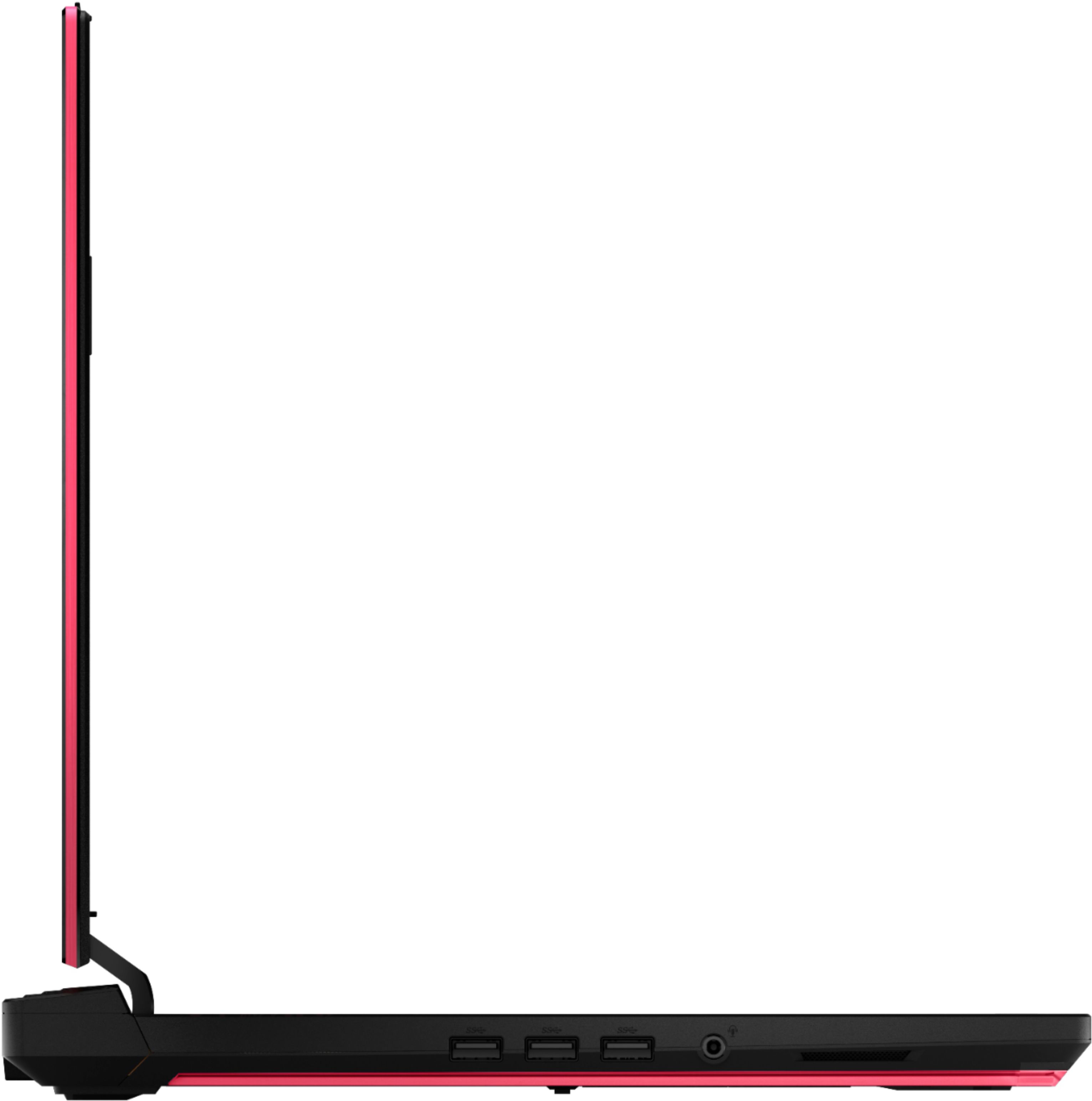
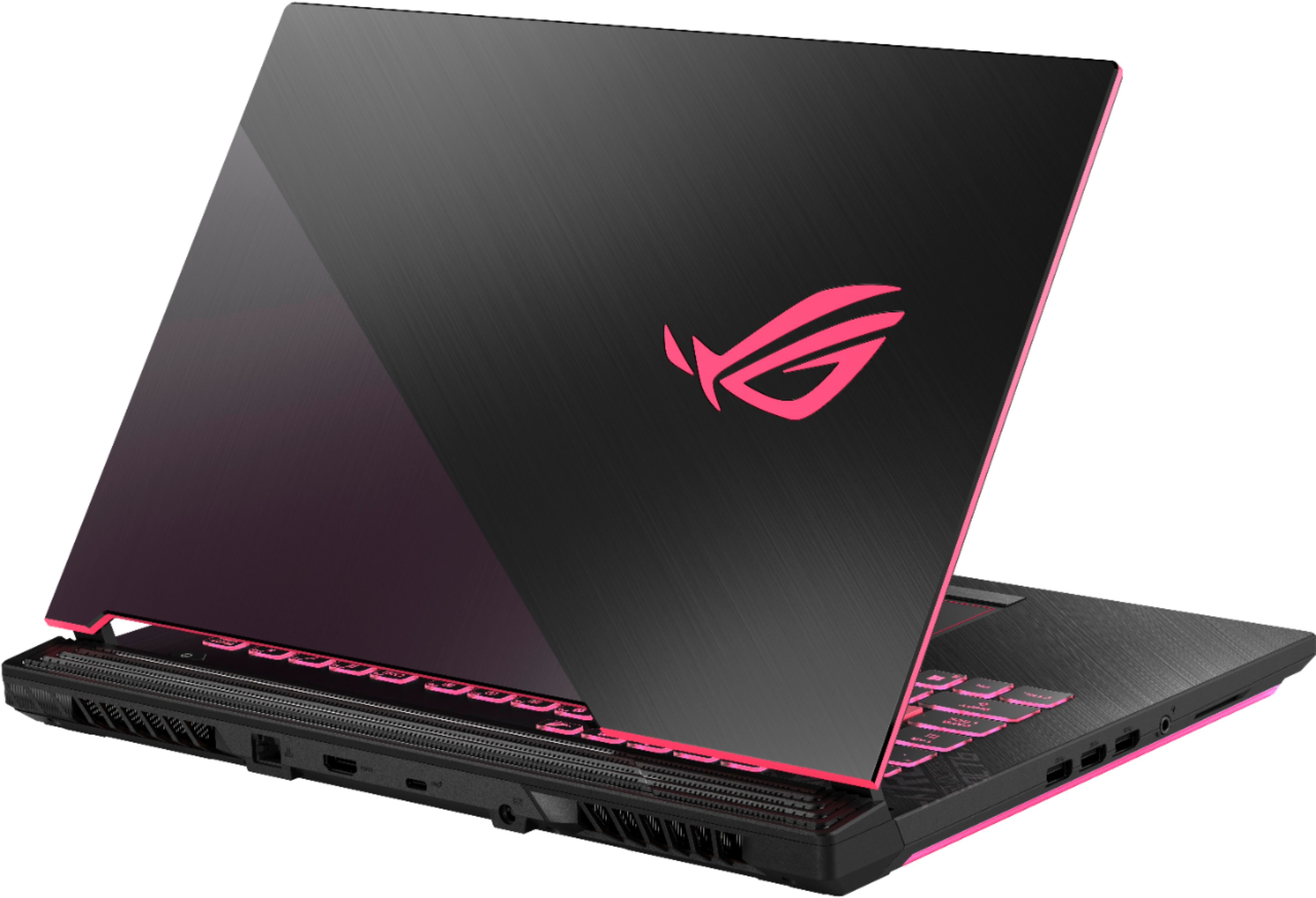
A:AnswerI don't know about the sRGB, but I have used Adobe Photoshop and Adobe Illustrator, and I'm about to get myself a Wacom Intuous Drawing Pad so I can draw digitally. It works fine. I have not edited videos, but it should work fine unless you are doing big movies and really high quality videos (at this point you should consider a laptop with higher RAM like 32 GB or lower 16 GB, higher graphics card like the RTX 2080 super or lower GTX 1660, and Intel core i-7 is fine). One thing to consider is upgrading to 16gb RAM or more if you absolutely need to. I already ordered another 8gb RAM to upgrade my ram storage since I play games and use those editing software.
A:AnswerThe laptop comes with 512GB SSD, but there are two extra PCIe m.2 spaces - meaning you can potentially upgrade to 8TB of storage (4TB NVMe). Those 4TB drives are very expensive... but 1TB NVMe are about $100 or less for no-name brands.
A:AnswerThis laptop is part of the Asus limited edition "Electro Punk" series and has matching peripherals and accessories, including a backpack. However, the laptop is stand alone and does not come with any of the Electro Punk peripherals/accessories. As of this writing, the back pack is not available in the US yet but I have included a picture in this response to show you what is available (Electro Punk mouse, keyboard, headset, mousepad).
A:AnswerYou can just buy 1. There is already 1 8GB RAM in there. Normally, you'd want them to match, if you install more than 8GB of RAM on the 2nd, you only get dual channel on 8GB RAM.
A:AnswerI wish this laptop was cooler, but I’m not going to return mine; I’m satisfied with my 16gb RAM for now and maybe 4 years later I will get a newer laptop/computer. Looking at laptops that cost around $1000 to $1299 do have better hardware to consider. I would recommend going that extra $300 to get a higher graphics card, more ram storage (that may be able to max at 32gb if you install more ram), sometimes an i9 processor is a cool thing to have but an i7 works just as well for today’s technology, and finally, the SSD hard drive space can be 1TB (and more if you install it yourself) in those more expensive laptops. Otherwise, if you’re like me who just doesn’t mind it being good enough and it is only temporary for a few years (my years in college), then you can simply upgrade to 16gb ram and save $270 by buying the ram for $30. The fans are placed on both back corners of the laptop so it never overheats, but sometimes playing for a long while can be a little warmish hot to the touch but I have never been burned and the keyboard does seem warm but not hot. That only happens when I play games, but since I upgraded the ram, it may not be so hot as it used to be.
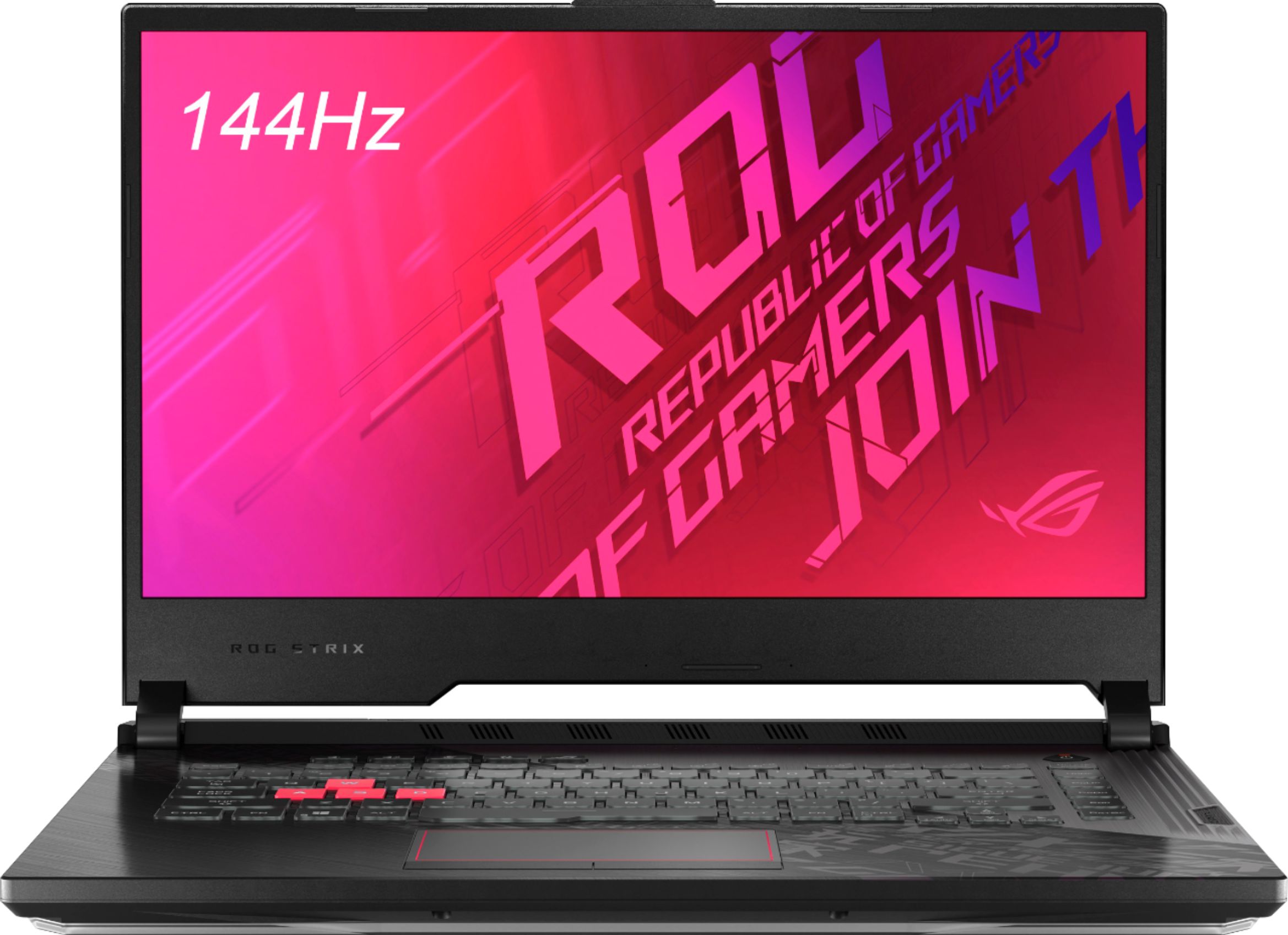
A:AnswerThe battery on the laptop is a 4 cell lithium ion, nothing special. On average it will last about 3 hours completely off charge. There are settings and built in ASUS programs to help mitigate and could possibly extend to 4 hours, depending on use. You may also be able to upgrade the battery at an additional cost down the road.
Quite frankly, this is a fantastic laptop and I have had zero issues since purchase, however its built more to be a "gaming" laptop that is going to be stationary for the better length of its life. It is heavy and bulky with a really simple battery.