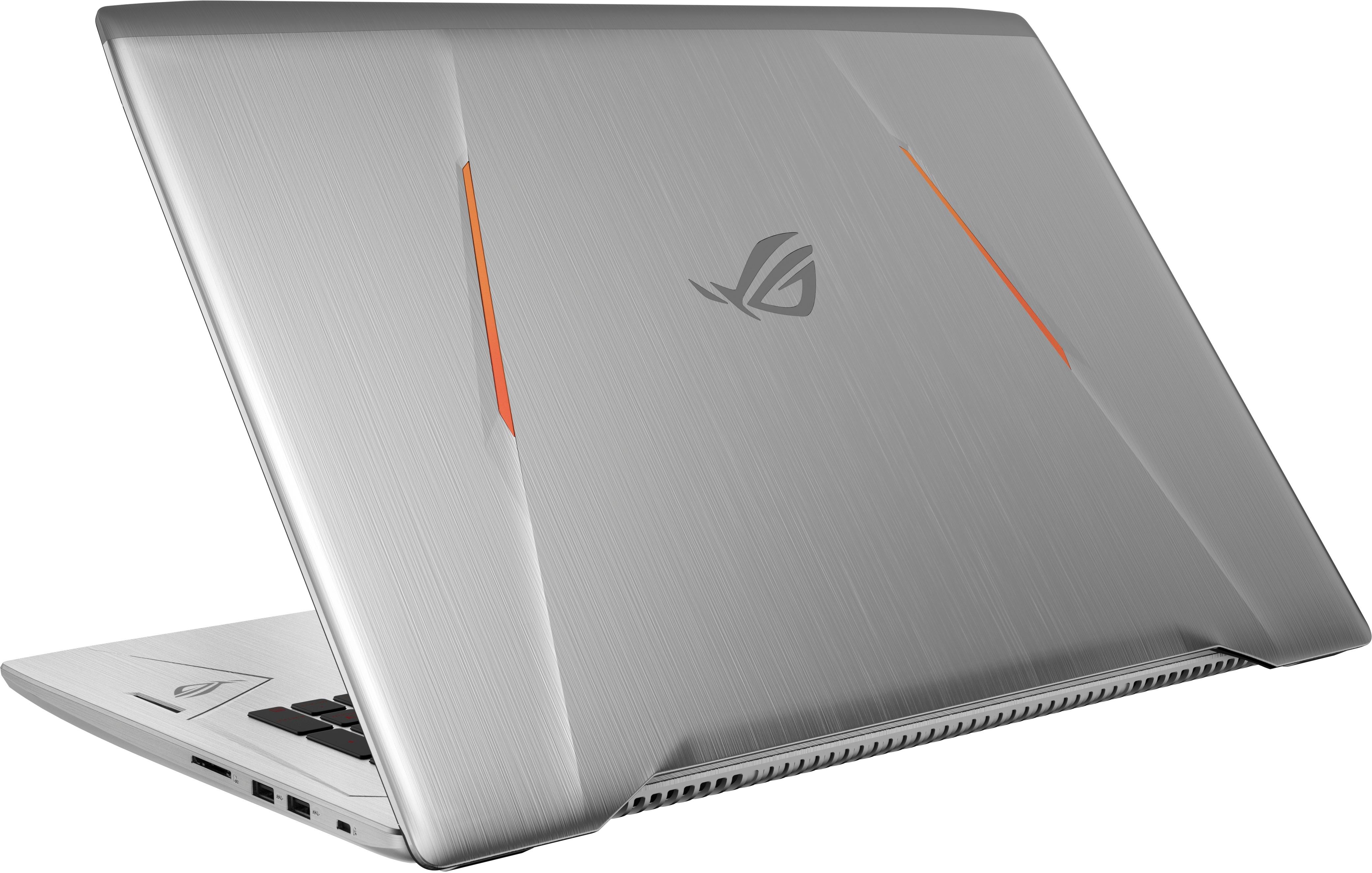
A:AnswerIt has a 8gb and a 4gb ram stick making it 12. It can be upgraded. I am planning on upgrading to 16 but you can go higher provided you have more money. I am fine right now. Another consideration is the thermal cooling my works fine but others claimed to have issues that can be resolved by having a cooling pad a more difficult solution is reapplying thermal compound going off subject. I got it because of the graphics card. ; )
A:AnswerSetup Throttlestop and Undervolt by -140 and setup a profile that turns of turbo and speedsteps down 128 for when the temp reaches DTS 20, also get a cooling pad, this will keep the temperatures stable, thats what i did.
A:AnswerI would not recommend overclocking unless you are undervolting or modifying the cooling inside of the laptop with a cooling pad setup as well. The out of the box temps regularly reach 80-90 with lite usage without undervolting. Undervolting -140 greatly reduced my temps but I am not overclocking.
A:AnswerIt looks like someone was able to get a SATA SSD to work https://rog.asus.com/forum/showthread.php?95740-GL702VS-BI7N12-SSD-and-RAM-upgrades
I got a $200 512 Western Digital Black NVME for mine, the 256 version is about $99 on this site, I assume you are aiming for higher capacity for that dollar range or are you seeing M.2 Sata for even less?
A:AnswerYou can add an M.2. Drive for extra storage (and speed if you reinstall the OS on it) or you can make an image of the OS on a USB and buy a bigger HDD and swap out the existing one for it. Either option will give you more storage.