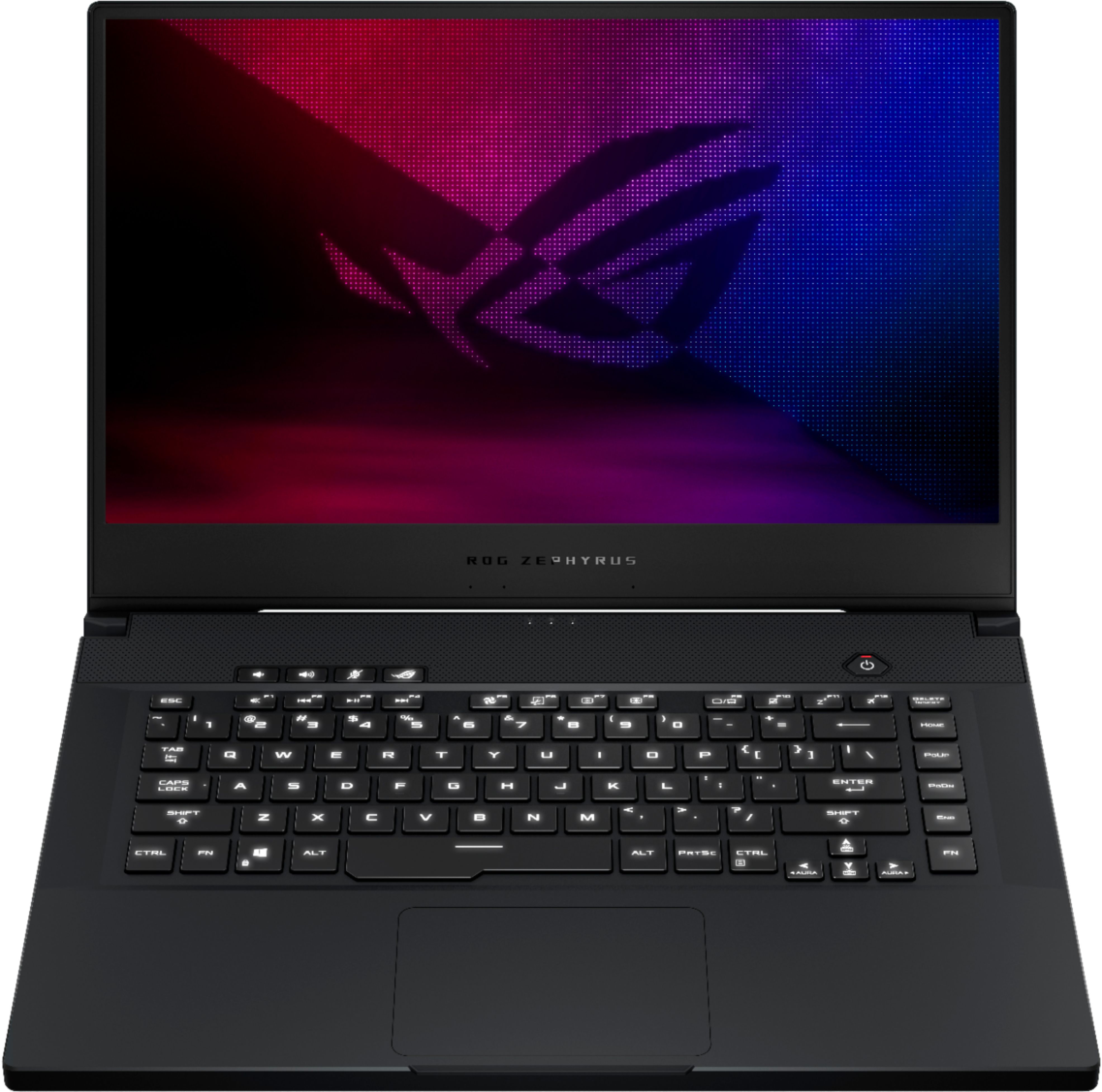
A:AnswerCooling system for an computer in heavy use is a must! We invest so much into system and gaming (graphics in my case) that the $25-50 for a cooling pad is a smart investment. Make sure you clean the fans on the cooling pad to keep it functioning properly.
Happy Gaming!
A:AnswerNo, we only recommend the graphics driver from our website here: https://rog.asus.com/us/laptops/rog-zephyrus/rog-zephyrus-m15-series/helpdesk_download
All these drivers go through intensive testing to ensure that they work correctly.
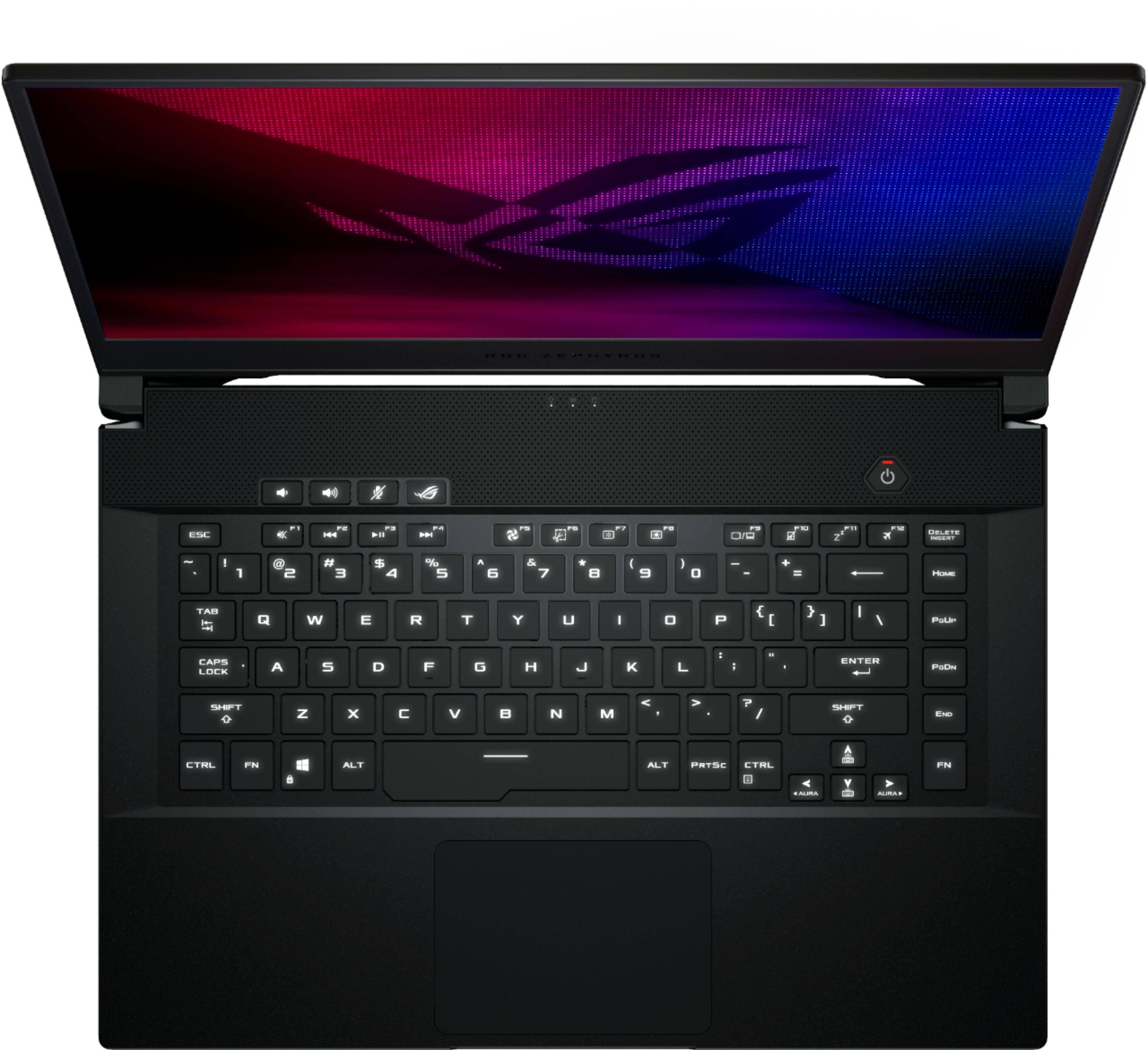
A:AnswerThis model covers 100% of the Adobe RGB color space. Please review further specifications here: https://rog.asus.com/us/laptops/rog-zephyrus/rog-zephyrus-m15-series/
A:AnswerI would opt for 2 TB or make sure its easy enough for you to upgrade it. Some of these games take up a lot of space pretty quickly.
Also, look at financing thru Best Buy or Affirm, $120/mo is a lot easier nut to cover than $1400 (after taxes and shipping)
A:AnswerBased on this support page, this laptop exceeds the system requirements for that application. You should not have any issues. https://filmora.wondershare.com/tech-spec.html
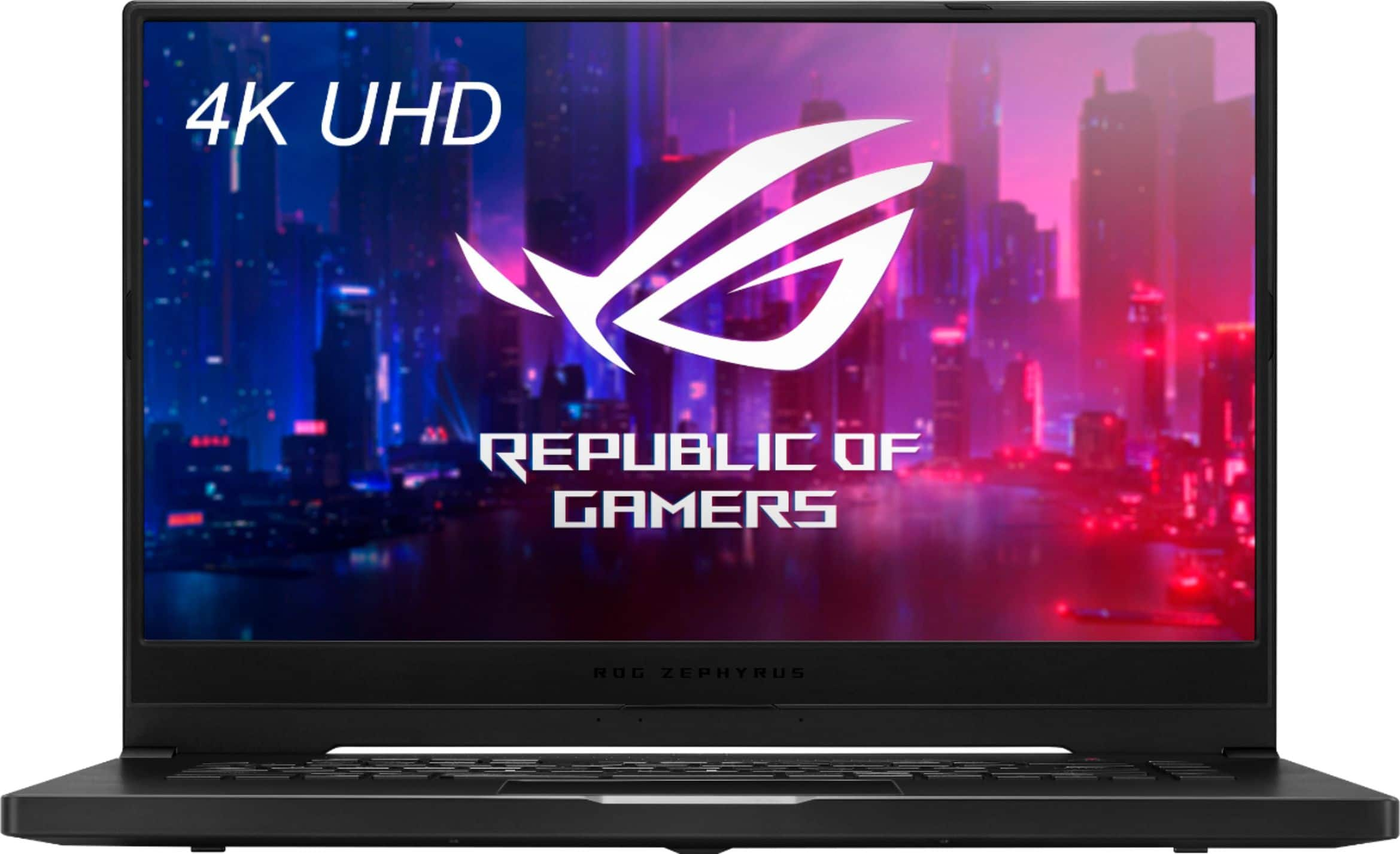
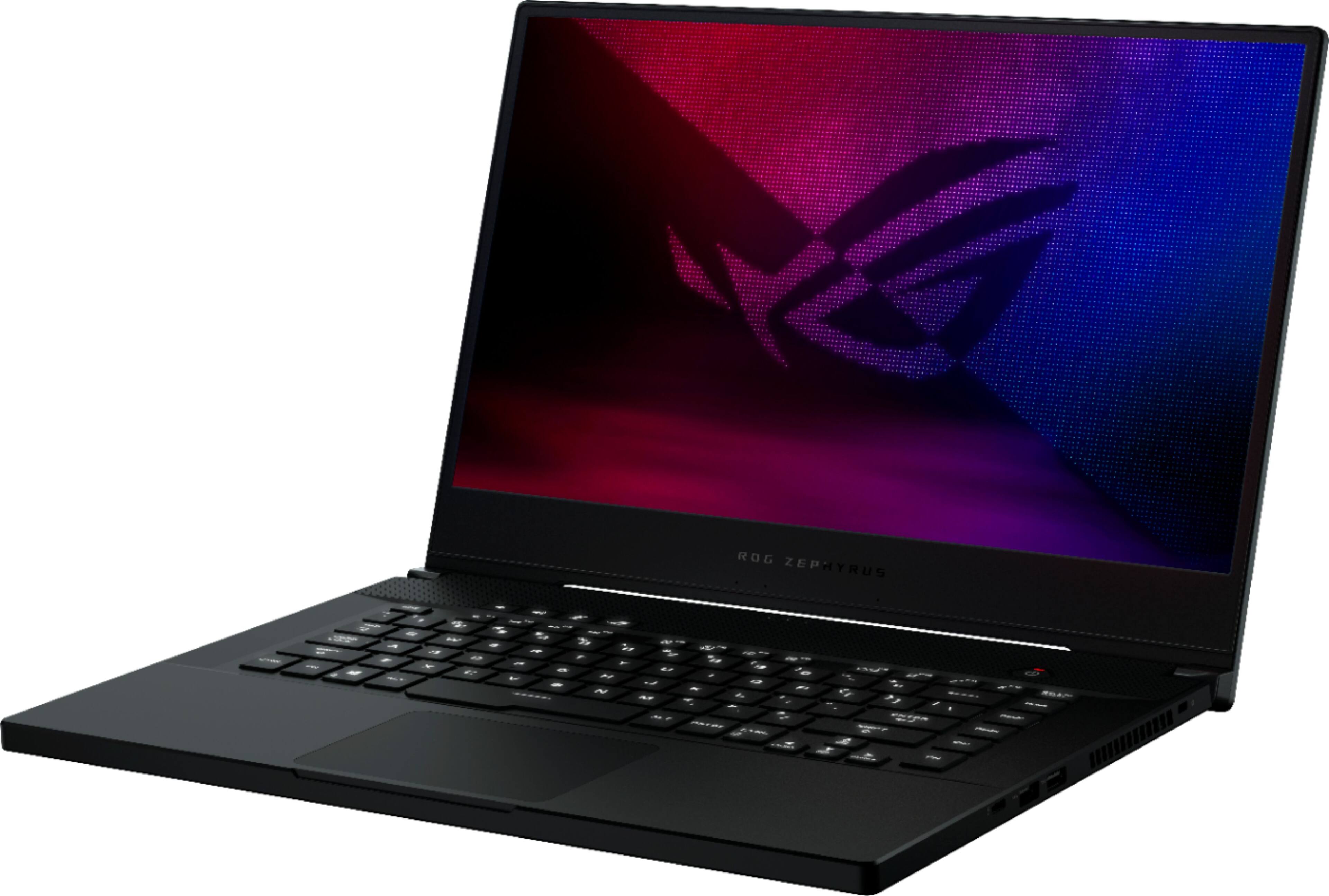
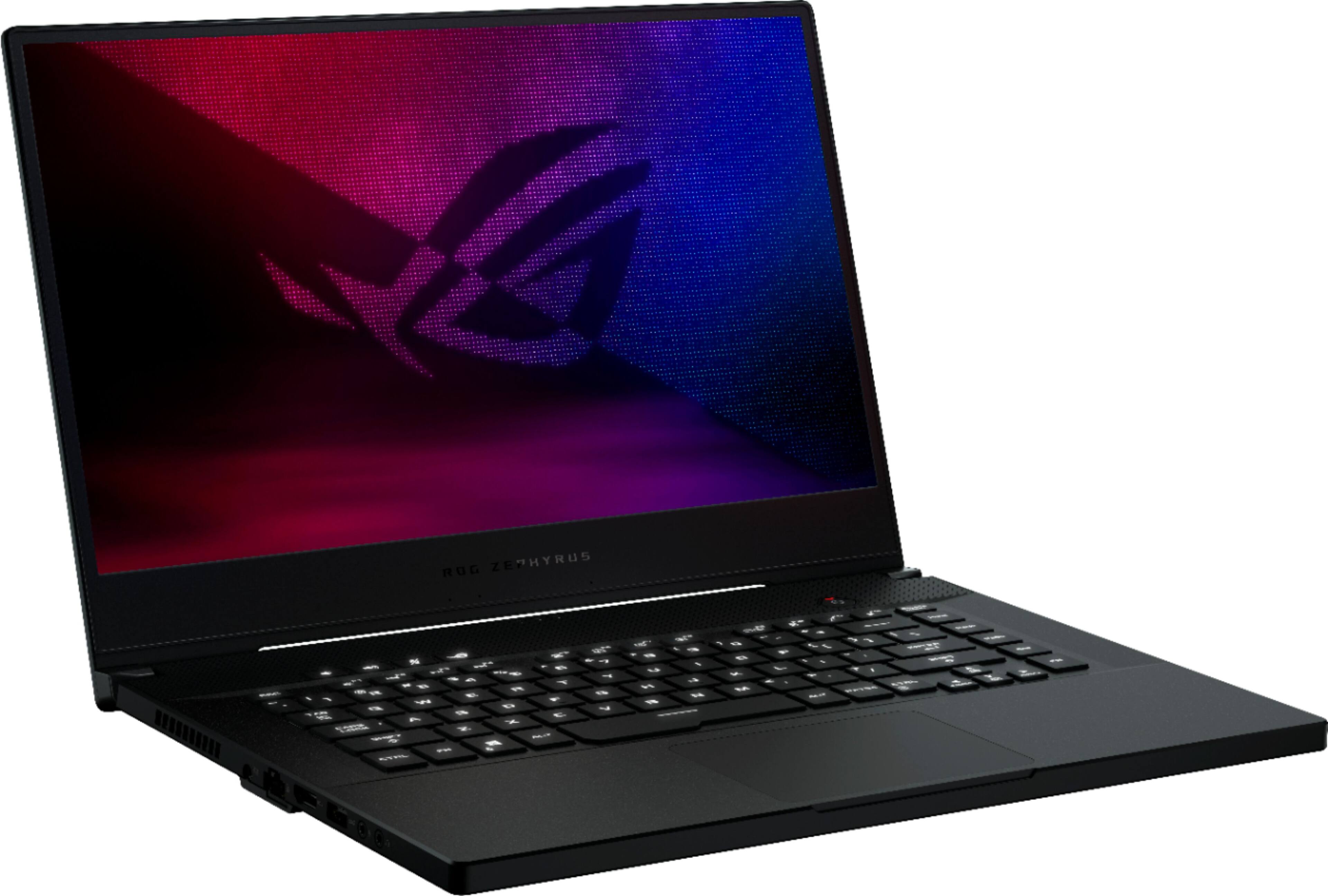
A:AnswerThis model comes with an NVIDIA® GeForce RTX™ 2060
6GB GDDR6 graphics card. You can review further specifications here: https://rog.asus.com/us/laptops/rog-zephyrus/rog-zephyrus-m15-series/spec
A:AnswerThis model comes with an Intel® Core™ i7-10750H Processor 2.6 GHz (12M Cache, up to 5.0 GHz, 6 cores). You can review further specifications here: https://rog.asus.com/us/laptops/rog-zephyrus/rog-zephyrus-m15-series/spec
A:AnswerThat would depend on the software system requirements. If you need assistance verifying compatibility, please reach out to me at [email protected] and include case #N2012003521-0005 in your email for reference.