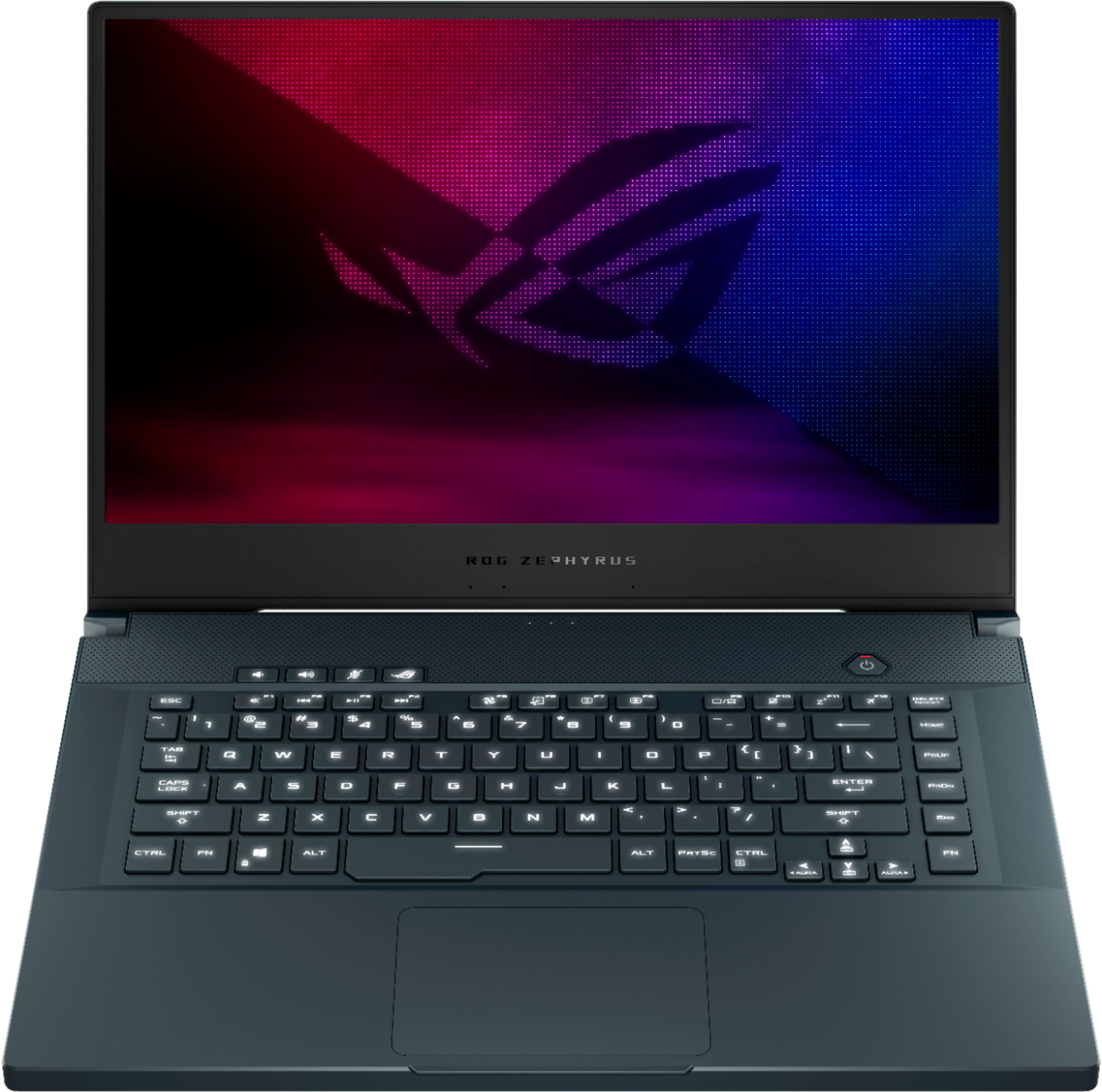
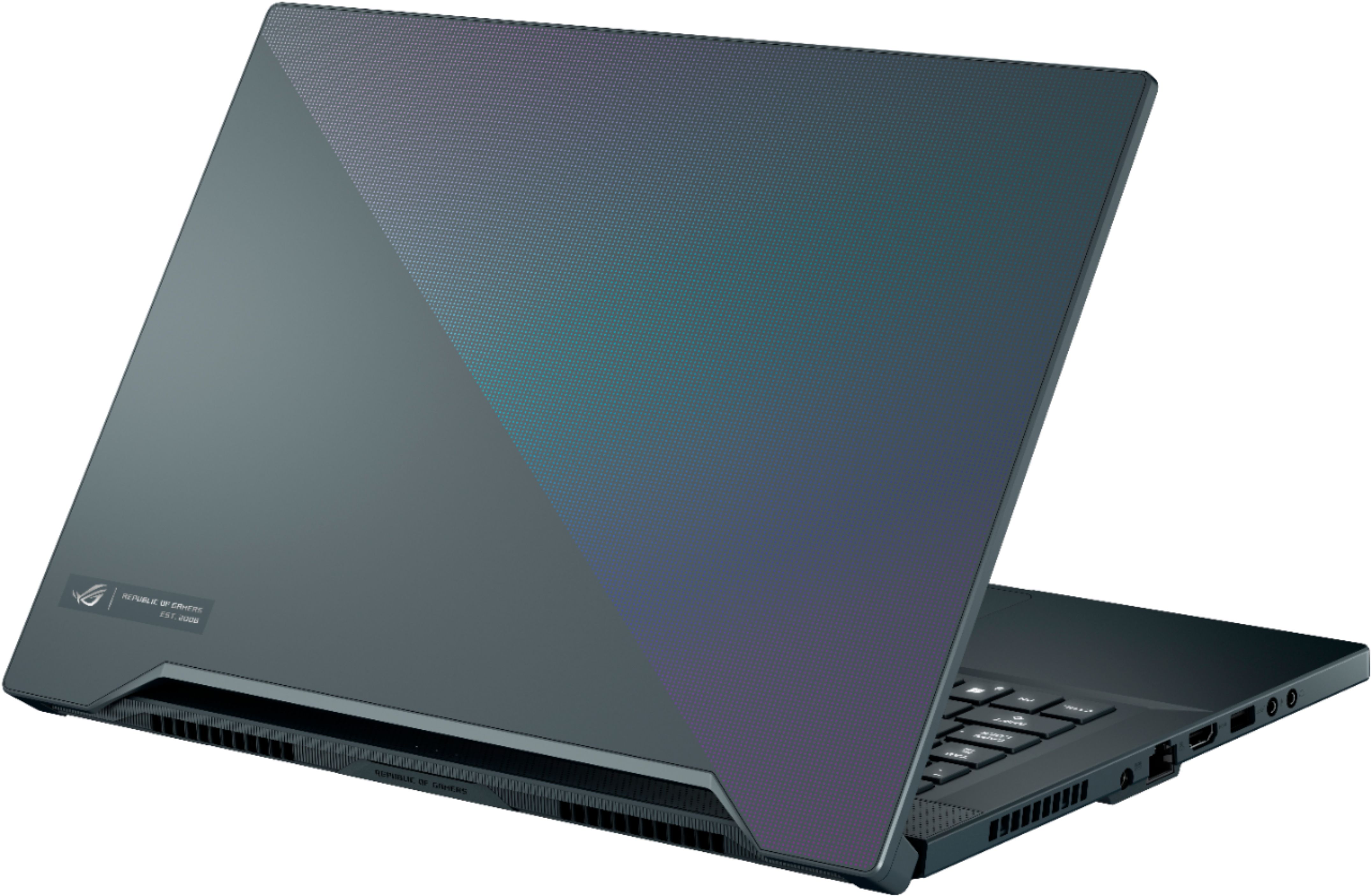
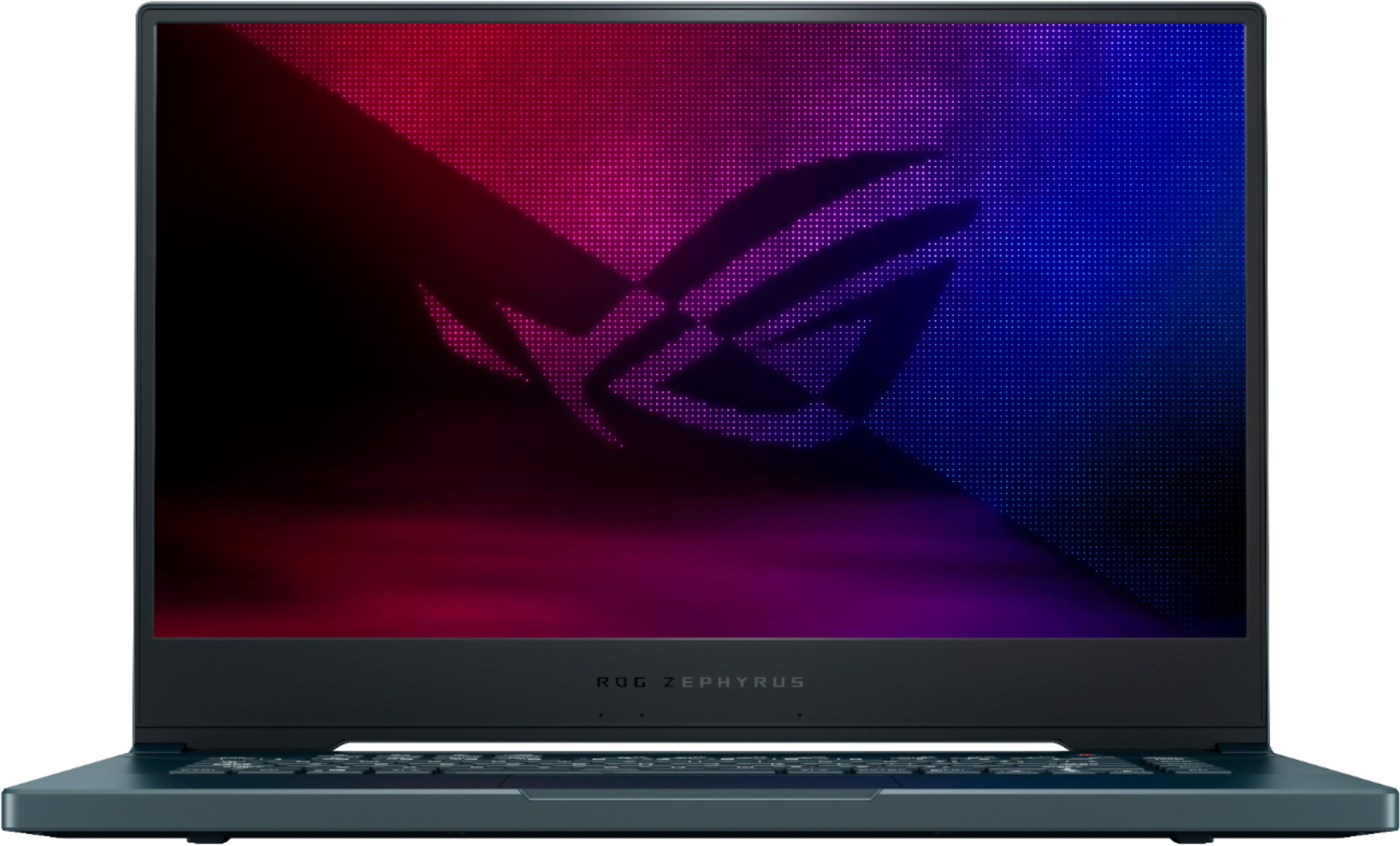
A:AnswerI was told by Asus that 24gb max to stay in dual channel. Just get a 16gb DDR4 3200mhz SO-DIMM for a total of 24GB and stay in dual channel. I will say...I'm not sure it is necessary to upgrade since 16gb should be enough for games, I would spend the money and get a second M.2 2280 PCIe MVMe SSD to expand the storage since there are two M.2 slots.
I have this same laptop and I love it! I think it's the best cost to performance machine with this small form factor for the money...plus the liquid metal is just another bonus for the over all thermal performance this laptop has. It's flying under the radar for whatever reason, I did a lot of research on gaming laptops and this checked most if not all of the boxes.
A:AnswerThey're pretty decent for what it is. Keep in mind it's a very thin laptop so it will inherently run warmer than regular laptops. Mine runs from 70c-85c on both GPU and CPU while gaming, it's hit the lower 90's once in a while. If you use the fans at max speed it cools down very quickly at the cost of noise however.
A:AnswerYes and no.
In ram heavy tasks such as video editing and 3d animation, the extra ram would help tasks run more smoothly.
As for gaming, this would mess up the ram channels and cause games to run worse than if you were to just add a 16gb stick for a total of 24gb of ram
A:Answermy laptop lasts anywhere from 5 to 8 hours depending on what I do. That's using it for video, internet emails or word. Haven't used it much in gaming yet. I am very impressed but I be honest this is my 3rd laptop I owned in my life. I don't know if I use it as much as others use theirs. Hope this helps a little.
A:AnswerIt is the 2070 Max-q which is a less powerful variant of the 2070. To replace the ram you need to remove the bottom panel of the laptop by removing several screws. I would recommend watching a general video about upgrading laptop ram as there is no video on this particular model I can find. There is a video from Dave2D you can find on youtube where he shows you what the board will look like when you get the back panel off for this model. The video is called “the best gaming laptops from asus” it’s from about one month ago at the time of this post. he goes over 3 laptops and this is the second one in the video. The exposed board is right before the 6 minuet mark in the video. 8gigs are replaceable but the other 8 are soldered to the motherboard so you will always have 8gigs+ what ever you put into the one upgradable slot.
A:AnswerSince it's "coming soon" that likely means that it either hasn't begun production or is/was in the early stages of production, due to the Covid-19 pandemic it's very likely that most if not all of Asus' production has been halted. Since China has already reopened they will likely restart full-scale production in June, so at the earliest it may be July or even August before it's available. If you are very interested in the product I would suggest emailing Asus directly.
A:Answerits like 12-16 screws bottom cover. pop it open.. remove 8gb ram.. but at 16gb ram. remember that this laptop, 8gbs are soldered... so you can only change one Dimm... and doing this i believe will make ram single channel..