


Questions & Answers
- Model:
- RT-BE86U
- |
- SKU:
- 10117201
$277.19Your price for this item is $277.19
Page Showing 1-9 of 9 questions
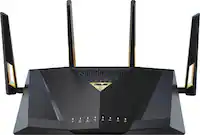
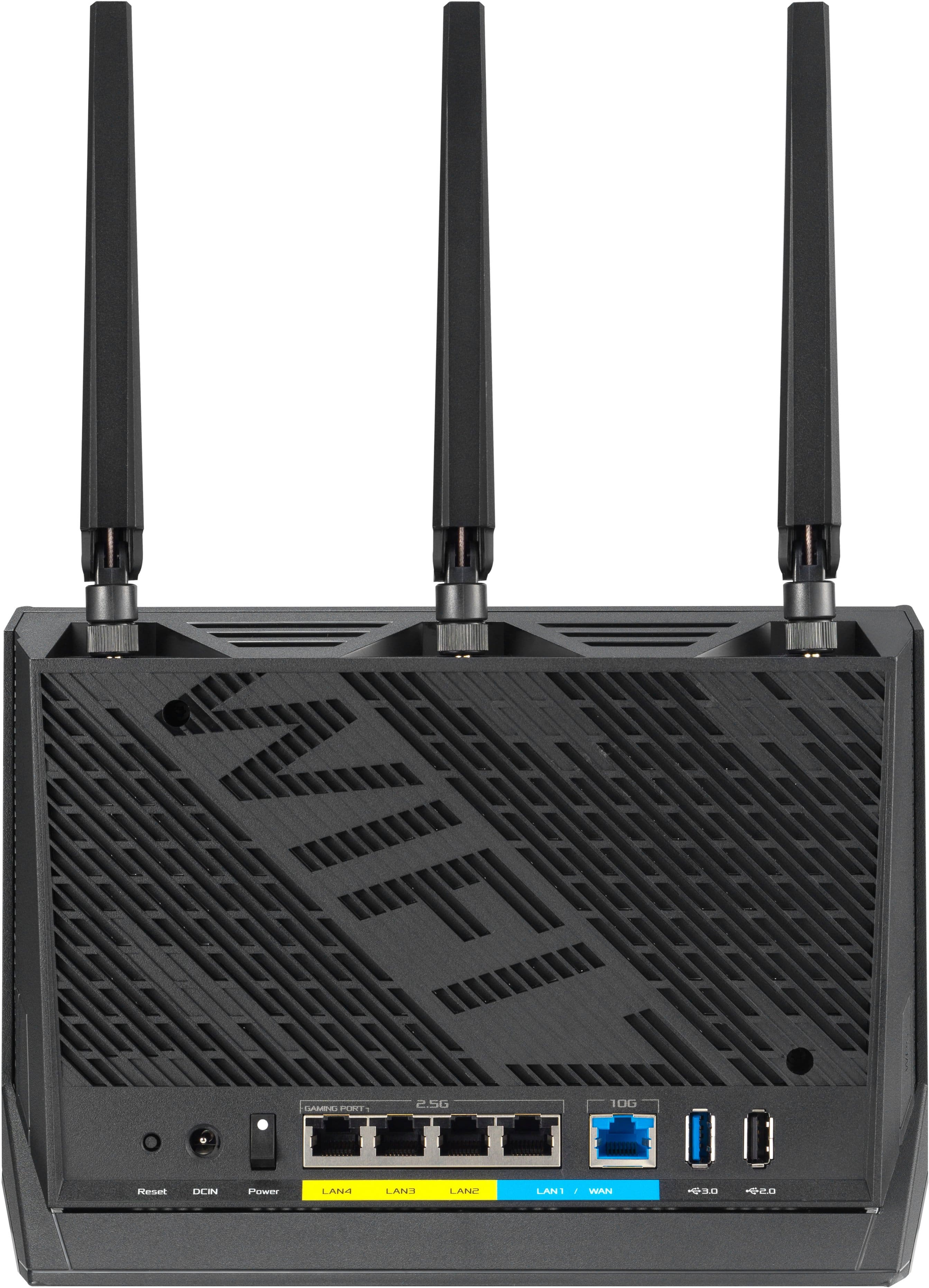
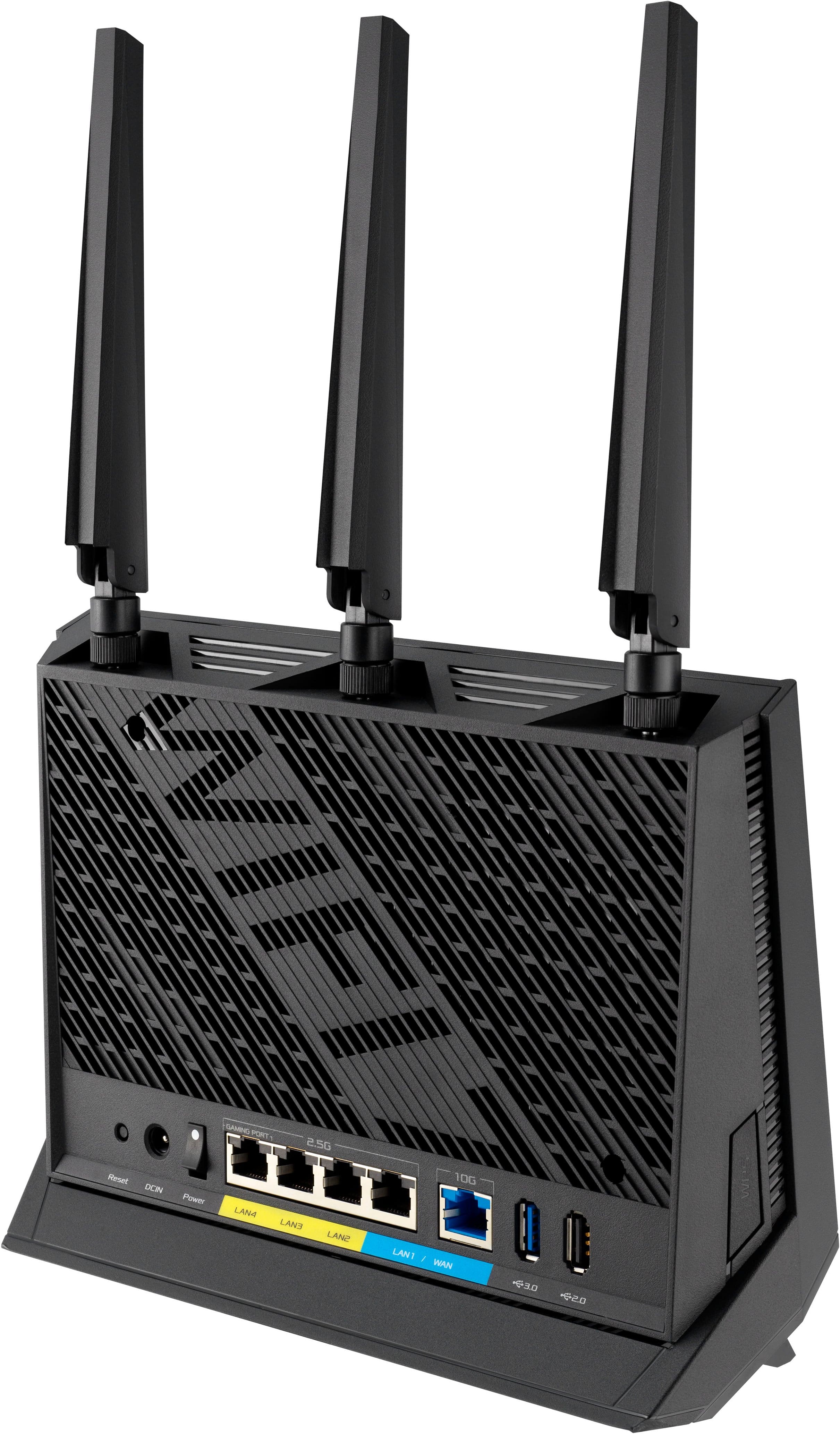
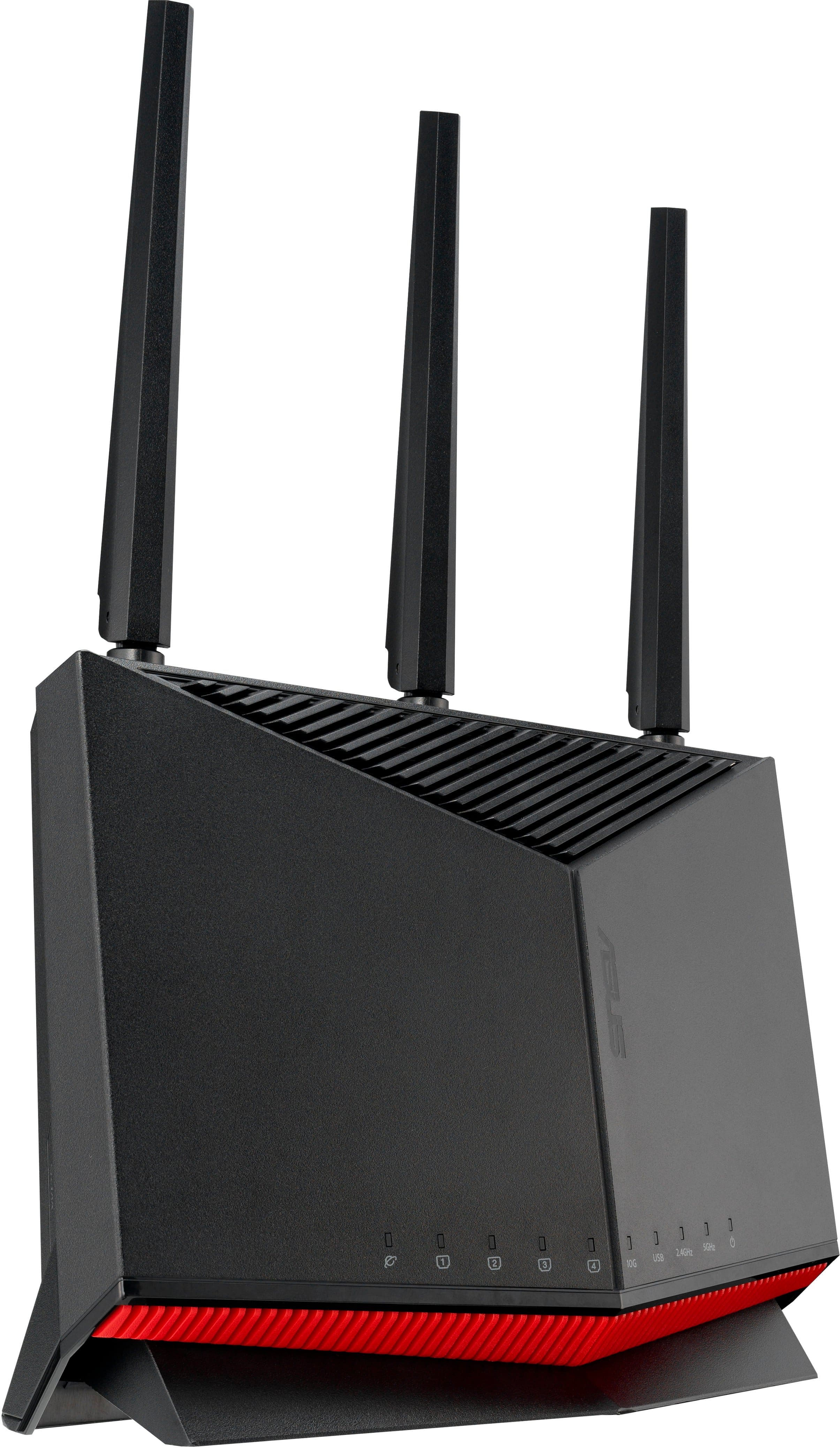
Q: QuestionHow many antennas does the router have?
- A:Answer This router has four antennas.
This question and answer was generated by AI based on customer and product data.Q: QuestionWhat is the warranty period for the router?
- A:Answer The manufacturer's warranty for both parts and labor is 3 years.
This question and answer was generated by AI based on customer and product data.Q: QuestionWhat is the maximum number of devices that can be connected to the router?
- A:Answer This router allows you to connect up to 200 devices.
This question and answer was generated by AI based on customer and product data.Q: QuestionWhat is the maximum Wi-Fi speed supported by the router?
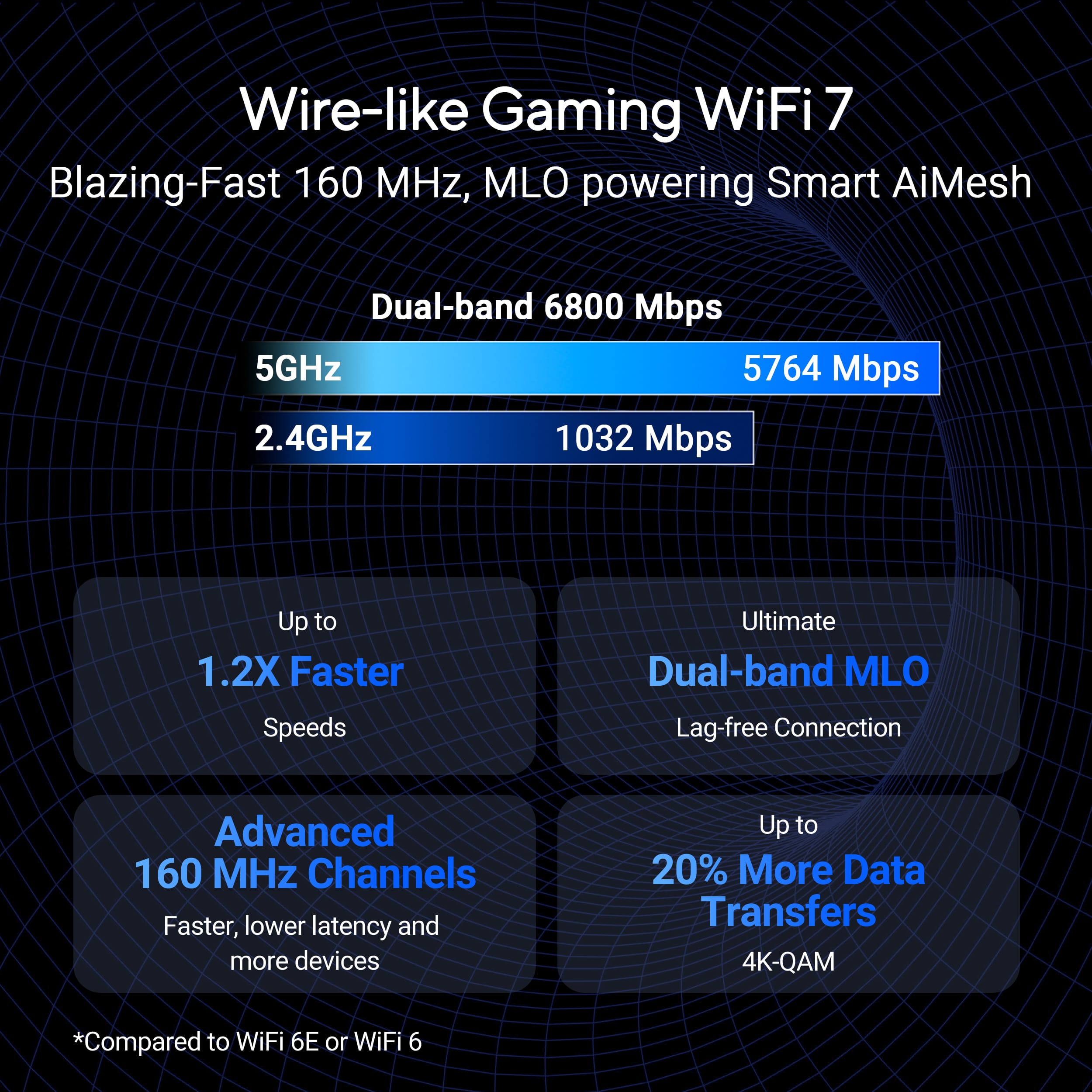
- A:Answer The Wi-Fi speed supported by the router is 6.8 gigabits per second.
This question and answer was generated by AI based on customer and product data.Q: QuestionDoes the router support wired backhaul?
- A:Answer This router does support wired backhaul.
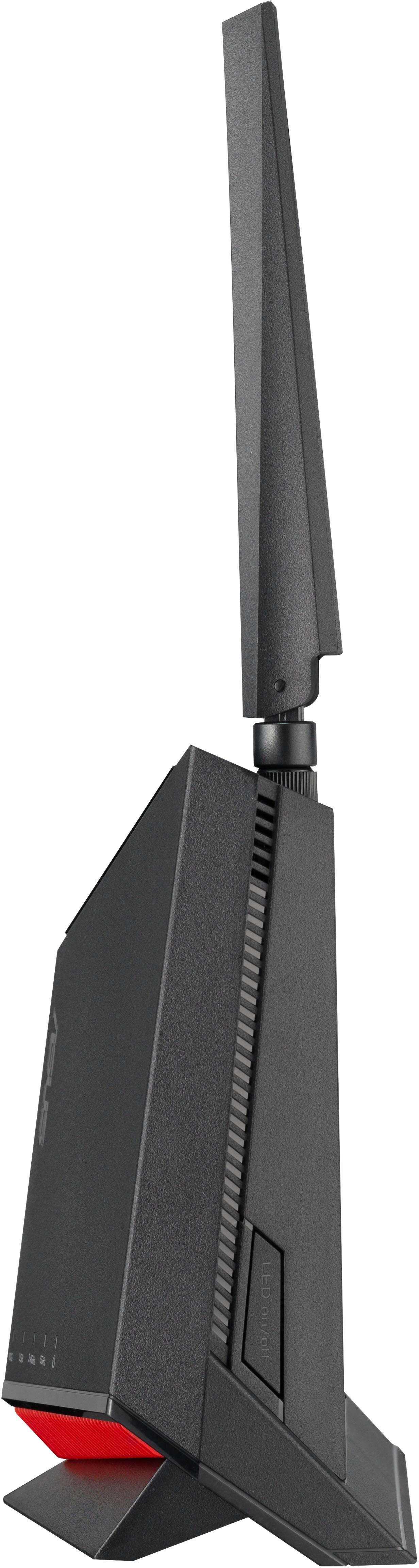
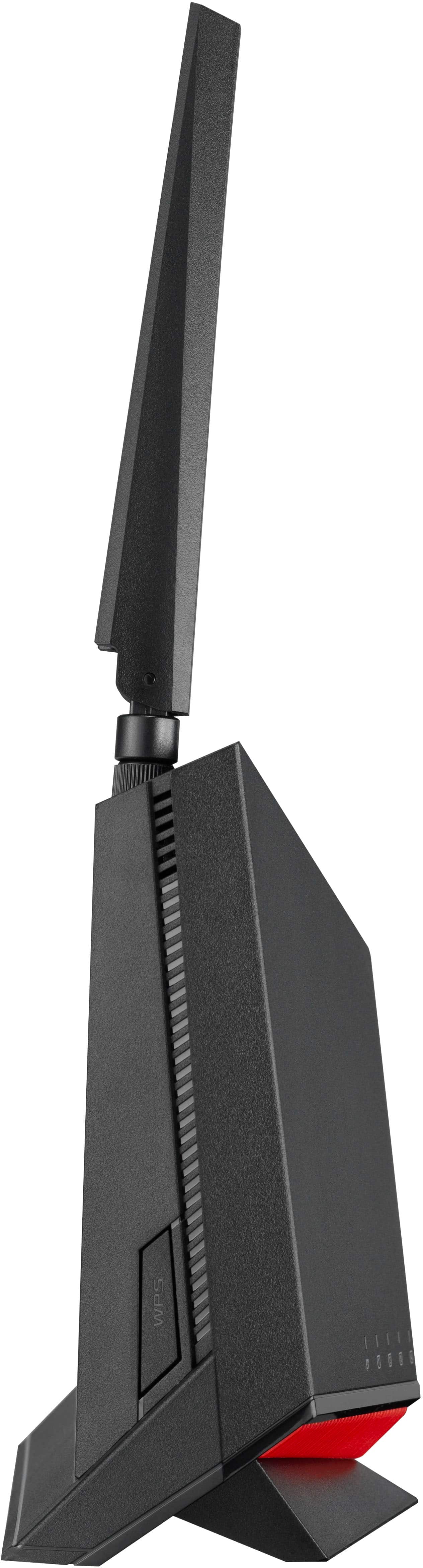
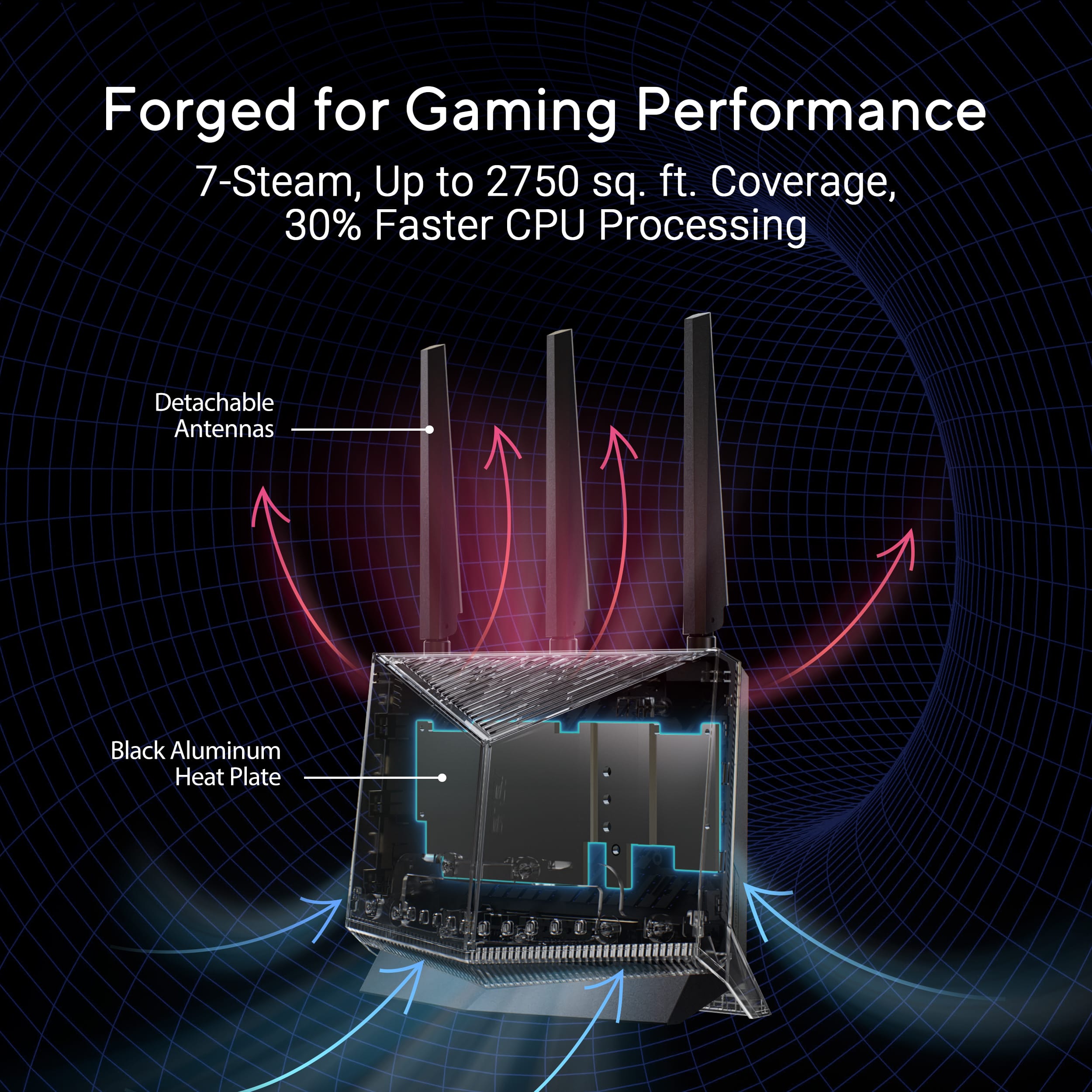
This question and answer was generated by AI based on customer and product data.Q: QuestionIs this router meant to stand up like in the pictures or can it sit flat like all my other Asus routers.
Asked by standuporsitdown.
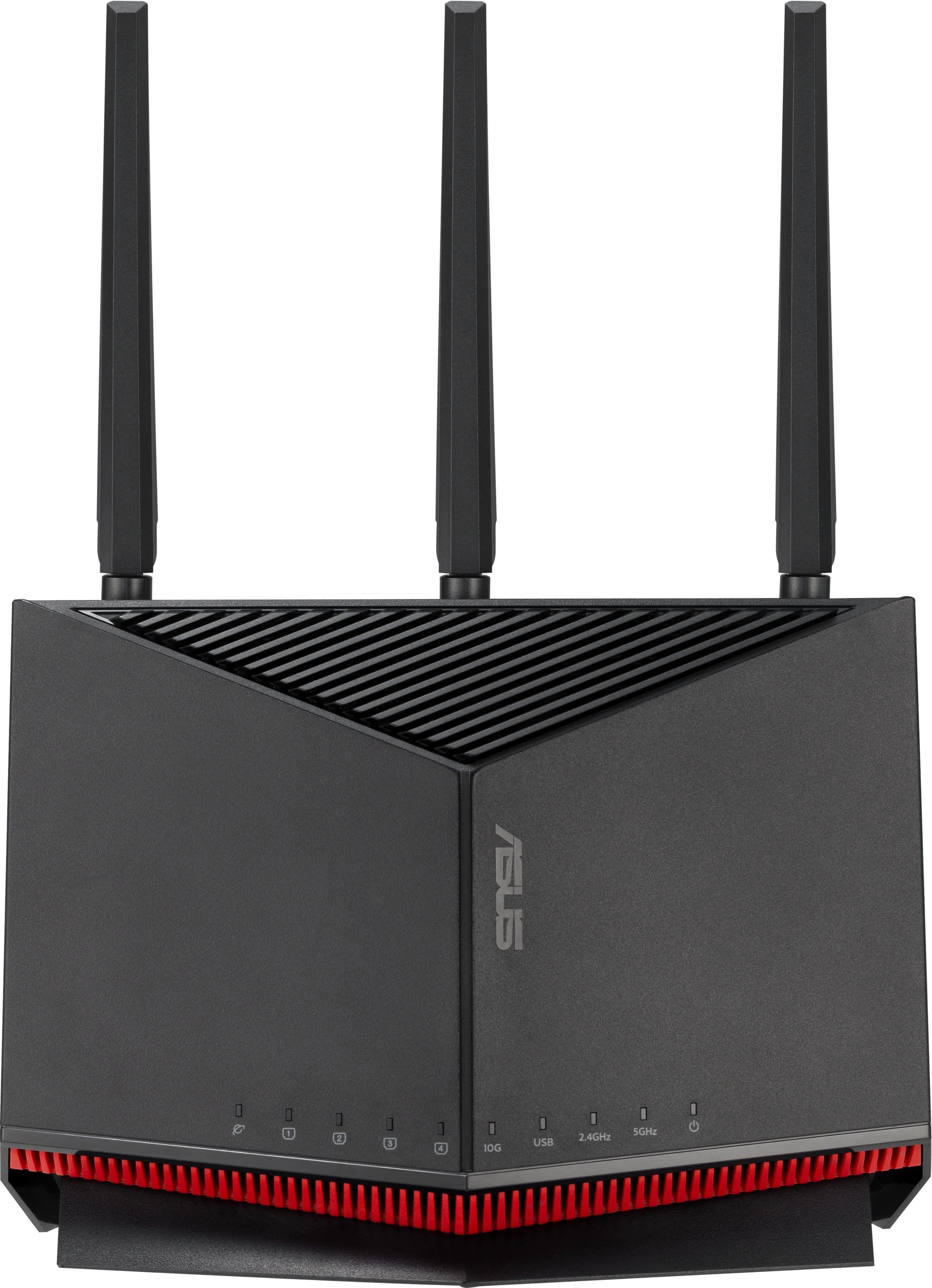
- A:Answer The ASUS RT-BE86U is designed for vertical placement, as shown in official product images. This orientation supports optimal airflow and wireless performance.
Answered by ASUS Answers
Q: QuestionIs the maximum coverage range from within a one floor medium sized home enough for outdoor Blink security cameras to connect to it, with the furthest camera at approximately 100 feet away?
Asked by wsbarnhill62.
- A:Answer The ASUS RT-BE86U router provides coverage up to 2,750 square feet, which typically supports Blink outdoor cameras placed up to 100 feet away within a one-floor medium-sized home. https://www.asus.com/us/networking-iot-servers/wifi-routers/asus-wifi-routers/rt-be86u/
Answered by ASUS Answers

Q: QuestionDoes the RT-BE86U BE6800 have Smart Connect where it automatically assigns devices to the appropriate band (2.4 or 5 ghz) based on device type?
Asked by ScottB.
- A:Answer The ASUS RT-BE86U BE6800 supports Smart Connect, which automatically assigns devices to the most suitable Wi-Fi band (2.4GHz or 5GHz) based on signal strength, device compatibility, and network conditions. This helps optimize performance without needing manual configuration.
Answered by ASUS Answers

Page 1, Showing 1-9 of 9 questions
Best-selling wireless routers
- Black Friday Deal$229.99Your price for this item is $229.99
- Black Friday Deal$279.99Your price for this item is $279.99
- Black Friday Deal$99.99Your price for this item is $99.99
- Black Friday Deal$139.99Your price for this item is $139.99
- Black Friday Deal$299.99Your price for this item is $299.99
- $189.99Your price for this item is $189.99$229.99The comparable value for this item is $229.99
- $109.99Your price for this item is $109.99$129.99The comparable value for this item is $129.99
- $192.99Your price for this item is $192.99
- Black Friday Deal$299.99Your price for this item is $299.99
- Black Friday Deal$189.99Your price for this item is $189.99
- $89.99Your price for this item is $89.99$99.99The comparable value for this item is $99.99
- Black Friday Deal$79.99Your price for this item is $79.99
- $179.99Your price for this item is $179.99
- $259.99Your price for this item is $259.99$299.99The comparable value for this item is $299.99
- Black Friday Deal$169.99Your price for this item is $169.99
- $179.99Your price for this item is $179.99$199.99The comparable value for this item is $199.99
- $499.99Your price for this item is $499.99
- $599.99Your price for this item is $599.99
- $199.00Your price for this item is $199.00
- $89.99Your price for this item is $89.99$99.99The comparable value for this item is $99.99


![I have grouped the text as follows:
[0.31, 0.63, 0.43, 0.69]
ASUS](https://pisces.bbystatic.com/image2/BestBuy_US/images/products/8b294531-f271-42a0-8adf-df7c51c4e604.png;maxHeight=54;maxWidth=54;format=webp)


ASUS | VIP Member Warranty Notice
ASUS: App Setup Instructions
Quick Start Guide RT-BE86U
Guia rapida de inicio RT-BE86U
I - ECC a - - - - - - - - - - - - - - - - - - - - - - - - - - - - - - - - - - - - - - - - - - - - - - - - - - - - - - - - - - - - - - - - - - - - - - - - - - - - - - - - - - - - - - - - - - - - - - - - - - - - - - - - - - - - - - - - - - - - - - - - - - - - - - - - - - - - - - - - - - - - - - - - - - - - - - - - - - - - - - - - - - - - - - - - - - - - - - - - - - - - - - - - - - - - - - - - - - - - - - - - - - - - - - - - - - - - - - - - - - - - - - - - - - - - - - - - - - - - - - - - - - - - - - - - - - - - - - - - - - - - - - - - - - - - - - - - - - - - - - - - - - - - - - - - - - - - - - - - - - - - - - - - - - - - - - - - - - - - - - - - - - - - - - - - - - - - - - - - - - - - - - - - - - - - - - - - - - - - - - -](https://pisces.bbystatic.com/image2/BestBuy_US/images/products/20fd35ed-e992-4eeb-8859-38c8a1a48759.jpg;maxHeight=54;maxWidth=54;format=webp)