A:AnswerThat monitor does not support 120Hz with Xbox Series X. Please see out console and monitor compatibility list here. https://www.asus.com/us/support/FAQ/1045097
A:AnswerWhen I press or squeeze the bezel it makes a slight squeaking noise. Doesn’t seem unusual to me. My Dell monitor at work makes similar noises when I move it around.
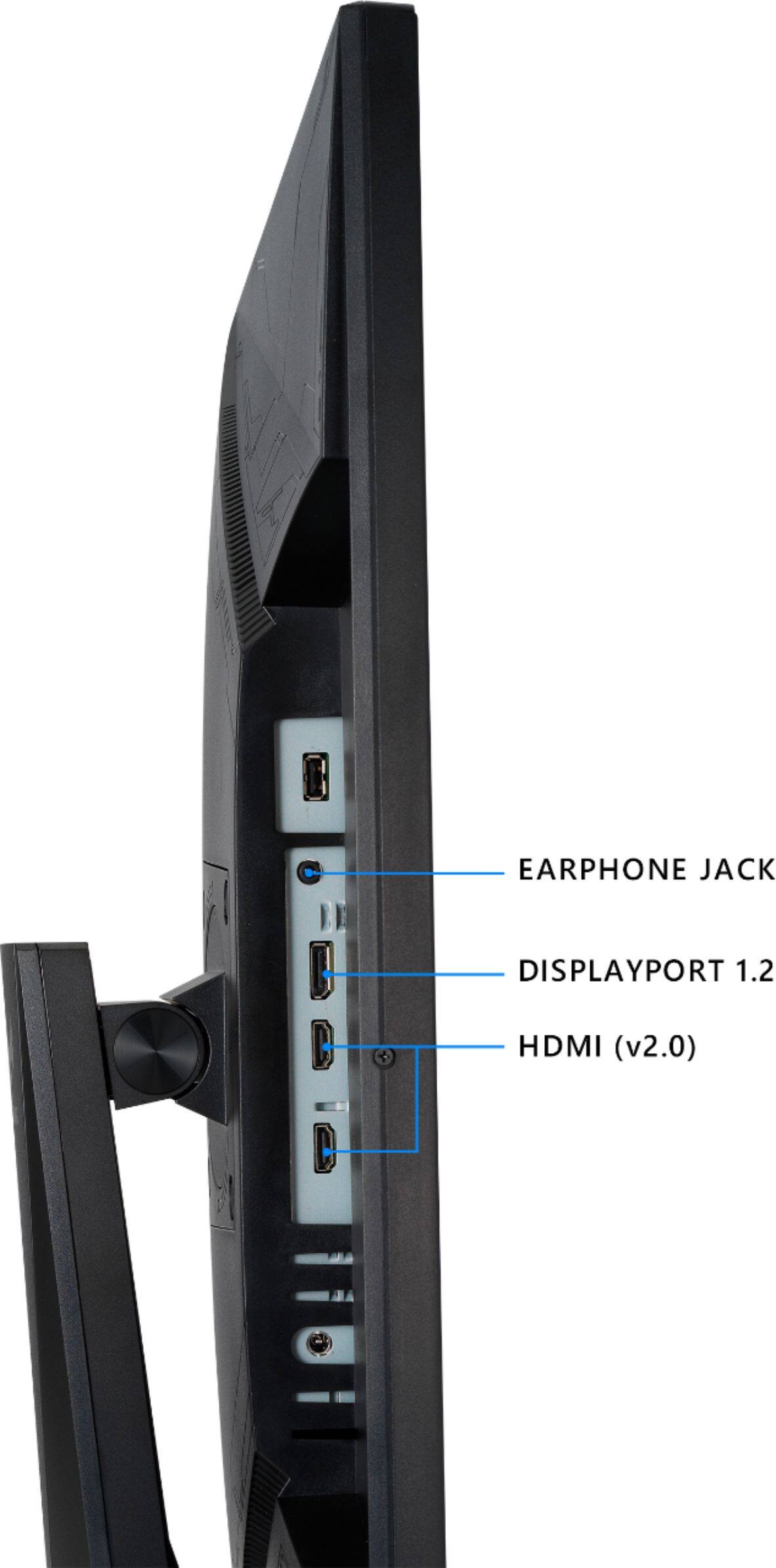
A:AnswerPlease note that this monitor requires DisplayPort 1.2 to achieve the full 280Hz refresh rate. If your GPU has a DisplayPort output, then they are compatible.
A:AnswerThis unit is not 120Hz compatible with the PS5. Please review this list to see which of our monitors is high refresh rate console compatible. https://www.asus.com/us/support/FAQ/1045097
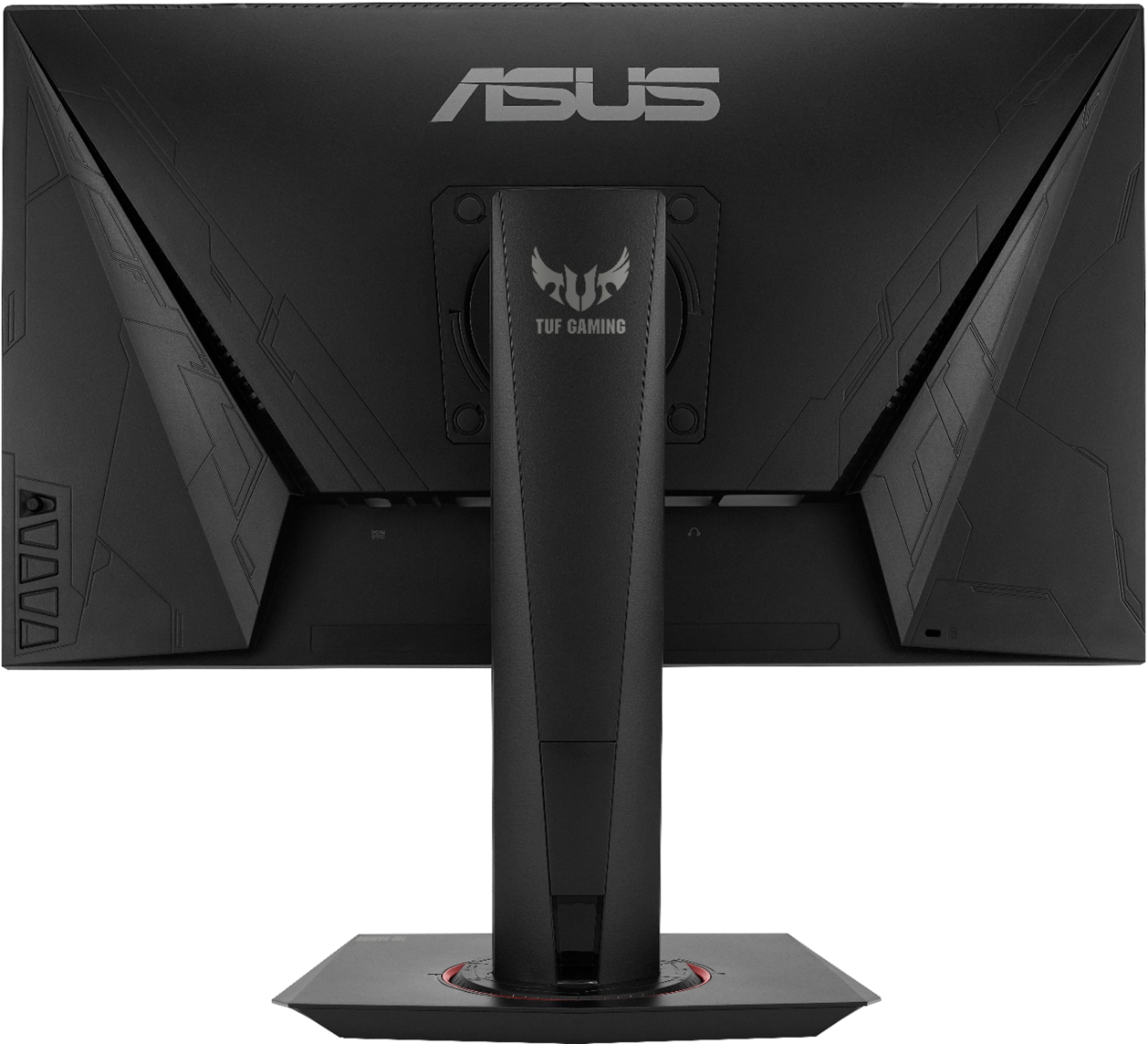
A:AnswerThis model supports HDMI 2.0, however the accessories included are DisplayPort cable, Power adapter, Power cord, Quick start guide and a Warranty Card.
A:AnswerYea it should go fine with it. I got a 3070 and it’s smooth and can run up to the max FPS of that 2060 probably. It would only bottleneck running over 280 FPS but most games don’t even allow you to run that anyways.
A:AnswerThe power cable is included but the exact length of the cord is not specified. https://dlcdnets.asus.com/pub/ASUS/LCD%20Monitors/VG259QMY/VG259QM_VG259QMY_English.pdf