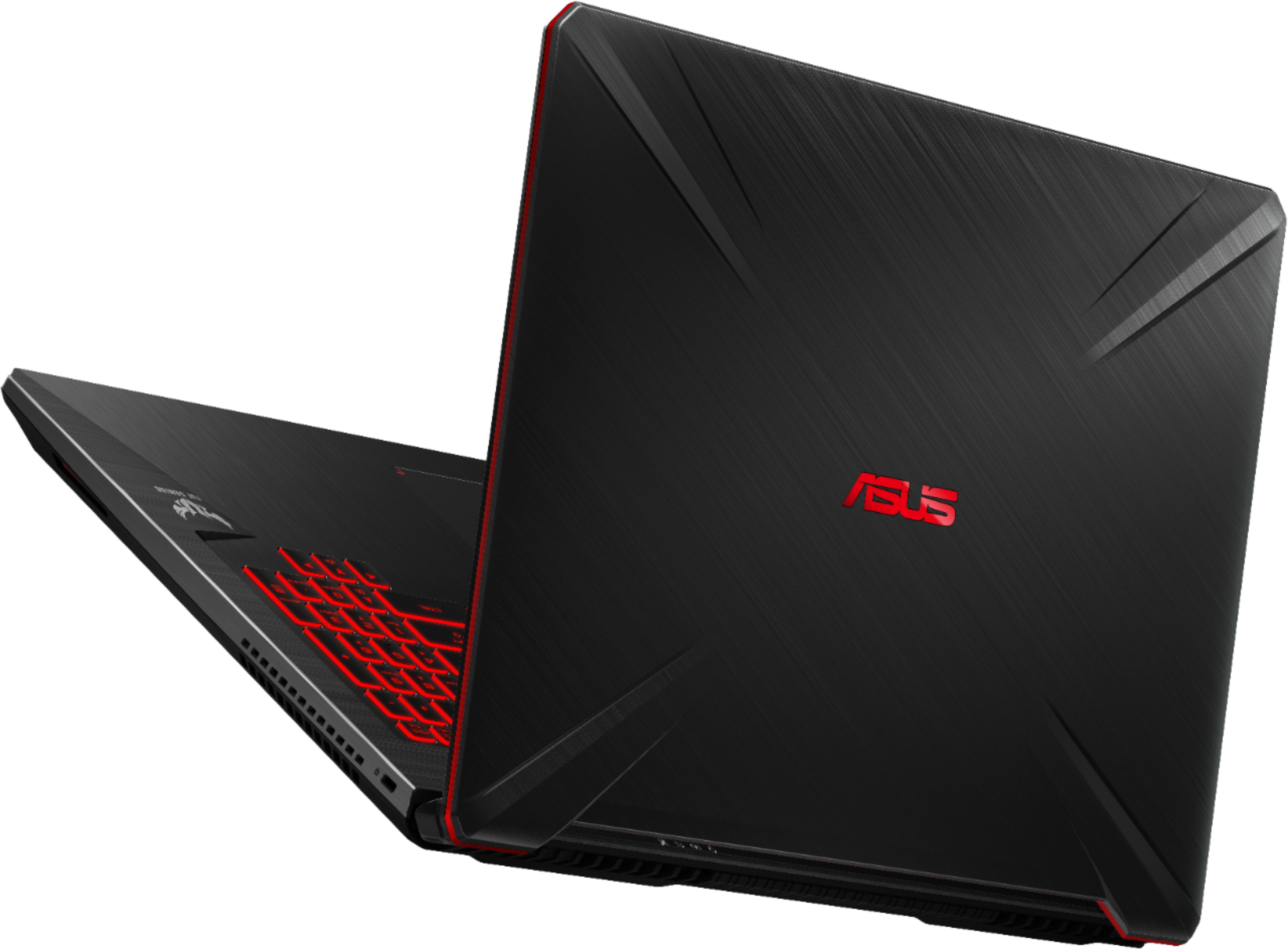
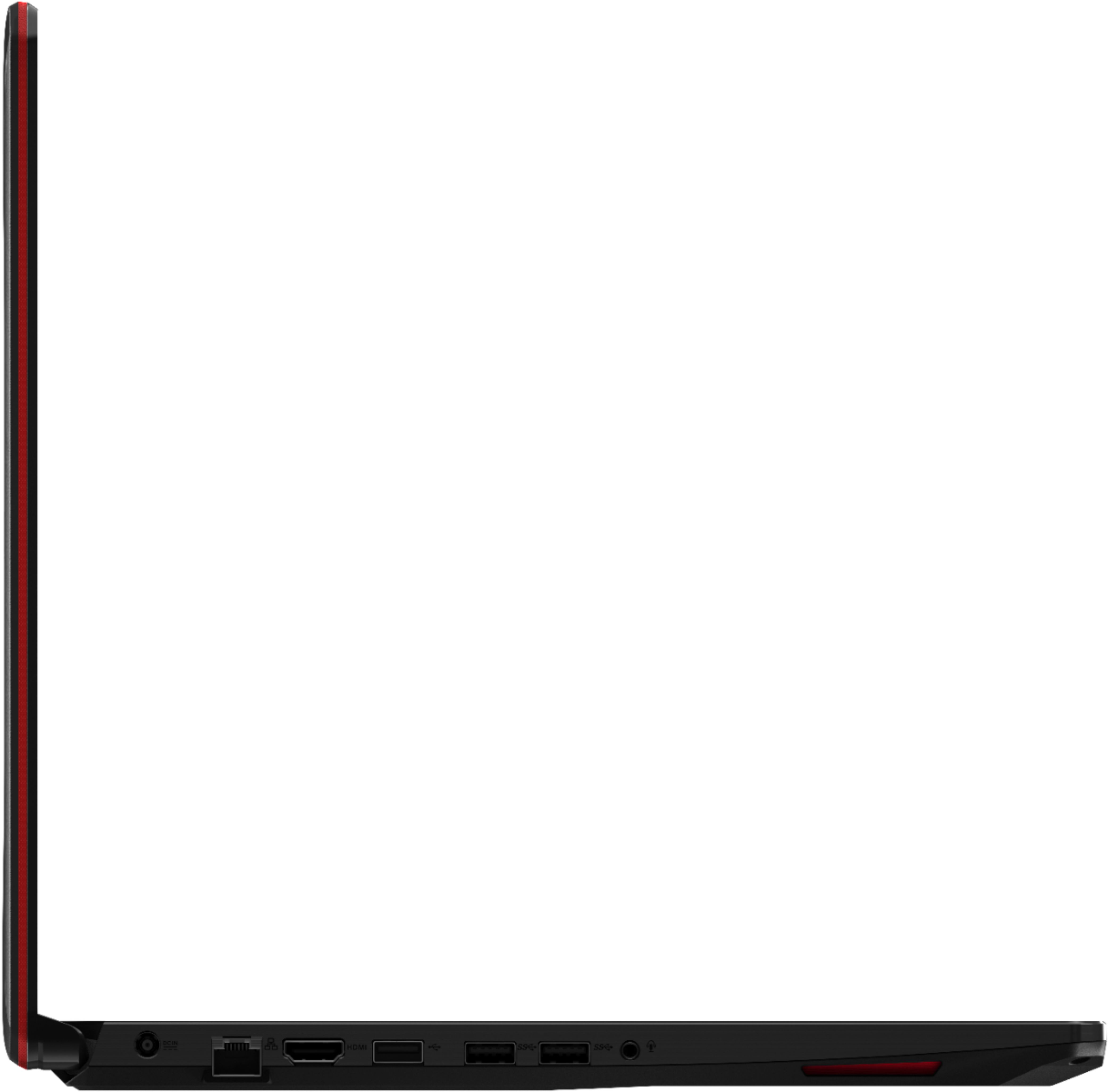
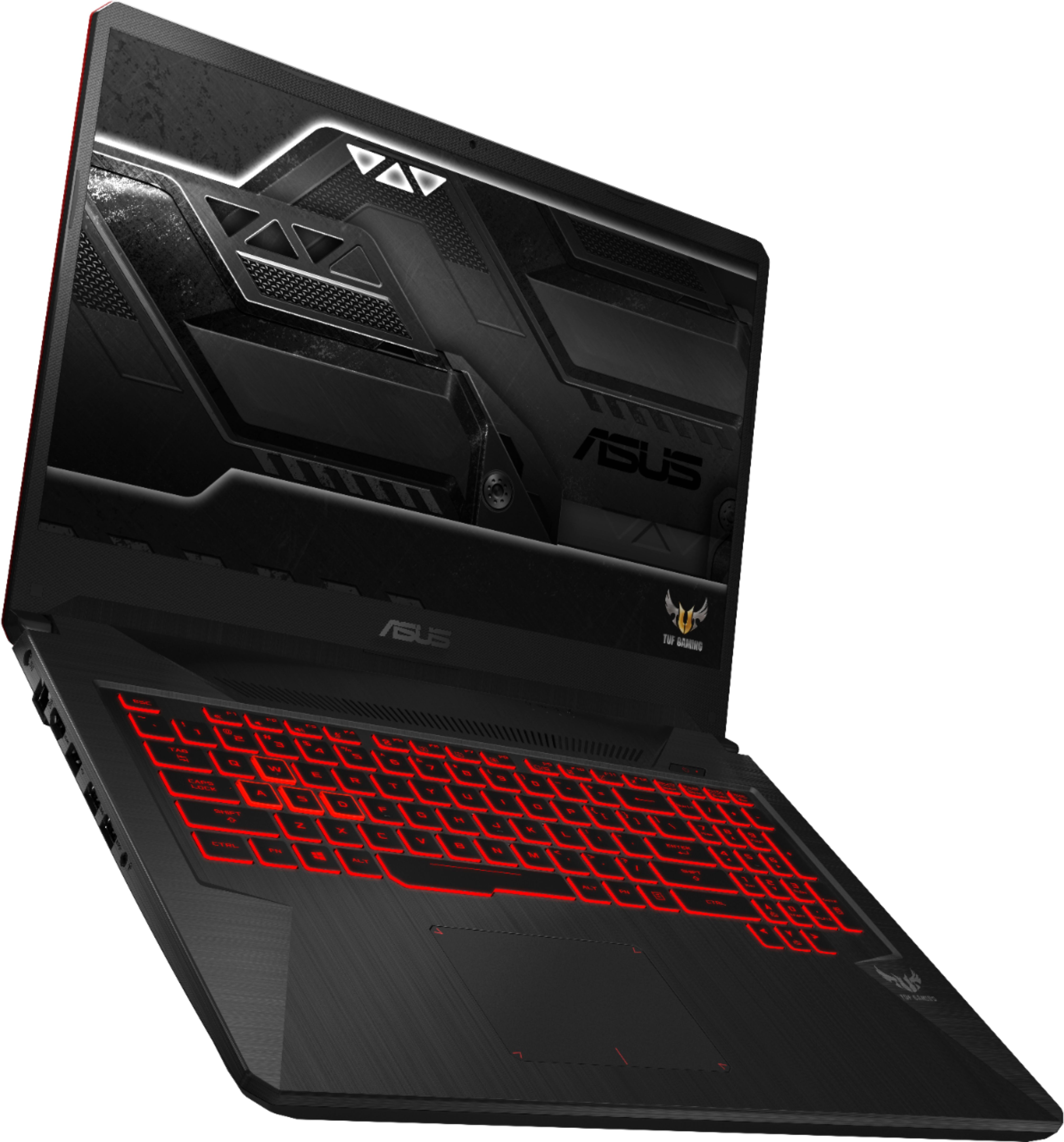
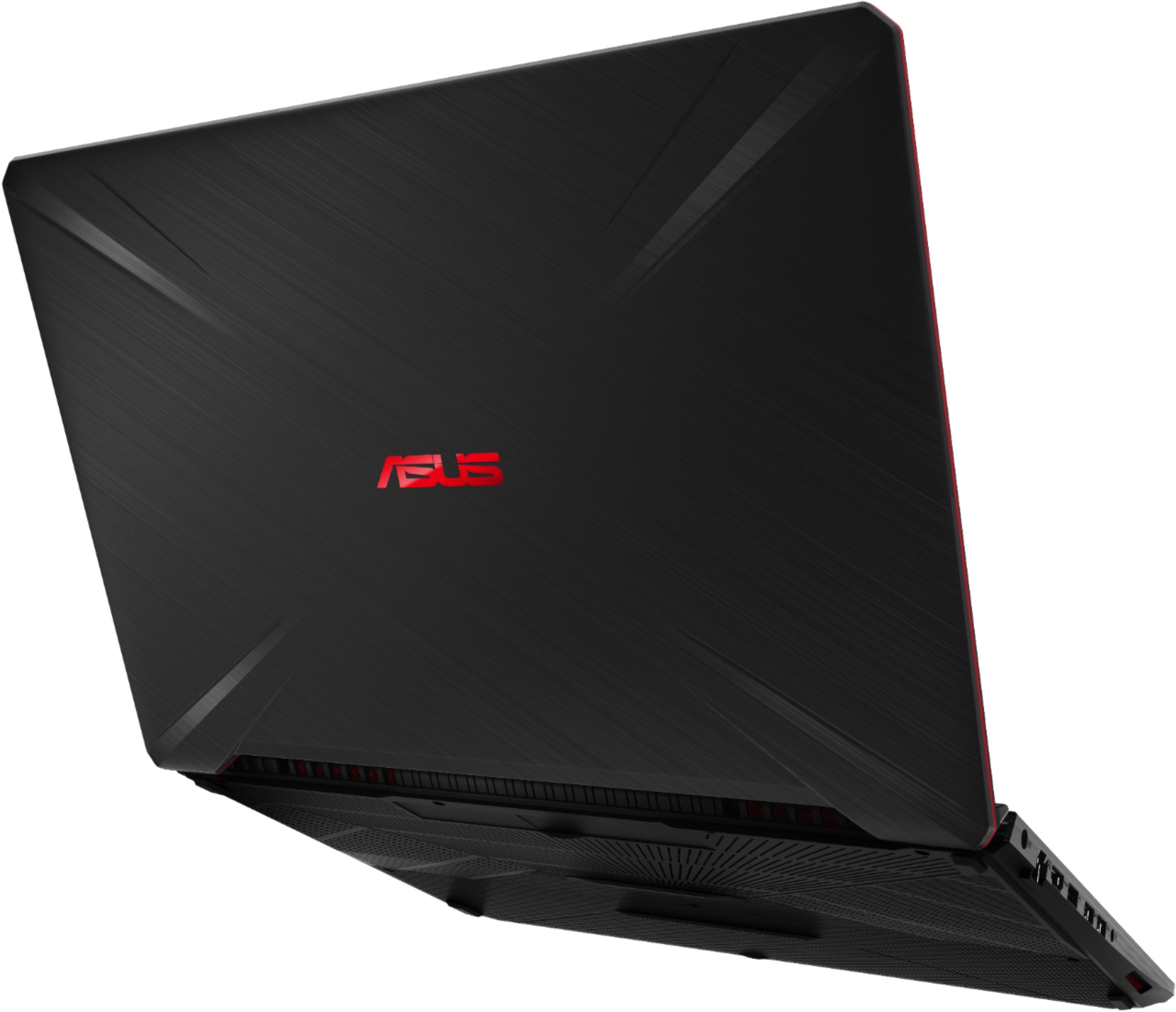
A:AnswerYes, to all your questions. Sufficient for MORE than casual gaming. It has an Intel NVMe SSD series 600p that is a M.2 PCIe SSD. There is an empty drive bay that you can put another SATA SSD drive into. Like my Samsung 950 EVO drive. The Intel 600 drive is for a mainstream audience and more modest level of performance than most other M.2 PCIe SSDs. You have one 16gb memory module with space to add one more memory module. You have 3 USB ports. I use a USB mouse in the first. And then I put a 128gb USB 3.1 flash drive into the 2nd. This leaves me one more USB 3.1 plug for an external hard drive or my Blu-ray drive. If you want to install another drive, very carefully start at one corner after you remove all the screws from the case. Insert a plastic credit card and work-it, back and forth, to pop open the clips holding the case together. Work your way around the case using your fingers and other things to hold the case open. I would suggest that you add extra ram if you want at this time also so you DON'T have to do this again. 16gb is enough to do most things, including editing 4K video in Premiere Elements, (Intel Core i7 and 16GB RAM required for XAVC-S (4K editing)minimum specs).
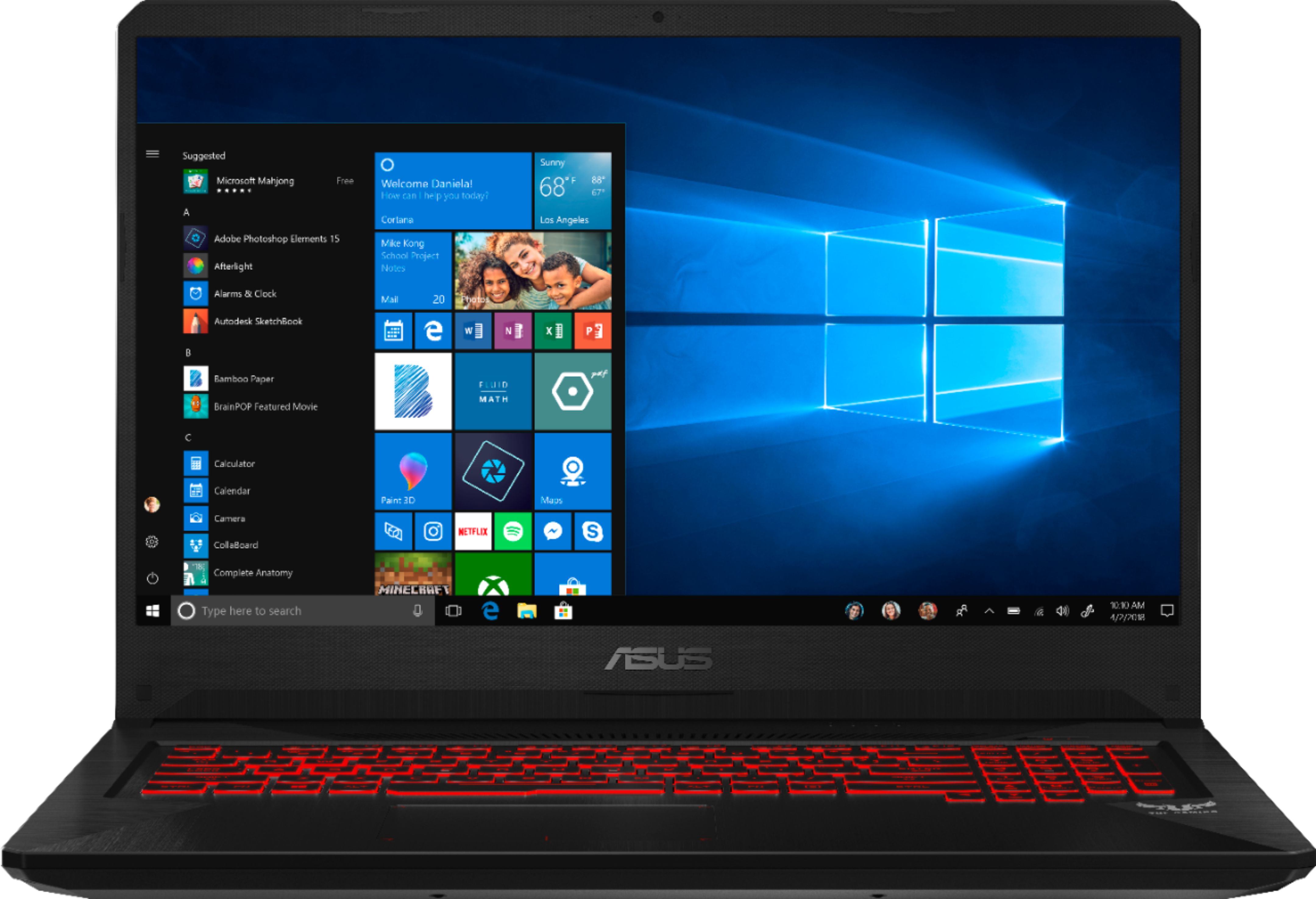
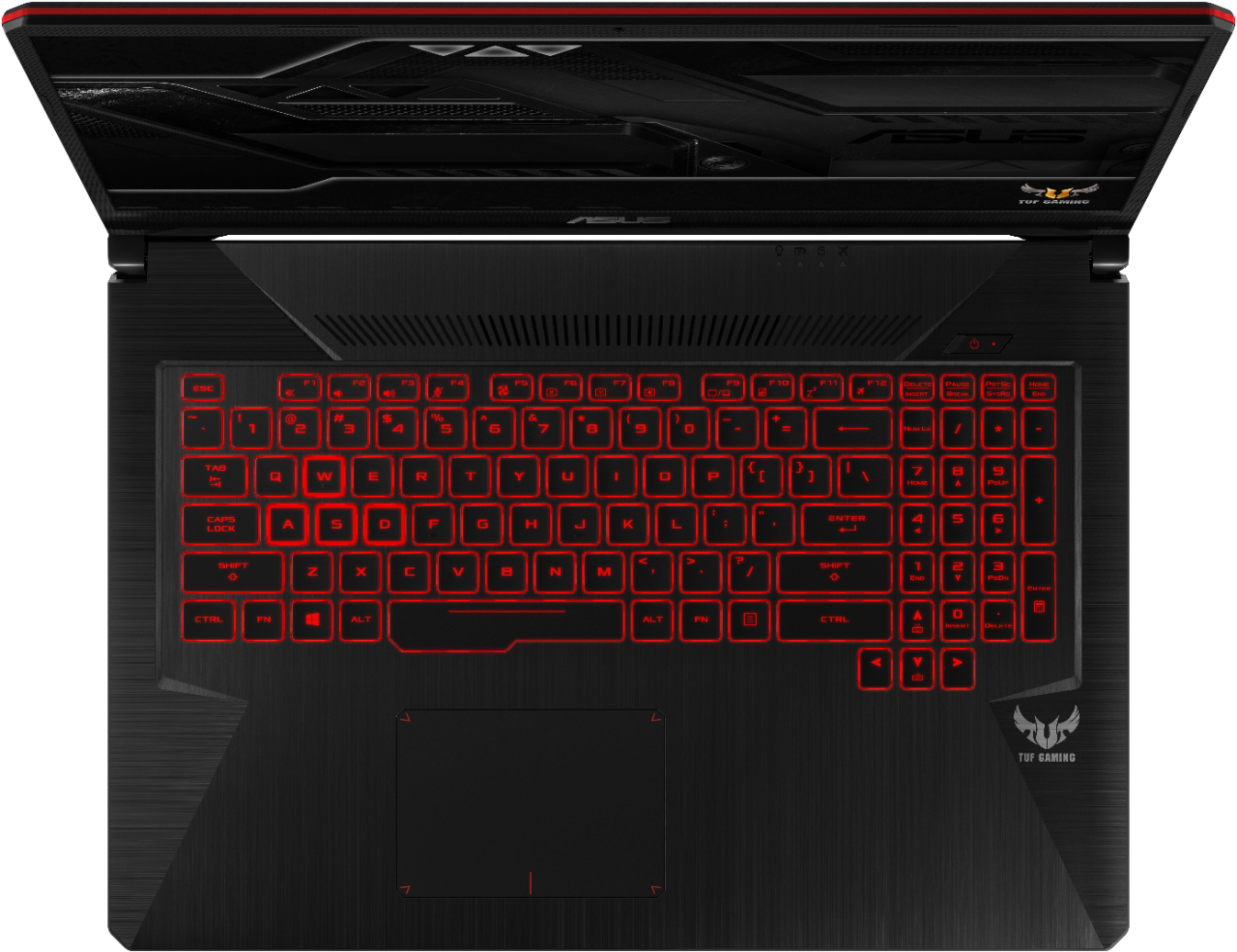
A:AnswerIt does not come with a media card reader even though the specs say it does. I bought this computer to be able to edit videos. What a disappointment. I inserted a media card converter to usb and the usb does not read it. Very very very disappointed with this false advertising. A Google search shows lots of complaints about the USB not working reliably. Tried to read the hard drive off my defunct computer to transfer data. It would only recognize the USB for limited amounts of time. I managed to get a portion of the data, then quit reading. Also the media file converter for the USB that I did get to read is only working intermittently. Really am disappointed in the quality of this computer.
A:AnswerThis computer does not have a SD card reader, but there is a slot. If you are handy, you can add one. Even without card reader, there are a lot of easy ways to work with your camera: 1. Use USB cable to connect your camera and computer. 2. A USB external card reader is pretty cheap and you can get everywhere, put the card ito the reader and hook to a USB port then you can do the transfer.
A:Answer1. It is 8th gen 17 6 core.
2. It is GTX 1060 with 3GB (which is perfectly fine for a 1080p 60hz screen IMO)
3. There is a 15 inch, but not at Best Buy... its FX505 I think.
4. No one would ever call any GTX1060 powerful, but for me its the perfect card.
A:AnswerDownload the Nvidia Geforce Experience app. It will automatically find the correct driver for your graphics card. And it will prompt you any time there is an update so you dont have to worry about ever having a driver out of date.
A:AnswerThis is more then VR ready. This beats the minimum specs required for an Oculus Rift. I played mine just fine on here. Haven't test to many games but I am going to test Fallout 4 VR which is one of the most demanding VR game. It ran Rec Room in a breeze.
A:AnswerThe battery is "hidden" behind the bottom cover. You''l need to remove the bottom cover screws to remove the cover and access the battery. Not as simple as it could be, but certainly possible with a small phillips head screwdriver.
A:AnswerAre you asking if an hdd is faster than an ssd? Yes an ssd is faster. Will the system boot faster as a result? More than likely it will not. The real difference you should be concerned about between ssd and hdd is power consumption. The hdd will typically waste 3x-4x the amount of battery life than your standard ssd drive. You also have to consider the wear on an portable hdd. They are intended to be stationary. The slightest bump of the drive can create bad sectors and increase the wear on the system. This is why you see most laptops moving to the ssd format.
Hope this helps.
A:AnswerThe laptop model I got came with a 500ish gb ssd via m.2 so I bought a samung evo 860 500 gb ssd and it had a spot on the motherboard for it which works great. So if you get this laptop from bestbuy yes you can add another ssd.
A:AnswerI put a 2TB Seagate Firecuda ST200LX001 in mine and working great. Some have complained of failures with these drives but they do have a 5 year warranty.
A:AnswerMine came with one 16gb module with space for one more memory module. Remove all the bottom screws from the case and use a credit card to "work" your way around the case to pop open all the clips. While your at it, install an SSD drive in the empty slot. The computer comes with an average performance Intel 600 series NVMe M.2 PCIe SSD with an empty 2.5inch drive bay, which I put a Samsung 850 EVO drive in.