A:AnswerThe ASUS V500MVC features Wi-Fi 6 (802.11ax) with a 2x2 antenna configuration, delivering high-speed, low-latency, and efficient network performance. This ensures reliable connectivity for demanding applications such as gaming, streaming, and remote work. Additionally, it supports Bluetooth 5.4, enabling seamless wireless device integration.
https://www.asus.com/us/displays-desktops/tower-pcs/asus-desktop/asus-v500-mini-tower-v500mv/
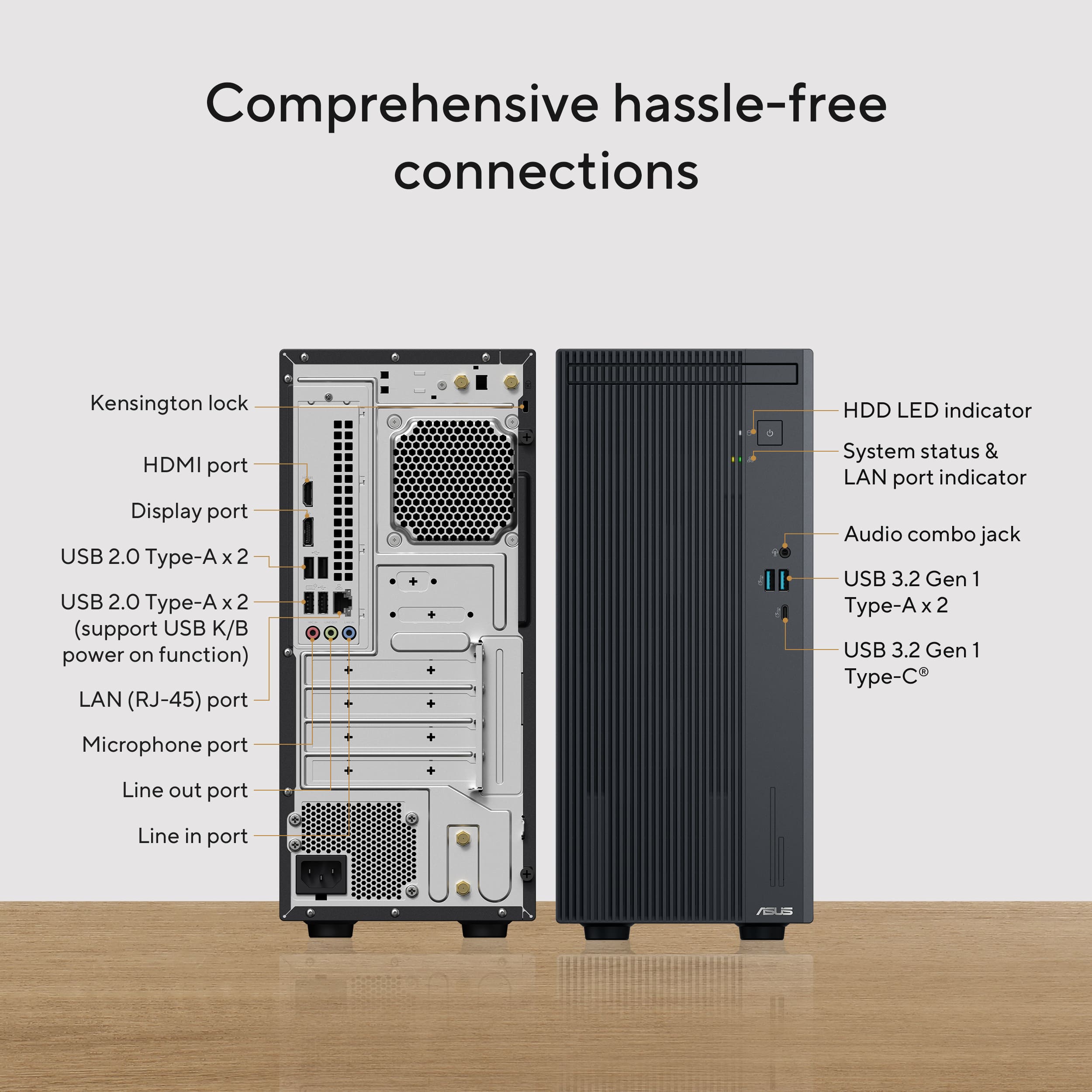
A:AnswerThe ASUS V500MVC supports dual display output through DisplayPort 1.4 and HDMI 1.4, enabling extended or mirrored screen configurations for enhanced productivity.
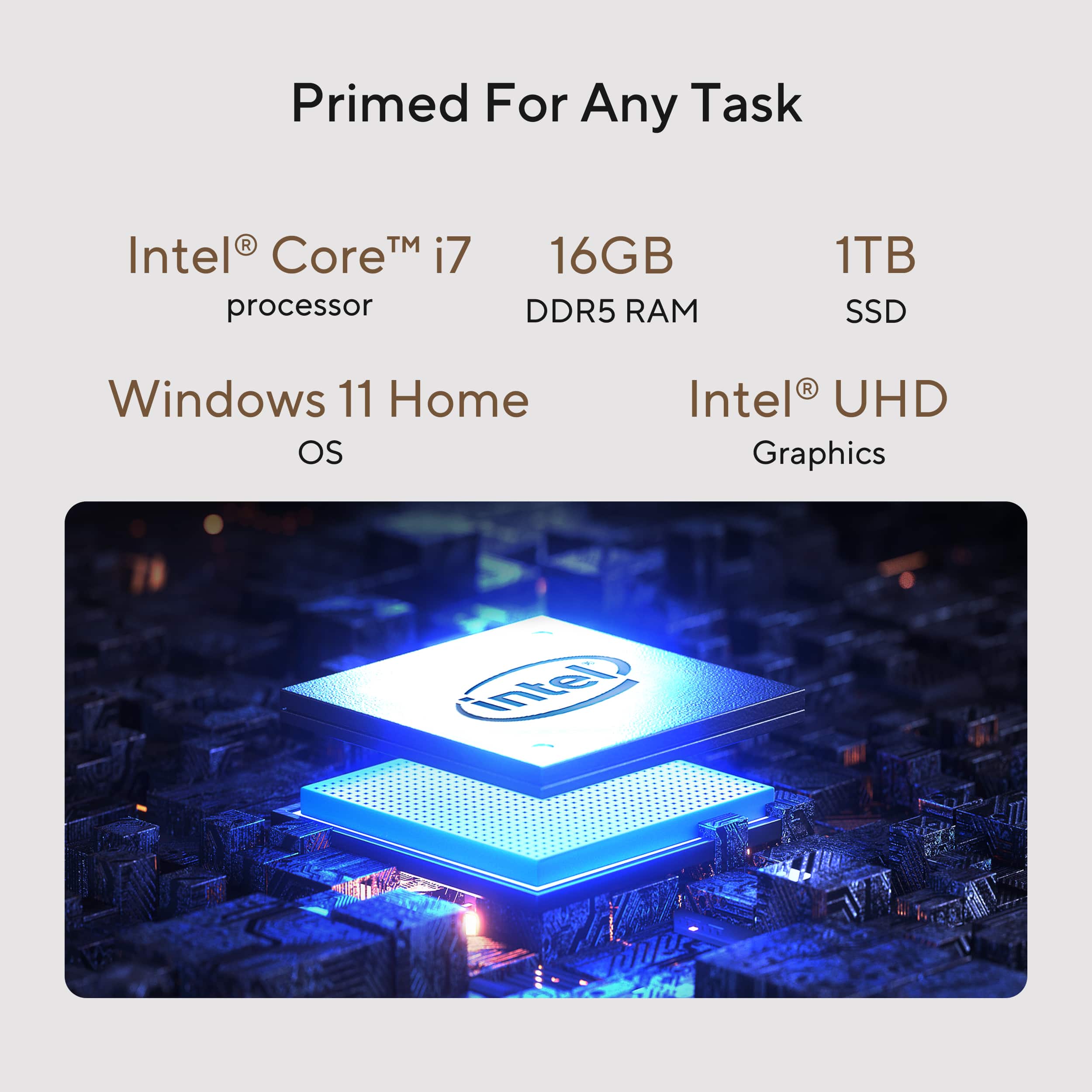
A:AnswerThe ASUS V500MVC (V500 Mini Tower) supports up to 64GB of DDR5 RAM across two SO-DIMM slots.
https://www.asus.com/displays-desktops/tower-pcs/asus-desktop/asus-v500-mini-tower-v500mv/techspec/
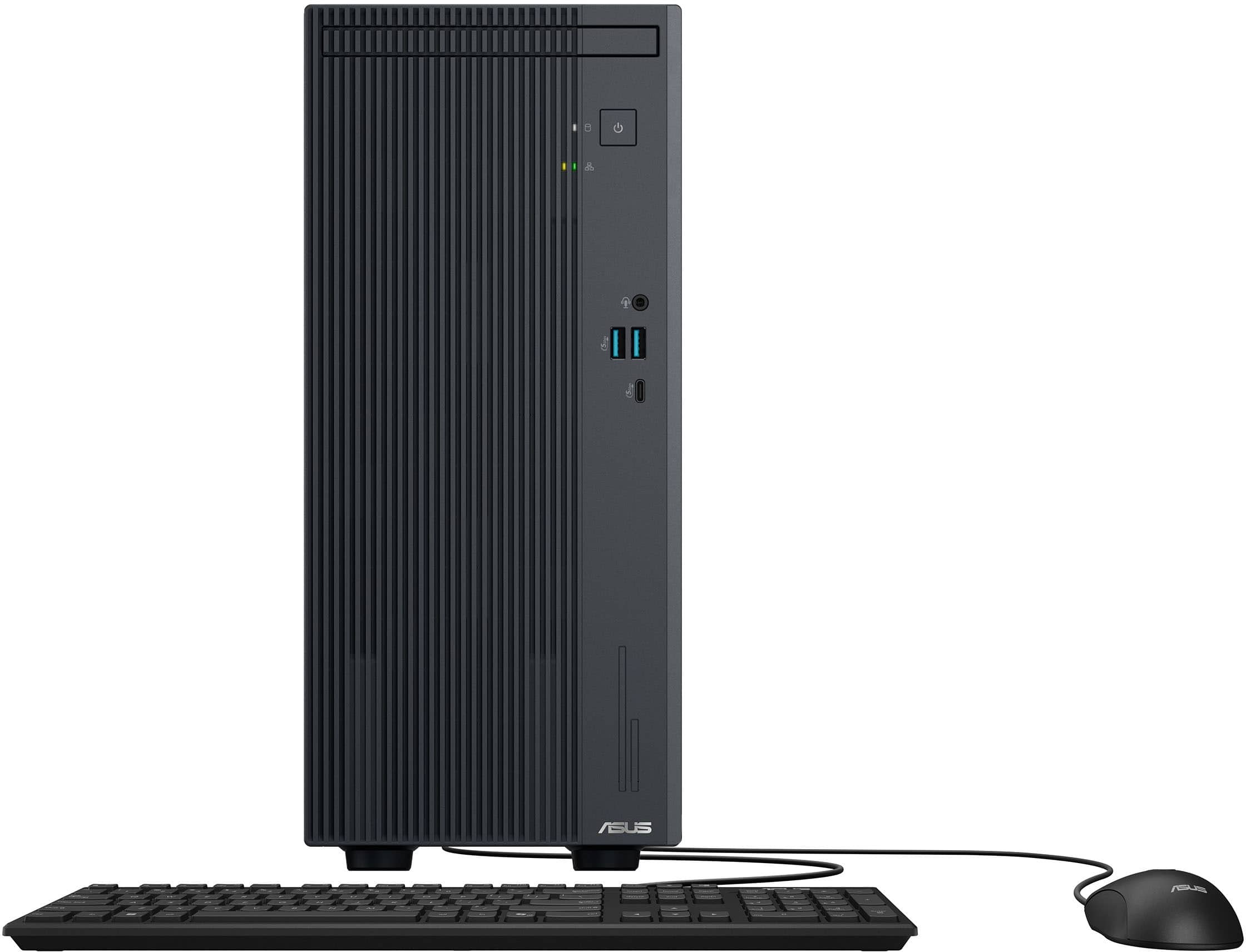
A:AnswerThe ASUS V500MVC does not come with a built-in CD/DVD player. While its design may resemble a drive bay, this model does not support internal installation of an optical drive. However, if you require CD or DVD functionality, an external USB DVD drive would be a convenient solution.
A:AnswerYou need an external unit that plugs into one of the usb ports. They are small and very inexpensive. Under $25 on Amazon. Mine is a Amicool and it works wonderfully. Matter of fact, if you have a smart TV, you can watch DVD's on your TV using this item.
A:AnswerThis PC is being sold as a complete system, not intended for hardware upgrade, ASUS doesn't provide hardware modification/customization support.
A:AnswerThis Desktop PC was released and being sold as a complete system, it was not intended for upgrade. Therefore, ASUS doesn't provide hardware customization/modification support, please do the upgrade at your discretion.
A:AnswerThe ASUS V500MVC already includes an internal 2-in-1 card reader that supports SD and MMC cards, as well as a smart card reader. These are built into the front I/O panel of the chassis, so no additional installation is required for basic card reading functionality.
https://www.asus.com/displays-desktops/tower-pcs/asus-desktop/asus-v500-mini-tower-v500mv/techspec/
A:AnswerThis PC is being sold as a complete system, not intended for hardware upgrade, ASUS doesn't provide hardware modification/customization support.
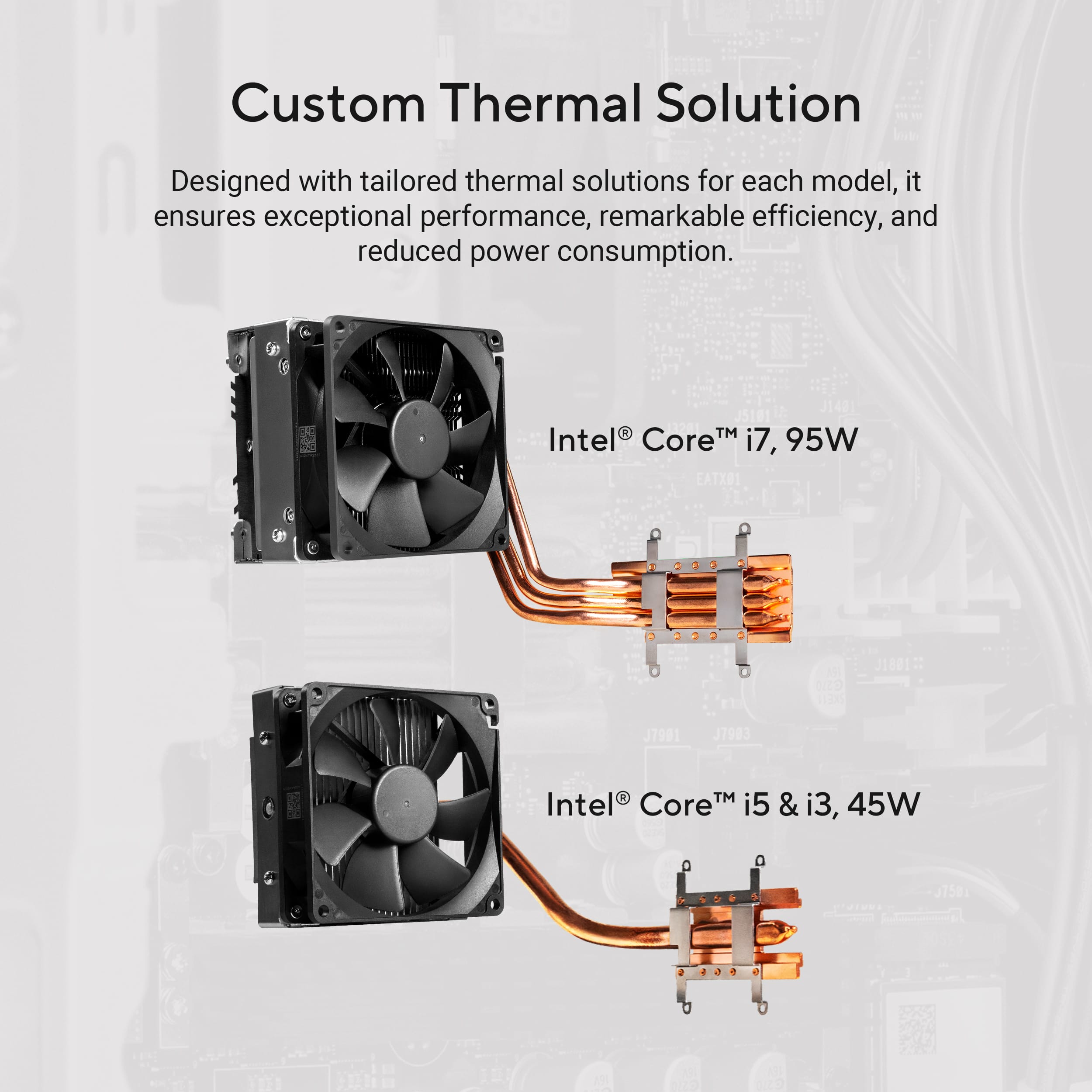
A:AnswerThe ASUS V500MVC (V500 Mini Tower) supports GPU upgrades and can accommodate up to an NVIDIA GeForce RTX 4060, depending on power and cooling limitations.
A:AnswerIf you are not getting a video signal on the DisplayPort, do the following to resolve the issue. Check if you are using a compatible and working video cable, monitors are working properly and the correct input source from the monitor's OSD menu was selected correctly, the correct display was selected inside the Display Properties. Also, check if both the Desktop and monitors are properly connected to a working power source or AC outlet.