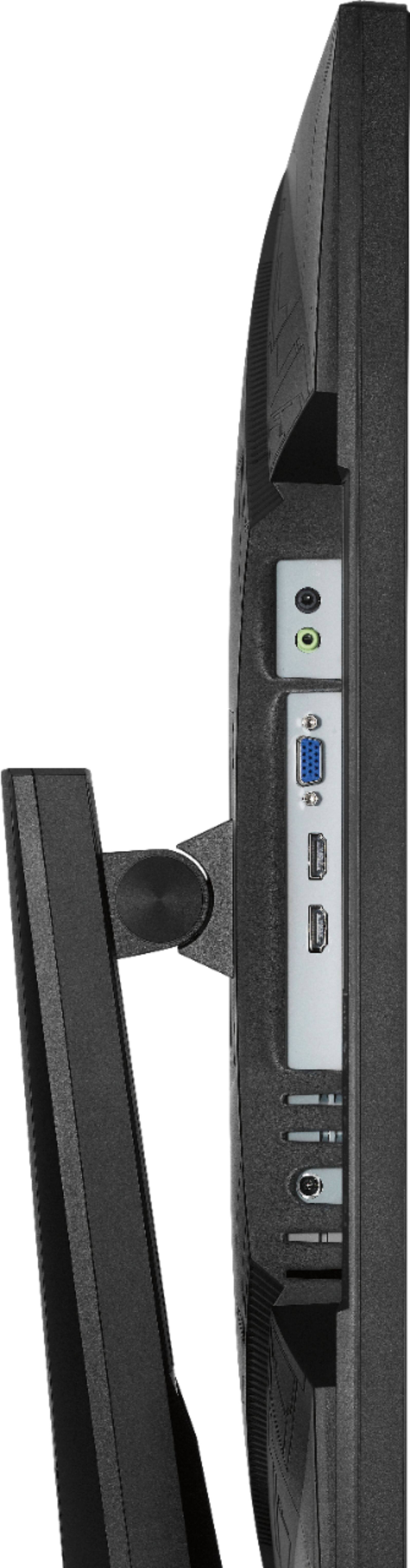
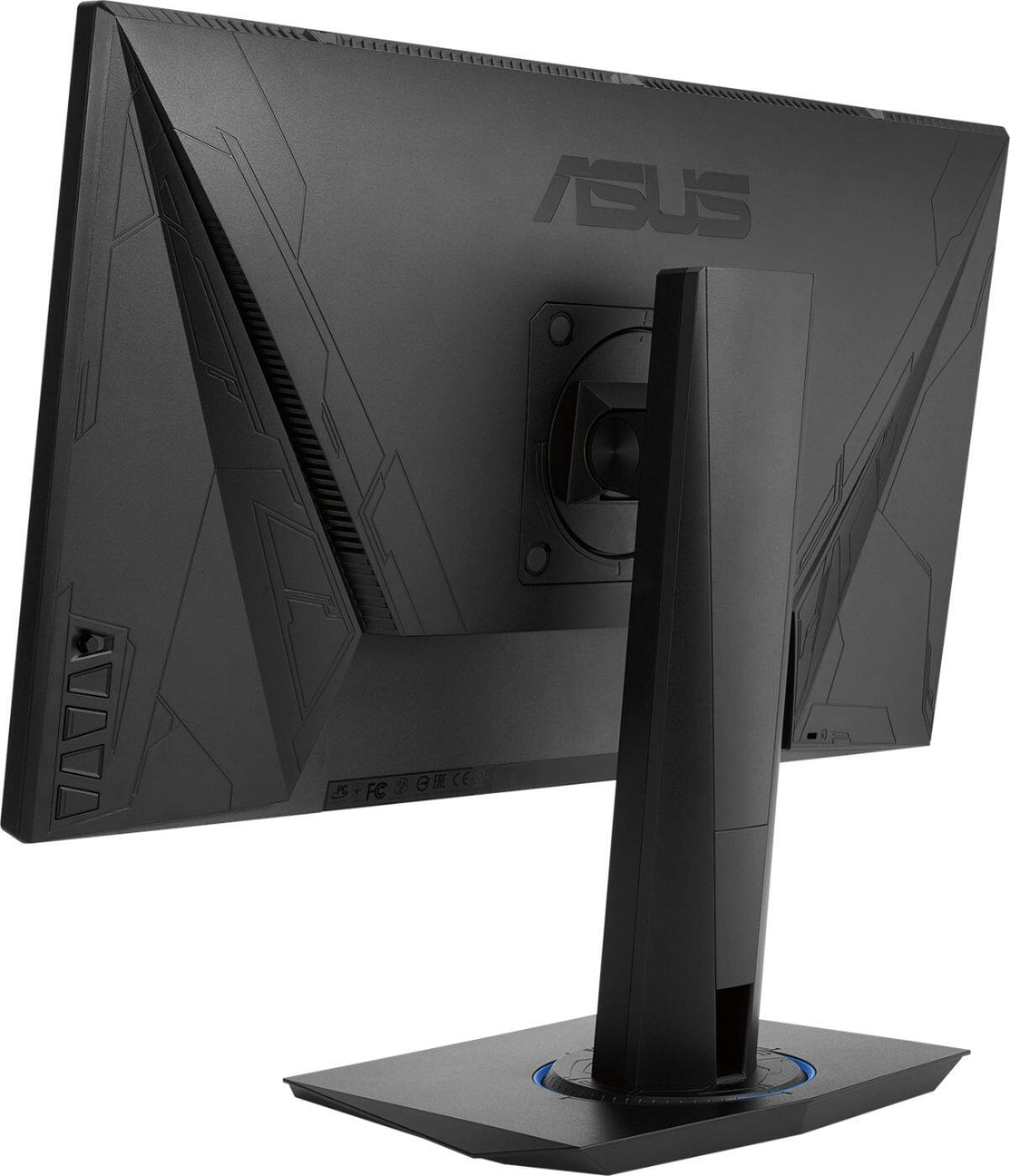
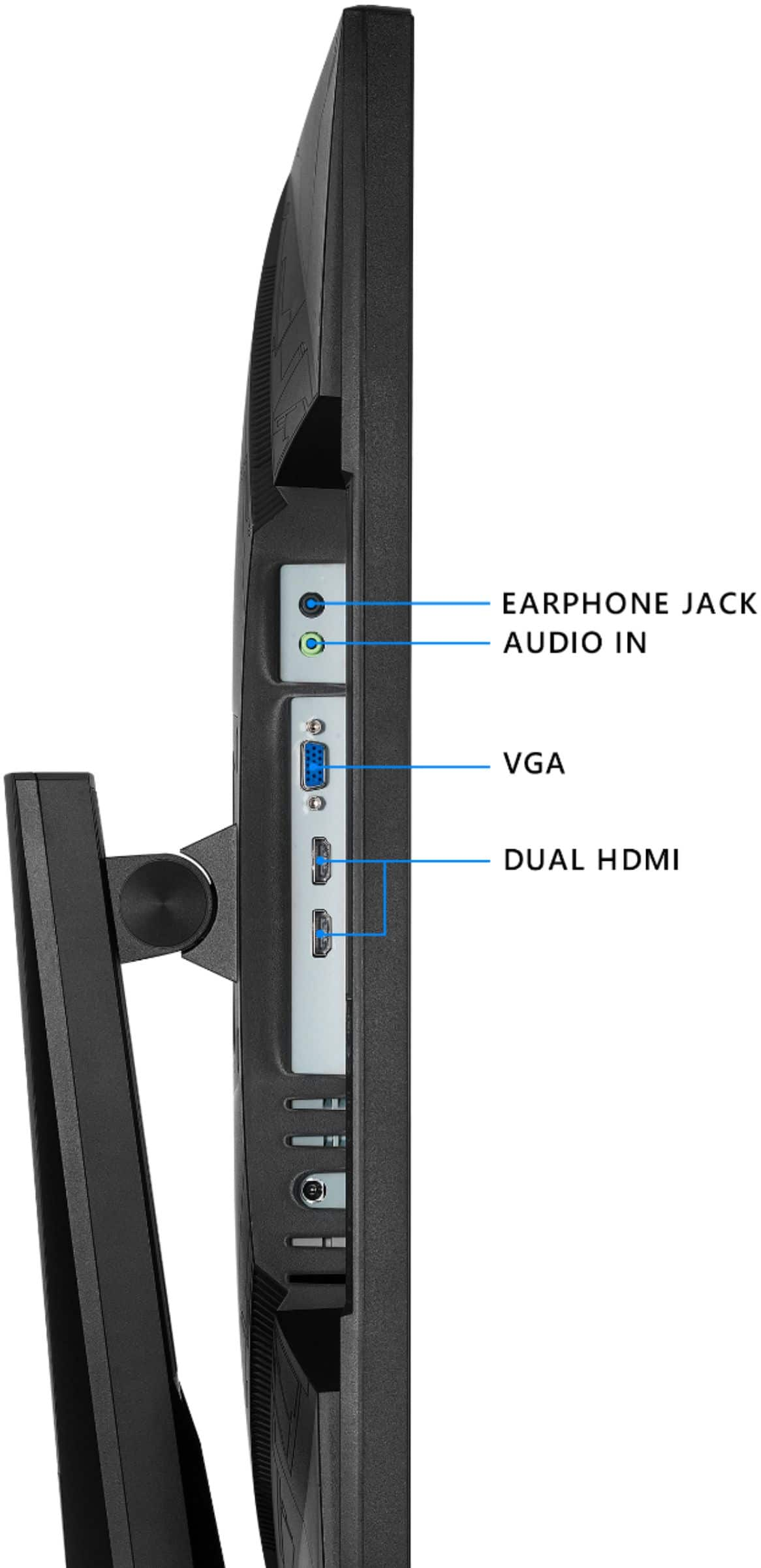
A:AnswerThis has a standard 3.5mm audio jack for headphone connection so if your using a wired headphone then yes.....otherwise you can connect via you PC
A:AnswerIf your MacBook has an hdmi plug then yes. This monitor comes with a hdmi plug so you won’t need to buy an extra one :) I plug my laptop into it and it works perfectly, but mine isn’t Apple. My understanding is that hdmi to hdmi should work, and bestbuy takes returns too
A:AnswerYou have to select the microphone used by your headphone. Go to system setting - Sound- speakers and select the headset you're using. Without doing this it will just use whatever the default setting came with your system. You can also right click the sound icon in the bottom right hand side of your taskbar tray. Open sound settings Click on Input. Select the headset you're using and that should take care of it for you. If you experience any further problems click on Troubleshoot and it will do a self-diagnostic that will discover the problem(s). Good luck
A:Answerit is either the hdmi cable or one of the connections ( PC or Monitor ). First try a different hdmi cable. then try the pc and the hdmi to a different monitor. if both work, it is the new monitor that is not working properly