A:AnswerNO - IT WILL NOT!
I had Century Link service - the three modems they supplied me with were combo units - modem AND router in one box.
There is a way to configure them to bypass the built in router effectively making it a modem only. Sorry don't remember the process.
But, why on Gods green would you want too??
The router side of the CL modem / routers are extremely configurable. If you know what port numbers are & the one's you "really" need(there's about a two+ screen listing of them all), combine that with the utilities to secure the Wi-Fi section and you can lock down they're router's tighter than a frogs butt.
I have yet to find ANY stand alone router that's anywhere near as configurable as the CL routers I had/have - ZyTEL C1100Z and ZyTEL PK5001Z
A:Answer1 year, like most electronics but you can buy Best Buy's warranty extensions for a few dollars more if you are concerned. Typically, if an electronic device works well for a year it will work fine for many more years unless improperly used
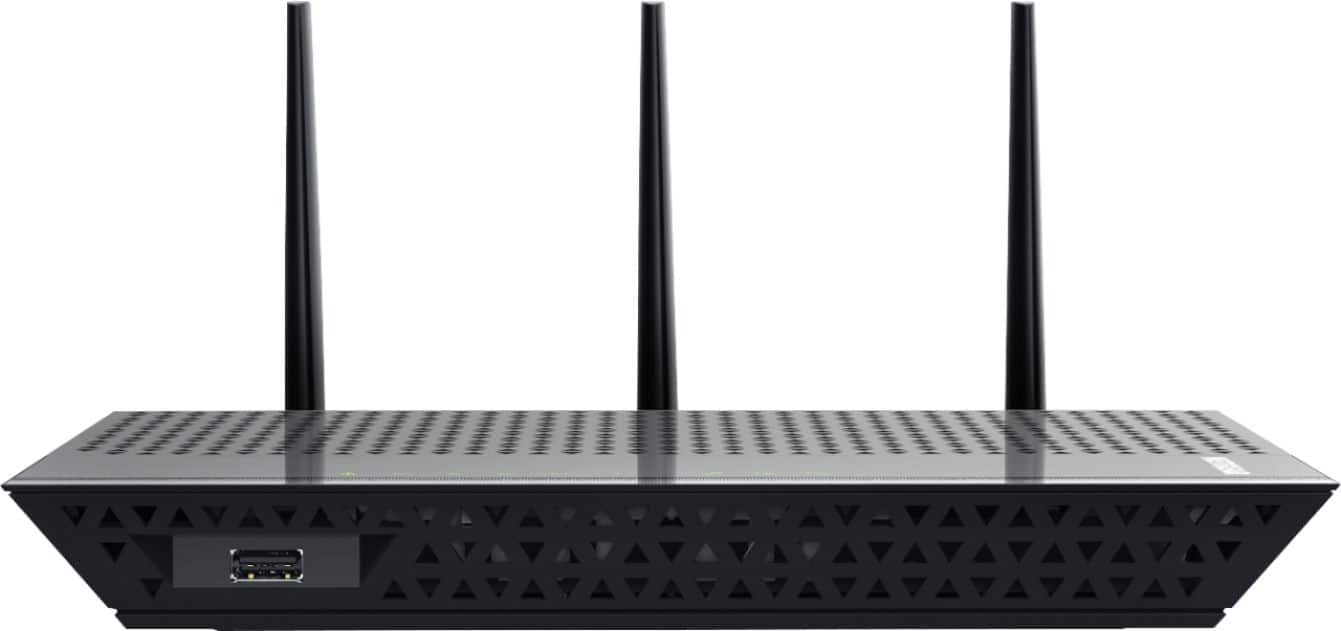
A:AnswerYes it is. If you have your network trucked into your home,office ect use it in AP mode to repeat running a cable network connection into it this will help you avoid bottlenecking its speeds from going to WiFi to WiFi just set its network names to your current networks on its respective bands and your good to go.
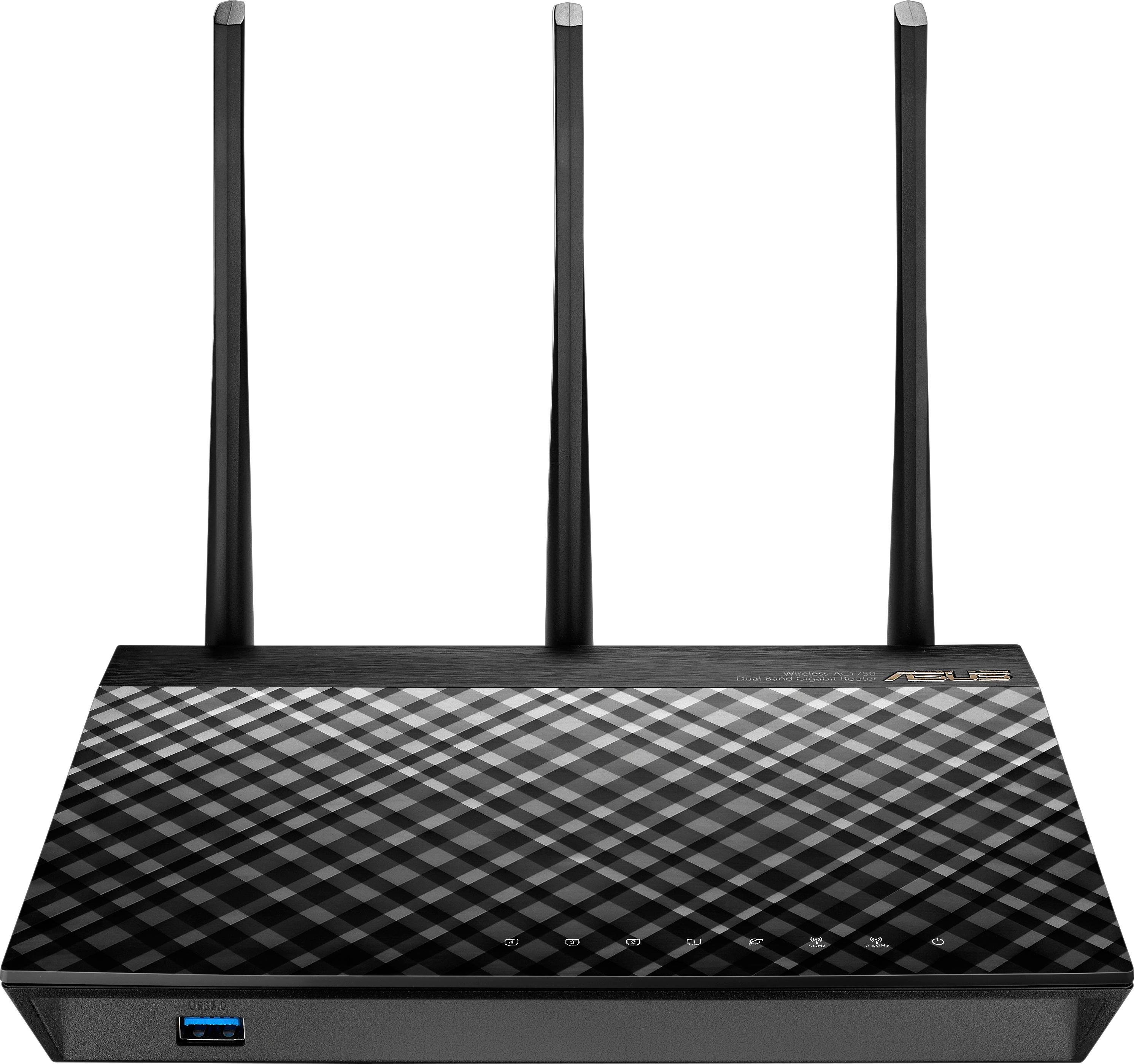
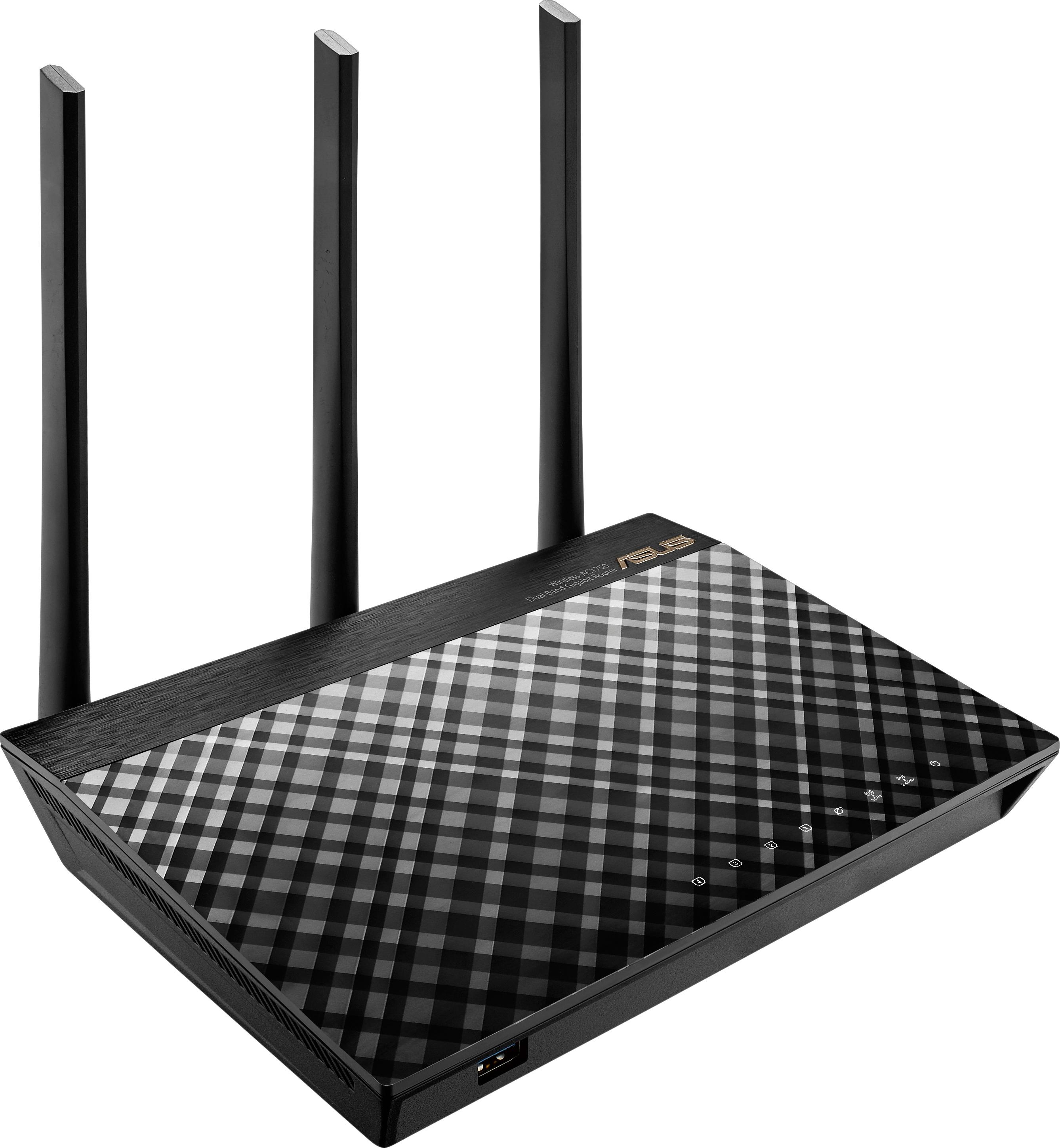
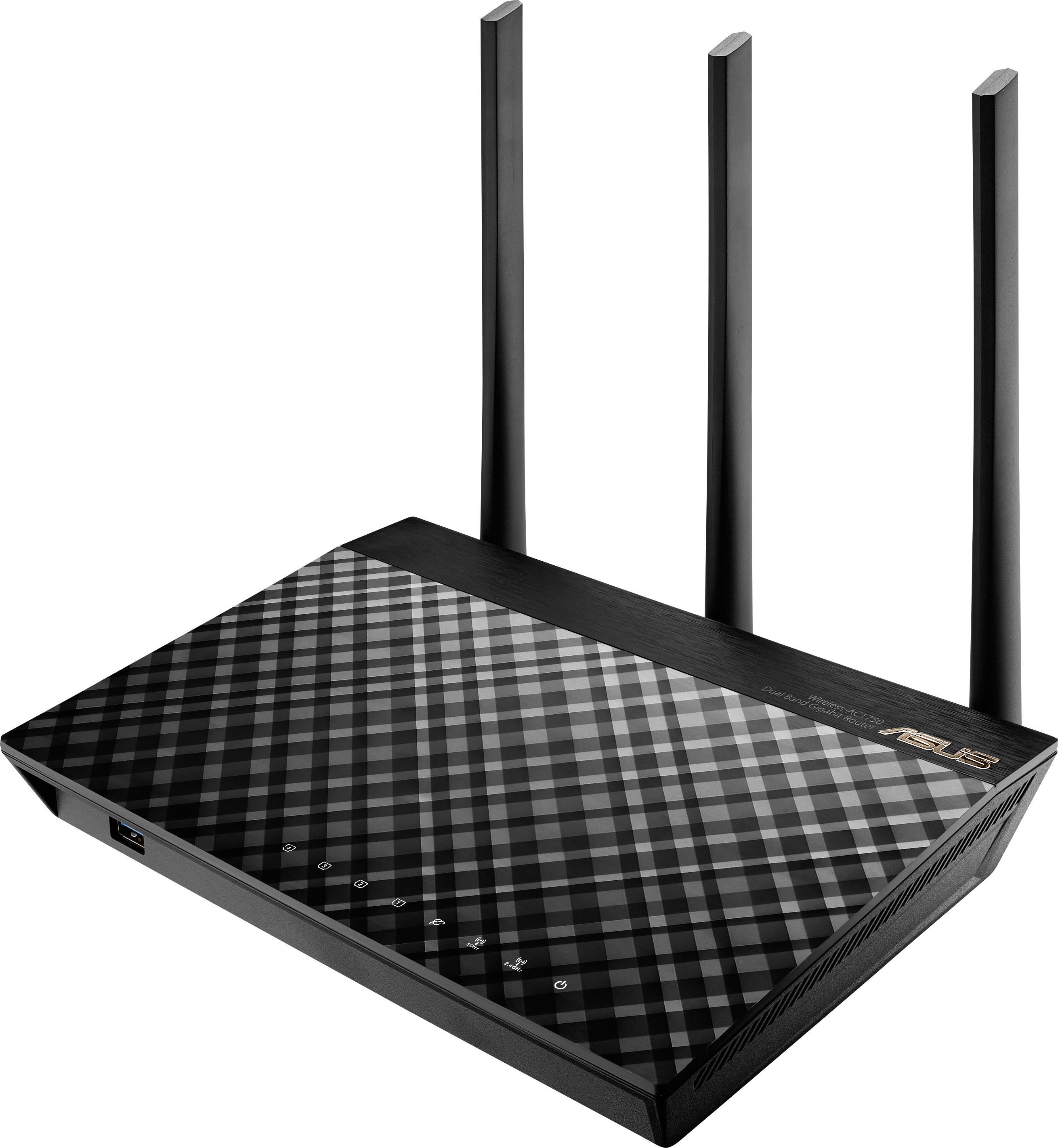
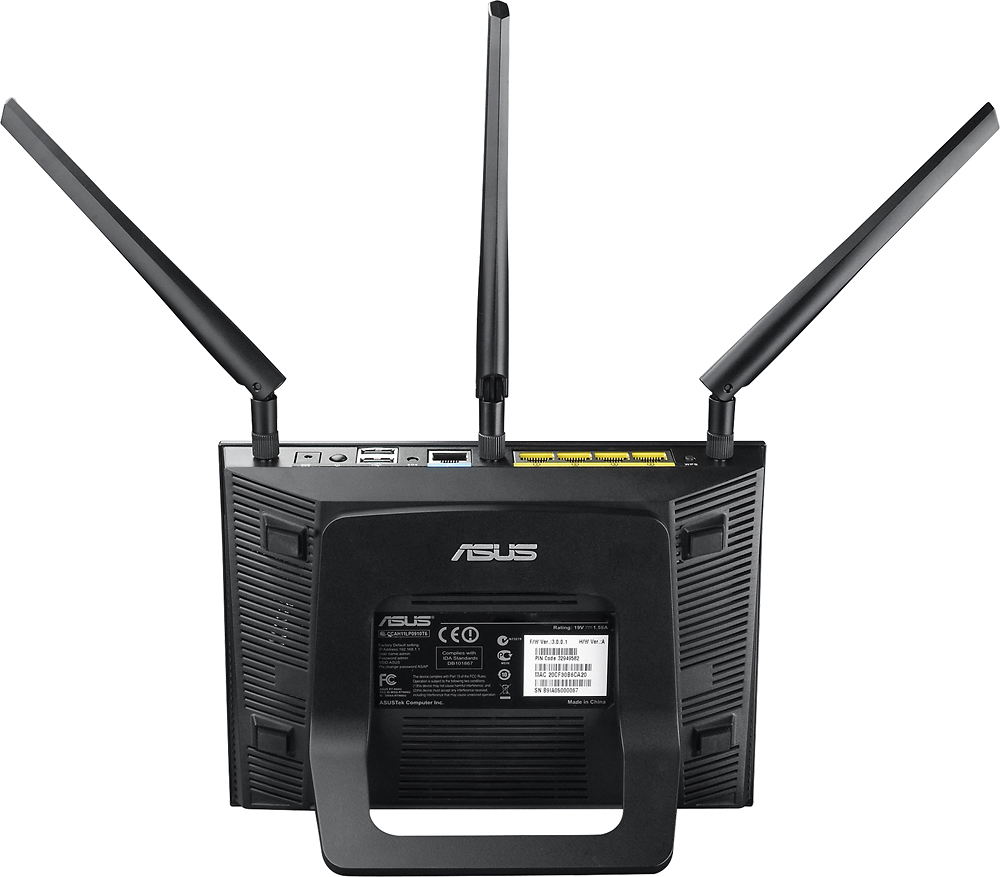
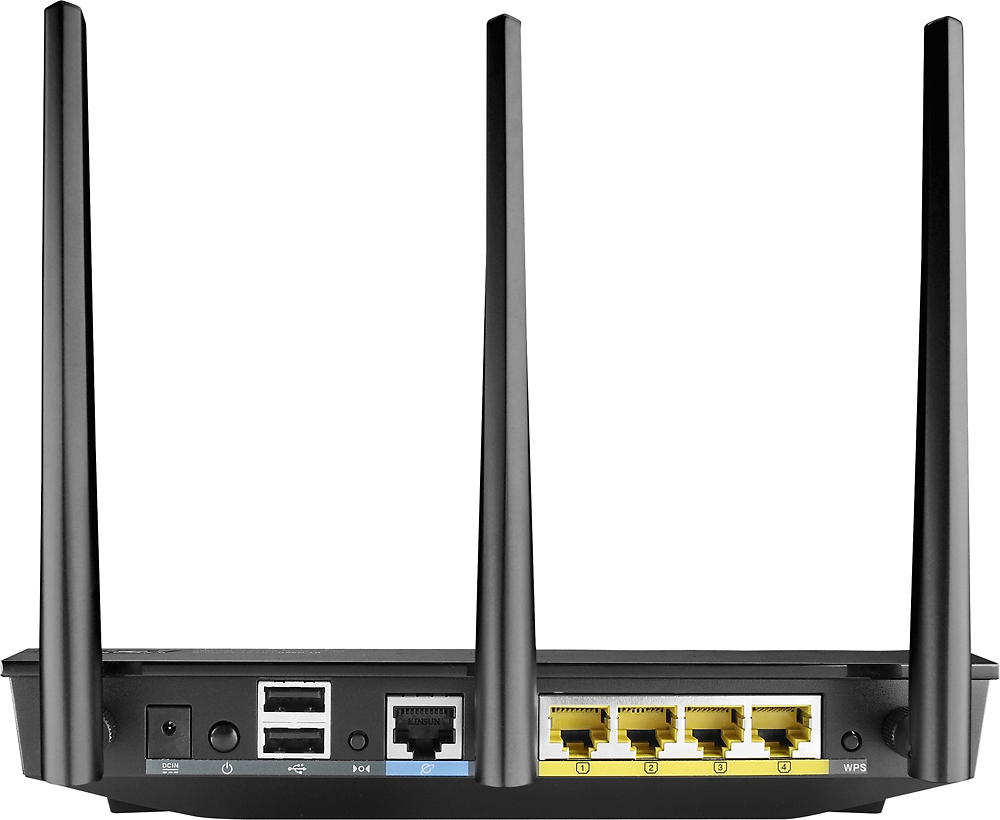
A:AnswerThe asus RT-AC1750 is only a router so you will definitely need to purchase a modem as well. Do you have DSL? if so who is your provider? I once had DSL with AT&T years ago and I found it troublesome to use my own separate router with their equipment which is usually a DSL modem and router in one ( gateway) so depending on who you have as your ISP provider you may be better off to invest in a cable modem/router built into one unit as opposed to buying a router and a modem separately because if you're going to use your own router with your ISP's gateway you would have to call them and they would have to put it in bridge mode and turn off the wireless router thats built into their unit in order for the router that you buy to work properly and depending on who your ISP is that can be a hassle. From my own personal experience I can tell you that Actiontec makes a good DSL modem/router combo that has good range, etc.... I think Netgear makes some decent ones as well......hope thet helps.....
A:AnswerThe range of a WiFi computer network depends primarily on the number and type of wireless access points (including wireless routers) used to build it. A traditional home network having one wireless router can cover a single-family dwelling but often not much more. Business networks with grids of access points can cover large office buildings and wireless hotspots spanning several square miles (kilometers) have been built in some cities. The cost to build and maintain these networks increases significantly as the range increases, of course. The WiFi signal range of any given access point also varies significantly from device to devices. Factors that determine the range of one access point include:
-The specific 802.11 protocol it runs.
-The strength of its device transmitter.
-The nature of physical obstructions and/or radio interference in the surrounding area.
A general rule of thumb in home networking says that WiFi routers operating on the traditional 2.4 GHz band reach up to 150 feet (46 m) indoors and 300 feet (92 m) outdoors. Older 802.11a routers that ran on 5 GHz bands reached approximately one-third of these distances. Newer 802.11n and 802.11ac routers that operate on both 2.4 GHz and 5 GHz bands vary in the reach similarly. Physical obstructions in homes such as brick walls and metal frames or siding reduce the range of a WiFi network by 25% or more. Due to laws of physics, 5 GHz WiFi connections are more susceptible to obstructions than are 2.4 GHz. Radio signal interference from microwave ovens and other equipment also negatively affects WiFi network range. Because 2.4 GHz radios are commonly used in consumer gadgets, those WiFi connections protocols are more susceptible to interference inside residential buildings.
Finally, the distance at which someone can connect to an access point varies depending on antenna orientation. Smartphone users in particular may see their connection strength increase or decrease simply by turning the device at different angles. Furthermore, some access points utilize directional antennas that enable longer reach in areas the antenna is pointing but shorter reach in other areas.
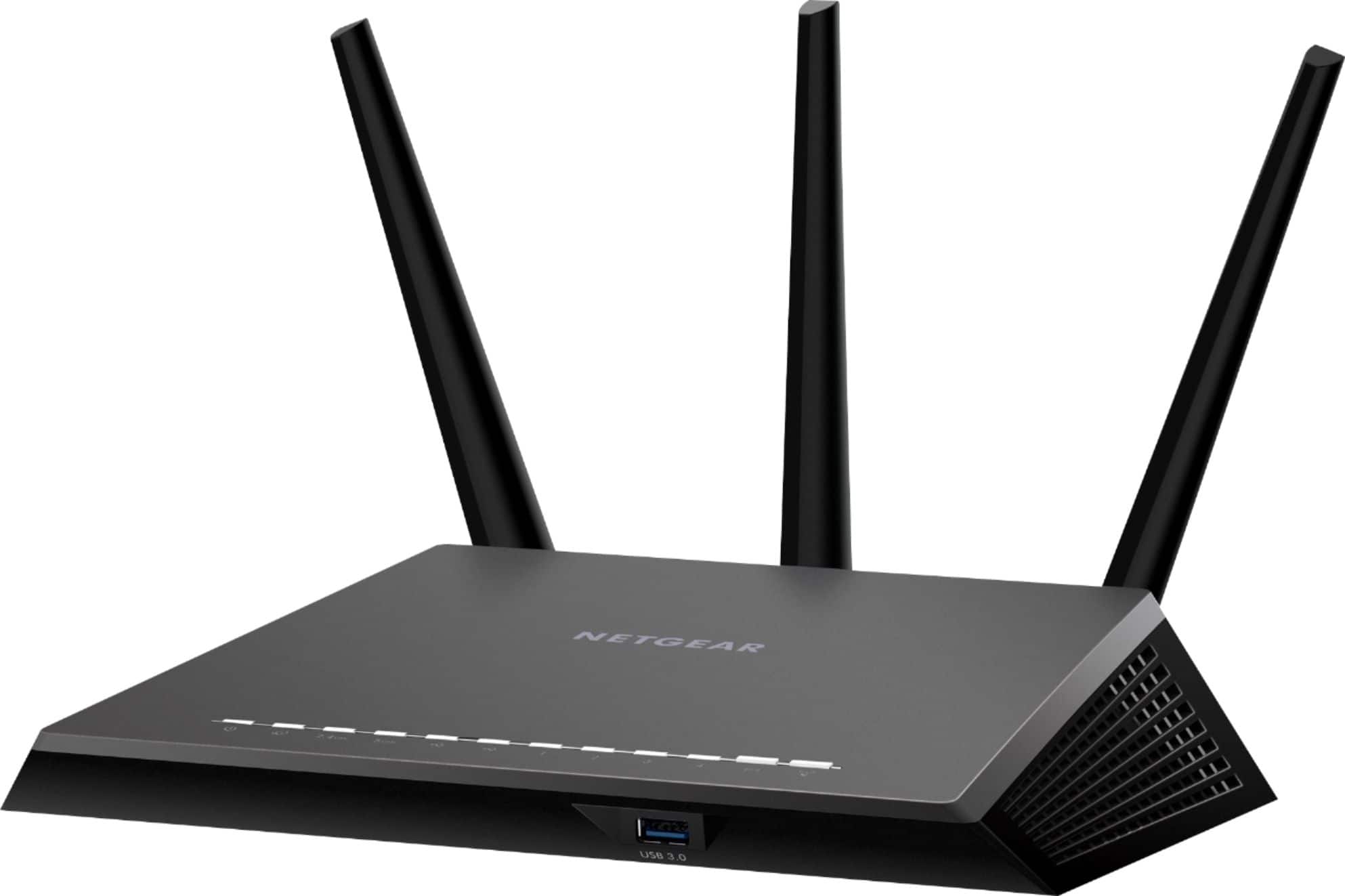
I would recommend a WiFi range extender paired up with a good WiFi router, if your application will support such a solution. See the recommended products I've listed.