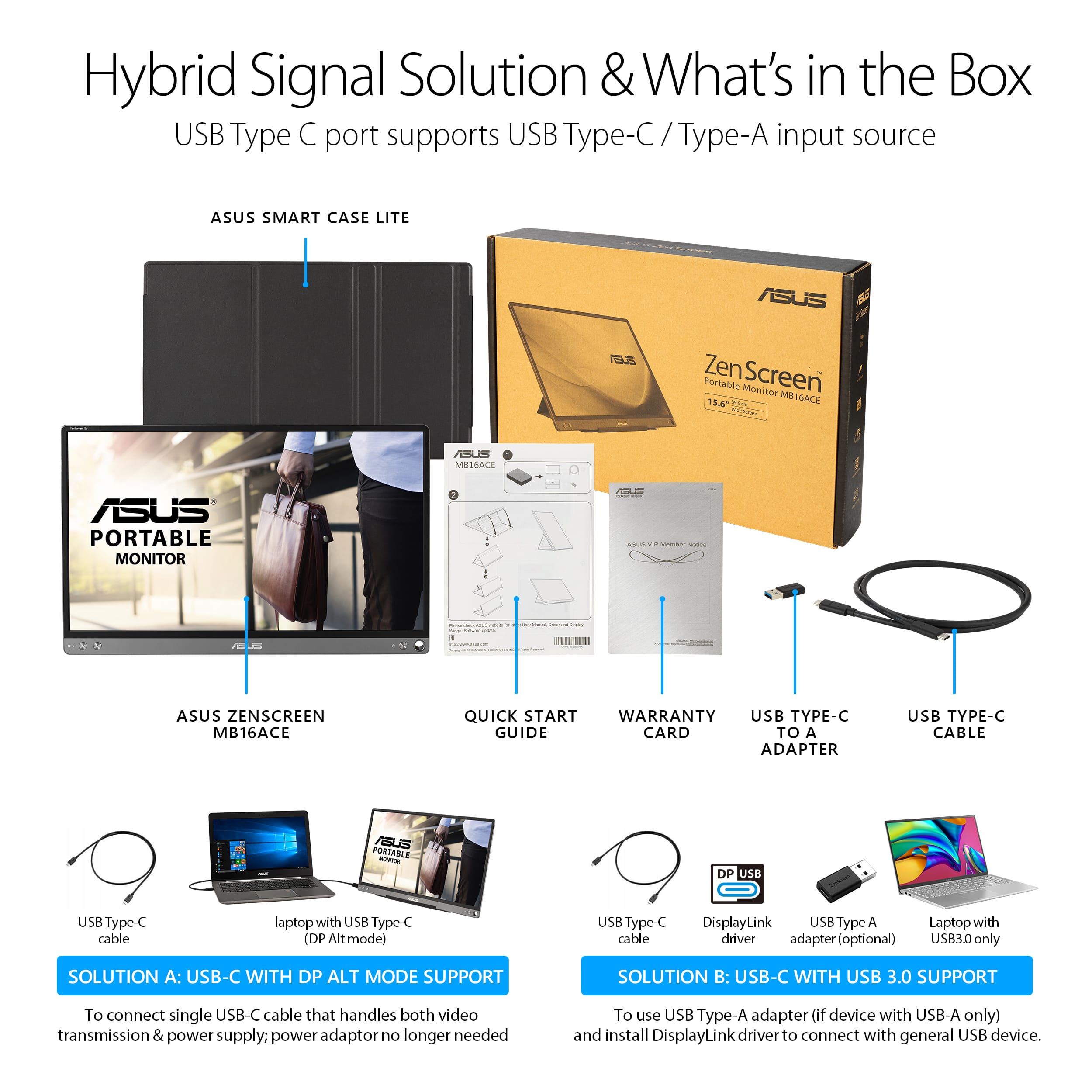
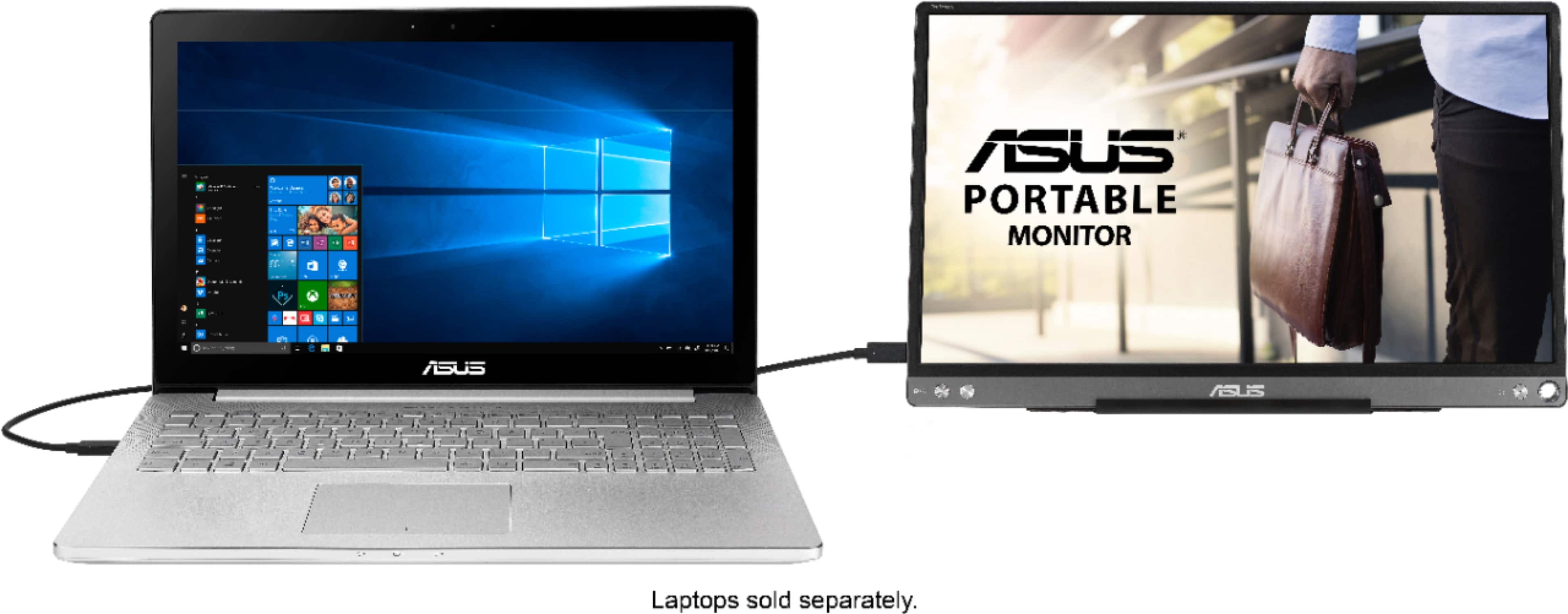
A:AnswerI have a Samsung S24 Ultra and it works. So it may work with a Flip 4. Keep in mind that the monitor is powered by the device it's connected to.
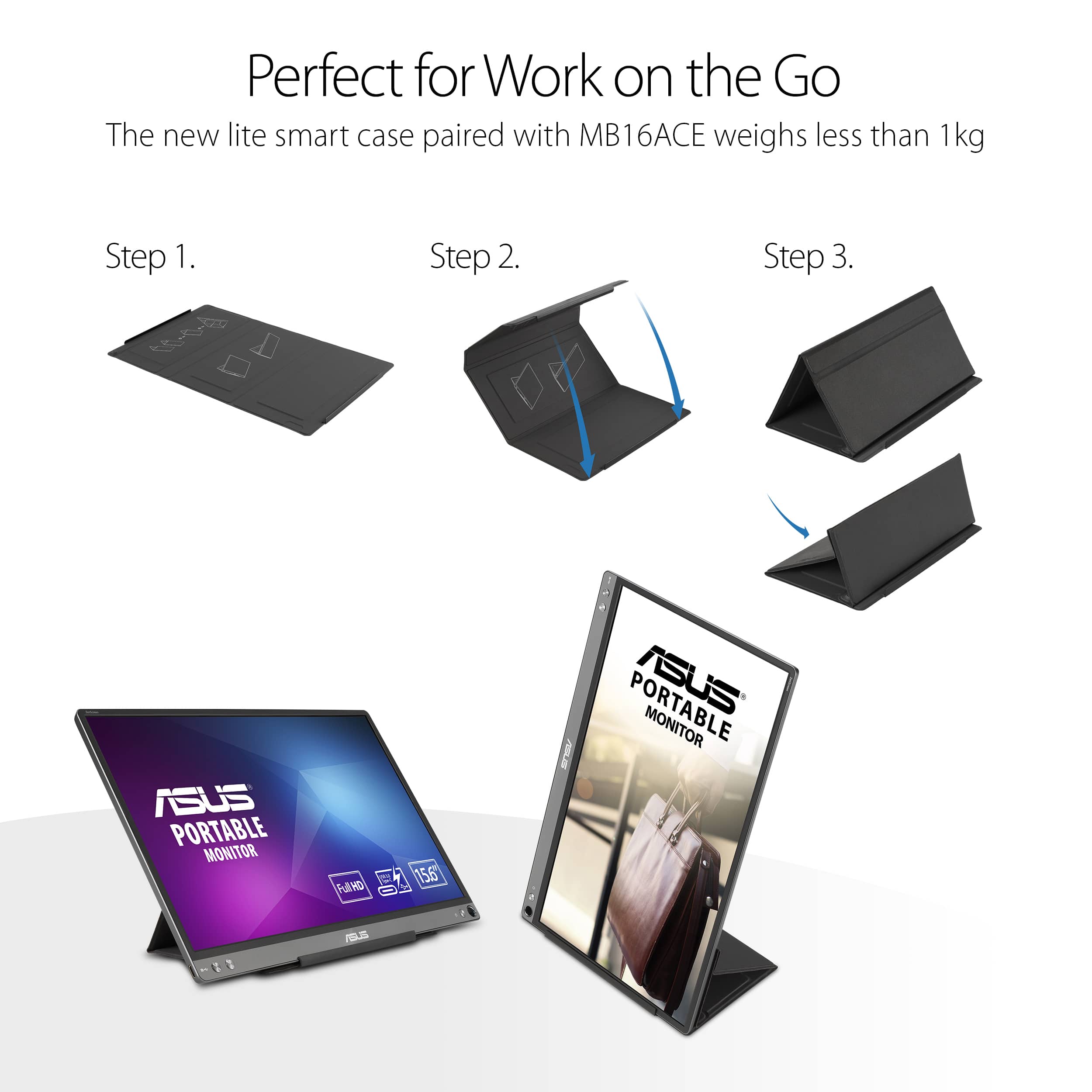
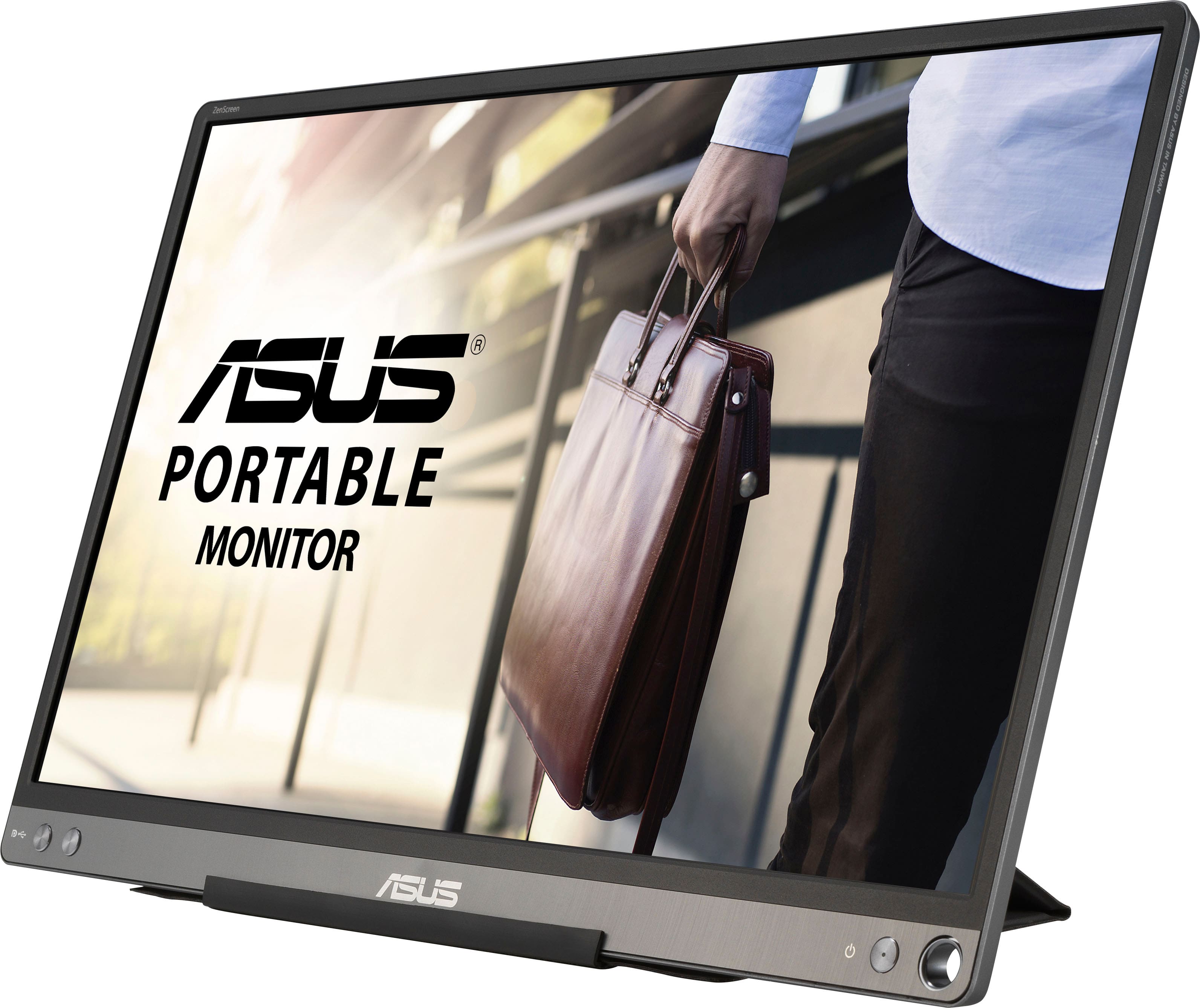
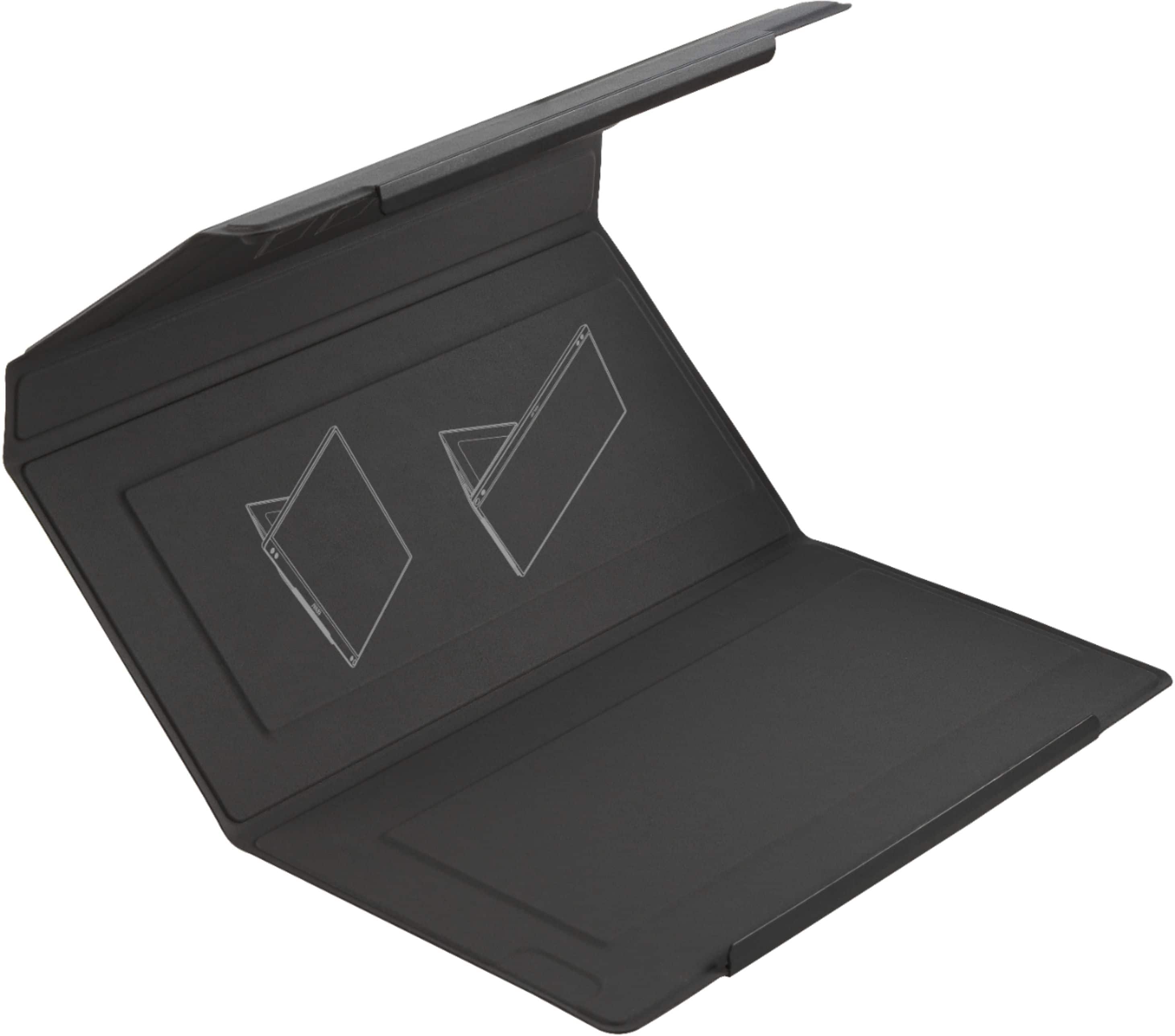
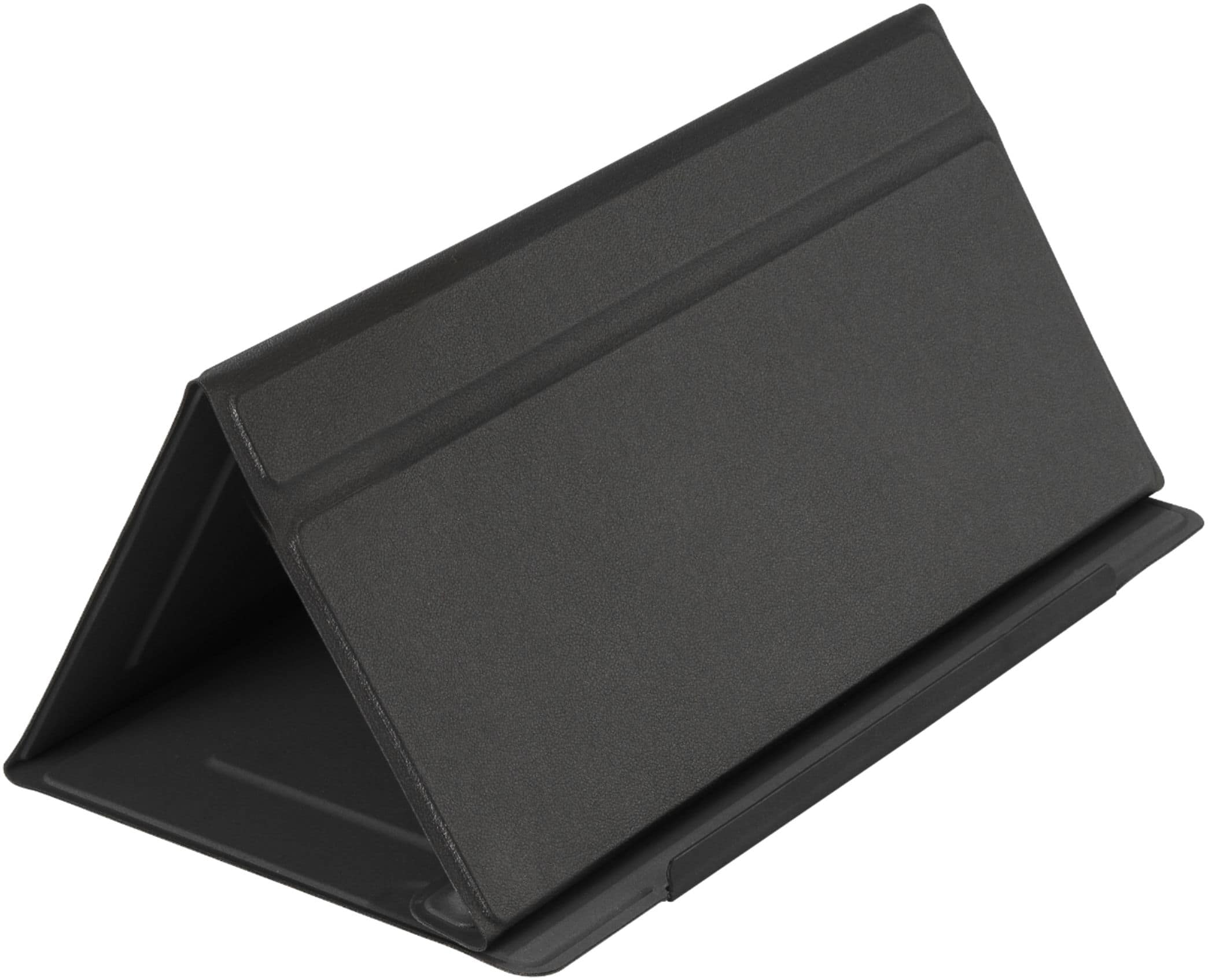
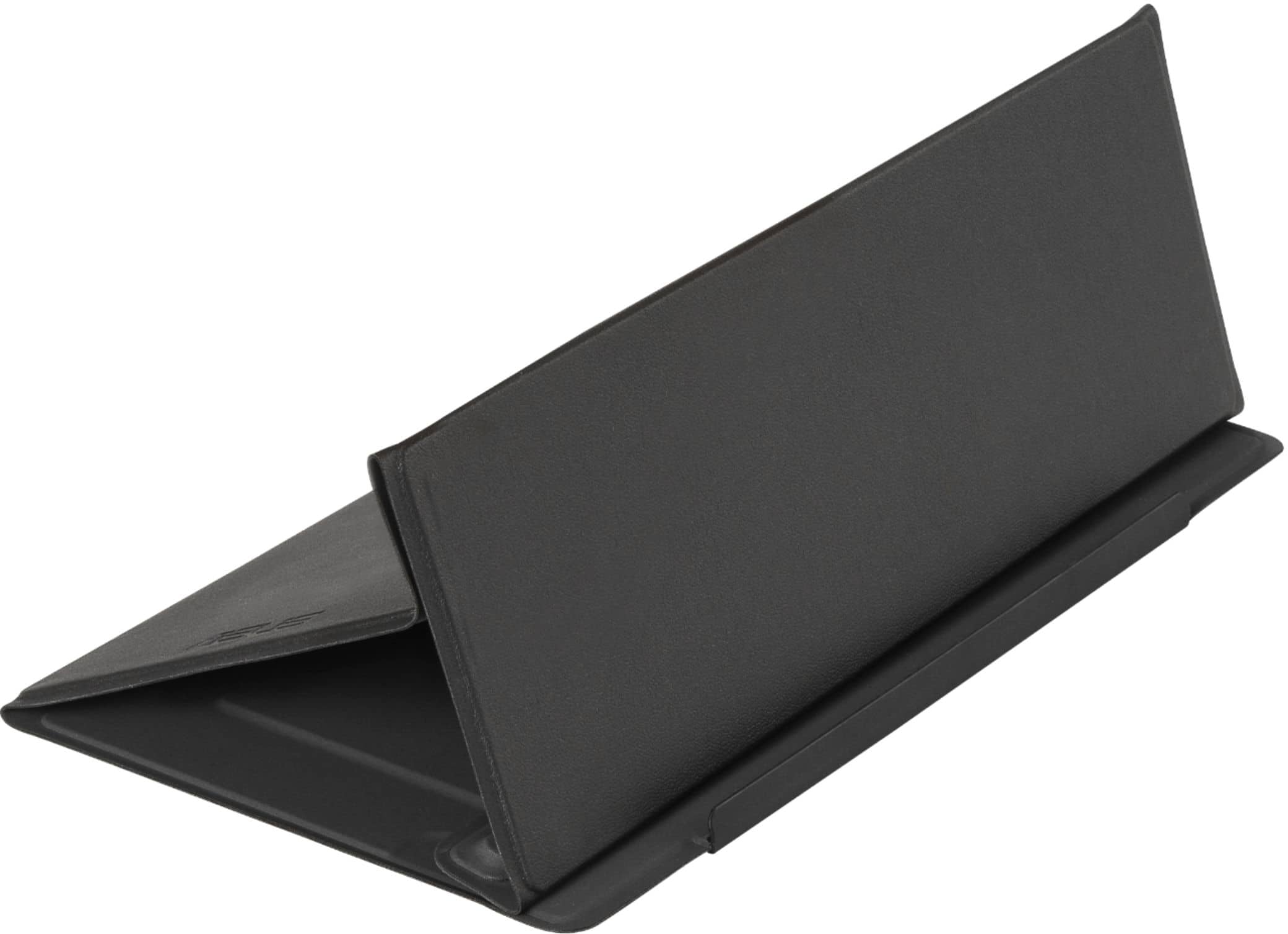
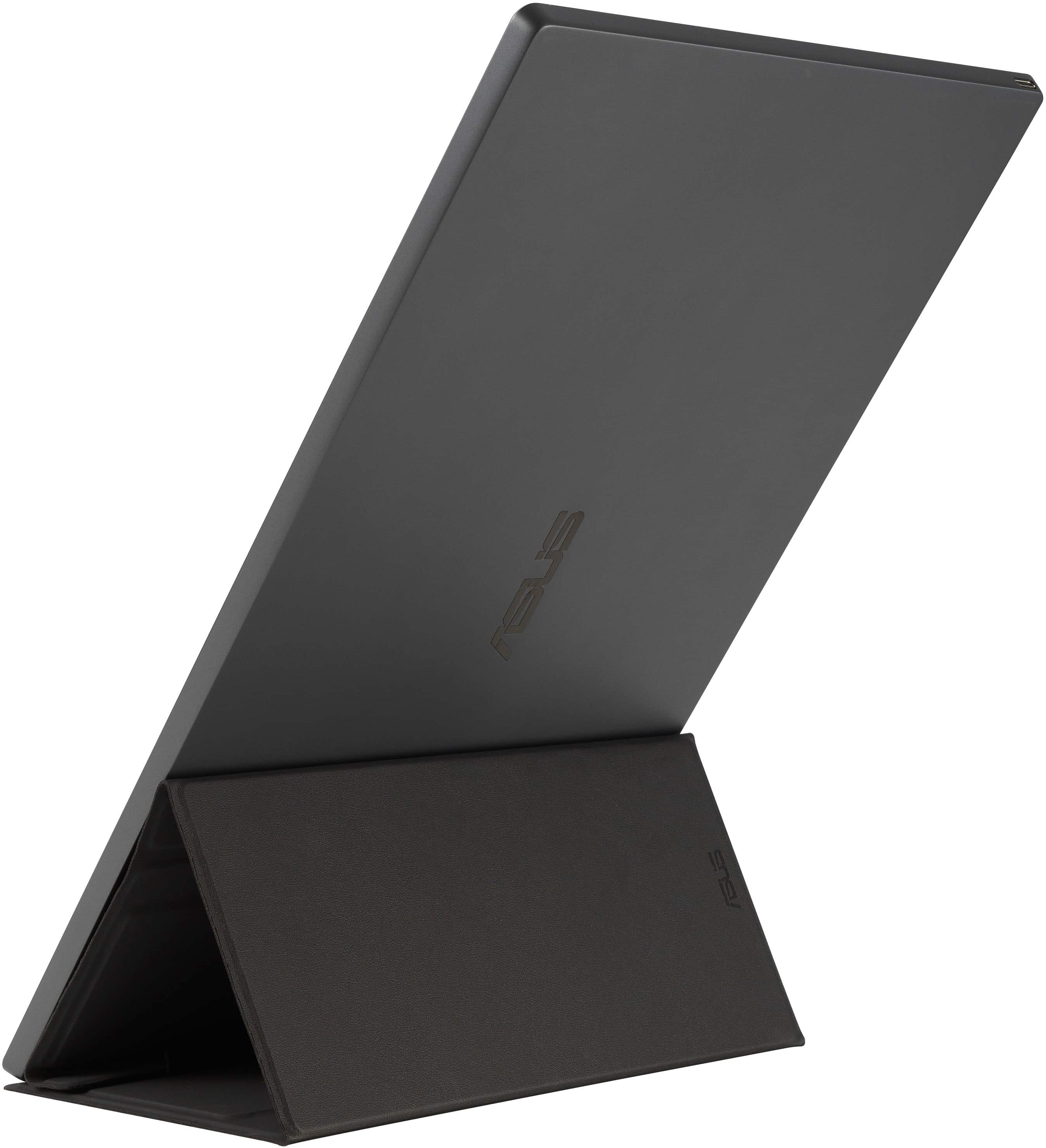
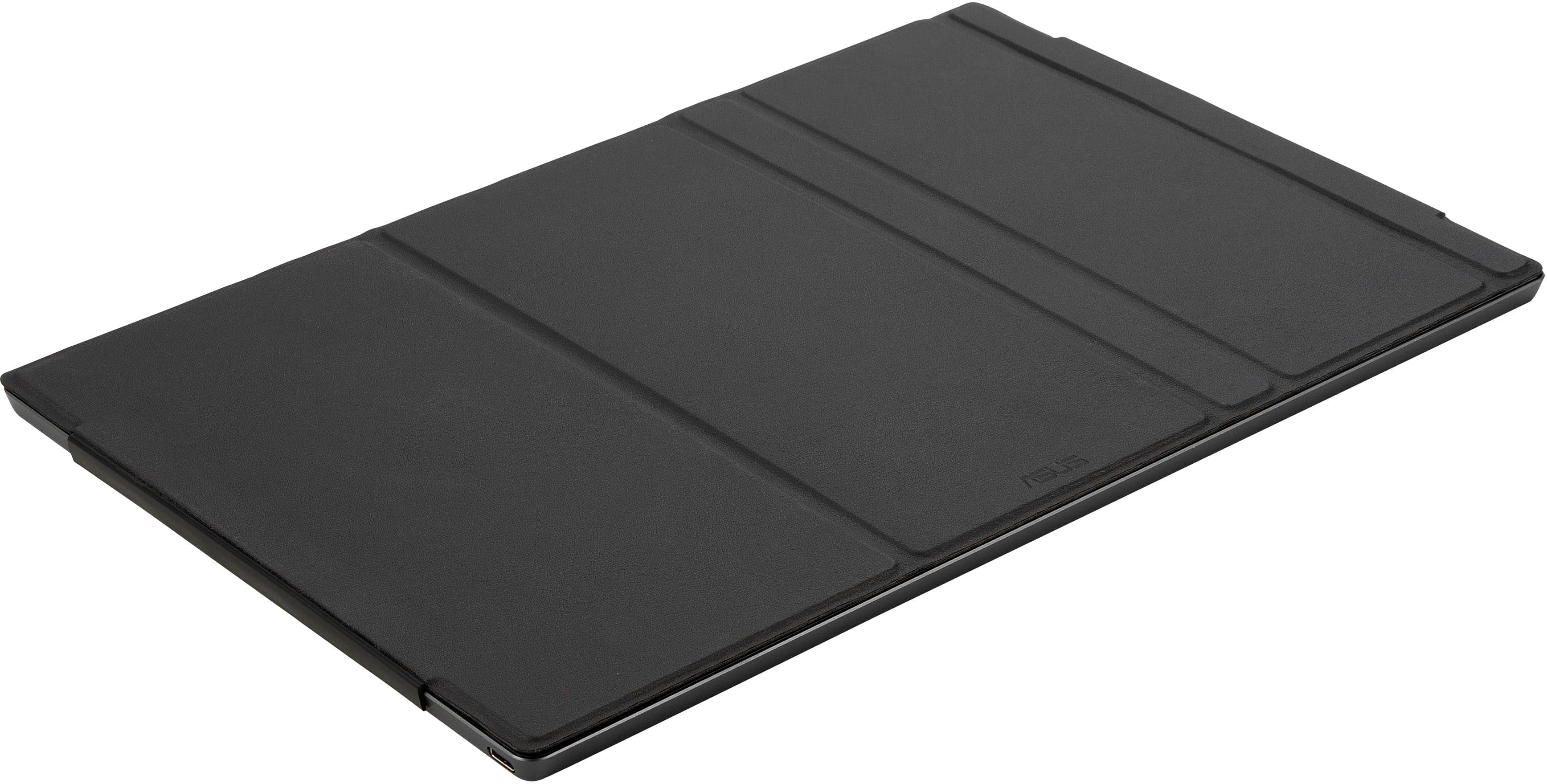
A:AnswerHi - I use this with my Surface Pro tablet. It is very easy to set up and use. My only wish is that the stand was easier to understand. You have to fold the cover a certain way to lean the monitor on it.
A:AnswerI don't think so. There doesn't appear to be anything in the OSD menu for resolution settings. It does of course auto adjust to the resolution that the computer is set to.
A:AnswerI don’t know what kind of laptop you’re using, but I have found that a 30w power brick is more than enough to charge my MacBook Pro while using this portable monitor.
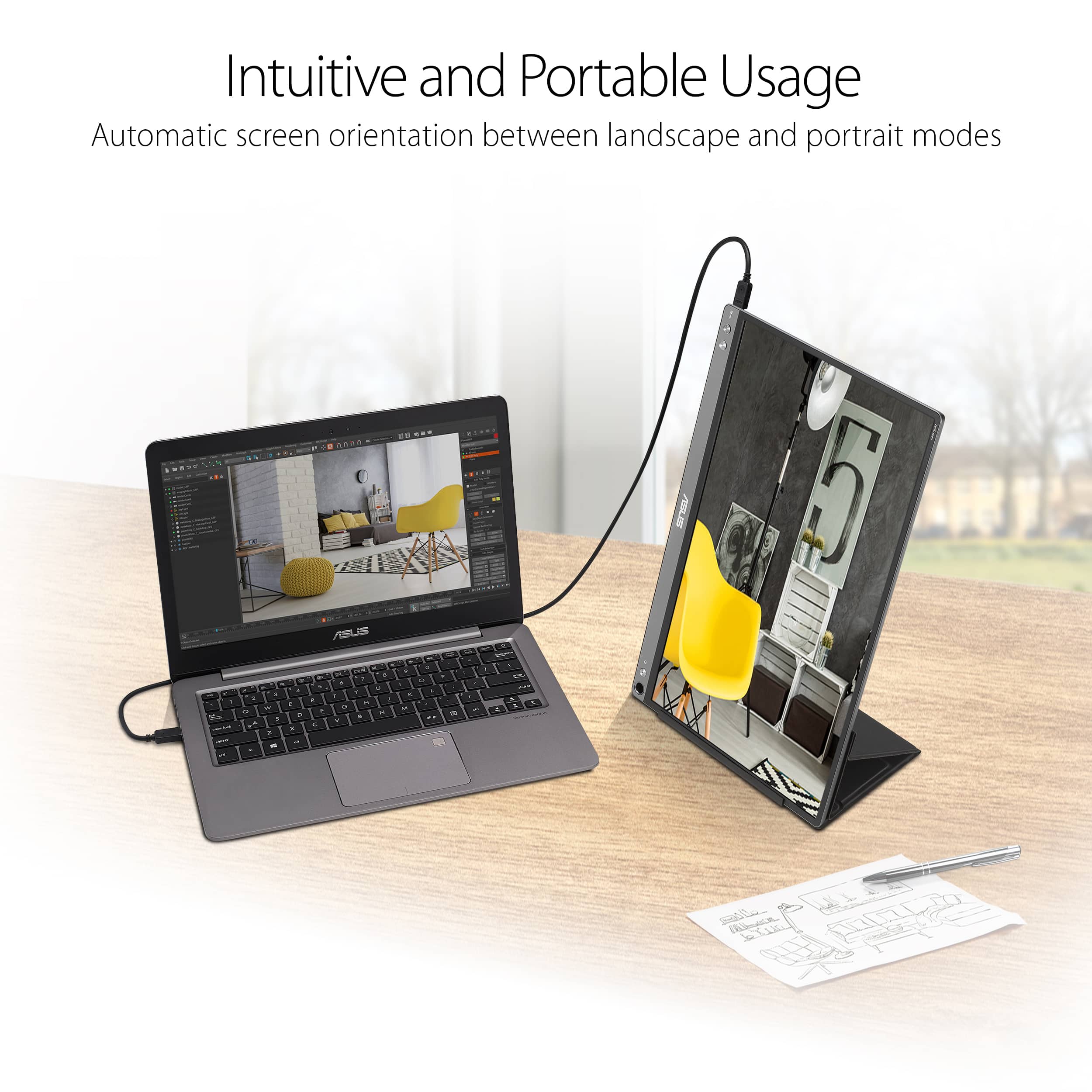
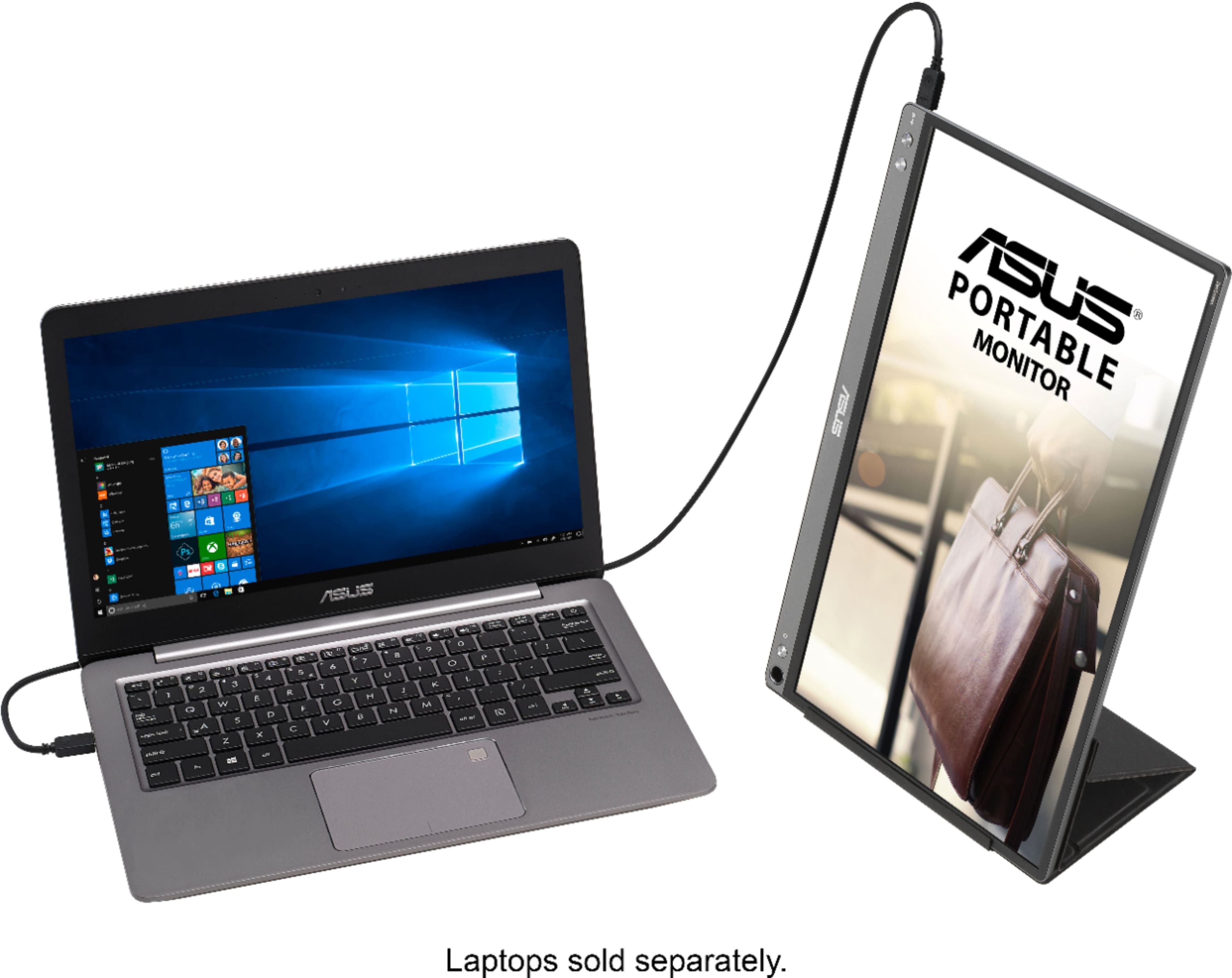
A:AnswerIt does not automatically rotate for me either under WIndows 11. It will rotate by using the display settings and change from landscape to portrait in the Windows Setting menu. It does not differ whether the auto rotate is set to on or off.