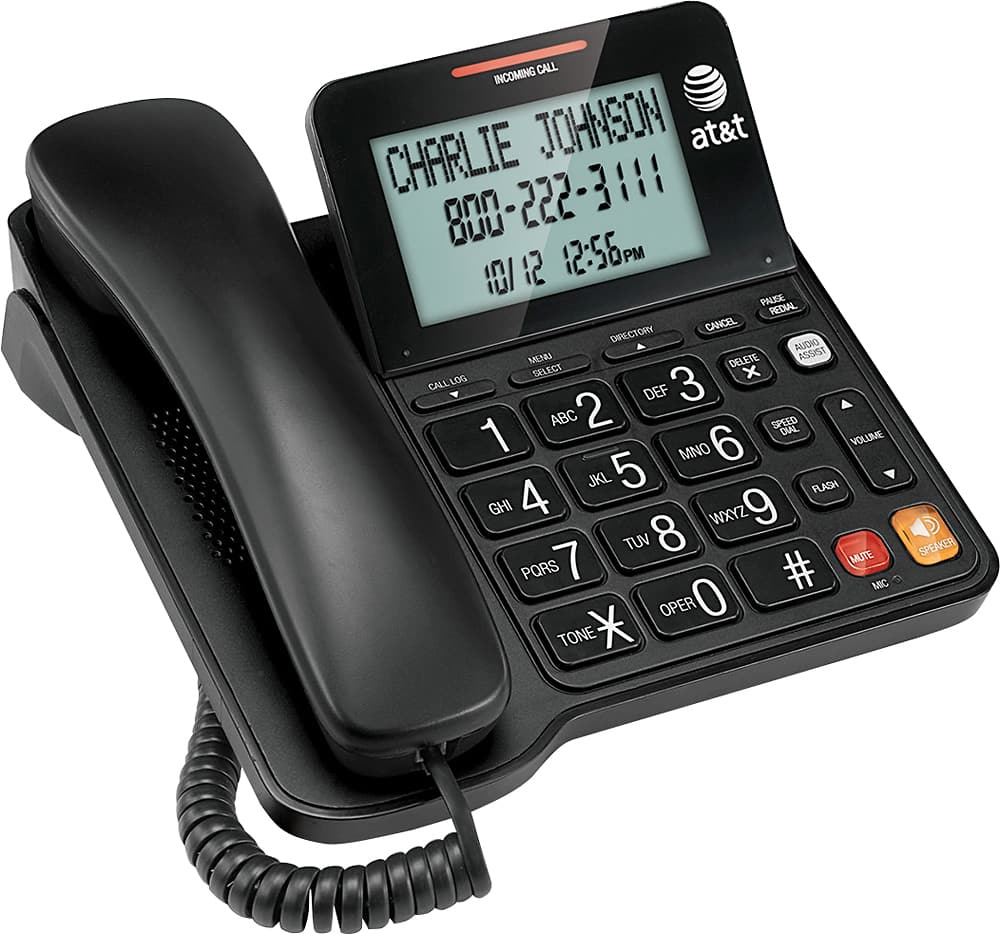
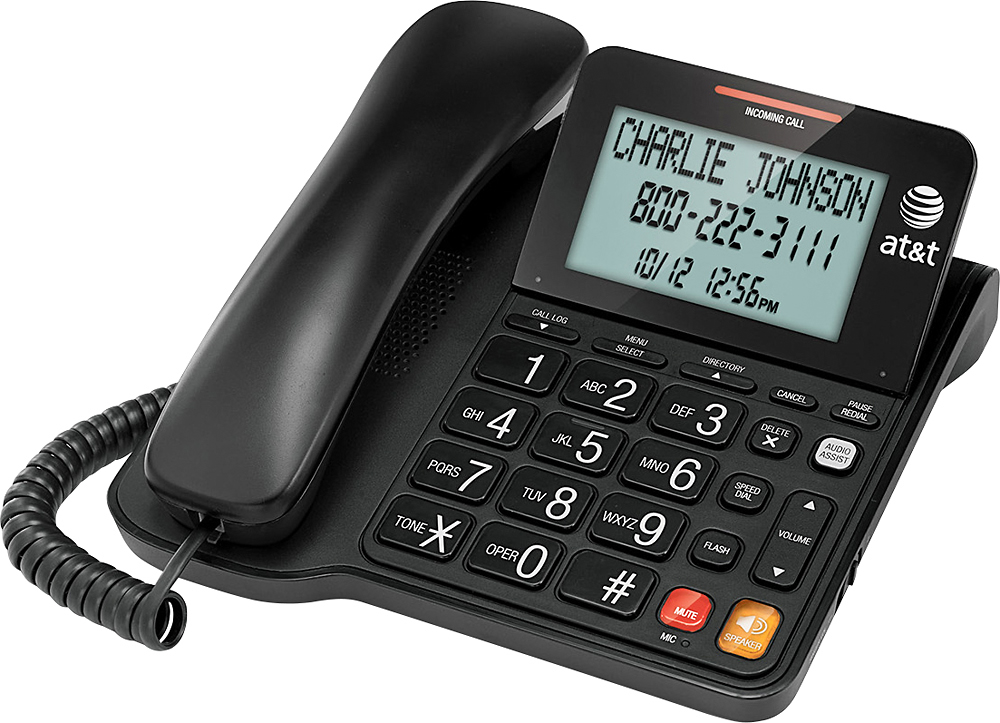
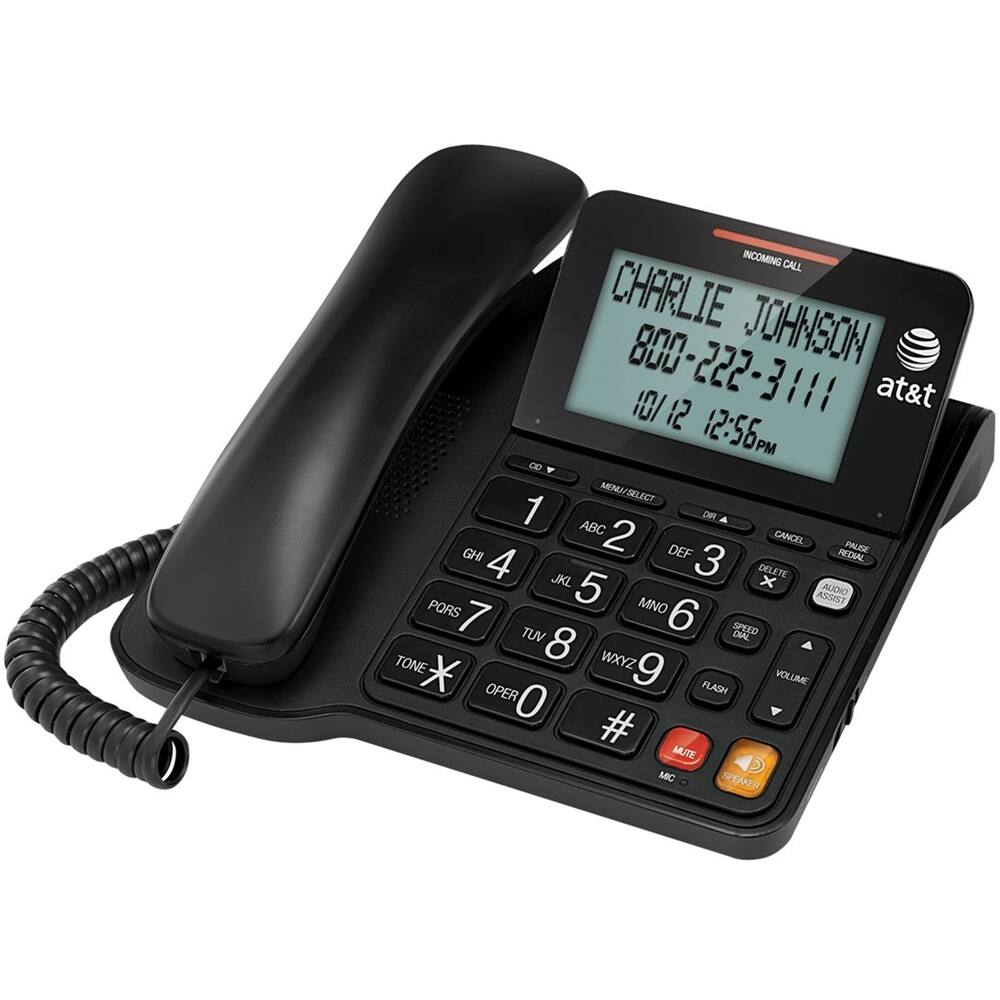
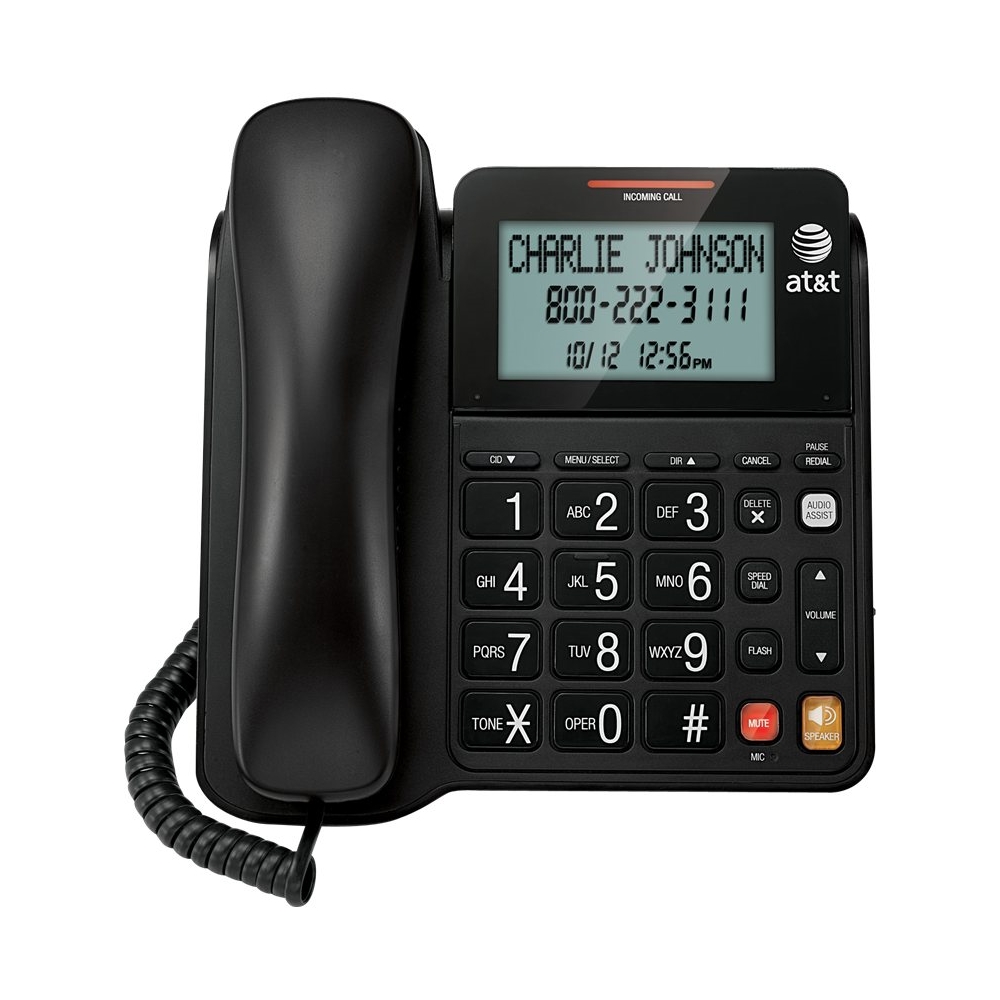
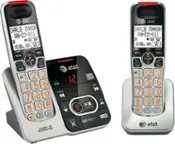
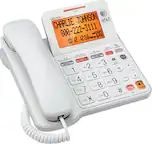
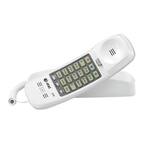
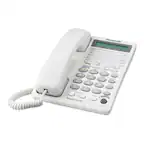
A:AnswerCaller id works on its own. Although you need double a batteries to power up the display. Also note that the display doesn't have a back lit and it may seem dark looking from certain angles.
A:AnswerPress the menu button 3 times from the home screen to view dial mode. Then use the up/down arrow keys on each side to select tone dial. then press menu.
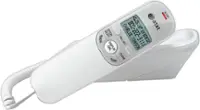
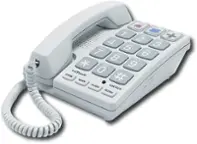
A:AnswerIt's just an old school wired telephone that you plug into the phone jack and speak through a wired handset. It does not broadcast any wireless, which is why we bought it.
A:AnswerThere is a four position slider switch on the side... Off, Low, Medium, Loud, but the Loud position is not nearly as loud as any of my other phones and is difficult to hear, at least for me. There is a light that comes on when it is ringing also, but it is so dim that it is not very noticeable unless you happen to be staring at the phone when it rings.