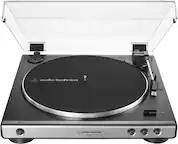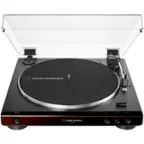
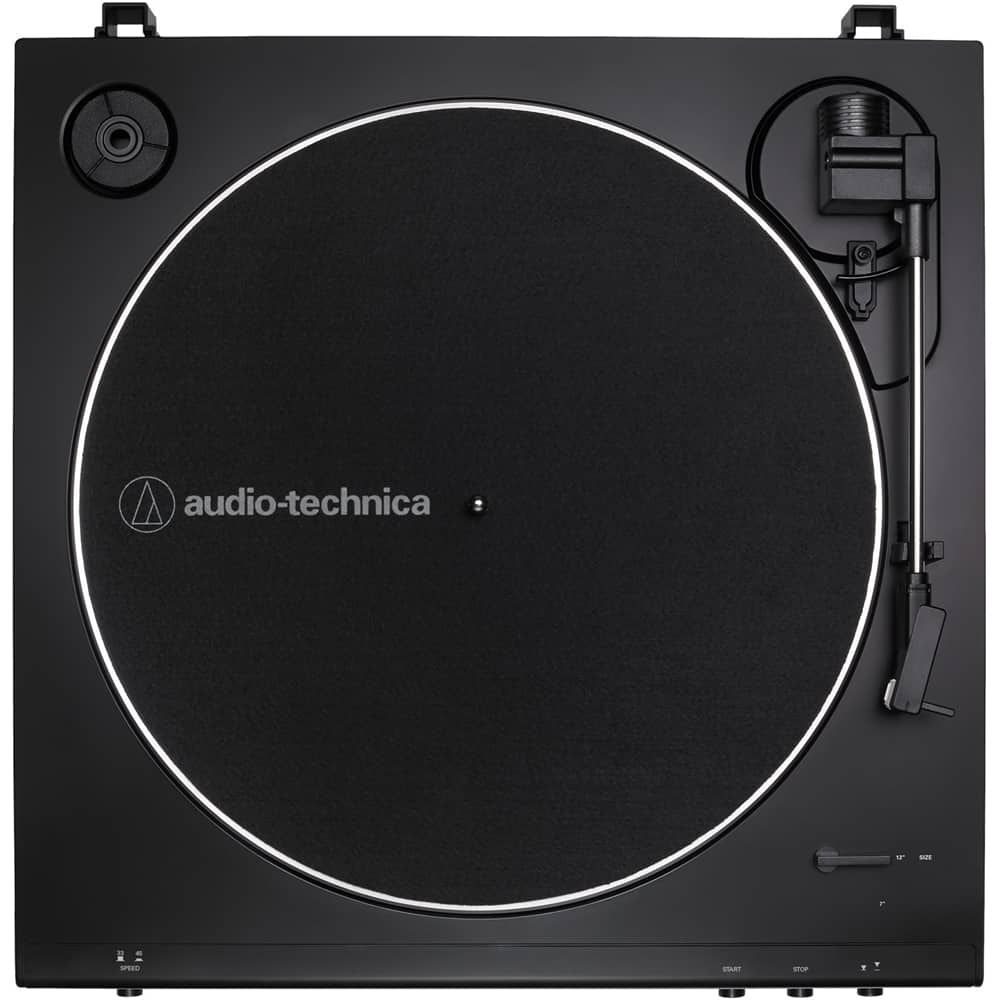
A:AnswerIt does not have its own speaker. At this time all of our turntables have to be connected to an external speaker in some way. The simplest and most cost-effective way to use the AT-LP60-BT Wireless turntable is to pair it to a Bluetooth speaker or Bluetooth headphone, or to hard-wire it to a pair of self-powered (aka active) speakers or headphone amplifier and headphones.
A:AnswerYes, by using the 3.5 mm stereo Analog Out jack on the rear of the turntable, it is possible to connect the turntable to the LINE IN jack on a computer. Note that the audio cable provided with the turntable is a 3.5 mm male stereo to dual RCA male type cable. You will need either an adapter cable, the dual RCA female to 3.5 mm male stereo type, or a different cable all together - the 3.5 mm male stereo to 3.5 mm male stereo type, to connect the turntable to the computers LINE IN jack. Make certain that you set the preamp selector switch located on the rear of the turntable to the LINE position and select the LINE IN jack on the computer as the input device.
A:AnswerIf you already own passive type speakers, you will need to install a stereo receiver or amplifier between the turntable and the speakers. Receivers and Amplifier have a POWER amplifier inside to amplify connected sources, such as a turntable, up to a level that can adequately drive the speakers. Another option would be to use POWERED (aka active) type speakers. Powered speakers have their own power amplifier built into them so there is no need for a separate stereo receiver or amplifier. Due to the inclusion of a phono preamplifier in the turntable, the turntable may be connected to devices that either do or do not have a dedicated PHONO input for a turntable. A phono preamplifier raises the phono level signal from a turntable (which is very weak) to a stronger line level signal (such as that which you get from a CD Player) so it can drive the preamplifier section of a receiver, amplifier or powered speaker, then the preamplifier drives the power amplifier. Its all about gain staging so that, in the end, you have a good signal to noise ratio. A phono preamplifier also applies the RIAA equalization curve which is required for the playback of records.
A:AnswerYou can just plug it into power and pair it to a Bluetooth speaker. There is also a wired connection that permits the turntable to be connected to a powered speaker that may not feature Bluetooth.
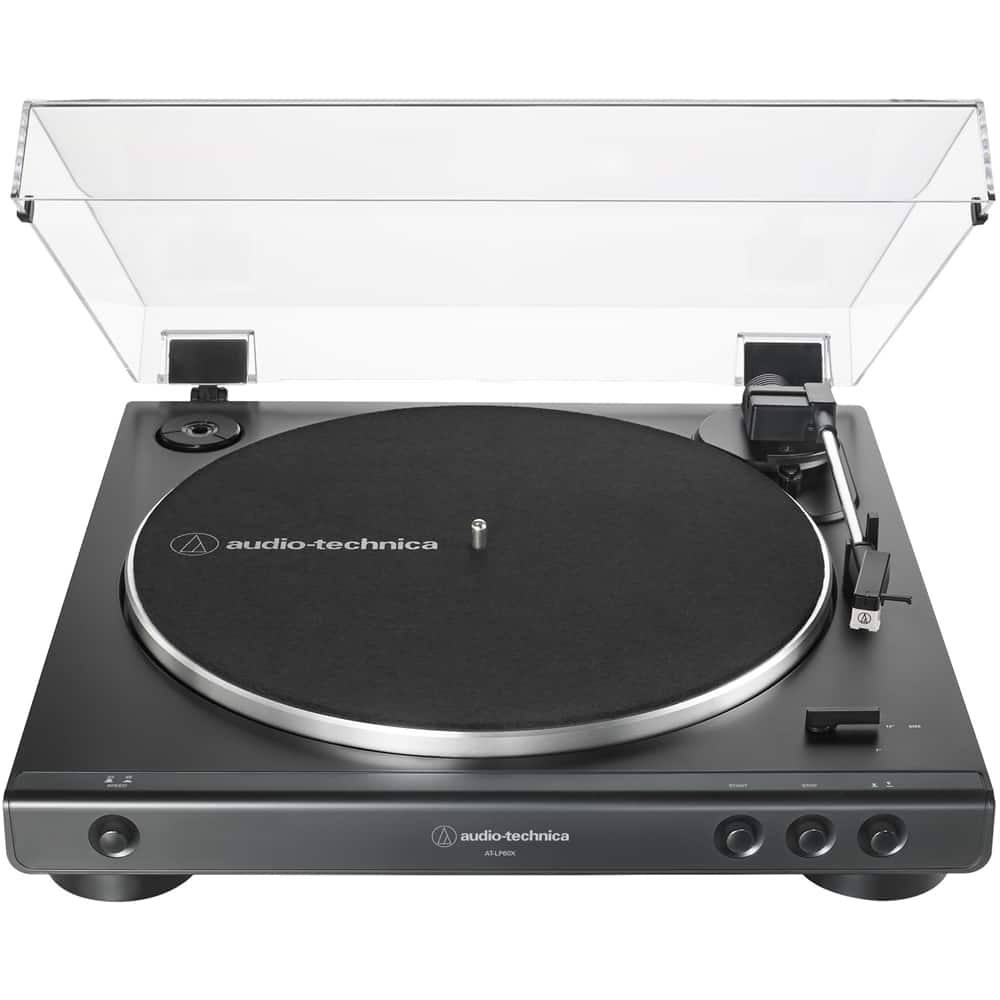
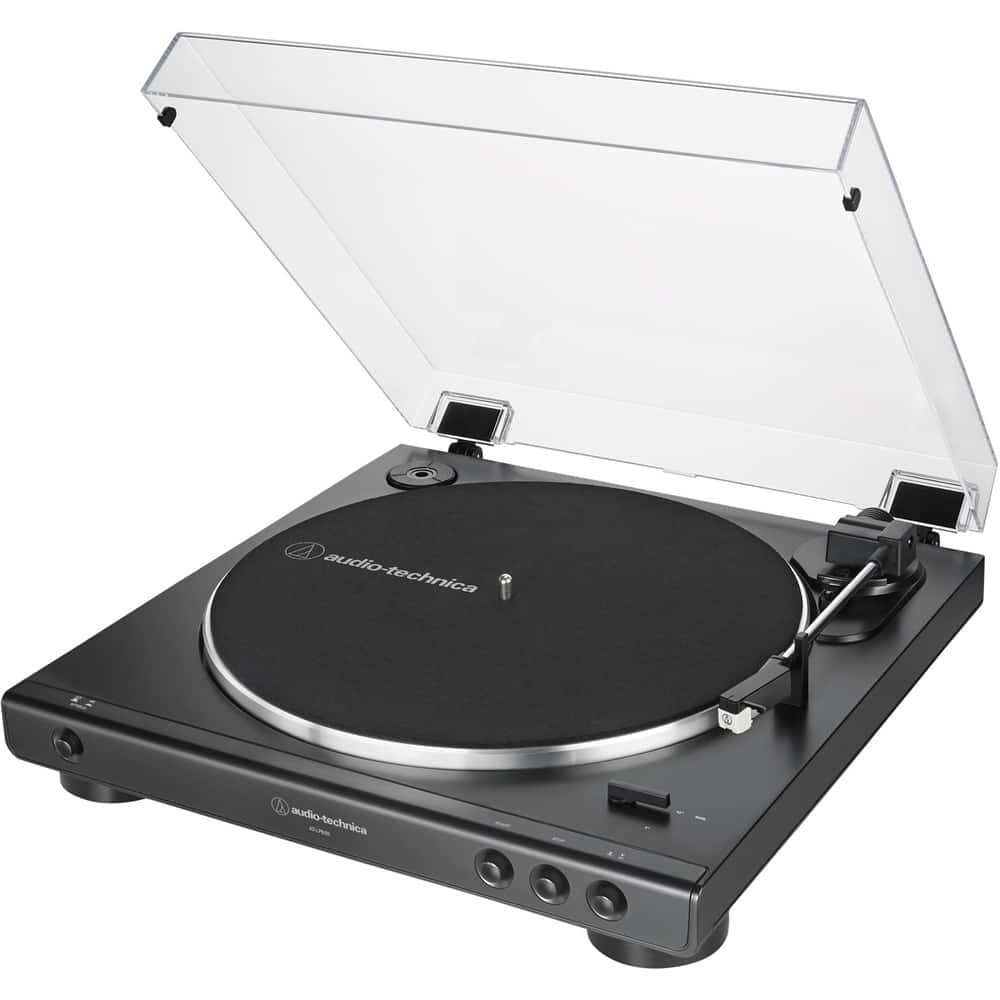
A:AnswerThe cartridge is an integral part of the tonearm. The stylus is included and comes installed on the cartridge. The drive belt comes preinstalled around the aluminum record platter, you must finish installing the belt by placing it around the brass colored motor pulley after placing the platter on the center spindle.
A:AnswerHello Ty:
You can't connect this turntable to a computer but Audio Technica does have a model that is both bluetooth ready and capable of linking to any computer with a usb connection.
A:AnswerAs long as you can pair a bluetooth device with the sound bar then yes, Mine is paired with a samsung sound bar & subwoofer sounds really good. clear
A:AnswerThere is no stylus pressure or anti-skate adjustment function on this model. Those functions are all automatically controlled by this model. If you want those functions, check Audio Technica's other turntable models.