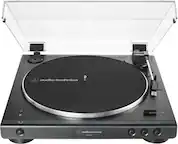
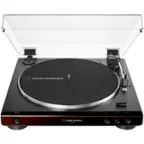
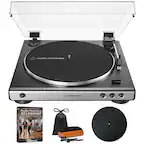
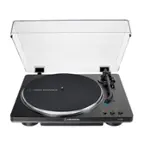
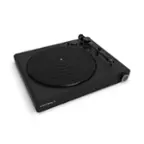
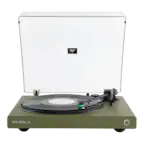
A:AnswerThe tracking force on the AT-LP60X-GM Turntable is not adjustable. If the stylus (needle) assembly is not fully seated in the cartridge body, this can happen. You may have inadvertently caused the stylus assembly to loosen when you removed the clear plastic guard from it during assembly of the turntable. Try removing then reinstalling the stylus (needle) assembly. There is a good illustration on how to do this in the User Manual.
https://www.audio-technica.com/media/wysiwyg/product/pdfs/us/at_lp60x_um_162501370_v2_en_web_190502.pdf
A:AnswerYou can connect the turntable to the AUXILIARY jack on the right speaker with the aid of an adapter cable OR you can use a different cable entirely. The adapter cable would need to be the dual RCA (female) to single 3.5 mm stereo male type. Alternatively, you could just replace the provided cable with a cable that has 3.5 mm stereo male plugs at each end.
A:AnswerYes you would. If the mixer has a PHONO input on it for a turntable you can connect the provided RCA cable here and set the preamp selector switch on the rear of the turntable to the PHONO position. If the mixer DOES NOT have a PHONO input, you can connect the RCA cable to any other input but set the switch on the rear of the turntable to the LINE position.
A:AnswerIf they are RCA analog INPUTS, yes it will. Make certain that you turn the phono preamplifier located inside the turntable ON by placing the preamp selector switch located on the rear of the turntable in the LINE position.
A:AnswerNo. You can connect the turntable to the 3.5mm analog in jack on the amplifier by adding an RCA to 3.5mm adapter cord to the end of the provided dual RCA cable OR by replacing the provided cable with a 3.5mm stereo mal to 3.5mm stereo male audio cable.