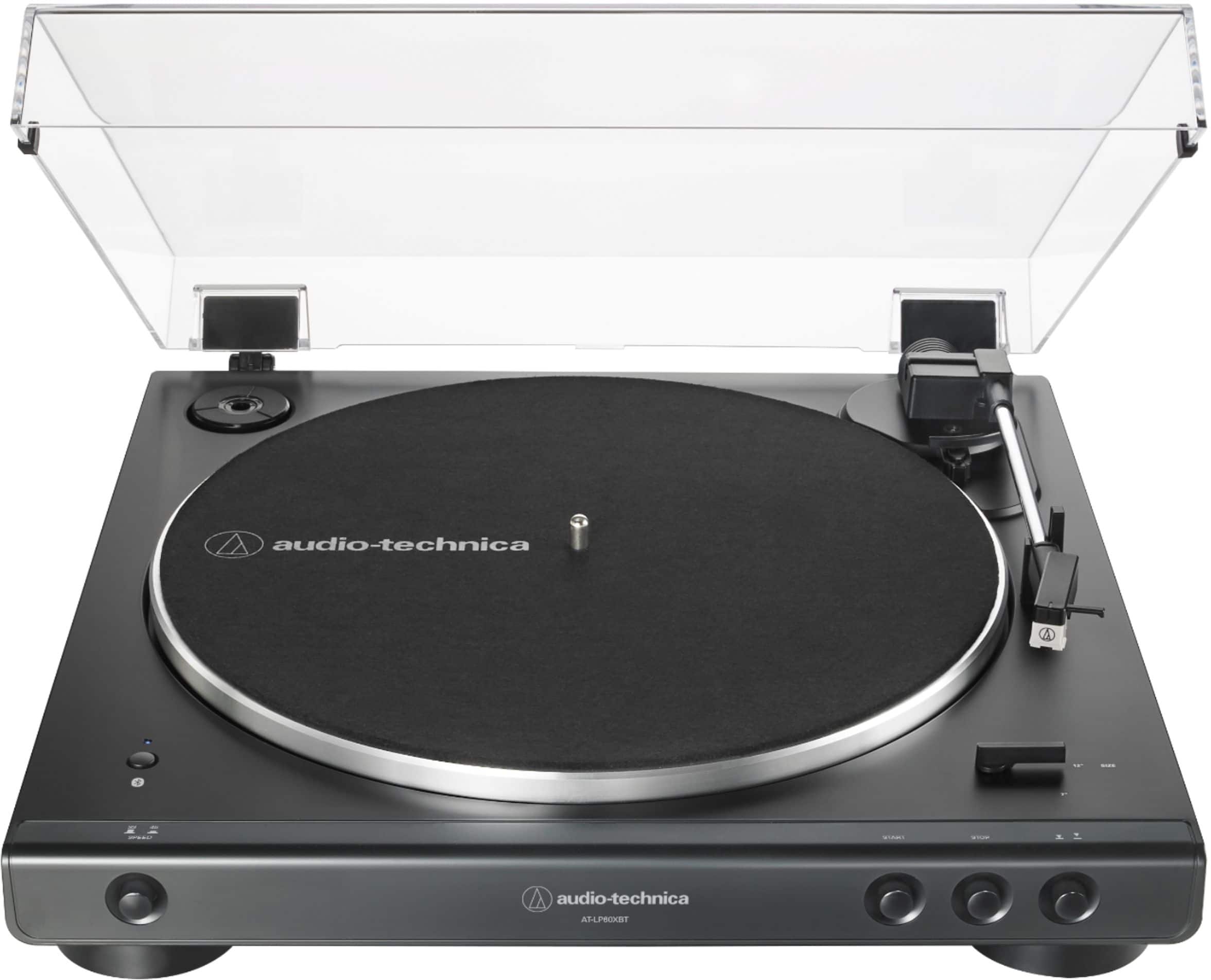
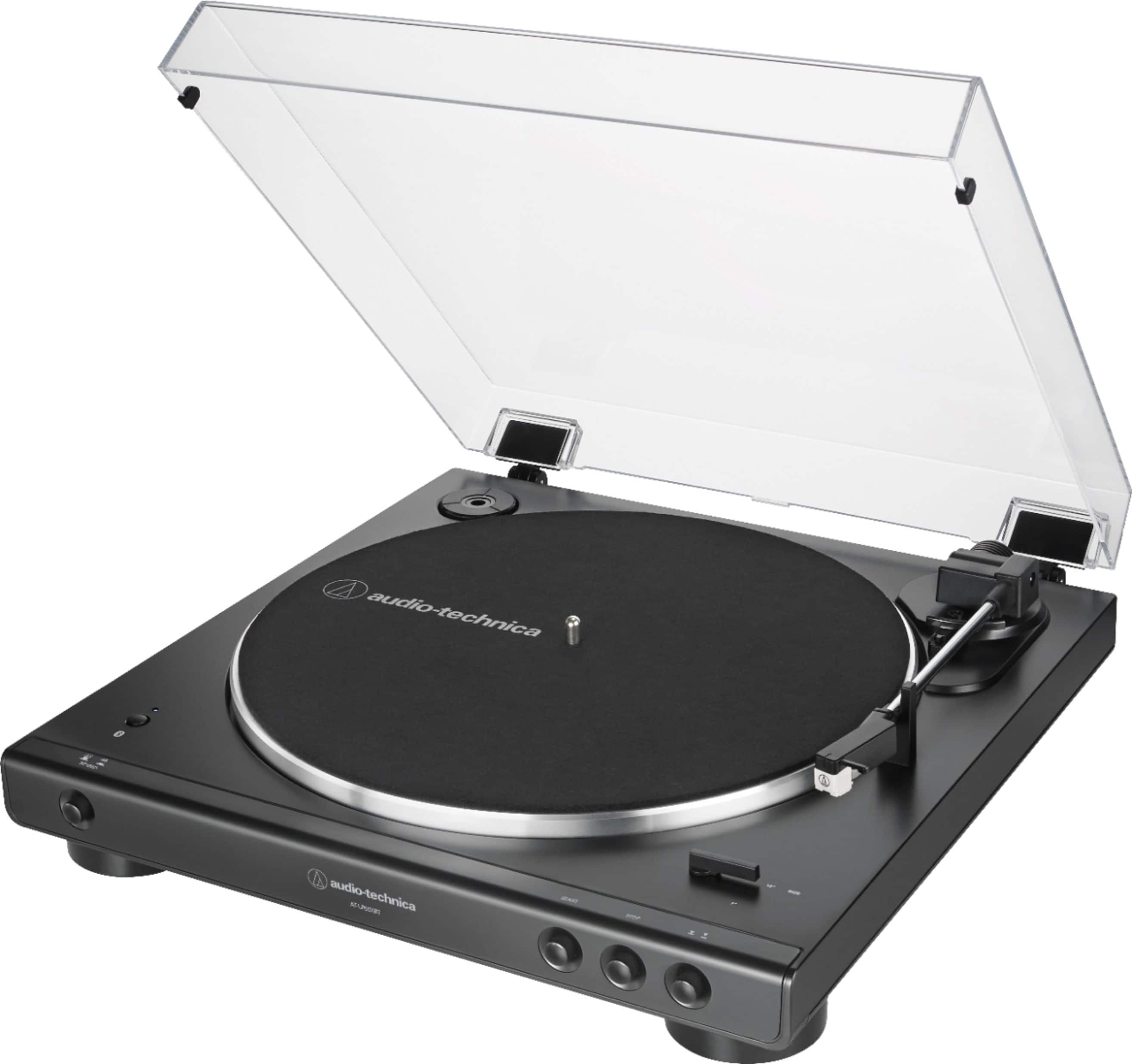
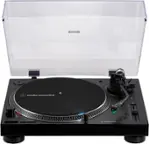
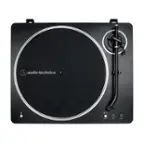
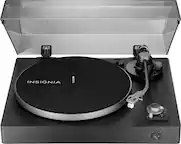
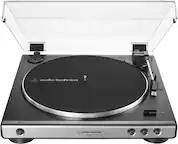
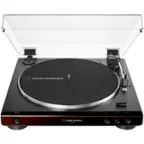
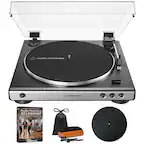
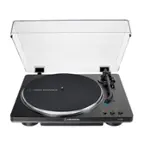
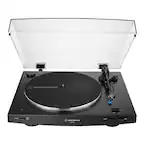
A:AnswerOur USB turntables, such as the AT-LP60XUSB, can be connected via a provided USB cable tote USB port on a computer. With the aid of an audio recording and editing program, such as Audacity, the computer can digitize your albums.
A:AnswerThe turntable can be connected directly to the TV if there is an analog audio input jack on the TV. This can be the dual RCA (red and white) type jacks or the single 3.5 mm stereo AUX type jack. You will need a dual RCA (females) to single 3.5 mm stereo (male) mini-plug type adapter cable to connect the provided cable to a single 3.5 mm stereo AUX jack.
A:AnswerYou will need either a dual RCA (female) to single 3.5 mm male stereo mini-plug adapter cable which you can add to the cable supplied with the turntable OR a different cable which you would use in place of the supplied cable. This cable would need to have a single 3.5 mm stereo male mini-plug o each end of it. Connect the AT-LP60XBT Turntable to the 3.5 mm Audio line-in jack on the rear of your speaker. Note that this type adapter cable is available for purchase from our Parts Department. Please contact Parts by phone at (330) 686-2600 ext 5002 or by email at [email protected] for further assistance.
A:AnswerThe only thing I recommend is a Bluetooth speaker, since this turntable does come equipped with Bluetooth you can connect to a speaker wireless, which is a nice option
A:AnswerI can’t say with 100% certainty, but I have Google home speakers and I’m able to connect to them. I’m even able to use the multi speaker function and play my records on all of them at the same time.
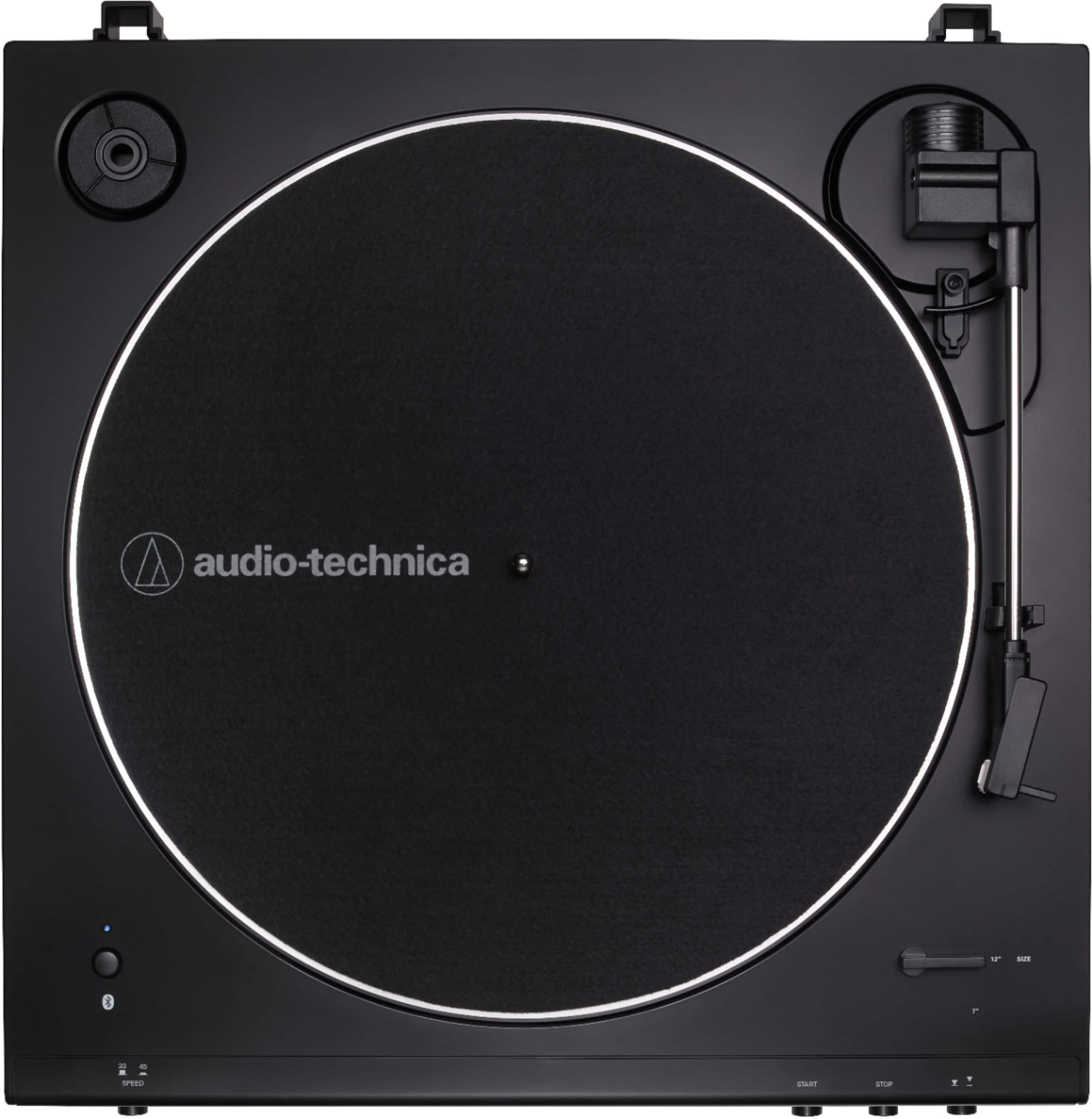
A:AnswerYou have to install the drive belt. The belt comes preinstalled around the drive rim on the flipside of the aluminum record platter, but you have to finish installing it by placing it around the motor pulley. The motor pulley is the brass colored pulley located in the upper LEFT corner of the turntable (at about the 10 o'clock position). The belt DOES NOT go around the white post with the silver screw/washer in the top of it which is located on the right side of the turntable (at about the 2 o'clock position).
A:AnswerThere is now way, short of unplugging the turntable from power, to turn off the Bluetooth function on the 60X series turntables. Pair the turntable to another device that you typically would not have on so it will try to connect to it instead.
A:AnswerPlug headphones into the 3.5 mm stereo Analog Out jack on the rear of the turntable. Do you hear the record playing in the headphones? If you DO NOT, remove then reinstall the stylus (needle) assembly as if you were replacing it with a new one and try again.