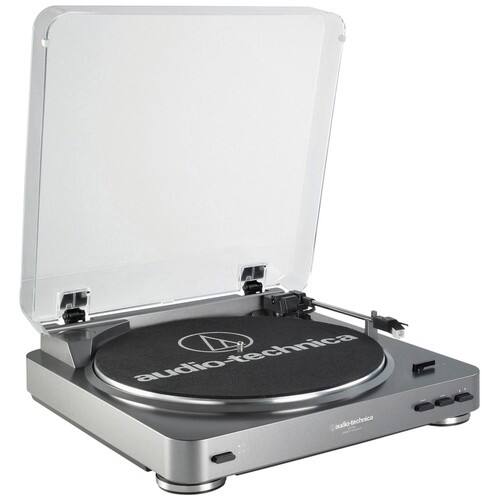
A:AnswerThis is a standard turnable.
No speakers can be attached unless you have a Stereo Receiver or a Computer to attach the speakers to.
You would link the speaker to those devices not directly to this Turntable.
A:Answeryes this work with windows 10. be sure to open the hardware and sound . click on the sound tab.
disable the USB Codec in the playback tab. then click on the recording tab and right click on line USB Codec
go to Properties click on the listen tab. check the listen to device tab. all set to go.
hope this was helpful.
A:AnswerIT DOES HAVE A STYLUS, AND I SUPPOSED YOU CAN ORDER IT THRU BEST BUY. THE PLAYER COMES WITH PAPERWORK AND YOU COULD PROBABLY FIND A PHONE NUMBER TO CALL MFG, I'M SURE THEY CAN GET YOU ONE.
A:AnswerYes it is compatible. The software that comes with the Turntable is "Audacity" which is Free Open Source Software. You can go to their site and download it just to make sure.
A:AnswerAudacity records in a proprietary format so things run smoothly and quickly. After you have completed your recording project, you export the project out of Audacity and into another program such as iTunes or a specific CD burning program. You can define within Audacity the file format just before exporting it, or in the case of iTunes, tell iTunes to import the files as a particular format. For additional information contact our Audio-Solutions Department at [email protected] with the type of computer you will be using, Windows or Mac, and the type of OS that is on your computer, and we can email you a series of videos (narrated screen shots) that will assist you in this process.
A:AnswerShould be able to use the line out RCA to a female adapter to accept a Bluetooth transmitter. You can also use a bluetooth enabled device (eg laptop) as a medium in lieu of a Bluetooth transmitter - by connecting the turntable to the laptop and then laptop audio to Bluetooth speaker(s)