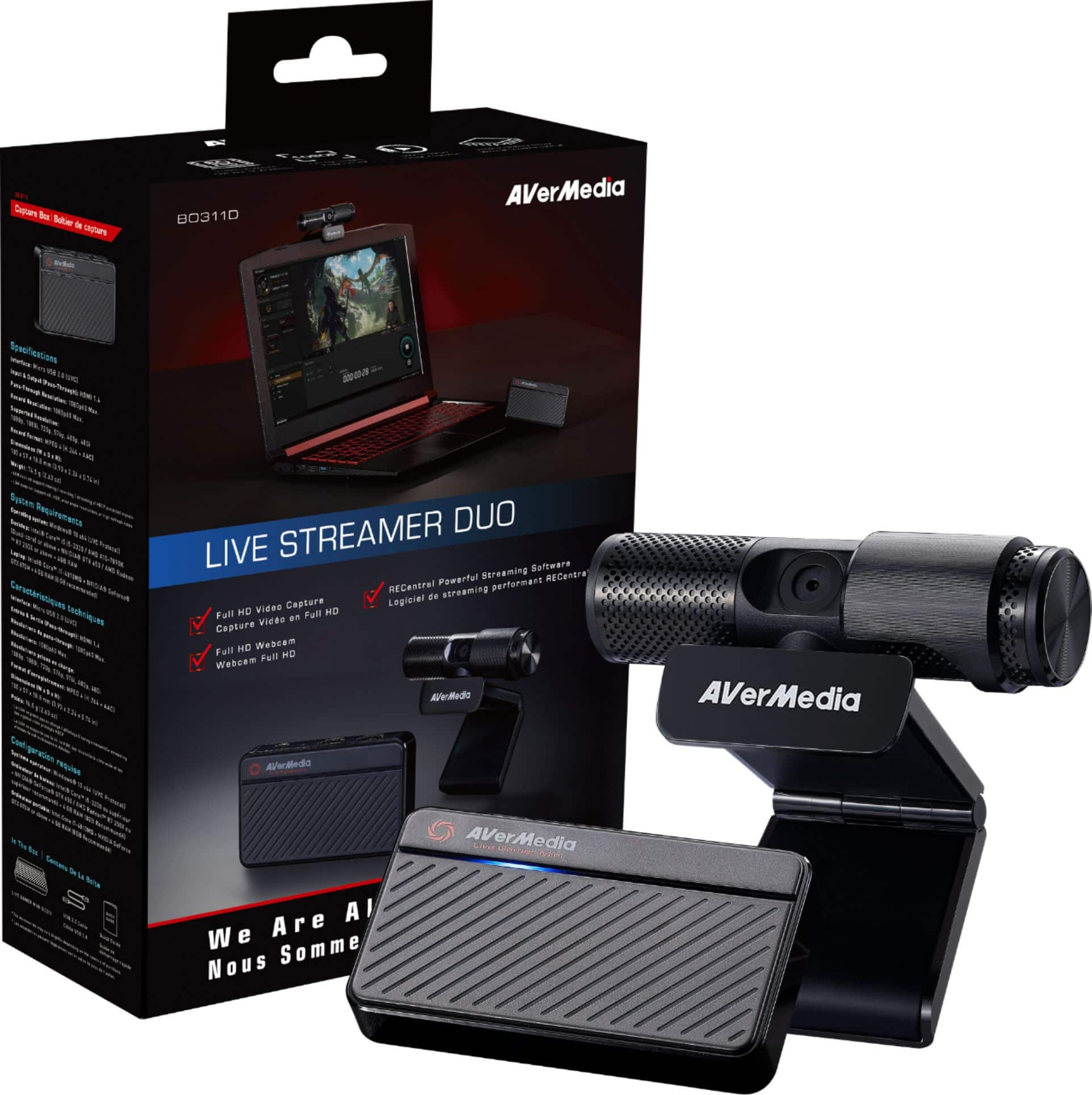
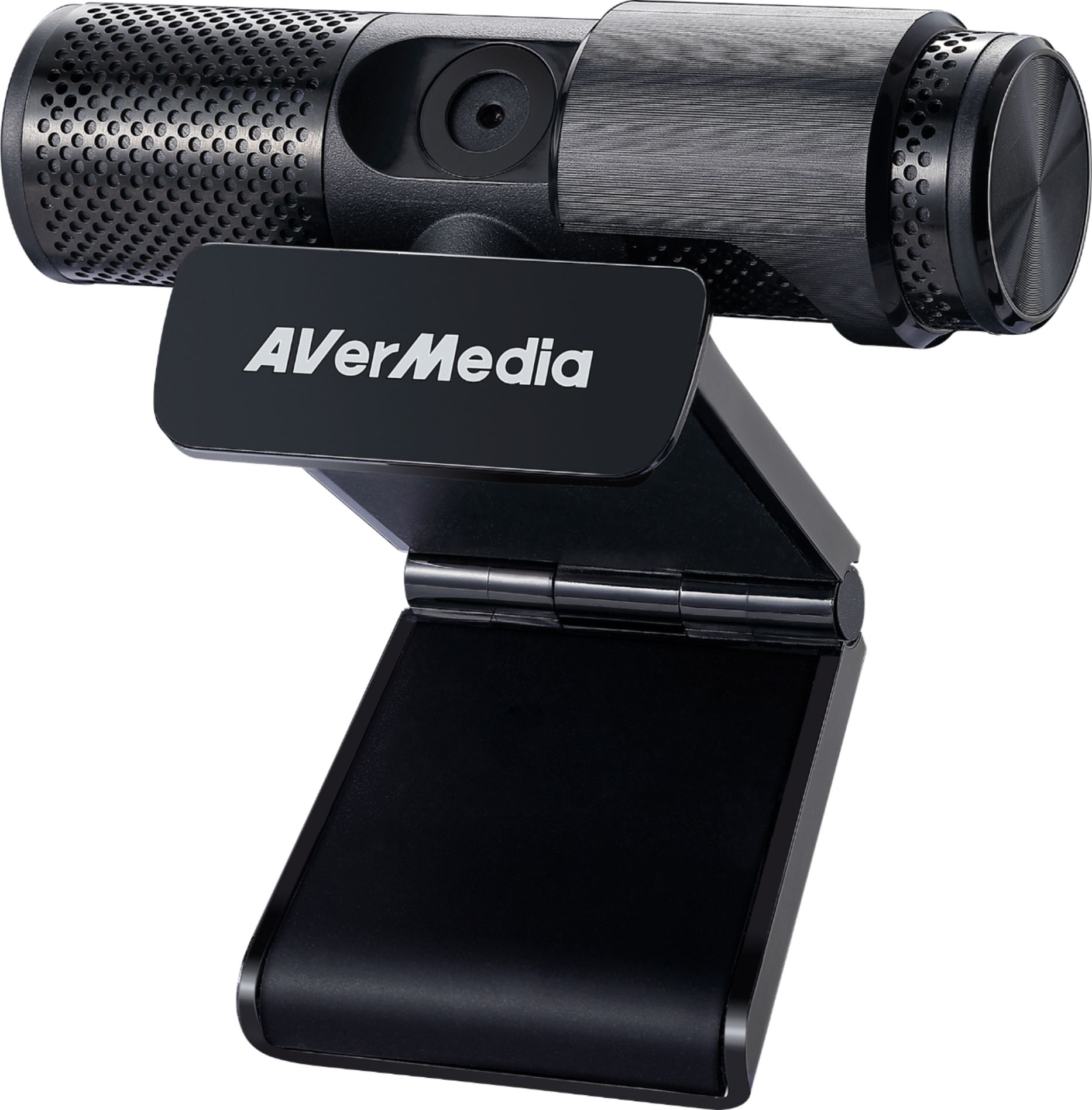
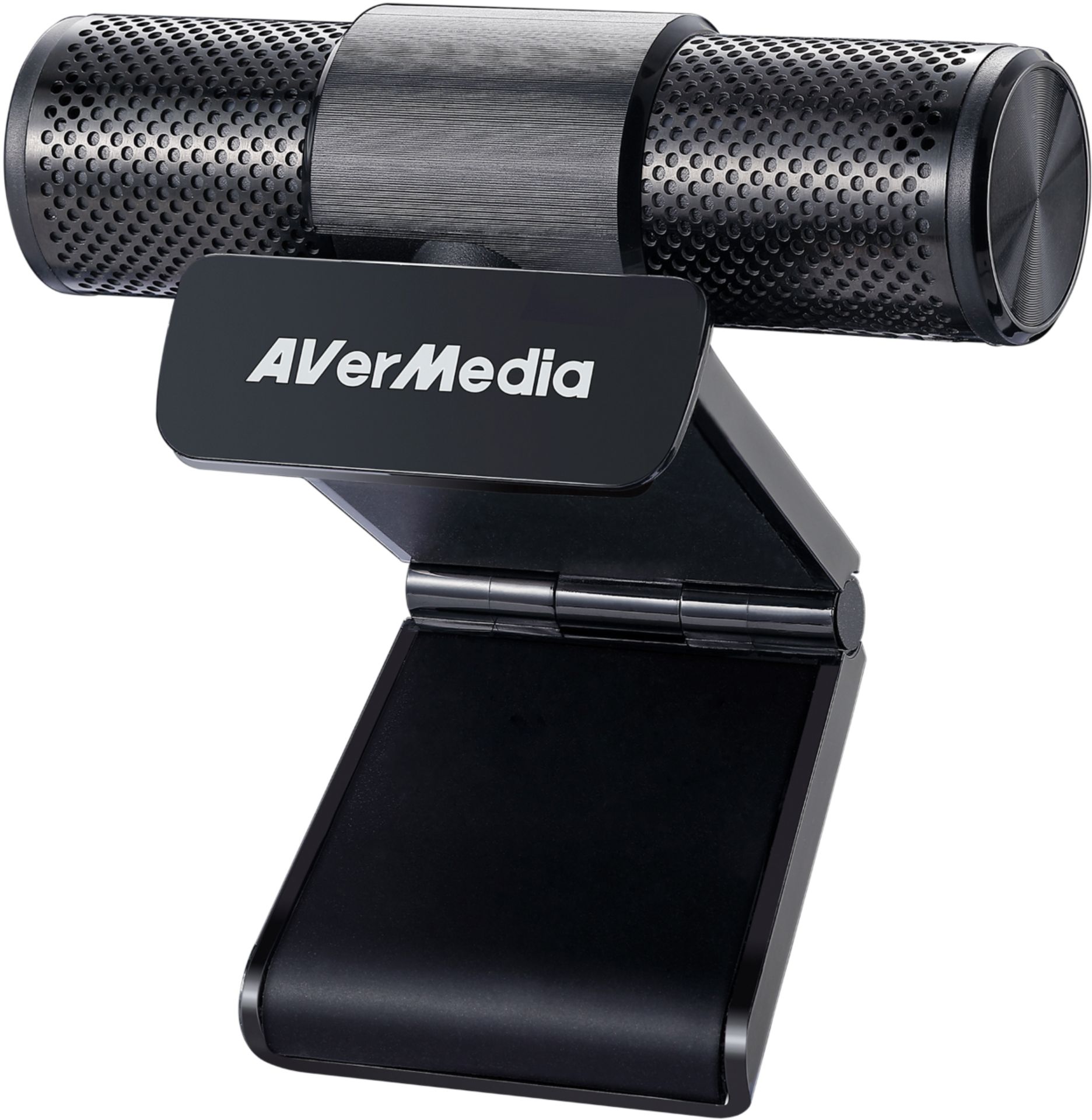
A:AnswerYes you can use this with Zoom and Skype. The USB cable is about 6 feet long. Yes it has a built-in microphone. The len is a wide screen format. I set up mine with my desktop & monitor system currently using it on daily conference calls. My wife uses it to conduct dance classes.
A:AnswerIt depends on your laptop's specs. The minimum specs the computer is recommended to be is as follows:
Intel - Core i3 minimum
AMD - Athlon/Ryzen 3 minimum
It needs about 2-4 gigs of RAM to run.
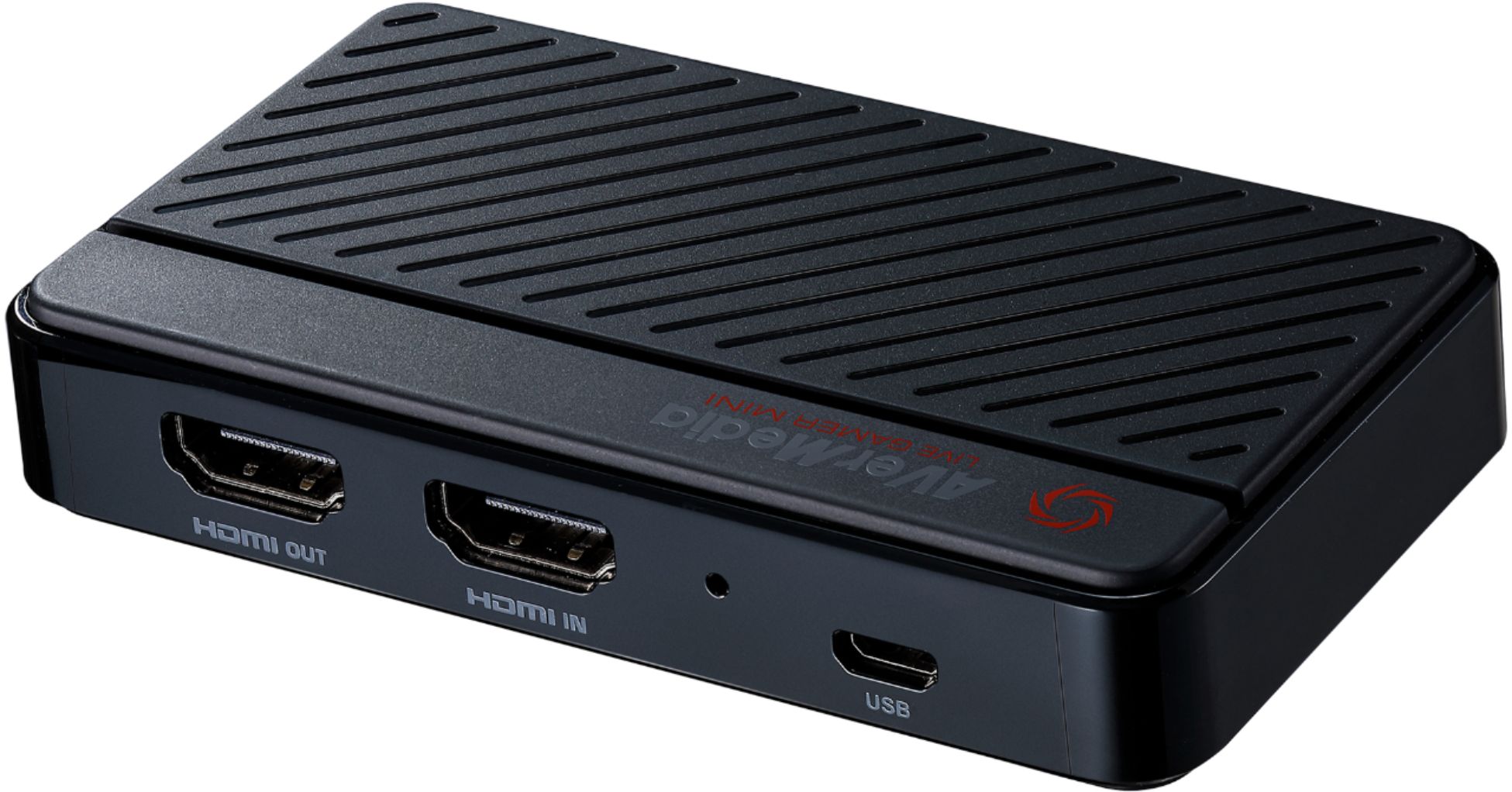
I have a PC that is a Ryzen 5 and it runs the recording software for the capture card smoothly as I record Animal Crossing or Nintendo Switch Online stuff. However, theoretically it can work on a cheaper laptop, but it won't run as well.
A:AnswerYes, the camera does work with a MacBook Pro. I used it briefly to test it out with Zoom, FaceTime and with livestreaming software.
I did not test or try the microphone on it, as I have a USB mic already.
A:AnswerYour green-screen settings are all in OBS, and have nothing to do with the camera/hardware you use. Good news for us, no matter what camera we use.
A:AnswerI used this with a different console and used it to capture my dslr for use on OBS. OBS picks it up with no problems.
The only gotcha in my experience (using on a Mac) is that you shouldn't use this with a dock, if possible, for best results.