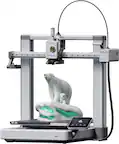
A:AnswerYou can download Bambu Lab Studio from their website when you register your printer. It's the printer driver and slicing software. Does not include modelling.
A:AnswerPause the print then turn it off and when you get your new filament and replace it it should say something like resume your last print and then press resume and it should work