A:AnswerBoth BestBuy.com and our U.S. retail stores accept credit cards with international billing addresses as payment. Pre-loaded app stores and third-party online services, however, may place their own restrictions on payment methods. For more information, I'd encourage you to refer to our International Orders guide:
http://bbyurl.us/IntlOrders
A:AnswerI have used adobe digital editions from the library with my glo ... It works fine. It is a great e-reader. I use mine every day. I like being able to read at night without needing a reading light.
A:AnswerYou can either visit your local Barnes & Noble store to talk with a NOOK expert, or contact our customer service team:
Tweet Us: @NOOK_care
Call Us: 1.800.843.2665
Email Us: [email protected]
A:AnswerThe steps for downloading a free ebook are the same as when you purchase one. Once you have selected the free ebook that you would like to download, click to download and your ebook will begin downloading to your NOOK automatically and immediately, as long as you have Wi-Fi connectivity.
A:AnswerNOOK coonects to the internet via Wi-Fi, so no DSL connection is needed. If you prefer to shop NOOK Apps on your computer, you can do so on BN.com - then when you sync your device to the cloud (via Wi-Fi), your new apps will appear in your library. However, NOOK Simple Touch is a dedicated reader, and does not support games and apps. For those you would want to explore NOOK Tablet or HD.
A:AnswerI don't own either but my son has a nook color. I believe the Kindle fire is a tablet computer and I know for sure the Nook color is only an e book reader and has no computer capabilities.
A:AnswerMost retailers that carry NOOK Color will have replacement power cords available for sale. If not, check with your local Barnes & Noble store or BN.com.
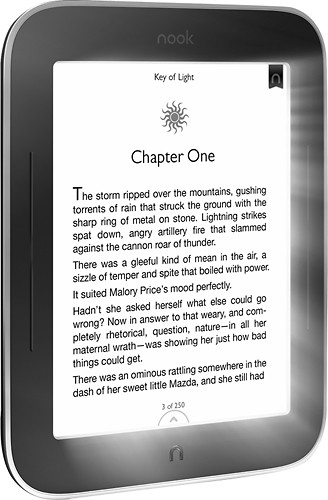
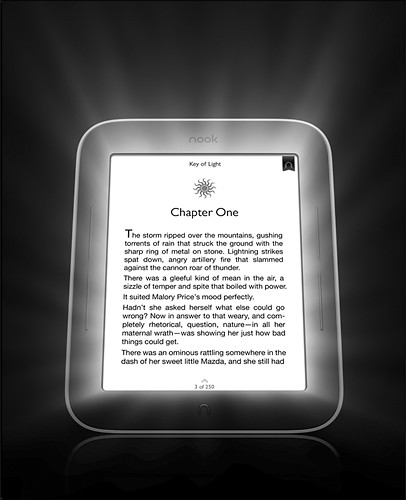
A:AnswerThe main differences between the NOOK Simple Touch and the NOOK Simple Touch with GlowLight are the adjustable GlowLight, the built-in screen protector, and the A/C power adapter that are included with the GlowLight model.
A:AnswerYou should contact Best Buy Customer Service immediately at 1-888-237-8289 to get instructions for returning your device and to ensure that it falls within the 30-day return period outlined on the website.
There are also instructions online for making returns by mail:
1.Pack your return in the original shipping package, if possible.
2.Include the packing slip and return label, and indicate the reason for the return.
3.Include all original packing materials, manuals and accessories.
4.Send your return to:
BestBuy.com Return Center
14405 County Road 212
Findlay, OH 45840
For proof of delivery, we recommend that you return items via UPS or insured USPS.
A:AnswerNOOK supports ebooks in languages using a Latin-based character set when fotns are not embedded in the file; NOOK can display ebooks in other languages when the fonts are embedded in the file.
A:AnswerThe Barnes & Noble Protection Plan for NOOK is not sold at Best Buy - they do however have an excellent Geek Squad Protection Plan, starting at $29.98.
A:AnswerNOOK has an extensive library of Spanish-language ebooks available at BN.com, and you can also sideload your own content as long as it is in a supported ebook format (ePub or PDF).