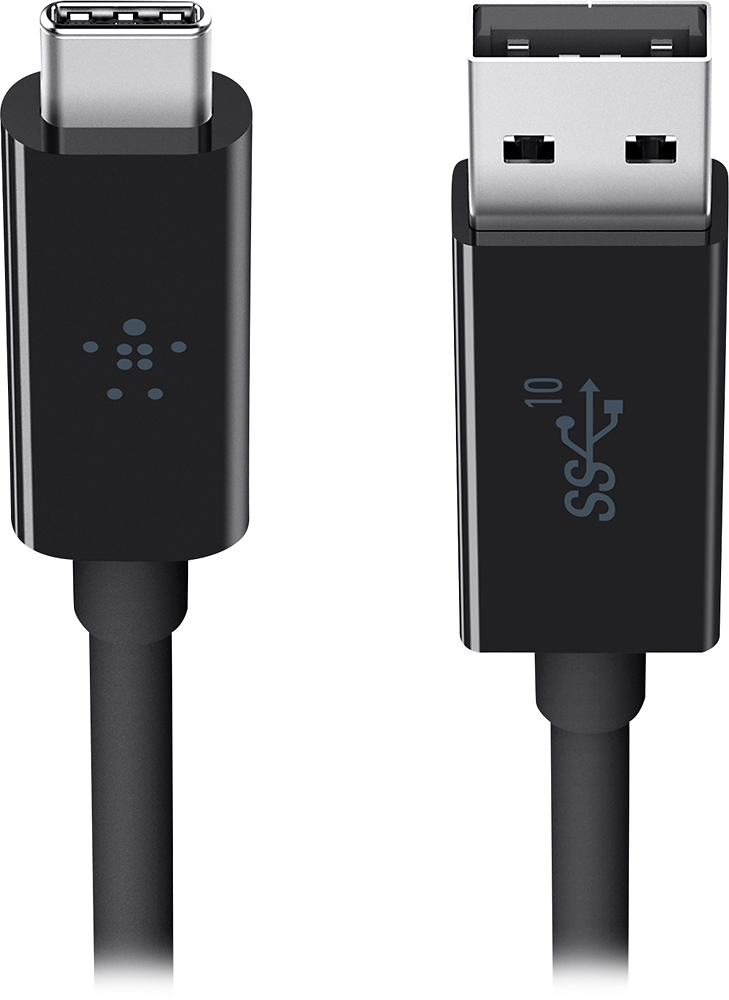
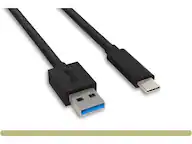
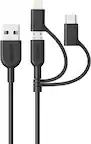
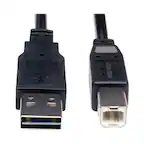
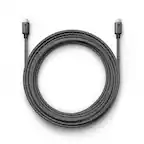
A:AnswerThe Belkin cable is specifically designed to connect USB-C enabled devices (new Macbook, Chromebook Pixel) with standard USB-A devices (laptops, hard drives, etc.).
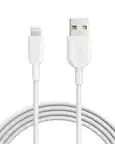
A:AnswerThis cable will work with Apple TV 4 as the "Service Port" uses USB-C. If you are looking to charge the Apple TV Remote then please use the included Lightning cable provided as the Remote does NOT use USB-C. Compatible MSI controllers also use the Lightning cable. Please check the owners manual for any additional Apple approved devices to confirm ports and cables required.
A:AnswerIf what you mean is transferring data/files from a Windows Vista to a Windows 10 computer, then this cable can do that as long as one of them supports USB-A connection and the other one supports USB-C (also known as USB Type-C) connection.
A:AnswerHello there. This Belkin cable is designed to charge your USB-C device as well as sync your photos, music and data to your existing laptop. It is made for connecting from a standard USB-A device to a USB-C. So long as your devices supports this connection type, then it should work fine.