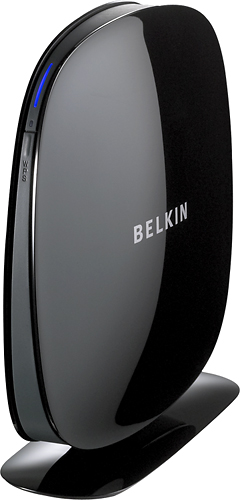
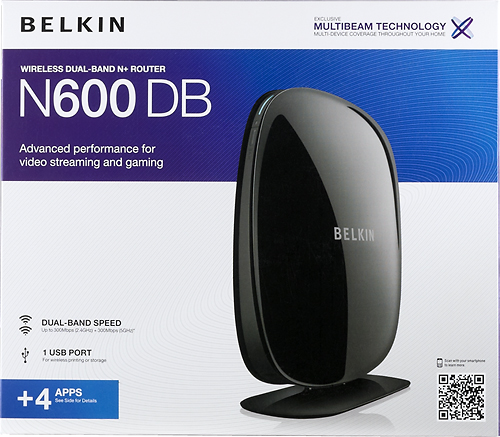
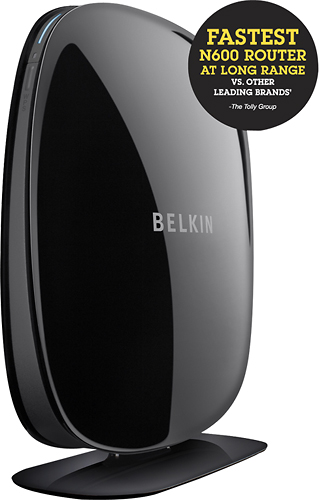
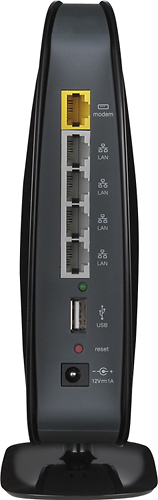
A:AnswerYes the Belkin N600 will work fine. You will only need additional cards if you wish to use the Dual Band feature of the router, otherwise it is fully compatible with all B, G and N300 wireless adapters.
Regards,
Belkin Support
A:AnswerTo comment on Belkin support answer:
The problem seems not to be with the partitions, but rather with the router not recognizing GPT (http://en.wikipedia.org/wiki/GUID_Partition_Table) and can only work with MBR (which is 2TB limited).
If that's true, then regardless of how you partition, you will not be able to go beyond 2TB which is MBR limitation.
The solutions is rather simple: release new firmware which has the Linux kernel recompiled with GPT support.
Otherwise you must state this limitation upfront and reimburse the customers who spent their money buying this router and useless hard disks.
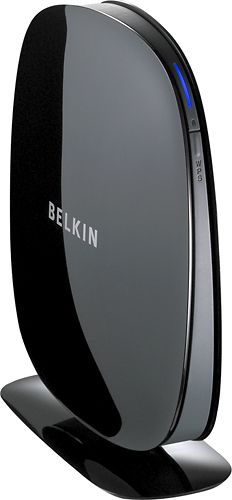
A:AnswerNo, this router will not work with that device. You need a 3G Router, something with the ability to accept the data through USB not ethernet. I believe Cradlepoint makes a router for mobile networks.
A:AnswerYes, you have to log in to your router and change the settings there. Be sure that their computers can pick up the 5GHz signal though. Not all of them can!
A:AnswerAll I can do is answer from experience. The only connection issue I had was attaching an external hard drive to the router. As far as heat goes, I'm not all that sure. Mine sits in a loft with a number of other electronics and I haven't had to troubleshoot anything up there (so good sign?).
A:AnswerI would say yes. I don't see any reason why it wouldn't work with the basic internet speed. The only problem I would see is if you have multiple people using the net your speed would slow down greatly. Along with video streaming or gaming online will eat up a considerable amount of bandwidth.
A:AnswerThis depends a great deal on what's running through that exterior wall. I found that moving my router to a different place along an Interior wall seemed to have some interference at the new spot. possibly because of wireing or materials in that wall. Also the best results with this router are going to be within 50 feet of the router. Though you can get a some what reduced signal from further. I took my phone, which uses a wifi connection when ever it can find one, and through one exterior wall I was still getting a strong three quarter strength signal at a full 100 feet from the router. I hope that this helps.