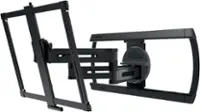
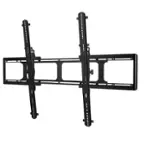
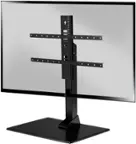
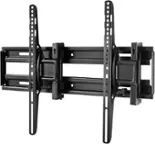
A:AnswerIt certainly should! that is the reason that a we purchased it. Samsung online sold us one that was way too large and the window to return had passed. I was pleased that the nice clerk at Best Buy was able to direct us to a mount that will work.
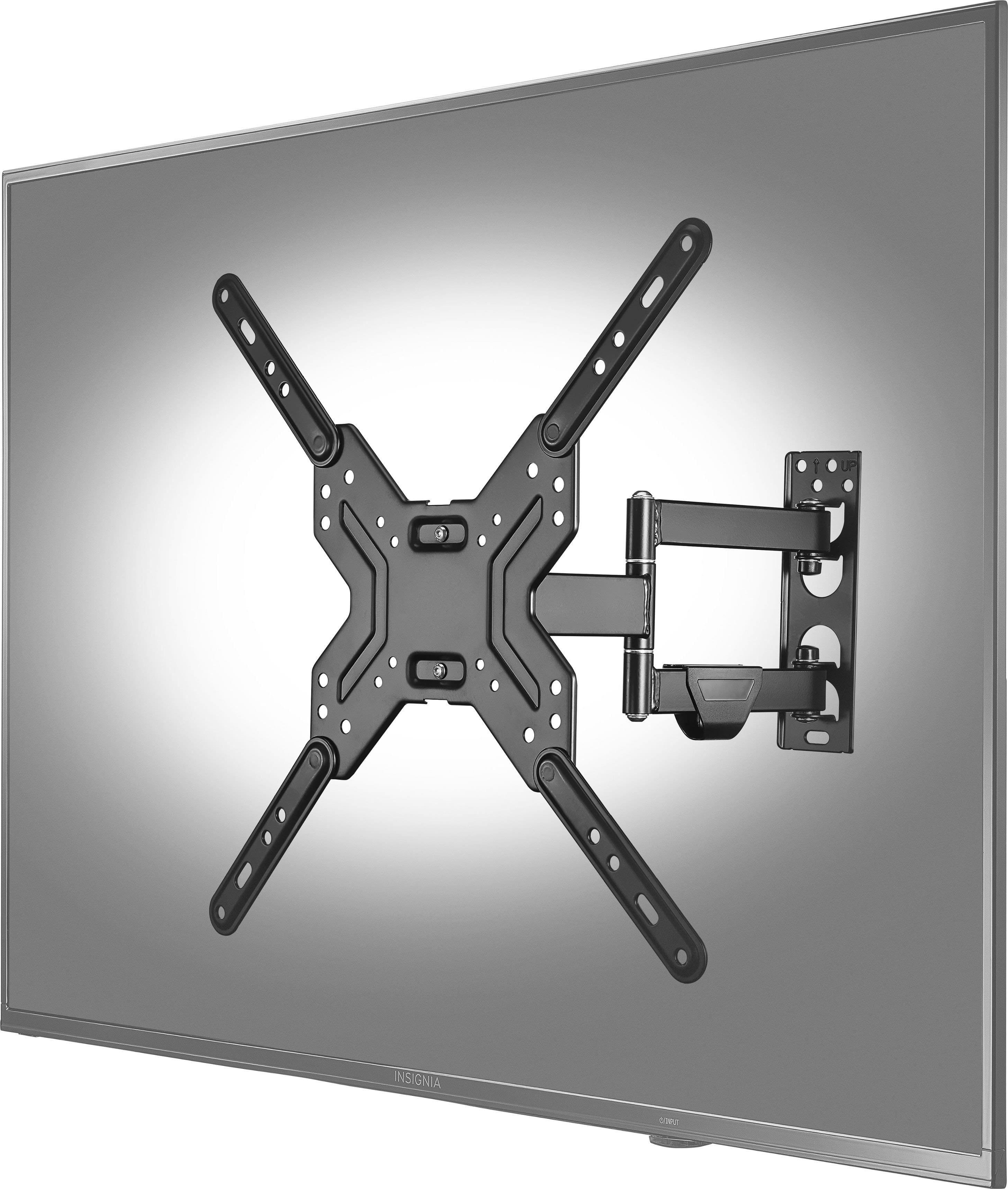
A:AnswerThe portion that mounts to the wall is roughly 2" wide by 8" tall. Find one stud in your wall and install the unit with two lag bolts. Pretty simple.
A:AnswerI had a 42-44 inch TV installed over the fireplace. The elec outlet had been built into the fireplace so no problems with power. Looks great, on or off. Very pleased.
Could be installed on drywall, but best if into a stud. I had
a pro do my installation (83 YO senior) but any strong person who has skill with a drill and can lift and maneuver on a ladder, probably no problem.
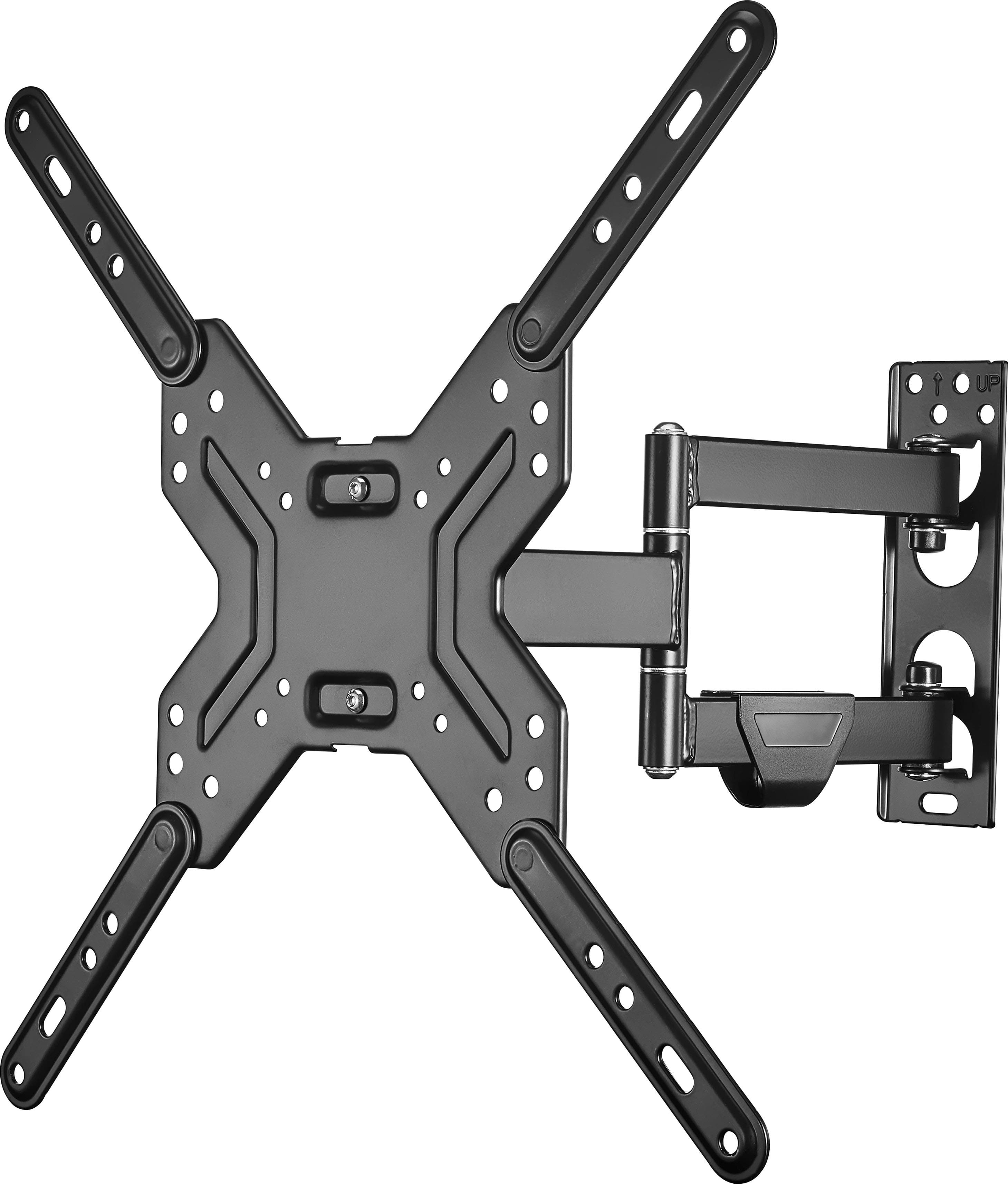
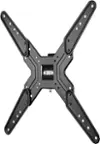
A:Answer1) Detach the large X from the unit.
2) Attach the flat plate with the swinging handle (for the X plate) to the wall. Just make sure that the wall mount has been installed with a stud behind the wallboard.
3) Attach the large X to the back of the TV. Each TV is
different so just make sure the X is tightly attached.
4) Insert the connector from the X into the slot on the
wall mount. Just make sure that the wall mount has been
installed with a stud behind the wallboard.
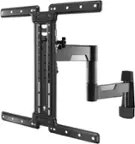
A:AnswerHi there! The Best Buy essentials™ Full Motion TV Wall Mount for Most 19–50" TVs includes a variety of screws and hardware to fit different TV models. Specifically, the TV hardware bag contains:
M4 × 35 mm screws, M5 × 20 mm and M5 × 35 mm screws, M6 × 20 mm screws and M6 x 35 mm screws, M8 x 20 mm screws and M8 x 36 mm screws, M4 x 12mm screws and 8 x 60 mm lag bolt.
For more product information, Visit the Best Buy product page. Navigate to the Features section. Open the User Manual (PDF). Go to Page 6, where the TV Hardware Bag contents are clearly listed.
If you need further assistance, feel free to ask. |Angelica| Best Buy Essentials Products|
A:AnswerHi Tvmount, Good question! Based on the product specifications, this Best Buy essentials™ full motion mount supports VESA patterns from 75x75 to 400x400, which includes the 400x200 pattern. To be absolutely sure it's the right fit for your specific TV, we recommend also checking the weight of your TV against the mount's weight capacity, which can be found in the product details on BestBuy.com. -Ed | Best Buy Essentials Support | https://www.bestbuy.com/site/brands/best-buy-brands/pcmcat1596746025285.c?id=pcmcat1596746025285
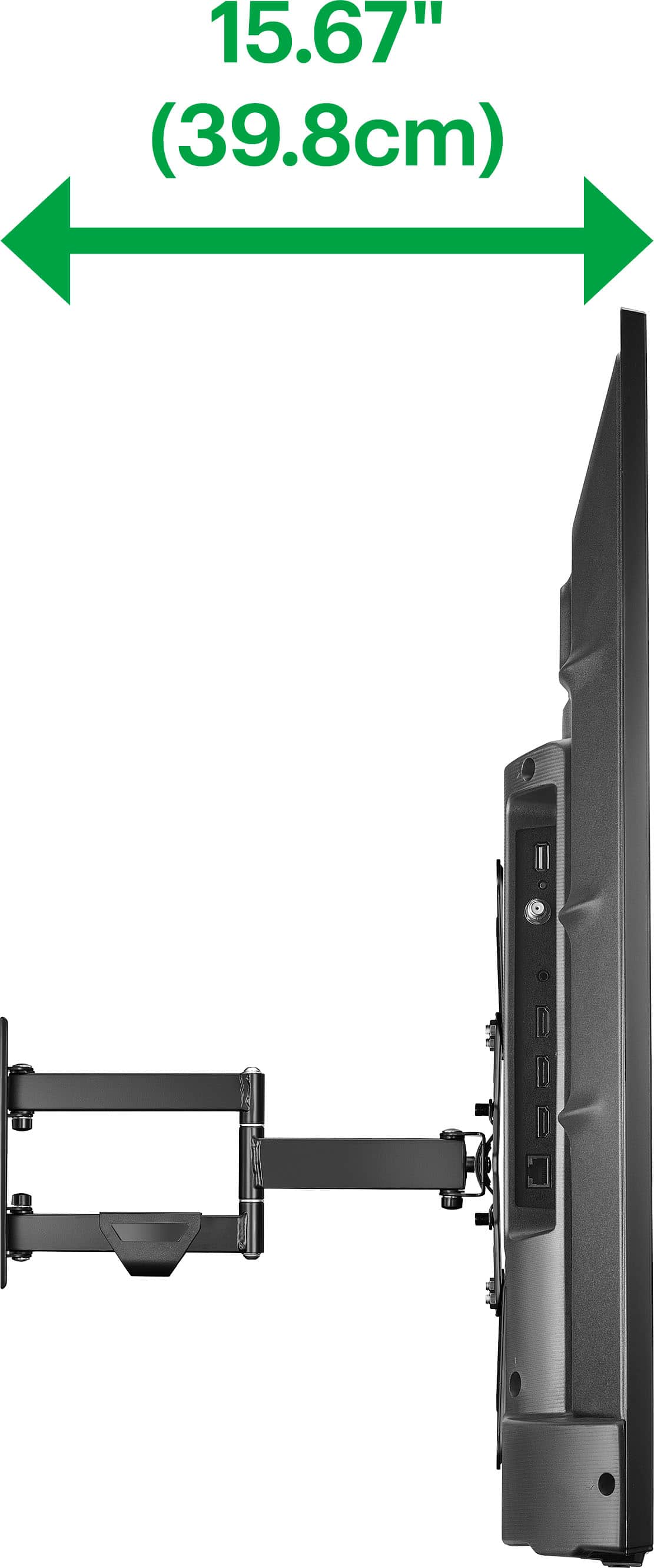
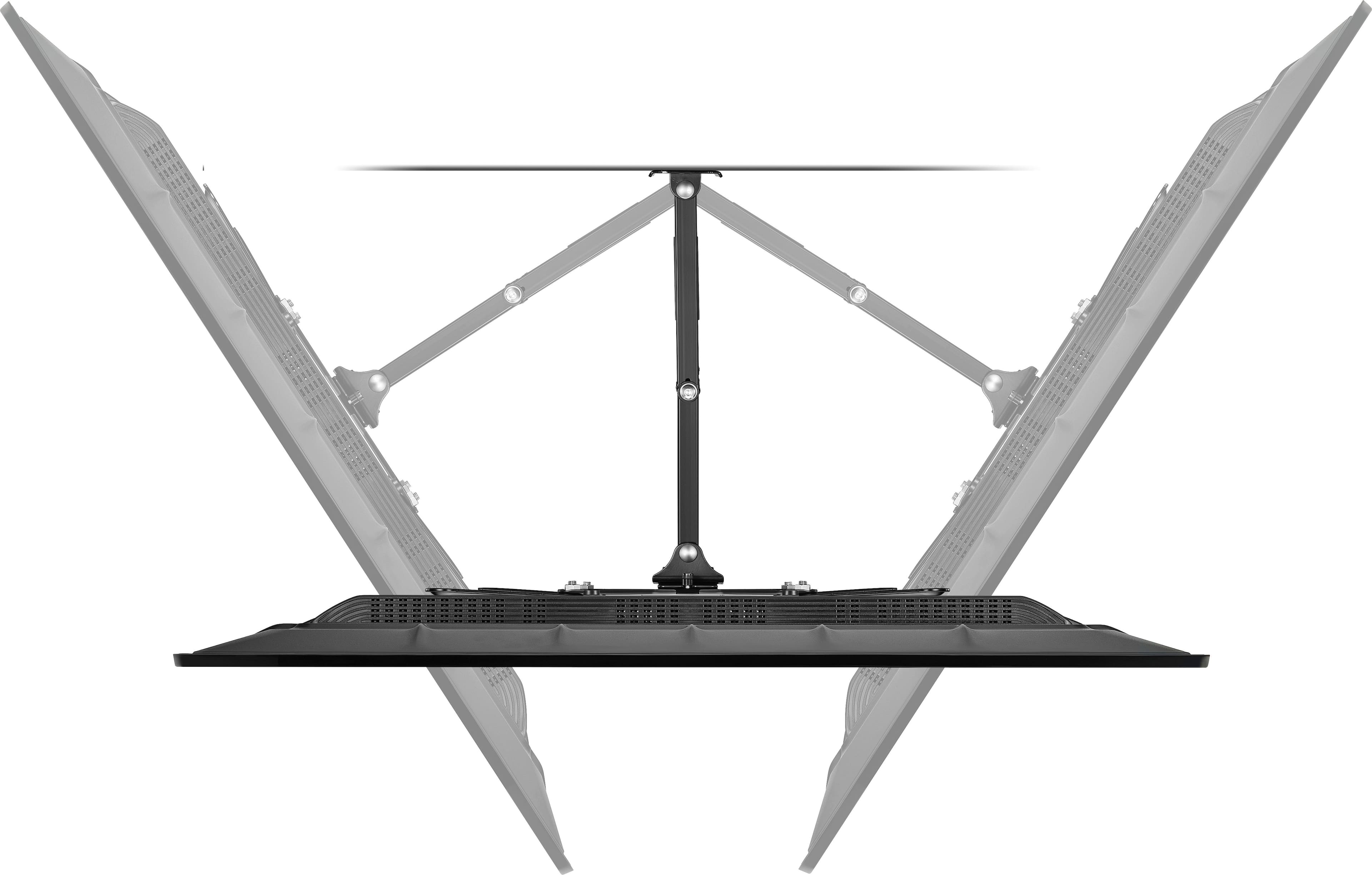
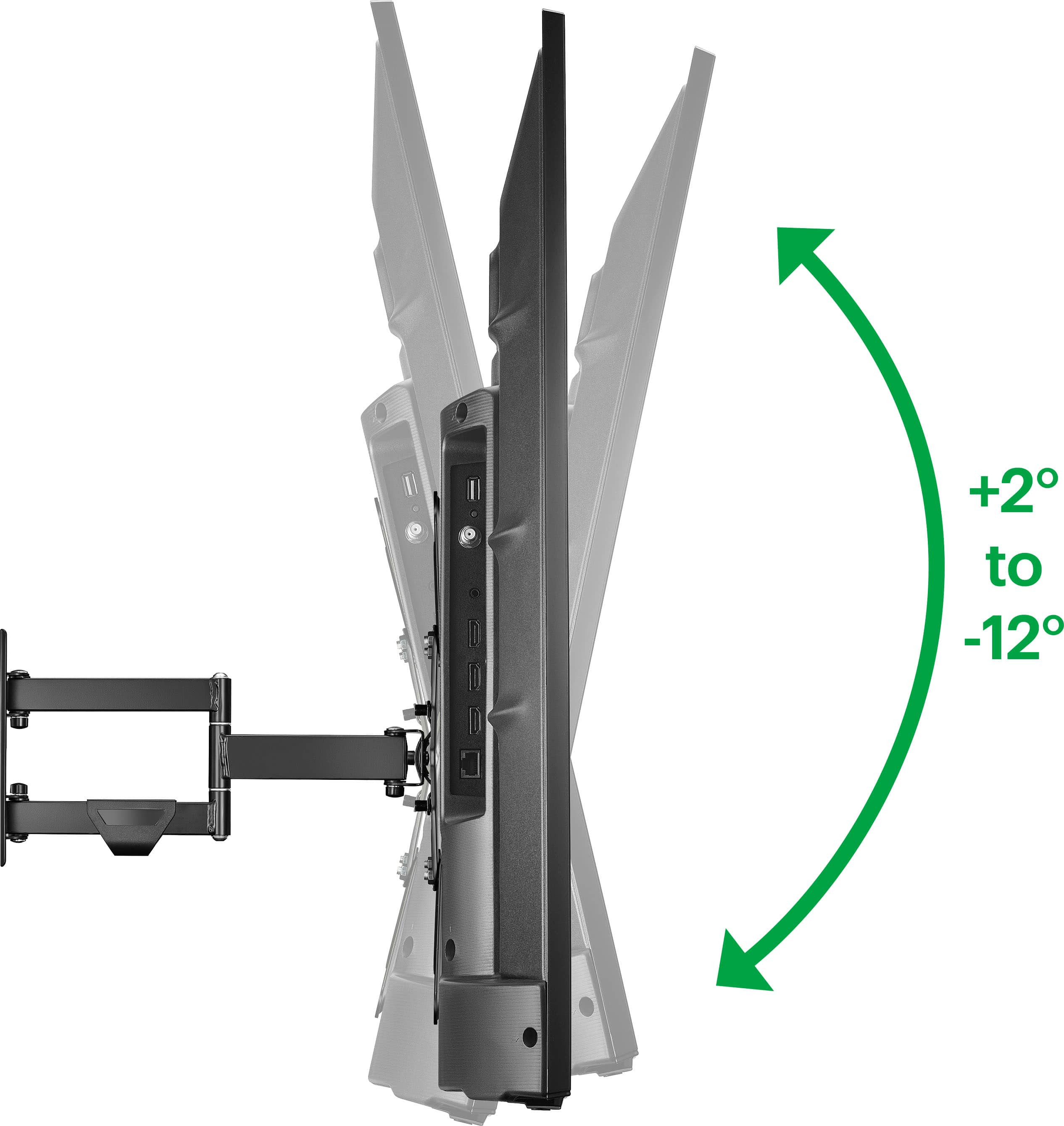
A:AnswerHi there! The Best Buy essentials™ Full Motion TV Wall Mount for Most 19–50" TVs is designed for horizontal mounting and offers full-motion capabilities, including tilting and swiveling. However, it does not support vertical mounting |Angelica| Best Buy Essentials Products|