A:AnswerOnly records the clips for past views. You can watch live at any time. Please be aware that after free trial you need a subscription to see any clips
A:AnswerYes they say you can do that however, I am not tech savvy enough to know if you can immediately see clips
Unfortunately, I will need subscription because the account is being shared to keep an eye on elderly parent
A:AnswerHello Jeff,
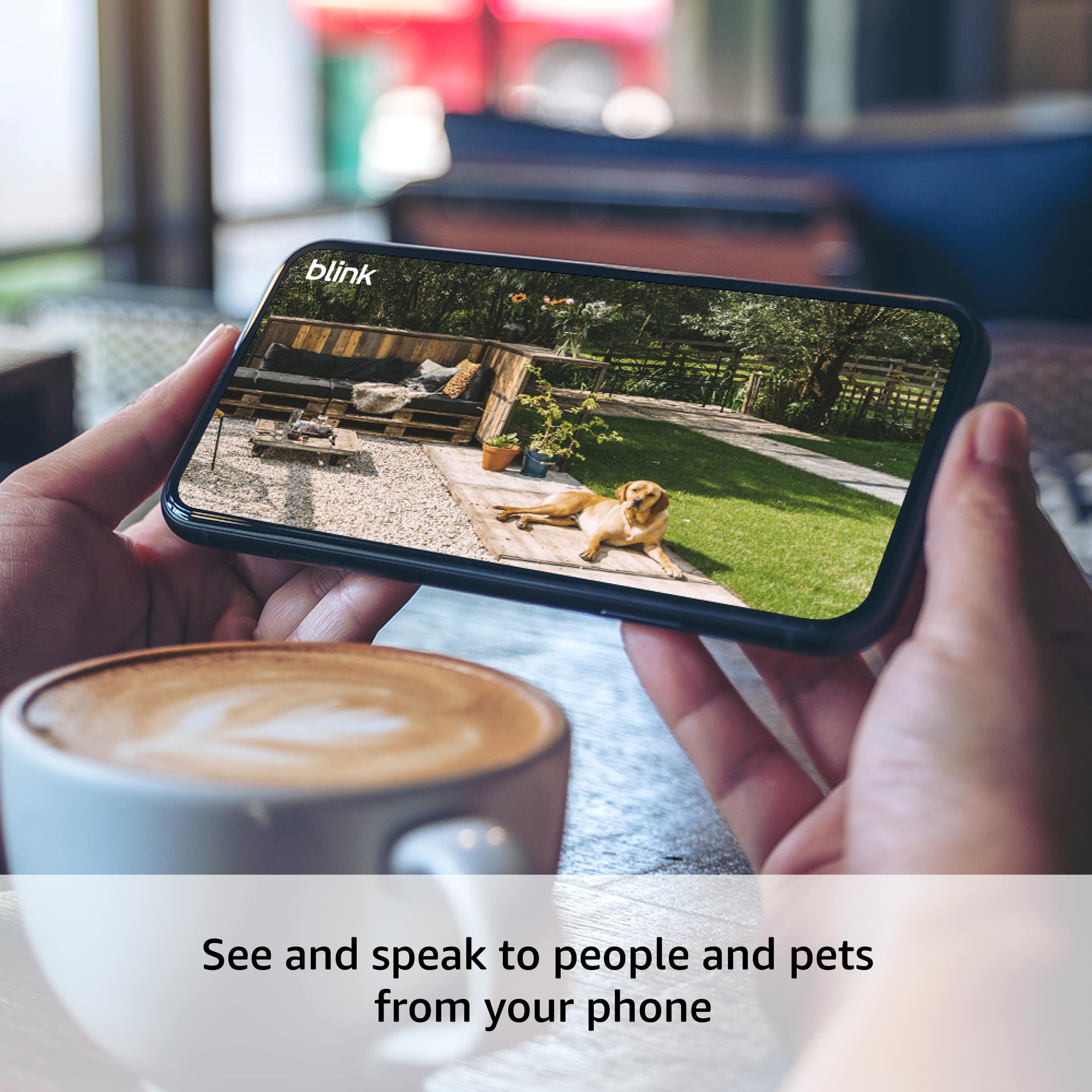
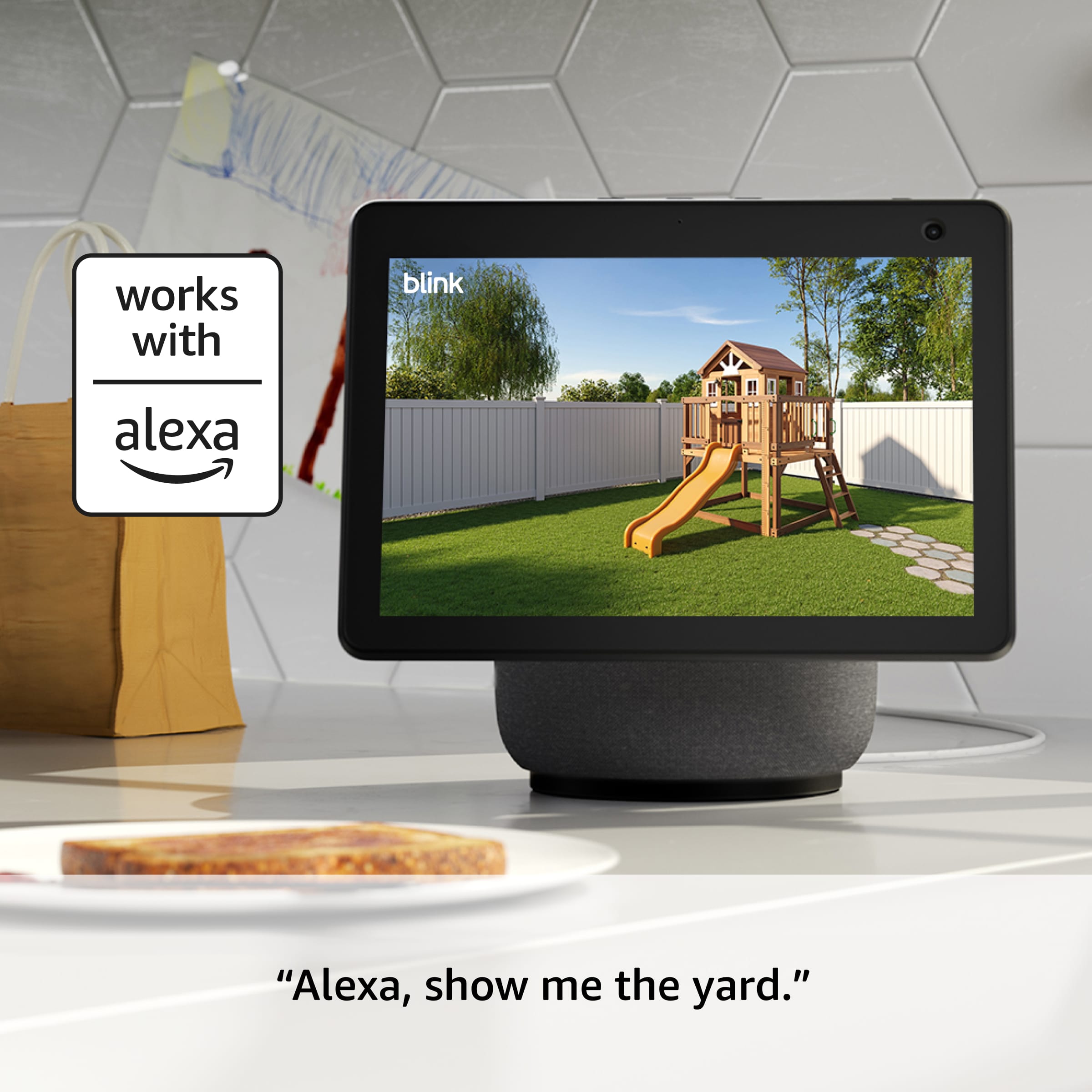
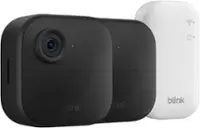
The Outdoor 4 Camera's will not connect directly to a Monitor. They are only able to be viewed through a smart device such as a Smartphone, Tablet, or Smart TV. You would be able to view the live feed via a monitor that had an HDMI Port that you could plug an Amazon Fire Stick in to. Using the Amazon Fire Stick, or any Smart TV which is Alexa enabled, you would be able to pull up the feed and view it on a monitor or TV.
I hope this answers your question!
A:AnswerBlink currently integrates with both IFTTT and Alexa Smart Home. Certain devices have Person Detection available (only with a subscription plan): https://support.blinkforhome.com/en_US/using-your-camera/person-detection
A:AnswerHi Mel,
The Blink Outdoor 4 has a built-in microphone for two-way audio during live view. It’s designed to capture sound clearly from the same area as the camera, but it likely won't pick up conversations from a different room. The audio is intended to support the video feed rather than record distant sounds.
Hope that helps!
A:AnswerHello Dawsotr and thank you for your question! The Blink Outdoor 4 Wireless starts recording approximately 5-10 seconds when it senses motion and you can change the sensitivity of the motion alerts/recording. The clips are generally 5-60 seconds in length with a retrigger period between 10-60 seconds (as dictated by the user). In order to view recorded events, subscribe to Blink Subscription Plan. Hope this helps! Have a great day!