Questions & Answers
- Model:
- B0B5VLCL1N
- |
- SKU:
- 10907396
Q: QuestionHow do I install this product
Asked by Maan.
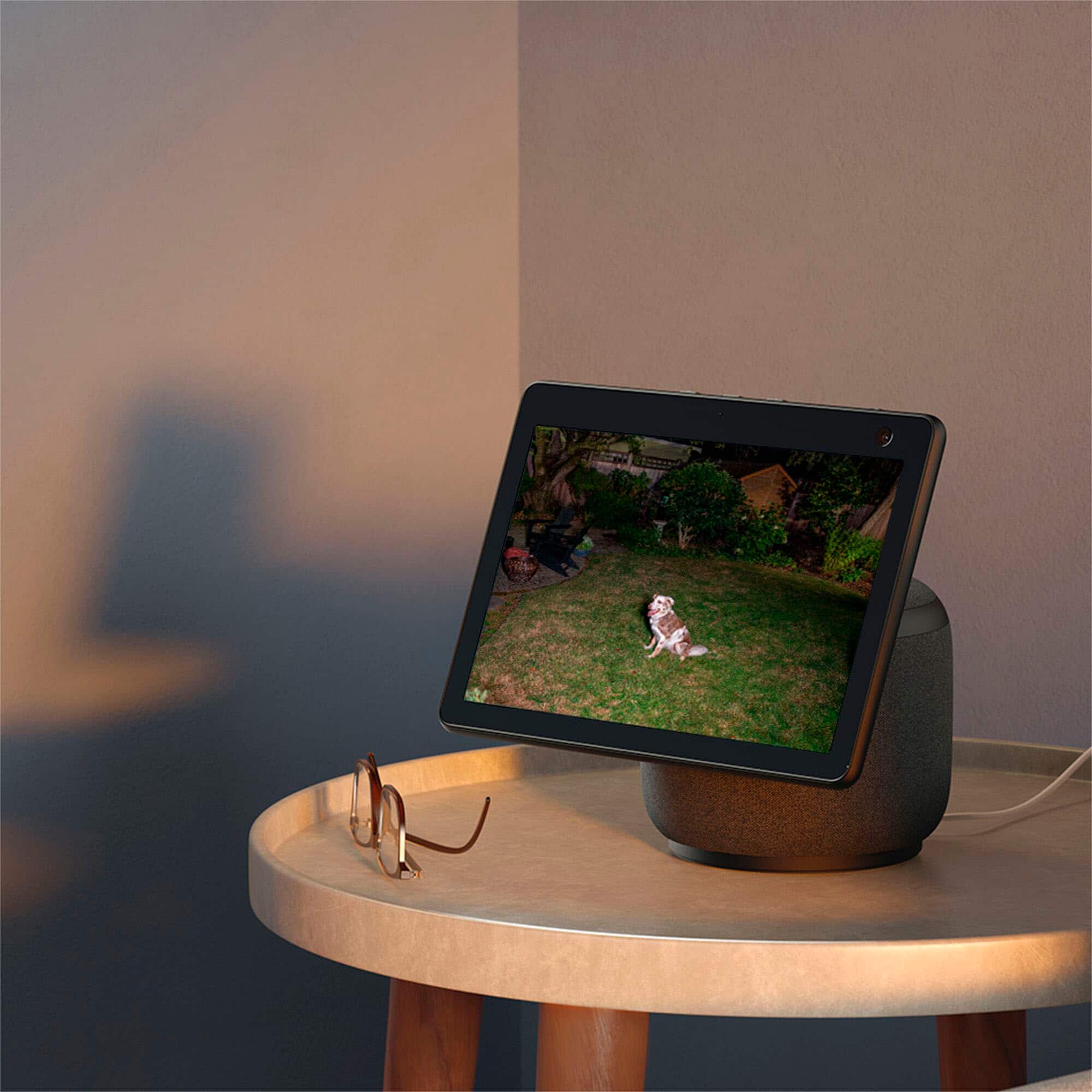
- A:Answer The Blink Floodlight installs the same way you would install a standard flood light. If you already have a flood light then you can replace your existing flood light with this light. If you are not comfortable with working with 120VAC then it would be best to hire an electrician (someone) to help. Keep in mind that the Blink will need to see WiFi. The Wifi registration is through a phone app and uses a QR code on the camera to facilitate with the registration process.
Answered by Anonymous
Q: QuestionCan the lights stay on or day they just trigger going if with motion
Asked by Matajr66.
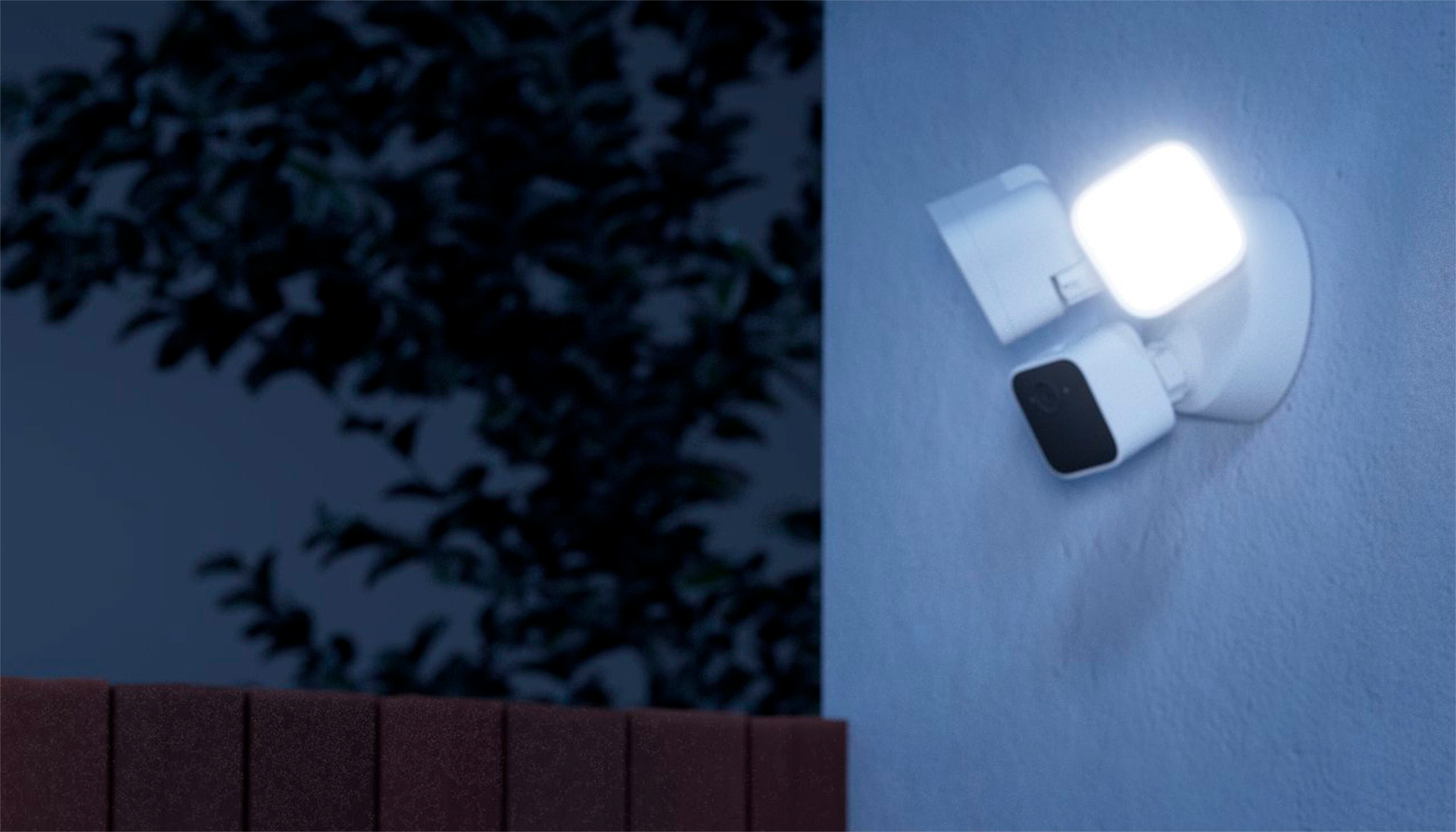
- A:Answer Click on the settings icon at the bottom right of the camera’s thumbnail at you should have buttons for turning the lights on or off. From there, if you go into the camera settings under the lighting button you also have a “dusk to dawn” setting
Answered by JohnsGuitarRepair
Q: Questionwhat is the yearly fee?
Asked by gfd.
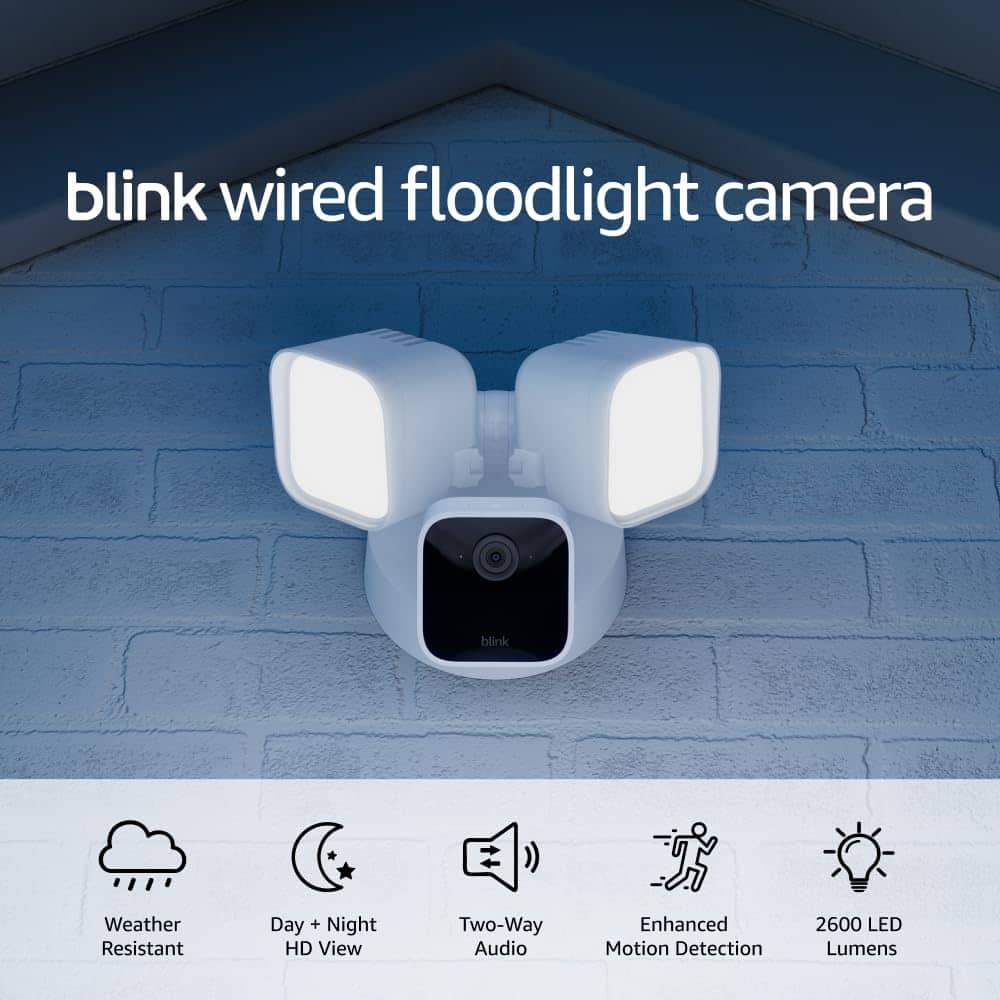
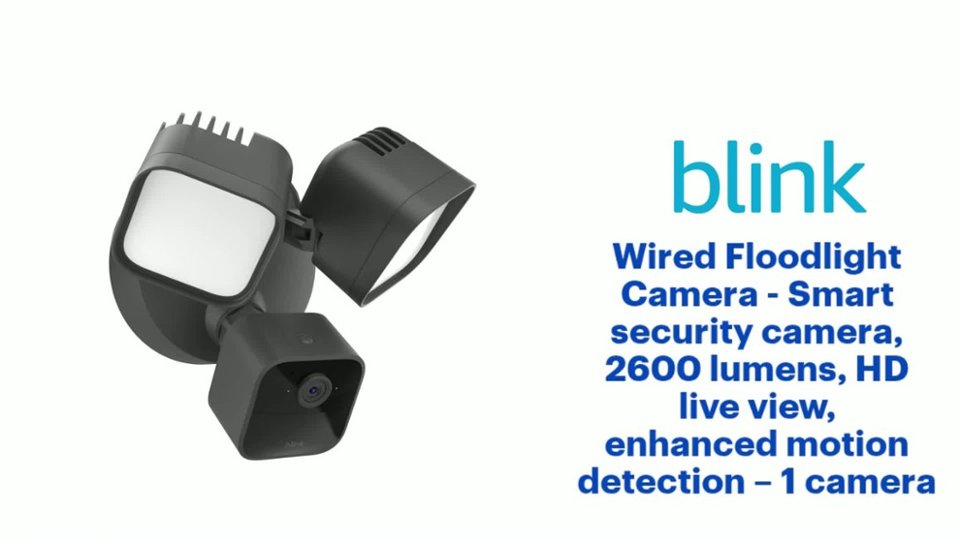
This question was asked about the related product: Blink - Wired Floodlight Camera - Smart security camera, 2600 lumens, HD live view, enhanced motion detection – 1 camera - White
- A:Answer $30 for 1 camera $100 for all of your Blink devices or no subscription needed with using Blink's Sync Module 2 with a usb flash storage
Answered by Raul
Q: QuestionFor local storage, do I need the sync module to insert a memory card into, or does this floodlight itself have a card slot? (I'll have one blink device, so I'm hoping I don't need sync module for anything. There are conflicting answers here.)
Asked by Anonymous.
This question was asked about the related product: Blink - Wired Floodlight Camera - Smart security camera, 2600 lumens, HD live view, enhanced motion detection – 1 camera - White
- A:Answer The "Local Storage" option for any/all of the Blink devices requires the Sync module, which has the USB port to plug the storage into. The module supports up to 10 devices.
Answered by Anonymous
Q: QuestionWhat is the minimum temperature on this device?
Asked by Slither0707.
This question was asked about the related product: Blink - Wired Floodlight Camera - Smart security camera, 2600 lumens, HD live view, enhanced motion detection – 1 camera - White
- A:Answer Blink Outdoor 4, Wired Floodlight, Video Doorbell, Outdoor (3rd Gen), XT2 and XT Temperature range -4° to 113° F (-20° to 45° C).
Answered by Blink
Q: QuestionCan this camera be mounted overhead or is wall mount only?
Asked by Anonymous.
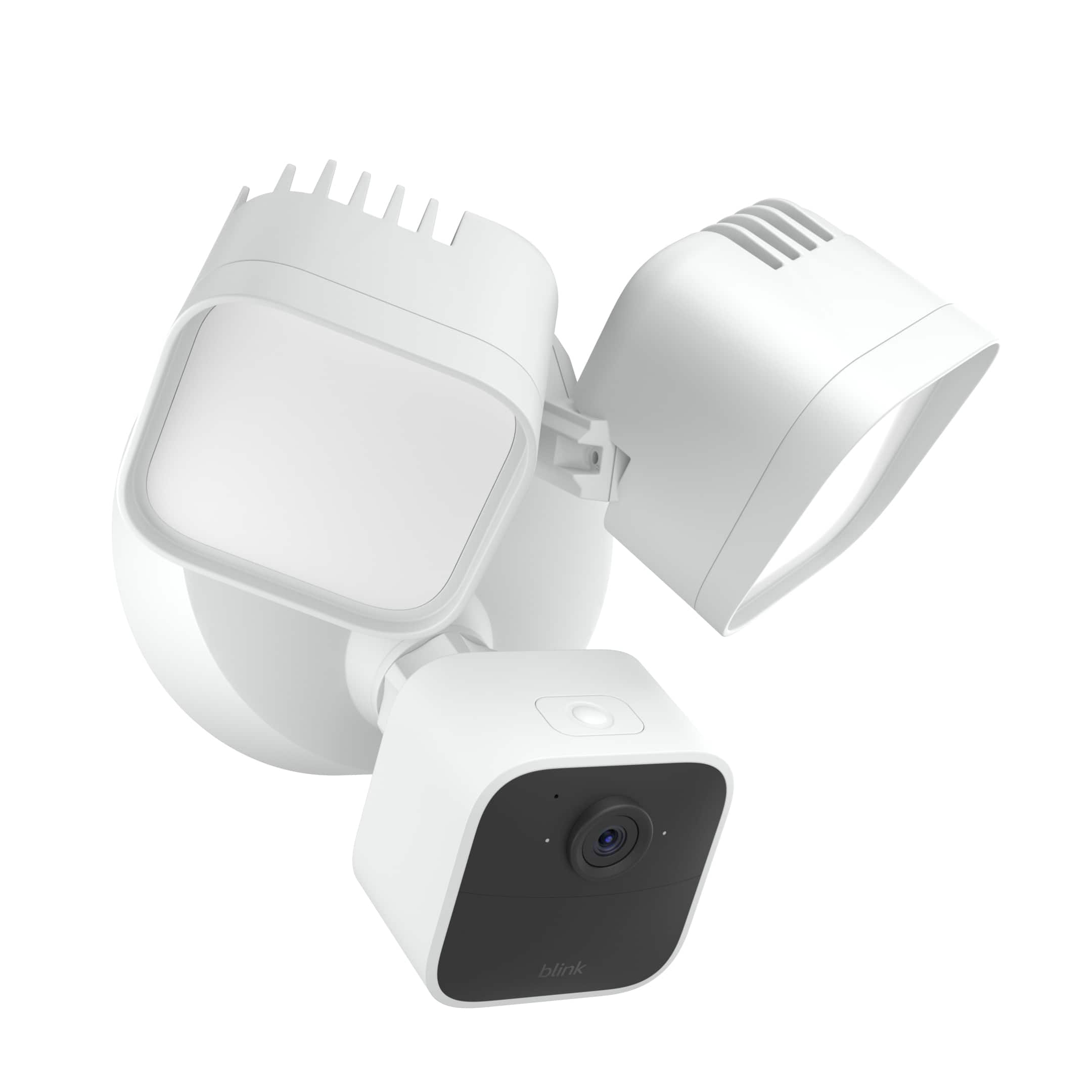
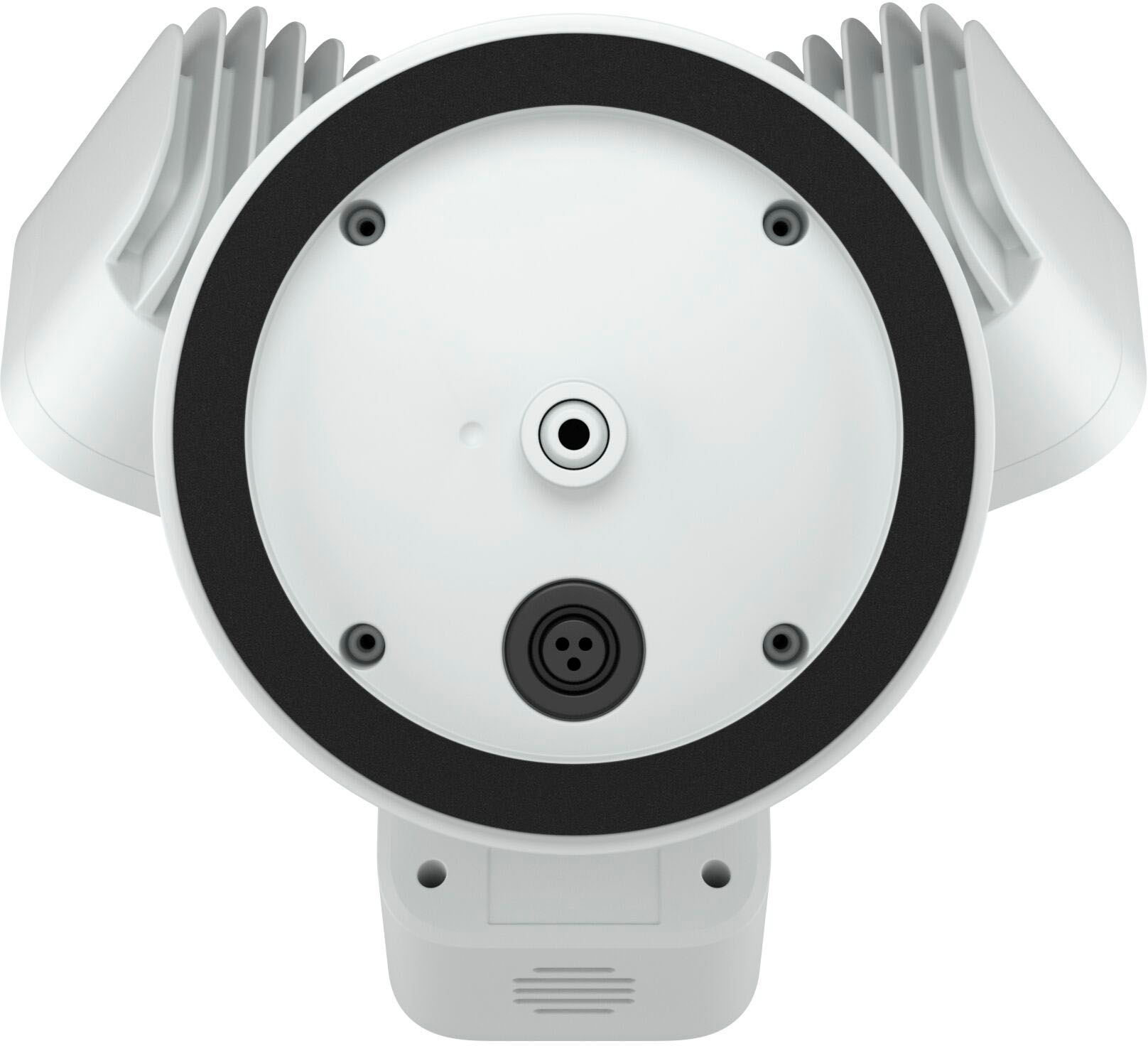
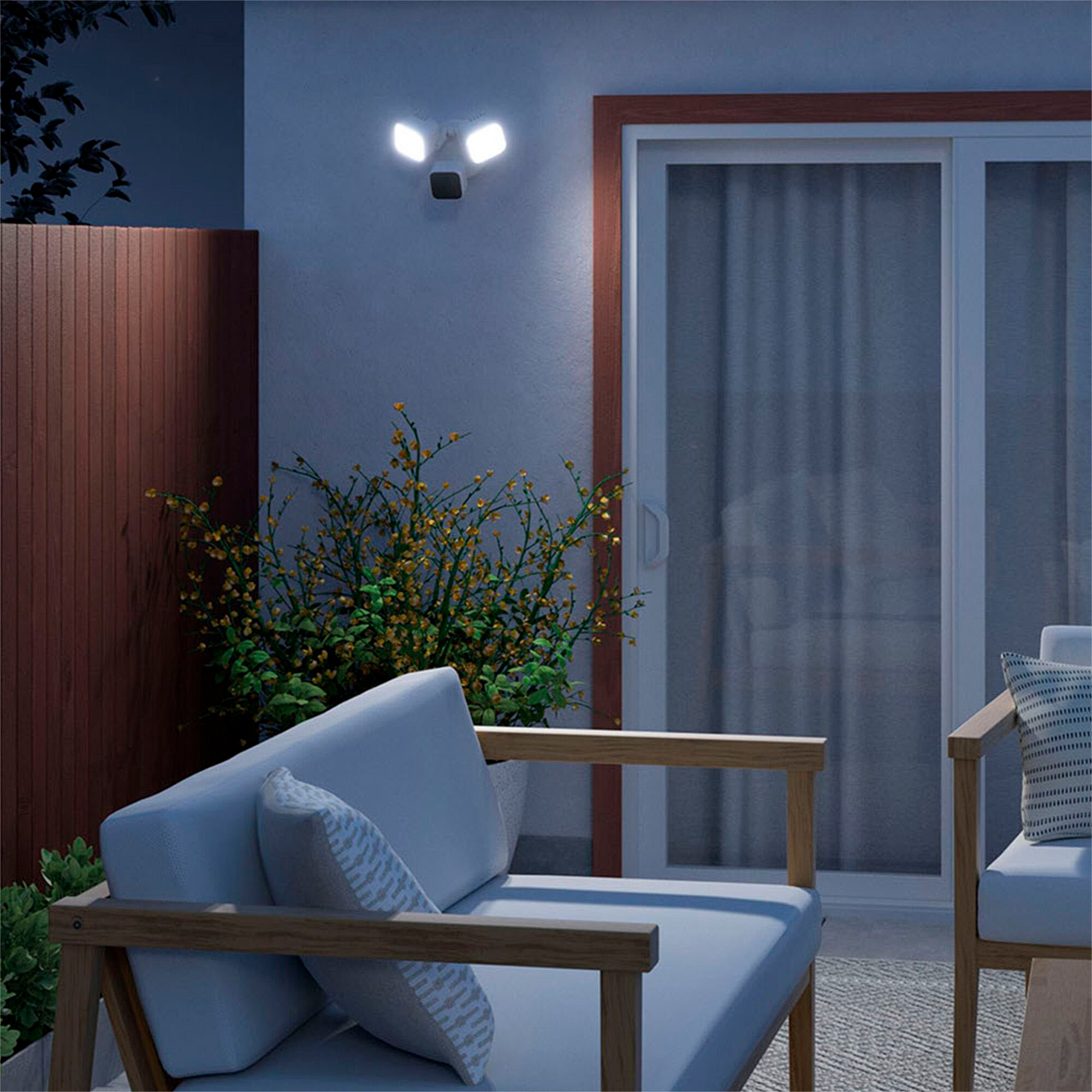
- A:Answer The earlier answer is wrong. The instructions explicitly state that the camera can be mounted on the wall or overhead. When mounting overhead, the directional arrow on the back of the mounting plate should be pointed toward the wall. You need about 1" clearance around a standard round mounting box to mount the camera.
Answered by Anonymous
Q: Questioncan the lamps be replaced when they burn out?
Asked by eryc.
This question was asked about the related product: Blink - Wired Floodlight Camera - Smart security camera, 2600 lumens, HD live view, enhanced motion detection – 1 camera - White
- A:Answer yes
Answered by user746639
Q: QuestionHow many phones can be linked to the cameras simultaneously?
Asked by Goobergrape.
This question was asked about the related product: Blink - Wired Floodlight Camera - Smart security camera, 2600 lumens, HD live view, enhanced motion detection – 1 camera - White
- A:Answer For the record, YES they (all blink cams, etc) can be link to multiple phones, devices, etc. "Simultaneous" is the trick phrase here though. Only one device at a time can view then entire system at a time. Example, I was trying to arm our system when leaving garage on motorcycle, but couldn't access it, got error, I noticed LED on camera was on, so I asked wife to stop viewing me long enough to arm, or to arm it after I left, LED went off (she heard me and complied lol) so I was then able to access and arm. Long story short, if someone is accessing, any cam, nobody else can do anything with the system until that person is done. But it is very rare this happens.
Answered by Todd
Q: QuestionIf one side burns out is it possible to replace the LED Bulb? Is it integrated non replaceable or replaceable? Please advise. Appreciate. Thanks.
Asked by Ravi.
This question was asked about the related product: Blink - Wired Floodlight Camera - Smart security camera, 2600 lumens, HD live view, enhanced motion detection – 1 camera - White
- A:Answer Hello Ravi, No, you cannot replace the individual LED bulbs on your Blink Floodlight camera because they are integrated. If the floodlights stop working, the entire unit should be replaced. If your device is still under warranty please reach out to Blink for support. I hope this information helps. Have a great day!
Answered by Amazon Devices Customer Support
Q: QuestionCan you turn on off manually?
Asked by Lights.
This question was asked about the related product: Blink - Wired Floodlight Camera - Smart security camera, 2600 lumens, HD live view, enhanced motion detection – 1 camera - White
- A:Answer Hi Lights, Yes, the Blink Outdoor Wired Floodlight can be manually turned on and off through the Blink app!
Answered by Amazon Devices Customer Support
Q: QuestionCan this be hard wired with the b)ink weather resistant power adapter.
Asked by Rogyarbr63.
This question was asked about the related product: Blink - Wired Floodlight Camera - Smart security camera, 2600 lumens, HD live view, enhanced motion detection – 1 camera - White
- A:Answer Hi Rogyarbr63, thank you for your question. The Weather Resistant Power Adapter is not designed to power the Floodlight. It is compatible with Blink Mini 2 and Blink Outdoor 4 cameras. I hope this helps, have a great day!
Answered by Amazon Devices Customer Support
Q: QuestionSecurity Camera/lights were installed without uploading to app. Is there any way to get serial number from order so I don't have to remove all 4 cameras to load?
Asked by Anonymous.
- A:Answer Hello, There are a couple of different ways that you may be able to remedy this without having to take the cameras down. First of all, you should look for a QR Code inside the box the cameras came with. This will allow you to scan the QR Code with your phone or tablet which will automatically populate the SN in to the app. If you don't have the box, using the Alexa App you can search for devices through the app, as long as the cameras are powered on, the devices serial numbers will populate as the device names once they are found on your wifi. Lastly, this may be dependent on the store where you purchased them the Serial Numbers may be listed on your purchase receipt. If you don't have the receipt still, you will be able to access your receipt using the Best Buy App, or stopping in to your local store. Customer Service will be able to pull the receipt as long as you used a Best Buy Reward Zone phone number. I hope these options help!
Answered by Amazon Devices Customer Support
Q: QuestionDoes the switch to the floodlights have to remain on for the camera to work? I have another single floodlights running on that circuit
Asked by Cliff.
This question was asked about the related product: Blink - Wired Floodlight Camera - Smart security camera, 2600 lumens, HD live view, enhanced motion detection – 1 camera - White
- A:Answer Hello Cliff, yes the switch would need to be always on for the camera to work. The Blink Wired Floodlight requires constant power. Have a great day!
Answered by Amazon Devices Customer Support
Q: QuestionIs this item 5G wifi compatible?
Asked by Wifi.
This question was asked about the related product: Blink - Wired Floodlight Camera - Smart security camera, 2600 lumens, HD live view, enhanced motion detection – 1 camera - White
- A:Answer Hello Wifi, All Blink camera's run on Wifi. With the Blink subscription, you would be able to view your camera and have access to the cameras functionality over a cellular signal, but the camera does need a stable wifi connection to work. I hope this helps!
Answered by Amazon Devices Customer Support
Q: QuestionDo the lights come on with motion detection and how long do they stay on?
Asked by Captj13.
This question was asked about the related product: Blink - Wired Floodlight Camera - Smart security camera, 2600 lumens, HD live view, enhanced motion detection – 1 camera - White
- A:Answer you can adjust the duration of the lights in the settings mode. Very simple to use.
Answered by JohnW
Q: QuestionMy package was sent to the wrong address I haven't lived there for over 4 years now
Asked by David.
- A:Answer What’s the range for this camera?
Answered by Anonymous
Q: QuestionCan flood light be set up to come on at dusk to Dawn I guess what I'm asking will it come on automatically when it gets dark and then go off when daylight comes.
Asked by Roger.
This question was asked about the related product: Blink - Wired Floodlight Camera - Smart security camera, 2600 lumens, HD live view, enhanced motion detection – 1 camera - White
- A:Answer Yes
Answered by James
Q: QuestionHow n aaa my lumens?
Asked by Doromar.
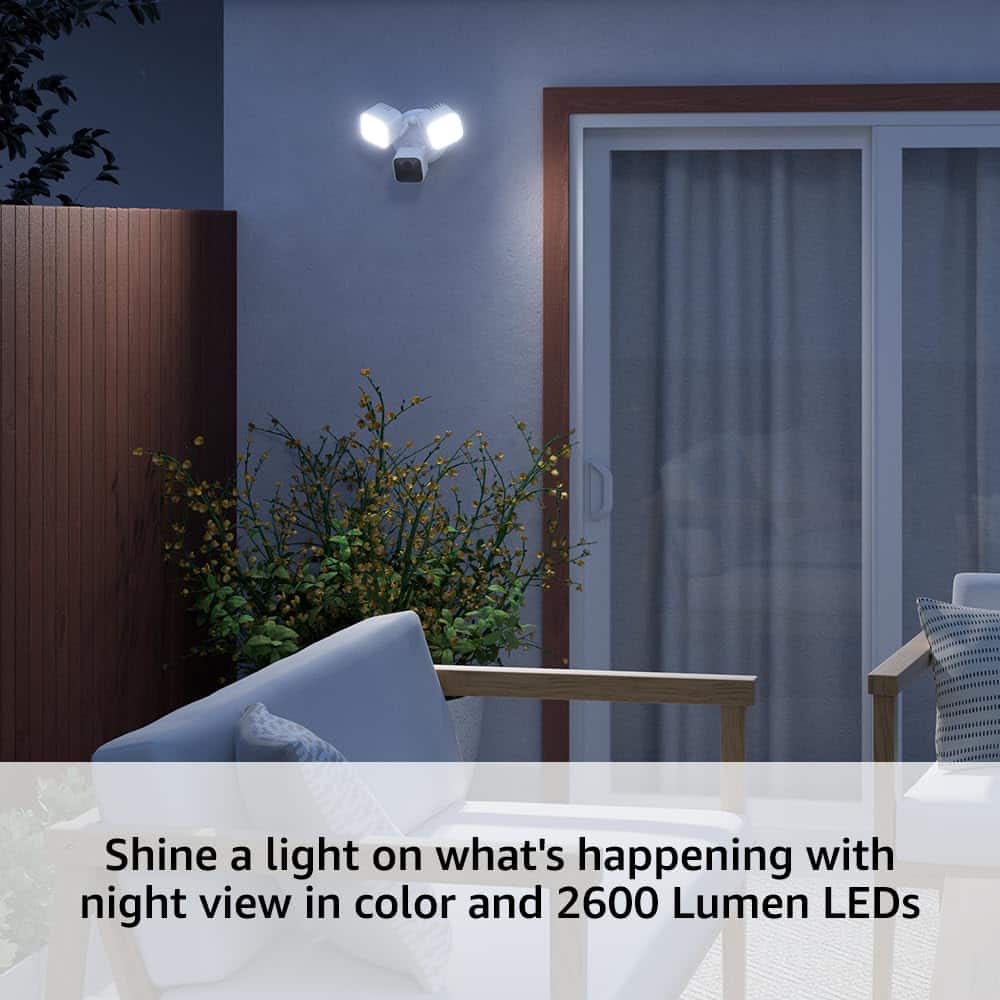
- A:Answer No clue but it lights up my mailbox across the street and that is a good 50-60 ft away
Answered by JohnW
Q: QuestionDoes the camera move left to right when motion is detected?
Asked by Dee.
- A:Answer No, but it has a huge wide angle lens and covers a great deal of area
Answered by JohnW
Best-selling security cameras and surveillance
- Black Friday Deal$59.99Your price for this item is $59.99
- Black Friday Deal$74.99Your price for this item is $74.99
- Black Friday Deal$119.99Your price for this item is $119.99
- Black Friday Deal$99.99Your price for this item is $99.99
- Black Friday Deal$27.99Your price for this item is $27.99
- Black Friday Deal$49.99Your price for this item is $49.99
- Black Friday Deal$49.98Your price for this item is $49.98
- Black Friday Deal$24.99Your price for this item is $24.99
- Black Friday Deal$89.99Your price for this item is $89.99
- Black Friday Deal$14.99Your price for this item is $14.99
- Black Friday Deal$39.99Your price for this item is $39.99
- Black Friday Deal$199.99Your price for this item is $199.99
- Black Friday Deal$74.99Your price for this item is $74.99
- Black Friday Deal$27.99Your price for this item is $27.99
- Black Friday Deal$69.99Your price for this item is $69.99
- Black Friday Deal$51.99Your price for this item is $51.99
- $49.99Your price for this item is $49.99$99.99The comparable value for this item is $99.99
- $34.99Your price for this item is $34.99
- $34.99Your price for this item is $34.99$69.99The comparable value for this item is $69.99
- Black Friday Deal$159.99Your price for this item is $159.99